Imagine the project goes ahead, the supplies arrive, and on day two of the work you realise nobody costed the brushes. That's €23 of brushes, paid out of the contingency. A week later it turns out the skirting boards weren't on the list either. By the time the project is done, four small forgotten items have eaten the whole contingency line and the project is €87 over budget.
That is what a missing line item looks like. Today you start building Project Budget v1 — your first real, priced-up budget for the project the class picked back in Lesson 1. You'll work from the supplier prices you researched in Lessons 9 to 12, and by the end of class you'll have at least 15 line items populated with real researched figures.
This is the artifact that goes into your Maths Portfolio as evidence for the Collecting, Comparing and Calculating stage of your Key Assignment case study. It has to be honest, it has to use real prices, and every line has to be checkable.
Every budget you'll ever build, on this course or in life, is made of line items. Get the line right and the budget is right. Get the line wrong and the whole total drifts.
| Concept | Why it matters | Example |
|---|---|---|
| Line item — one row on the budget showing description, quantity, unit price, and line total | Each line is an honest, checkable promise; if the line is missing or sloppy the project runs over and cannot be verified later. | Magnolia emulsion paint, 4 tins, €18.50 per tin, €74.00 — anyone can pick up the page and see where the €74.00 came from |
| Quantity × Unit price = Line total | This is the only arithmetic on the line; get it right consistently and the rest of the budget is just adding-up. | Skirting board: 9 metres × €4.20 per metre = €37.80. Type it, double-check it on the calculator, move on. |
| Unit — what the price is attached to (per tin, per metre, per pack, per kg, per hour) | If the quantity unit does not match the price unit the line total is wrong before you even multiply. | Carpet at €22/m² needs an area in m², not a length in metres |
| Researched real price — a price you've actually seen on a catalogue, website, or quote, with source and date recorded | The Key Assignment rubric grades whether your prices are real and traceable; a made-up €20 will not pass. | €18.50 magnolia from Woodies' website, recorded 14 March in your supplier prices sheet — that's evidence; "roughly €20" is not |
Quick example: carpet area
For a 7 m × 5 m floor the area is 7 × 5 = 35 m². So the quantity you need is 35 m² of carpet, not 7 m or 12 m.
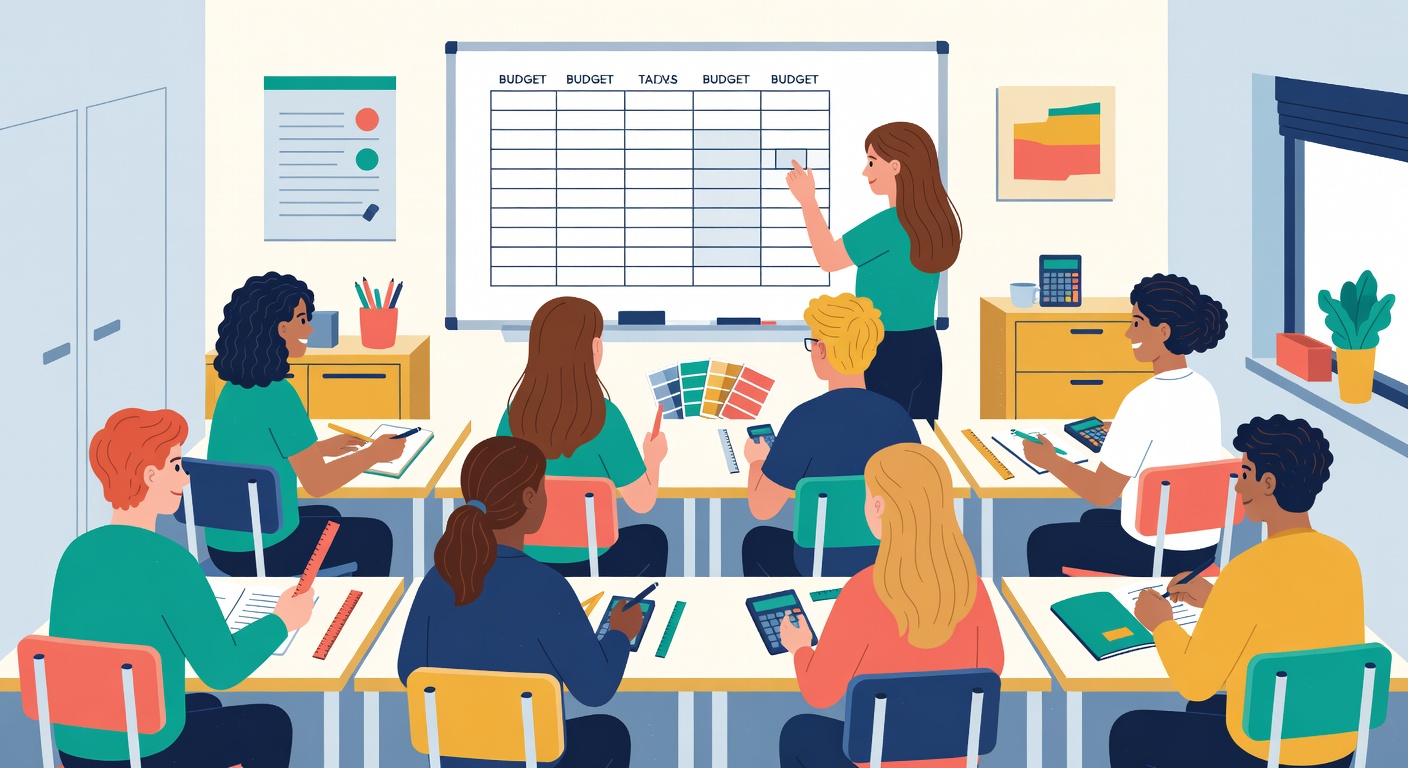
Before you populate your own budget, work one line right through with the class. The teacher will model on the board; you follow along in your maths copy with the same figures.
The line: Magnolia emulsion paint for the project room. The Lesson 9 supplier research showed €18.50 per tin from Woodies' website on 14 March. The room needs 4 tins.
Set up four columns in your copy: Description, Quantity, Unit price, Line total. Fill in what you know — description, quantity, unit price — and then do the multiplication.
Now do your own. Open your supplier research from Lessons 9 to 12 and your starter budget template from Lesson 15. Populate at least 15 line items using real researched prices. For each line, fill in description, quantity, unit price (with the unit), and line total.
The widget below shows a worked example for a 'decorate a room' project — nine line items already populated so you can see the shape and the discipline, and so every unit type you'll meet (per tin, per metre, per pack, per roll, per square metre, per hour) is in front of you. Look at it once, then build your own budget in your spreadsheet or on paper using your project's researched prices. Save as 16_project_budget_v1.xlsx in your Maths Portfolio folder when you're done.
Don't worry if your v1 total comes in over your project ceiling — that's normal at this stage, and the sample budget below is deliberately over its ceiling for the same reason. Lesson 17 covers categories, contingency, and trimming the total back to your ceiling. Right now your only job is honest line items at real prices.
If you are working on paper, simply write the amounts with two decimal places (e.g. €74.00). Spreadsheet currency formatting will be covered in Lesson 18.
Success criteria for this artifact:
16_project_budget_v1.xlsx in your Maths Portfolio.Right now your budget is one long flat list, and it may well be over your ceiling — that's fine. Next lesson you'll group the lines into categories (materials, labour, consumables, delivery, contingency), calculate subtotals, add a 10% contingency line for the things you haven't thought of, and produce a grand total at the right level of accuracy. That'll be Project Budget v2 — the version you carry into the spreadsheet work in Lesson 18.
Before next lesson: bring Project Budget v1 to class. If you didn't quite hit 15 lines today, finish the rest from your supplier research before Lesson 17 — categories don't work if half the lines are missing.