1 - Introduction
 Every time you go online, you leave tiny clues behind. Those clues are called your digital footprint.
It’s like footprints in sand — they show where you’ve been and what you’ve done online.
Every time you go online, you leave tiny clues behind. Those clues are called your digital footprint.
It’s like footprints in sand — they show where you’ve been and what you’ve done online.
Your digital footprint can include things like:
- Websites you visit
- Messages you send
- Photos or videos you share
- Likes, comments, and posts
This matters because your digital footprint can affect your privacy and what people think about you online. The good news: you can make smart choices and keep your footprint friendly and safe.
Click the buttons to see if it leaves a digital footprint. Try to get 4/4!
1) You post a comment on a video.
2) You like a post.
3) You send a message in a chat.
4) You upload a photo.
2 - Types of Digital Footprint
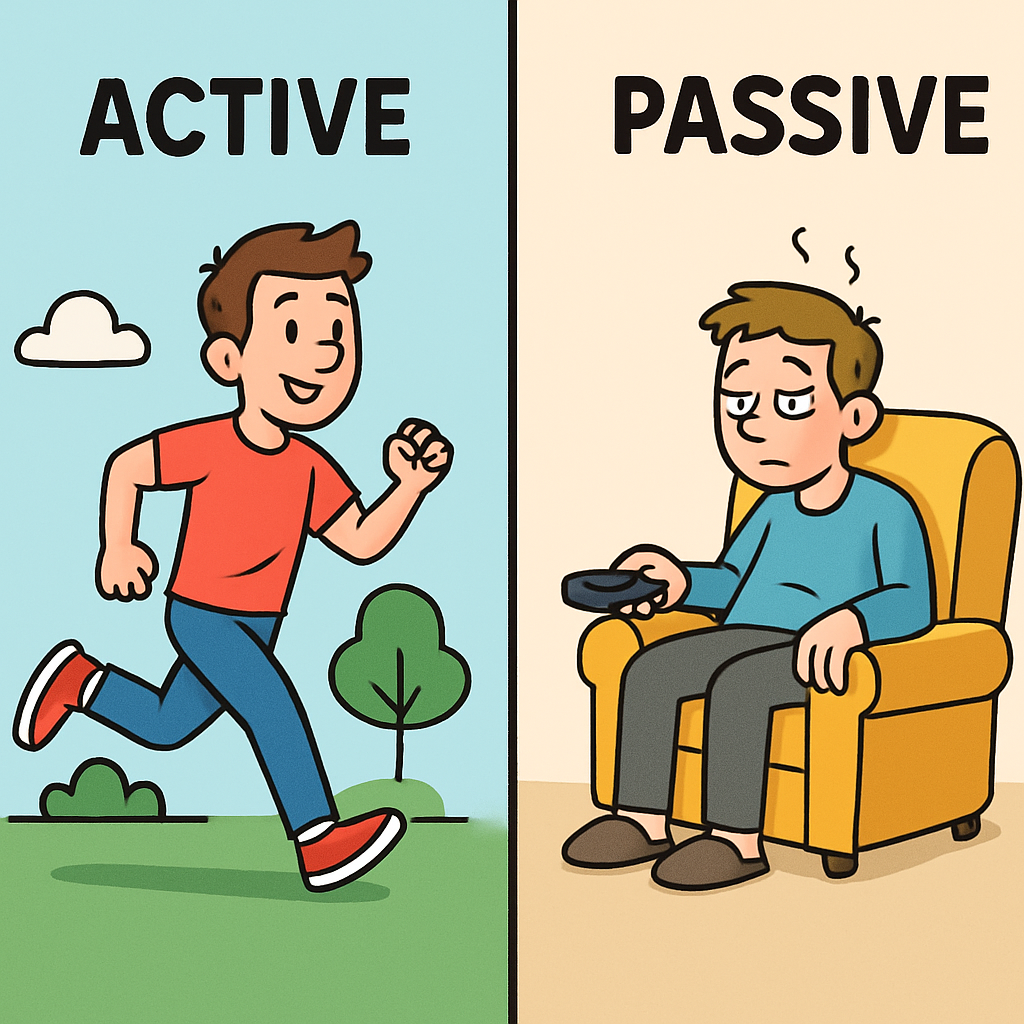 There are two main types of digital footprints: active and passive.
Knowing the difference helps you understand what you control (active) and what happens in the background (passive).
There are two main types of digital footprints: active and passive.
Knowing the difference helps you understand what you control (active) and what happens in the background (passive).
Active Digital Footprints
Active footprints are made when you choose to share something online.
- Posting a photo or video
- Writing a comment
- Sending a message or email
- Sharing an update
Passive Digital Footprints
Passive footprints are made when apps and websites collect information automatically while you use them. You might not even notice it happening.
- Location data from an app or website
- Device type (tablet, phone, computer)
- Time spent on a website or video
- Cookies that help websites remember what you click
Click the button to choose the type. Each correct answer turns green. Try to get 6/6!
1) You post a photo.
2) A website tracks how long you stay on a page.
3) You send a message to a friend.
4) An app collects your device type.
5) You write a comment.
6) Cookies remember what you clicked on a site.
3 - Your Digital Footprint is Permanent
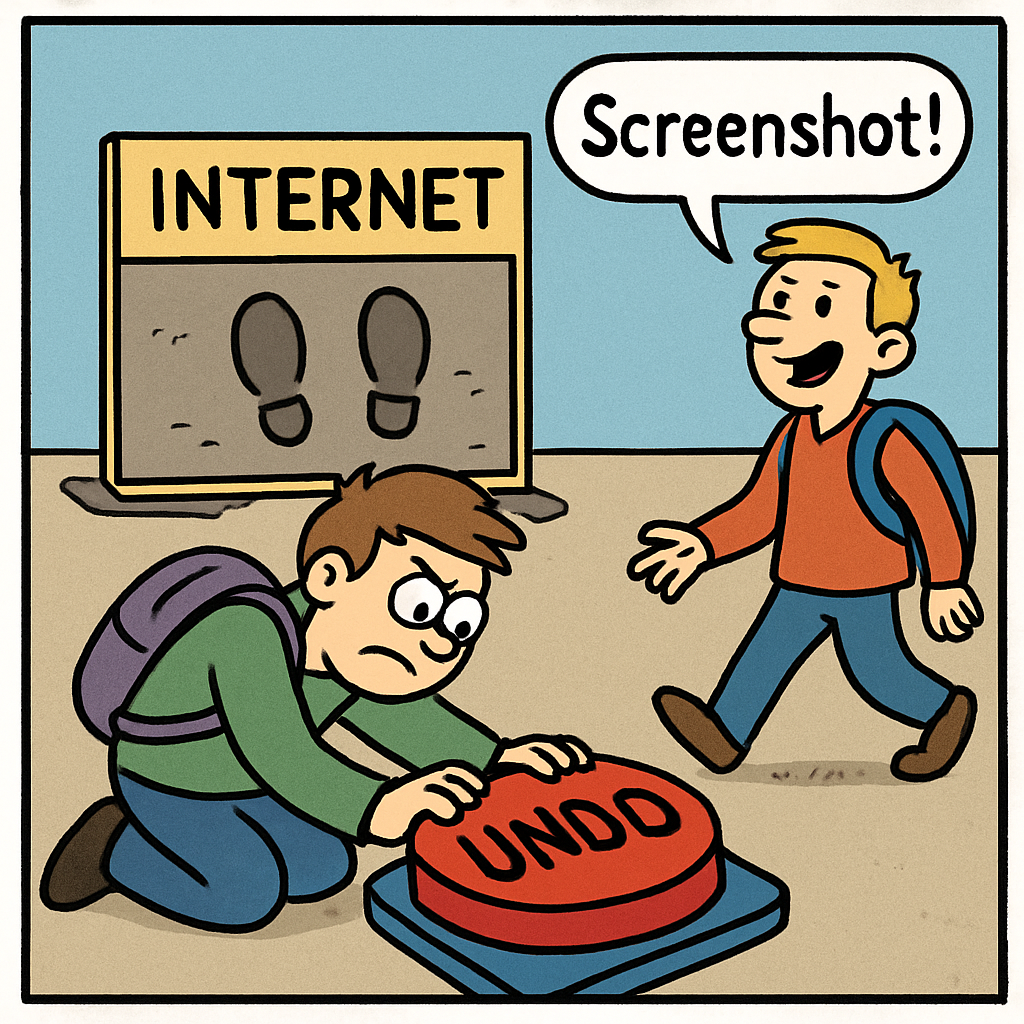 One super important thing to know about digital footprints is this: online things can be hard to erase.
Even if you delete something, it might still exist somewhere else online.
One super important thing to know about digital footprints is this: online things can be hard to erase.
Even if you delete something, it might still exist somewhere else online.
Why can things stay online?
The internet is a giant network. Information can be saved, shared, and copied in lots of places. So even when you press delete, you can’t always be sure every copy disappears.
- Other people can save it (screenshots or downloads).
- Apps and websites can store backups for safety or records.
- Search engines can remember it for a while.
That’s why it’s smart to pause before you post. Your digital footprint can last for years, so it’s best to keep it kind, safe, and private.
Click START. A pretend post appears. Your job is to hit PAUSE before the timer runs out. If you pause in time, you get a point. Try all 5 rounds!
Status: Press START to play Round 1.
4 - Why Your Digital Footprint Matters
 Your digital footprint matters because it can affect your safety, your future, and your friendships.
What you do online can stick around, so it’s worth making smart choices.
Your digital footprint matters because it can affect your safety, your future, and your friendships.
What you do online can stick around, so it’s worth making smart choices.
1) Online Safety
Sharing too much can make you less safe. If you post personal details (like where you go or what you do every day), strangers might use that information to contact you or learn too much about you. Staying safe means sharing less and keeping private info private.
2) Future Opportunities
Your digital footprint can be seen later by people who help you with opportunities (like school activities, teams, clubs, or jobs when you’re older). Old posts can still be found, so making kind and sensible choices now can help future-you.
3) Relationships
What you post can affect people’s feelings. Mean comments, teasing, or sharing someone’s photo without asking can cause upset and arguments. Kind posts build trust. Hurtful posts can damage friendships.
- Safety: Don’t share private info.
- Future: Post like “future you” will read it.
- Friendships: Be kind and respectful.
For each situation, pick the best reason it matters. You’ll get an explanation every time. Try to score 6/6!
1) You post your school name on a public page.
2) You leave a mean comment because you feel angry.
3) You share a silly photo of a friend without asking first.
4) You post something rude in a game chat.
5) You post a kind comment cheering someone on.
6) You post a video that you would not want a teacher to see later.
5 - Think Before You Post
 Now that you know what a digital footprint is, the smartest move is to pause before you post.
That one pause can protect your privacy, your reputation, and your friendships.
Now that you know what a digital footprint is, the smartest move is to pause before you post.
That one pause can protect your privacy, your reputation, and your friendships.
3 Key Questions to Ask Yourself
Before you share a photo, message, or comment, ask yourself:
-
Do I want this to be part of my digital footprint?
If it stays online for a long time, will future-me still feel okay about it? -
Does it share personal info?
Could it give away something private (like where I am, who I am, or what I do every day)? -
How will other people feel?
Could it embarrass someone, hurt feelings, or start drama? Kind posts build trust.
If the answer feels unsure, that’s a sign to STOP, THINK, and CHECK with a trusted adult.
A pretend post appears. Choose what you should do: POST (safe and kind) or PAUSE (stop and think). You’ll get an explanation every time. Try all 5 rounds!
📣 Pretend Post:

Unlock the Full Learning Experience
Get ready to embark on an incredible learning journey! Get access to this lesson and hundreds more on our learning platform.
This lesson is copyright of Coding Ireland 2017 - 2025. Unauthorised use, copying or distribution is not allowed.


