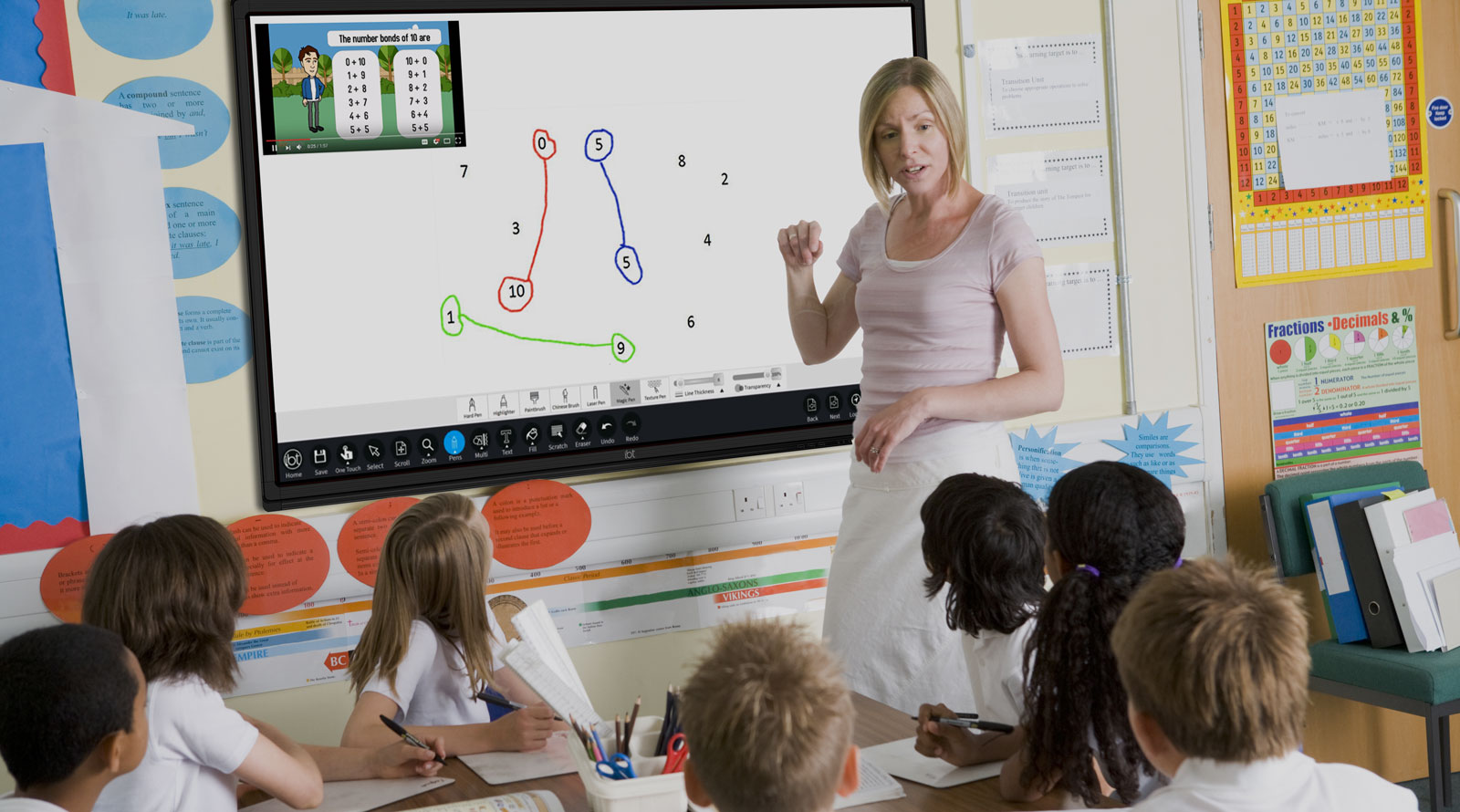
Your teacher is going to draw a 60° angle on the board. Watch carefully.
Draw the 60° angle slowly and deliberately on the IWB, in silence. Cross for the vertex first, then baseline ray, then protractor seated on the cross with zero on the ray, then count to 60 and mark the dot, then lift the protractor and connect. Do not narrate — pupils are watching the order.
When the angle is finished, turn to the class and ask: what was the very first thing I did, before the protractor even touched the page? Take three hands-up answers, listening for 'cross' or 'vertex'.
Watch four finished angles on the protractor. For each one, the same four steps happened in order: mark the centre cross, draw the baseline ray, count up to the target on the right scale and mark a dot, then connect the cross to the dot.
Walk each example aloud, one at a time. For each angle, retrace the four steps in the air with your finger on the IWB.
Your turn. A volunteer brings their copybook and protractor to the front (use the document camera if you have one, or work at the board with a teacher's large protractor). You're given a target angle to draw.
The teacher leads the steps. Before each move, say the next step out loud: cross… baseline ray… count to the target… mark the dot… connect. When the angle is finished on paper, we drag the orange ray on the angle-tool below to confirm the size on screen.
Today we work through 110° first, then 75°.
This round rehearses the physical protocol with a real protractor, not the on-screen drag. The angle-tool widget appears only at the end of each round to confirm the finished size as a sanity check.
If you have a document camera, set it on the front desk so the volunteer's protractor work is projected on the IWB; otherwise use a teacher's large board protractor and let the volunteer talk through each step while you draw.
Call 110° first — a comfortable obtuse, the scale-choice is clean. Then 75° — close enough to 90° that pupils have to count slowly past 70°.
The teacher leads the steps. Before each move, ask the class for the next step and take a quick answer before the volunteer acts. That keeps every pupil active across the 10 minutes, not just the volunteer.
After each volunteer's angle is drawn on paper, ask the class: does it look acute or obtuse? as a sanity check. Then drag the orange ray on the angle-tool to where the class believes the second ray should be, and read the on-screen number aloud.
Watch for the inner-vs-outer-scale slip — if a volunteer reads 110° but the ray sits at 70°, they have jumped scales mid-count. Have them touch the baseline ray with one finger and trace from zero up the scale that meets that finger.
In your maths copy, use your protractor to draw each of these target angles. Label each one with its degree underneath. When you have drawn all five, circle the one you found hardest to draw.
This is a substantive 12-minute copybook block — pupils have time to draw all five angles unhurriedly with the mark-then-move discipline. Walk the room glancing at: a clear pencil cross, the protractor sitting still on the cross while the pupil counts, a small dot at the target, then a clean ruled ray from cross to dot. If a pupil's protractor slips, prompt them to start that angle again rather than fudging the ray.
For the pupil using the paper protractor — same protocol; the paper version is fine for the mark, but warn them not to press too hard or the paper curls.
Look-fors as you circulate:
Stronger pupils who finish early can try drawing an angle 20° more than one they have just drawn (e.g. 95° = 75° + 20°) — keeps them flexible with the protractor while you finish circulating.
Today's bank on the angle-tool: 30°, 75°, 90°, 115°, 165°. A pupil takes a turn at the board, drags the ray to the target, and uses the Check button to confirm within 2°. The class agrees before we move on.
This is the on-screen practice bank. 4 or 5 pupils take turns at the IWB through the five angles — not the whole class. With ~90 seconds per turn that fills the 10 minutes cleanly.
The rest of the class has a defined job: before each Check press, the watching pupils classify the angle aloud ('acute… obtuse…') and say whether the on-screen ray looks roughly right. That keeps every pupil active, not just the pupil at the board.
About the relationship to the copybook work: the on-screen ✓ confirms ray-position-to-degree, which is a different skill from the protractor protocol pupils just used on paper. The five target values are the same as the copybook bank for continuity — pupils see the same angles in both representations — but the on-screen check is not validating the copybook work. Both representations are practising different halves of the same understanding.
Note out loud when a pupil's first attempt lands inside the 2° tolerance — it grounds the idea that precision-to-the-nearest-degree is the working standard.
The 90° target is the giveaway — make sure that one goes to a pupil who needs a confidence win. The 165° target is the keeper for last; it is the trickiest of the five and pupils tend to undershoot.
You're previewing this lesson. Get full access to this lesson and hundreds more — each one ready to teach, with interactive activities, printable resources and pupil progress tracking built in.