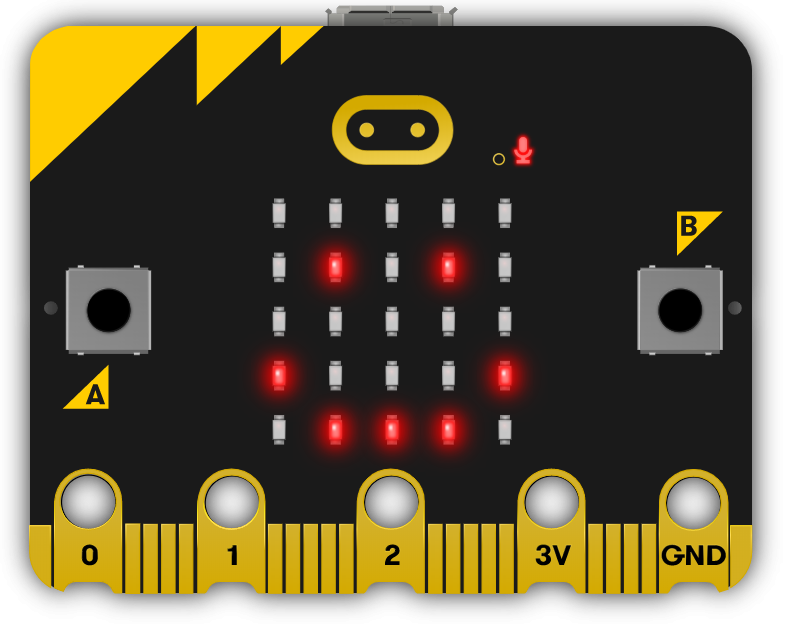
The BBC microbit is a pocket-sized codeable computer with motion detection, a built-in compass and Bluetooth technology.
The board measures 4 cm × 5 cm and has a processor, accelerometer and magnetometer sensors, Bluetooth and USB connectivity, a display consisting of 25 LEDs, two programmable buttons, and can be powered by either USB or an external battery pack.
The list of things you can program the Microbit to do is nearly endless. You can program the buttons, LEDs and different sensors to create games and turn the Microbit into things like a pedometer, a compass or even a musical instrument.
Where to buy
Microbits can be purchased from a number of online retailers and can be purchased with and without a USB cable and battery pack. They can also be purchased in bulk from some retailers.
Online retailers
Maplin.ie
Amazon.co.uk
4tronix.co.uk
 Chromebooks, laptops, and PCs are crucial tools for coding and digital skills education. Chromebooks are ideal for web-based applications and collaborative projects, while laptops and PCs support a wider range of programming environments and software for more intensive tasks like software development and data analysis.