Coding, Robotics & Digital Skills · Primary School · Junior Infants to 6th Class
A full year for every class on the online learning platform — board-led lessons with pupils coding, building and creating on screen, from Junior Infants to 6th Class, structured around the Primary Curriculum Framework and the Digital Strategy for Schools.
Platform used by 1 in 3 schools
Open any class and click straight into the real lessons — coding, robotics and digital projects, every one built and ready to teach.
Explore patterns hands-on with unplugged coding fun!
Create Fun Stories and Simple Adventures in Scratch Jr!
Code robot movements with fun BeeBot adventures!
Unlugged coding using creative art and patterns.
Unplugged coding using rhythm, percussion and musical storytelling.
Coding Without Screens, Explore Patterns Hands-On!
Becoming Robot Programmers: BeeBots Take on New Challenges!
Unlugged coding using creative art and patterns.
Unplugged coding using rhythm, percussion and musical storytelling.
Build a Solid Base with Unplugged Coding Lessons
Bring Your Ideas to Life with Scratch Jr!
Explore Electricity in Action by Building Real-World Circuits!
Unlugged coding using creative art and patterns.
Unplugged coding using rhythm, percussion and musical storytelling.
Start your coding journey with fun and simple projects!
Coding Made Easy: Drag & Drop Fun with Coding Blocks!
From Simple to Sparks, build exciting circuits in the classroom
Explore STEM through fun, unplugged activities.
Start your coding journey with fun and simple projects!
Create Games and Animations with Block Based Coding
Level Up and Code Your Own Arcade Games!
Introduction to microbits: coding simple interactions
Master online safety essentials for confident digital citizenship.
Design Interactive Stories and Games Through Coding
Exploring creative projects with microbit technology
Master online safety essentials for confident digital citizenship.
Code Like a Creator, Design Amazing Games and Animations with Scratch!
Developing skills through engaging microbit projects
Master Digital Media Literacy with confidence!
Master online safety essentials for confident digital citizenship.
Discover AI and learn how to program it using Scratch.
Code Like a Pro, From Classics to Cutting-Edge Games!
Coding microbit projects and real-world applications
Robotics Champions: Animate & Control Your Microbit Car!
Master Digital Media Literacy with confidence!
Master online safety essentials for confident digital citizenship.
Discover AI and learn how to program it using Scratch.
Every lesson is hands-on: you lead from the board while pupils code, build and create on screen. Here's a taste of what they make across the year.
What pupils make across the year
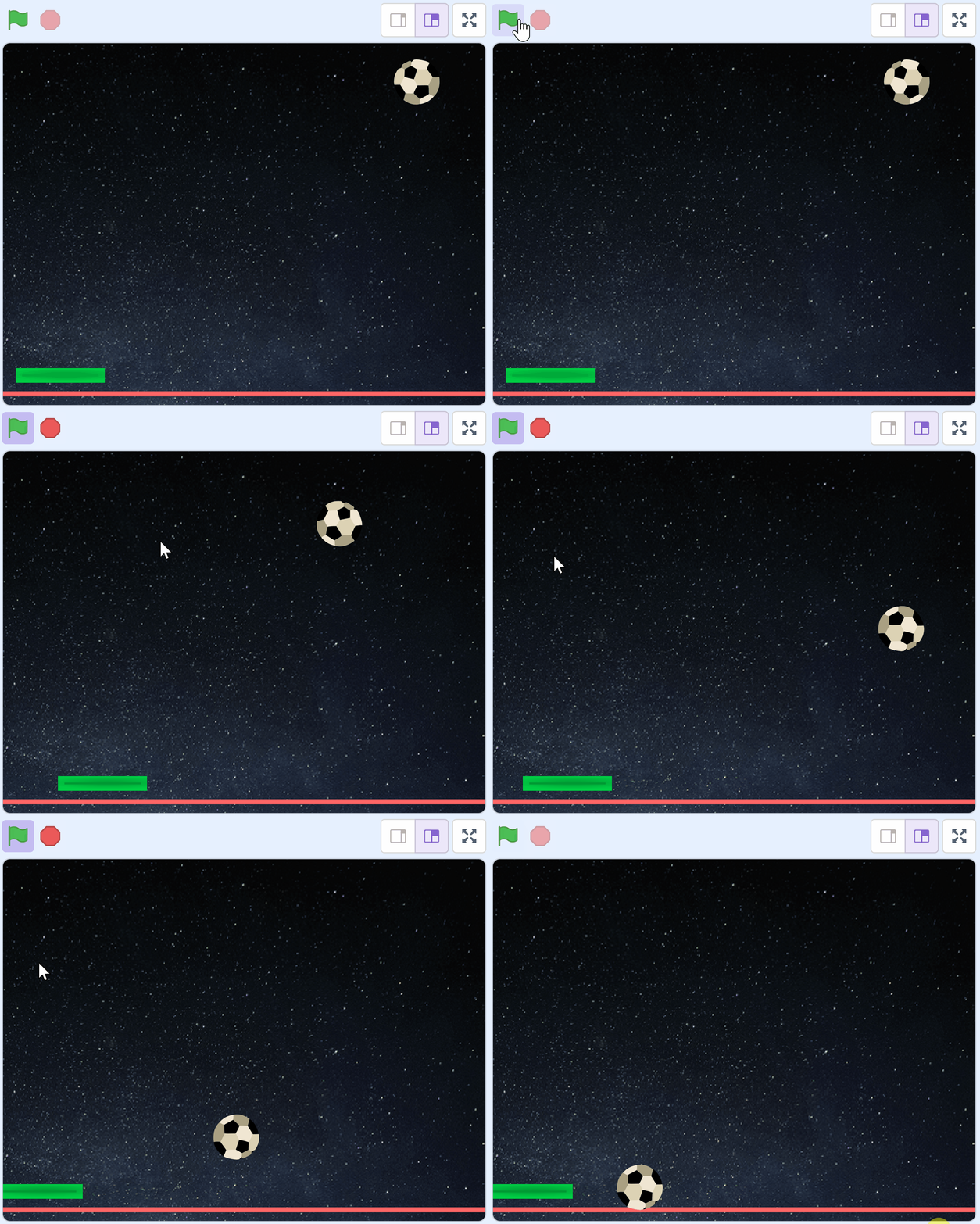
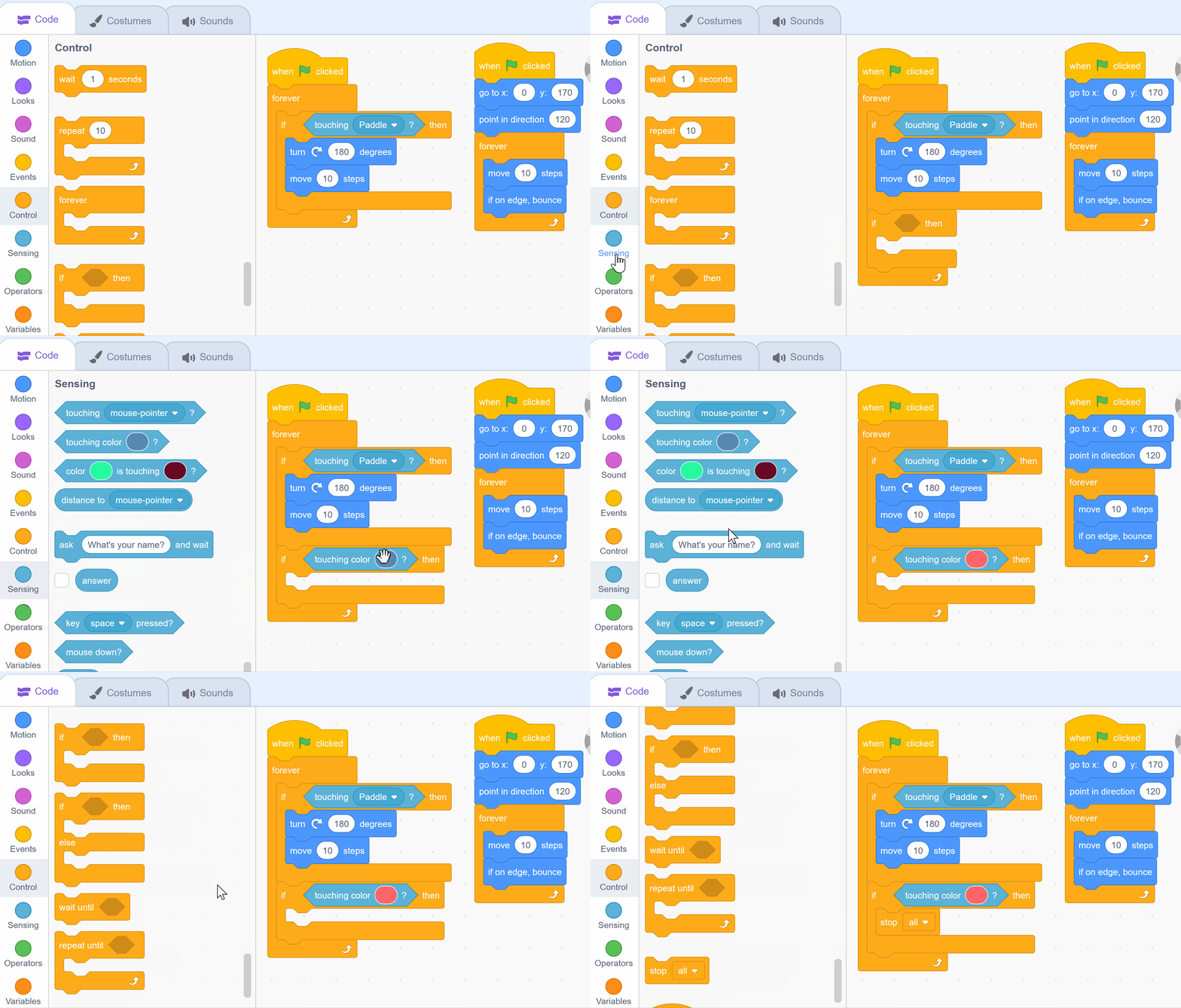
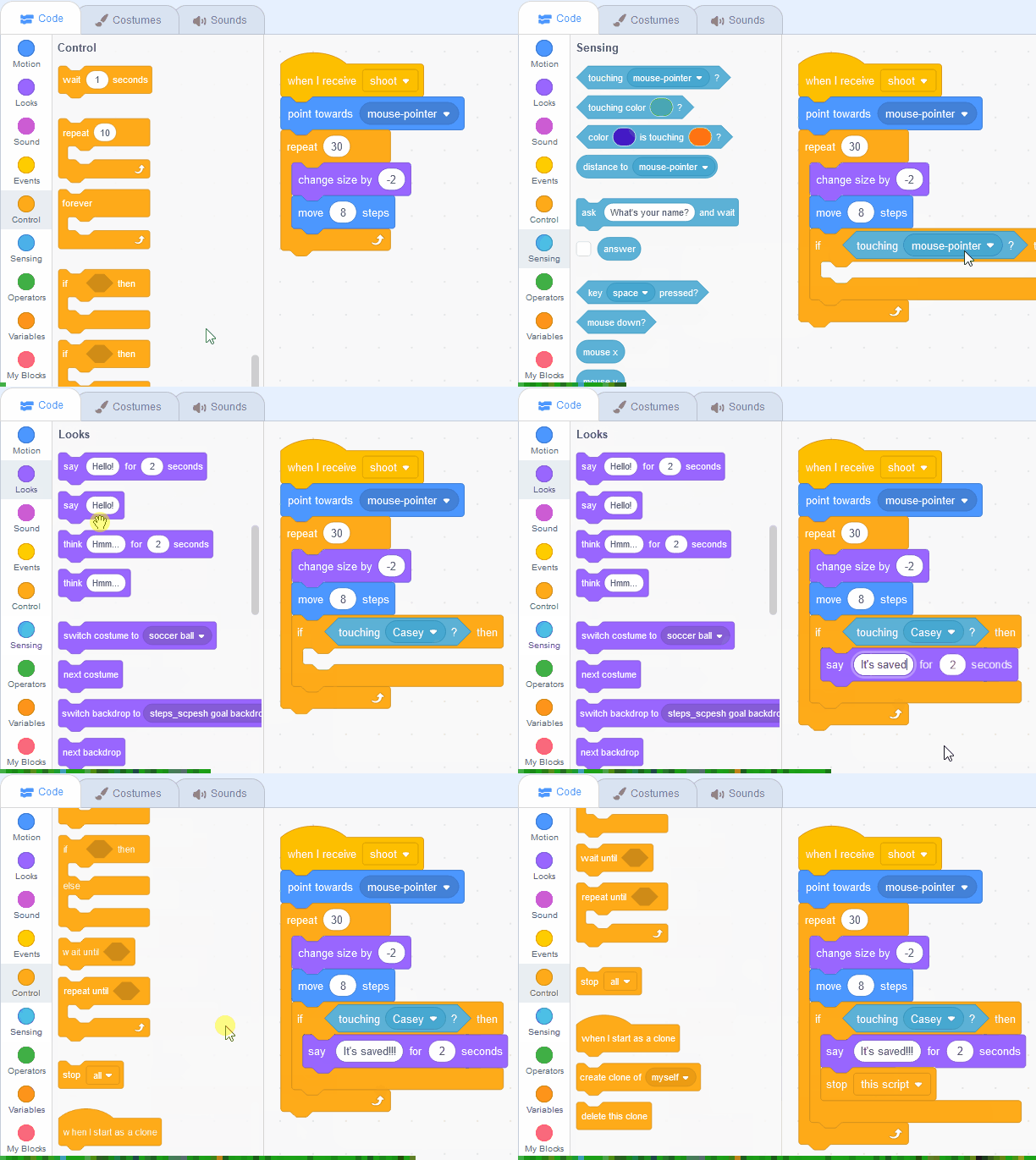
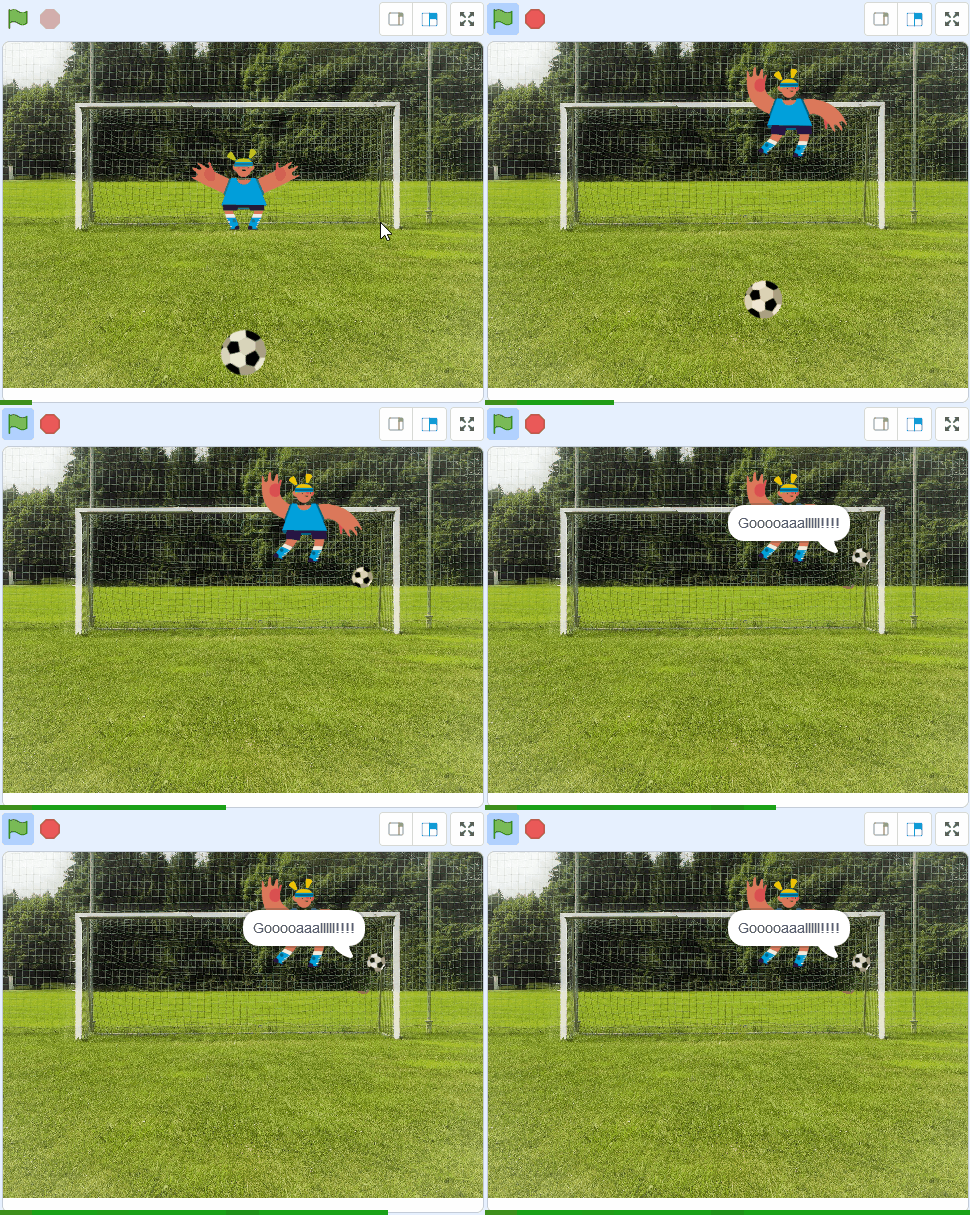
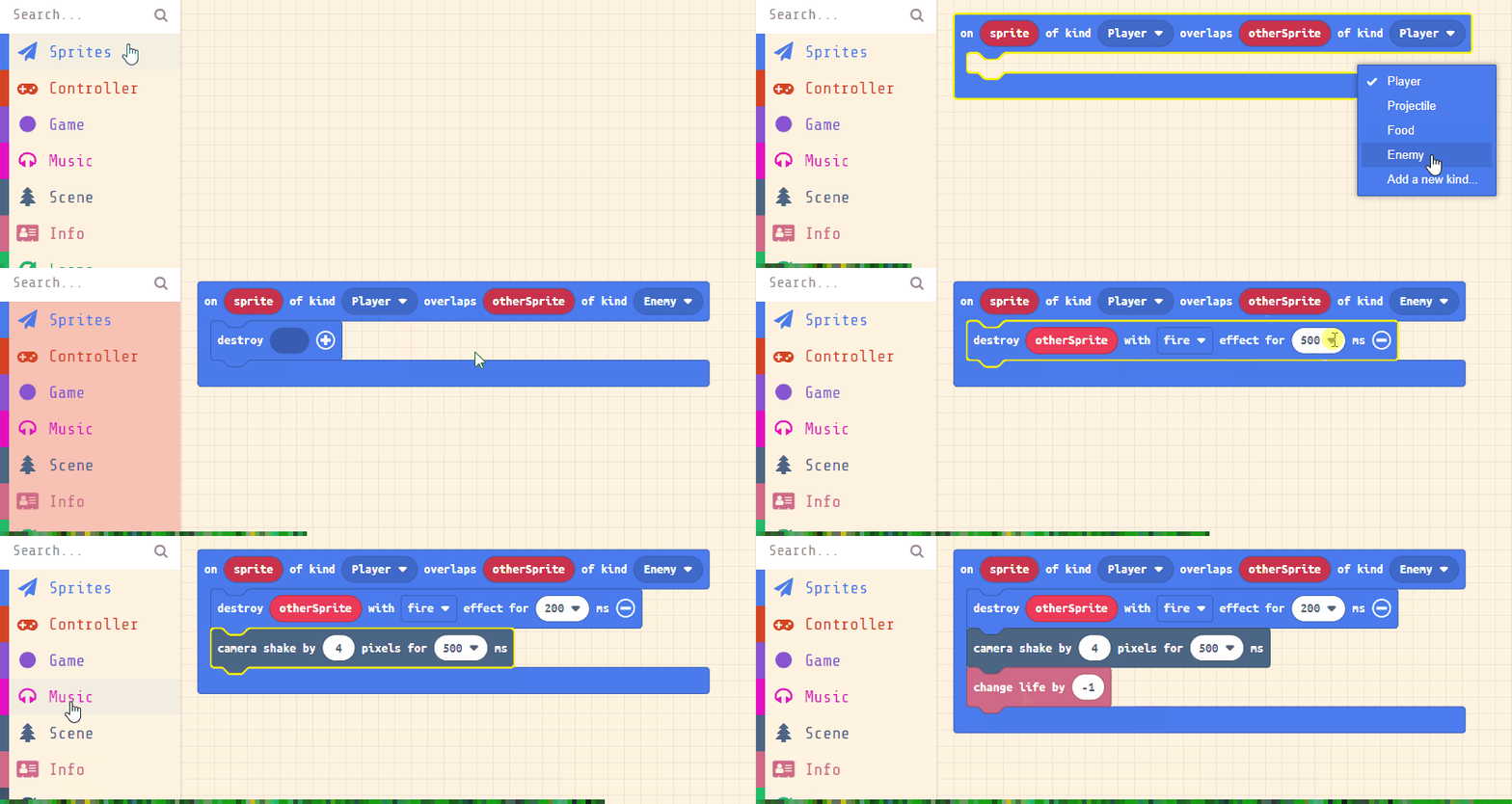
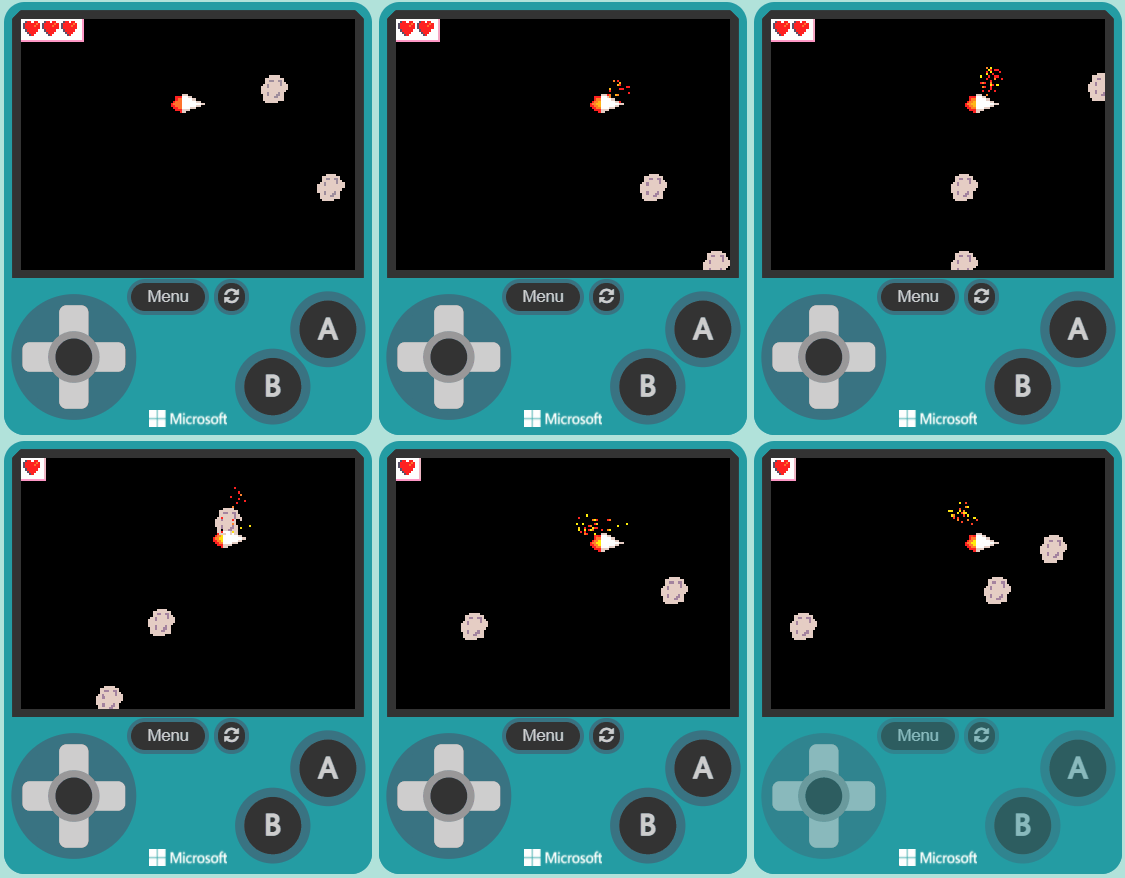
pupils design and code their own playable games
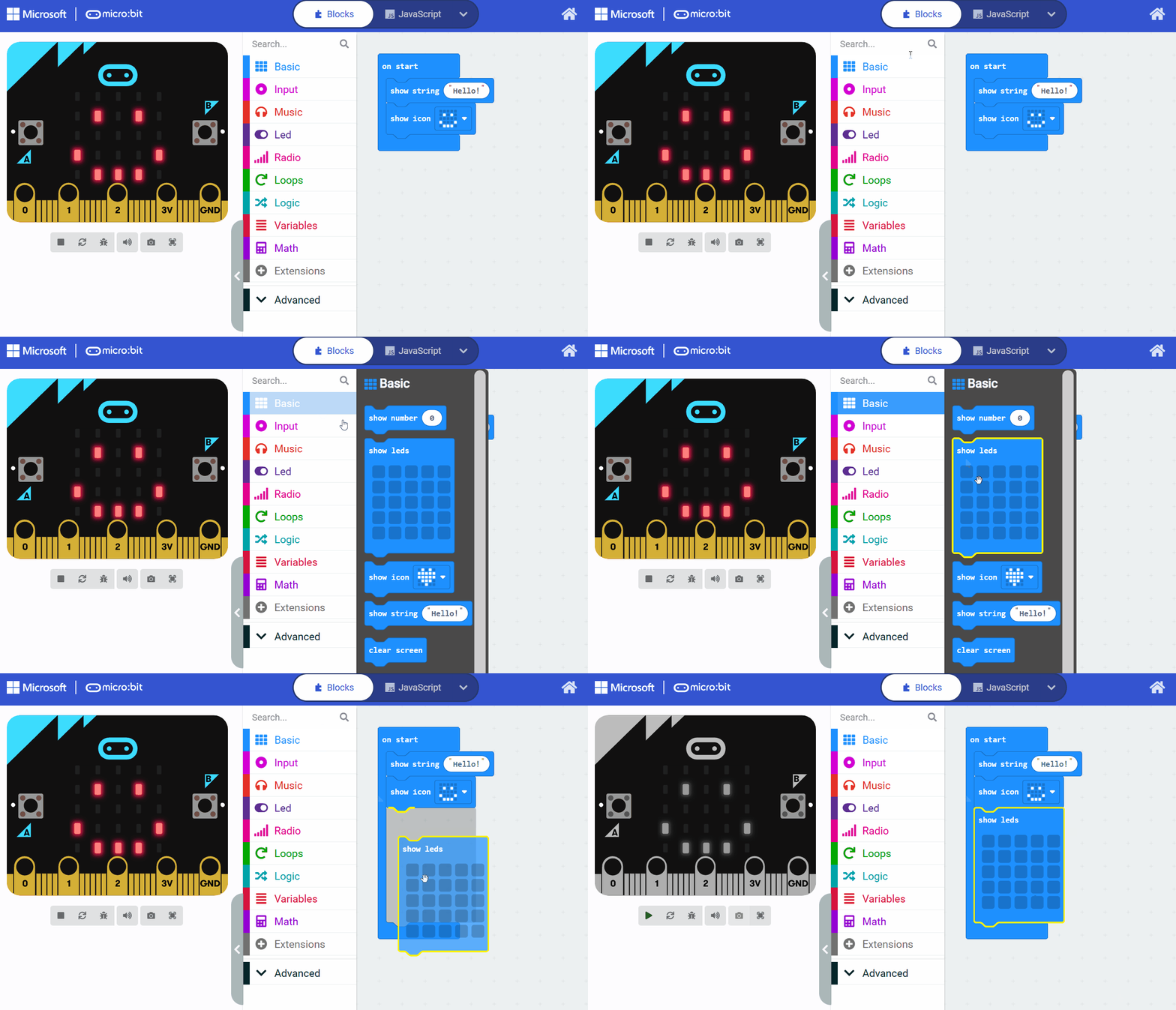
step counters, reaction games and sensors they build
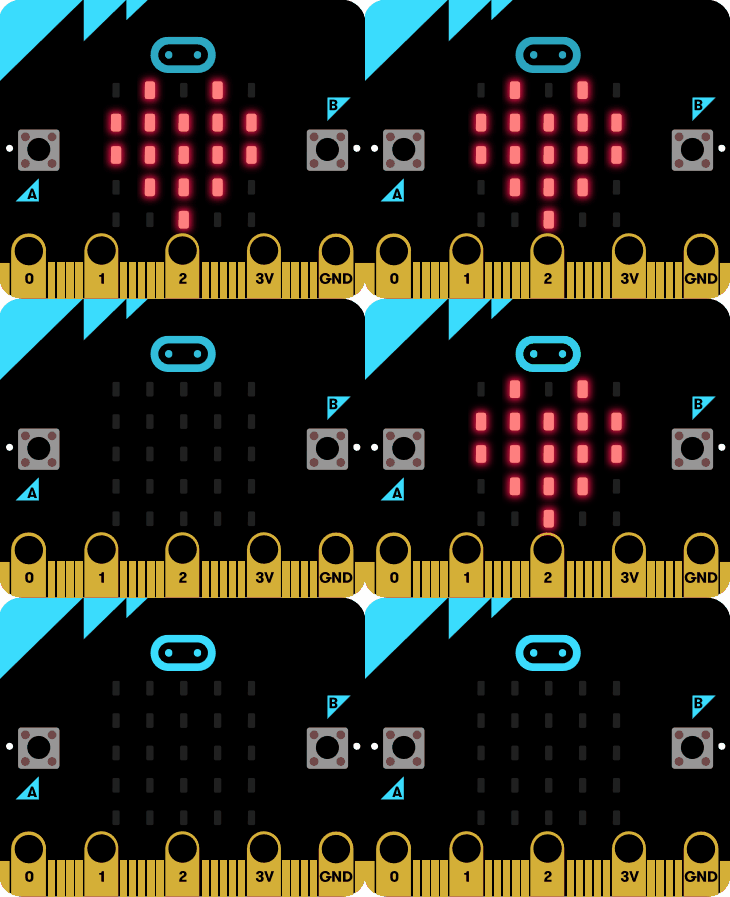
program robots to move, sense and respond
stories, animations and digital art they create
Coding, computational thinking and digital skills run through the Primary Curriculum Framework's key competencies and the Department's Digital Strategy for Schools. Every class gets a full year of structured lessons — from unplugged thinking and block coding to robotics and real projects — so digital learning is planned and progressive across the whole school, not a one-off.
Common questions about our coding, robotics & digital skills curriculum
A full year of coding, robotics and digital skills for every primary class – block coding with Scratch, physical computing with the micro:bit, computational thinking and creative digital projects.
No. Pupils work through the lessons in a web browser – there's nothing to install.
Laptops, Chromebooks, PCs, iPads and Android tablets all work. Pupils can use a device in school or at home to do the activities.
Ideally one device each, but pupils can work in small groups of two or three and share a device where that suits the classroom.
No. The course is built for complete beginners, with an optional introduction module to get started, and every lesson is fully planned so teachers are supported throughout.
Most lessons need only a device and a web browser. Some modules use robotics kits or devices such as the micro:bit – these are flagged on the module, and we can supply them if your school needs them.
No. You decide how much to cover – from a single module across the year to the full set of modules for each class.
Yes. You can set the whole class the same module, or assign different modules to different groups, and pupils who finish quickly can move on to the next level.
Pupils build real projects on their devices – games, animations and physical-computing builds – working at their own pace with the teacher guiding the class.
Pricing per pupil for a full school year:
Yes. The course is covered by the government school book scheme, which provides schoolbooks and core classroom resources free of charge for Primary, Junior Cycle, Transition Year and Senior Cycle students.
The ISBN for the Coding Ireland Digital Skills Curriculum is 978-1-0369-1395-3.
A full year of coding, robotics and digital skills for every class, structured around the Primary Curriculum Framework and the Digital Strategy for Schools — board-led lessons with pupils creating on screen. See what it costs and how to get started.
See pricing & ordering Talk to us about Digital Skills