1 - Introduction
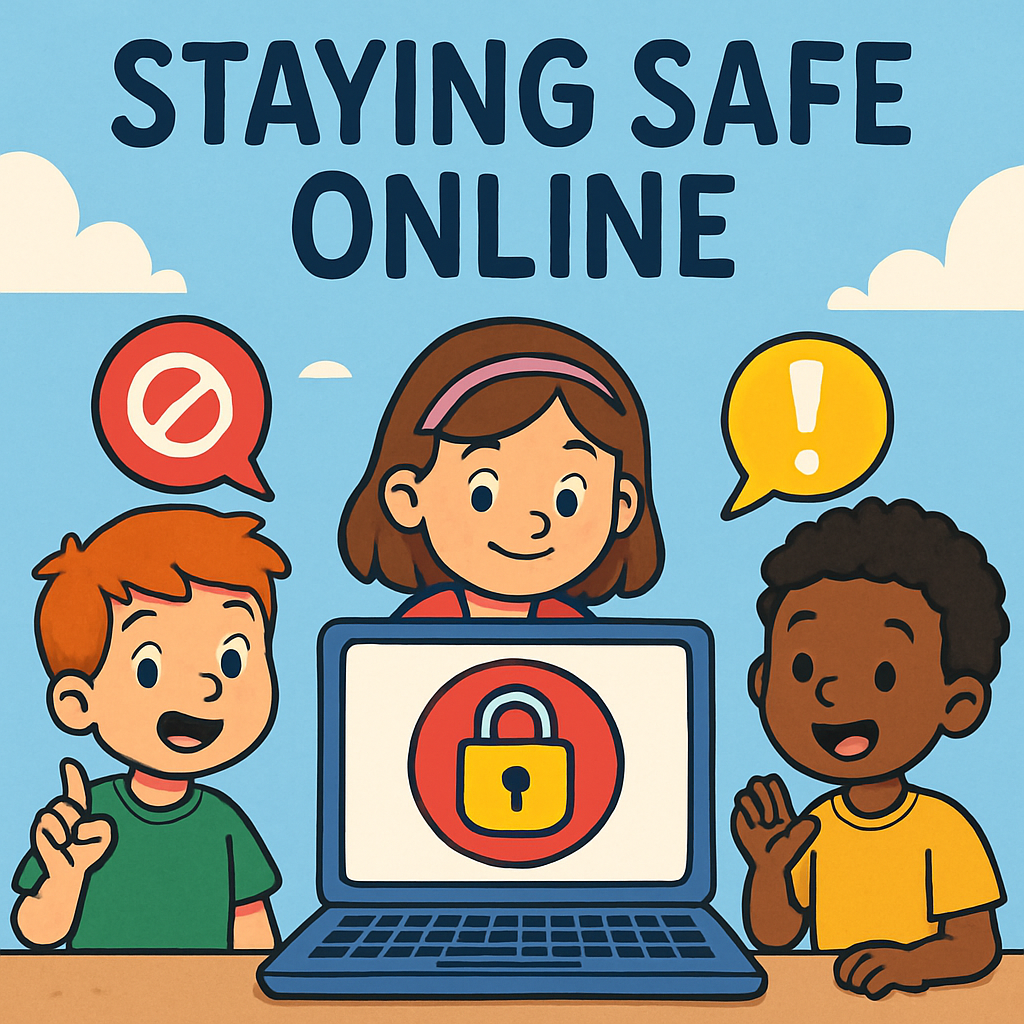 🌟 Hi there, superstars! 🌟
Welcome to Staying Safe Online! You're going to learn simple ways to stay safe online, like following Golden Rules and knowing who to tell if something feels wrong.
Online safety means being smart and happy when using computers, tablets, or phones – like knowing not to share secrets with strangers or click funny links. It's like road rules for the internet: follow them and have fun without worries!
✨ What Do You Do Online? ✨
Think of two things you do online (like playing a game or watching videos). For each one, say if it is safe and why.
Examples:
- Playing games with friends is safe if I don't tell strangers my name. ✅
- Watching videos from trusted sites is safe. ✅
2 - Learn the Golden Rules
🌟 Golden Rules for Staying Safe Online! 🌟
These are like class rules, but for the internet – super important to keep you safe and happy! Here are our 8 Golden Rules:
- 🔒 Keep personal info private (like your full name, address, school, or phone number).
- 🚫 Don't click on unknown links or pop-ups.
- 😊 Be kind – no mean words or bullying.
- 👨🏫 Ask a grown-up before downloading apps or games.
- 📱 Log out on shared devices, like the family tablet.
- 🆘 Tell a trusted adult if something feels wrong.
- 📸 Don't share photos or videos without permission.
- 💭 Think before you post – is it nice and true?
✨ Your Super Worksheet:
🏆 Type 2 more Golden Rules you can think of! 🏆
9.
10.
Your task: Read the rules carefully. Type 2 more of your own Golden Rules into the boxes above. Think of one to tell a friend later! You can jot them in your notes too.
3 - STOP THINK CHECK
🌟 Your Super Safety Routine: STOP – THINK – CHECK 🌟
This is a super easy 3-step trick to help you stay safe online. It’s like a safety shield!
-
STOP
Pause right away. Don’t click fast. Take a breath. 🛑 -
THINK
Ask: Do I know this person? Is this trying to trick me? 🤔 -
CHECK
Does it feel safe? If not, close it and get help. ✅
✨ Practice Time! ✨ Try STOP-THINK-CHECK on these pretend situations.
Situation 1: A pop-up says “Win a free toy! Click here now!”
STOP:
THINK:
CHECK:
Situation 2: Your friend from class sends a funny cat video.
STOP:
THINK:
CHECK:
Your task: Fill in the boxes (or write in your notes). Then try STOP-THINK-CHECK once today!
4 - BLOCK – REPORT – TELL Routine (8 mins)
🌟 BLOCK – REPORT – TELL: Your Brave Shield! 🌟
This is your super power for when something online feels wrong or mean. It's easy – just three steps to make it stop and get help!
- BLOCK
Stop the person from messaging you. Look for a 'block' button in the app or game. 🚫 - REPORT
Tell the app or site it's wrong. Find the 'report' button and click it. 📢 - TELL
Share what happened with a trusted adult straight away – like mum, dad, or teacher. 🆘
✨ Practice Time! ✨ Try BLOCK-REPORT-TELL on these pretend situations. Fill in the boxes with what you would do.
Situation 1: Someone in your game sends a mean message calling you names.
BLOCK:
REPORT:
TELL:
Situation 2: A stranger messages you, 'Send me your photo!'
BLOCK:
REPORT:
TELL:
Your task: Fill in the boxes (or jot in your notes). Pick one step from BLOCK-REPORT-TELL to remember forever!
5 - Online Safety Facts
🌟 Online Safety Theory! 🌟
Great job learning all about staying safe online! Here is some important theory about online safety. Read it carefully and think about how it connects with the Golden Rules, STOP-THINK-CHECK, and BLOCK-REPORT-TELL.
🔒 Key Online Safety Facts:
- Passwords must stay secret. Strong passwords mix letters, numbers, and words like animals. They are never shared – not even with friends.
- Privacy settings matter. Games and apps can be set to 'friends only' so only people you know can see or message you.
- Online friends stay online. People you only know from the internet are not met in real life without a trusted adult present.
- Safe websites have signs. Kids' sites, school sites, or ones approved by mum or dad are best. A padlock 🔒 in the address bar shows a site is secure.
- Feelings guide safety. Online activities should always feel fun. Anything yucky or scary means it is time to STOP and get help.

Unlock the Full Learning Experience
Get ready to embark on an incredible learning journey! Get access to this lesson and hundreds more in our Digital Skills Curriculum.
This lesson is copyright of Coding Ireland 2017 - 2025. Unauthorised use, copying or distribution is not allowed.


