1 - Introduction
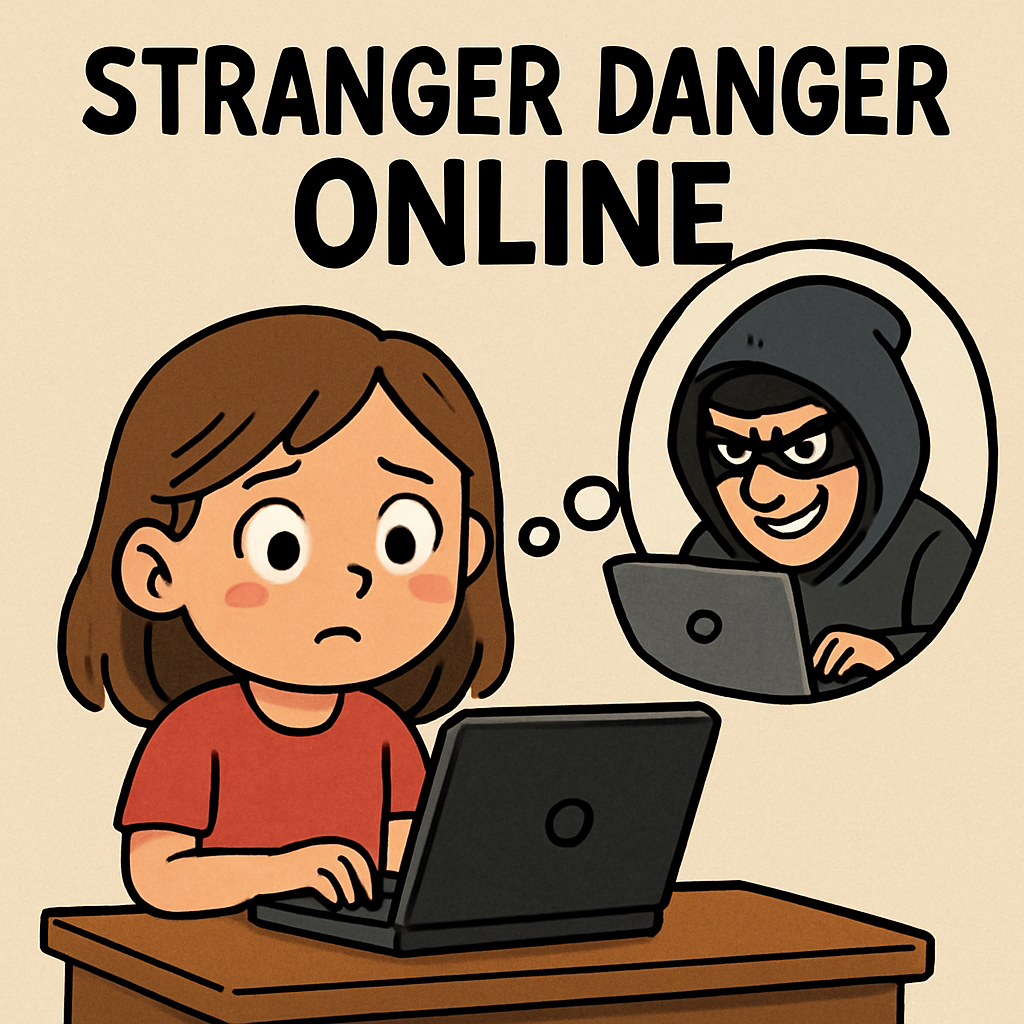 What is Stranger Danger Online?
Hi there, super explorer! In real life, we know not to chat with strangers on the street. Online, it’s the same idea — even in fun games like Roblox or Minecraft.
Sometimes strangers online try to start chatting by asking friendly questions like: “What age are you?”, “What school do you go to?”, “Where do you live?”, or “Can I add you?” They might even say things like “Don’t tell anyone” or “This is our secret.” Those are big warning signs.
Remember: you do not have to reply. You are allowed to ignore, leave the chat, and ask for help. Being safe is more important than being polite online.
Example: You’re playing Roblox, and a player says, “Hi! Want to be friends?” If you’ve never met them in real life, they are a stranger online.
Safety Rule #1
What to do if a stranger messages you
- Don’t reply (replying can make them keep talking).
- Leave the chat or close the message.
- Block and report if the game/app lets you.
- Tell a trusted adult straight away.
2 - Spotting Strangers in Games
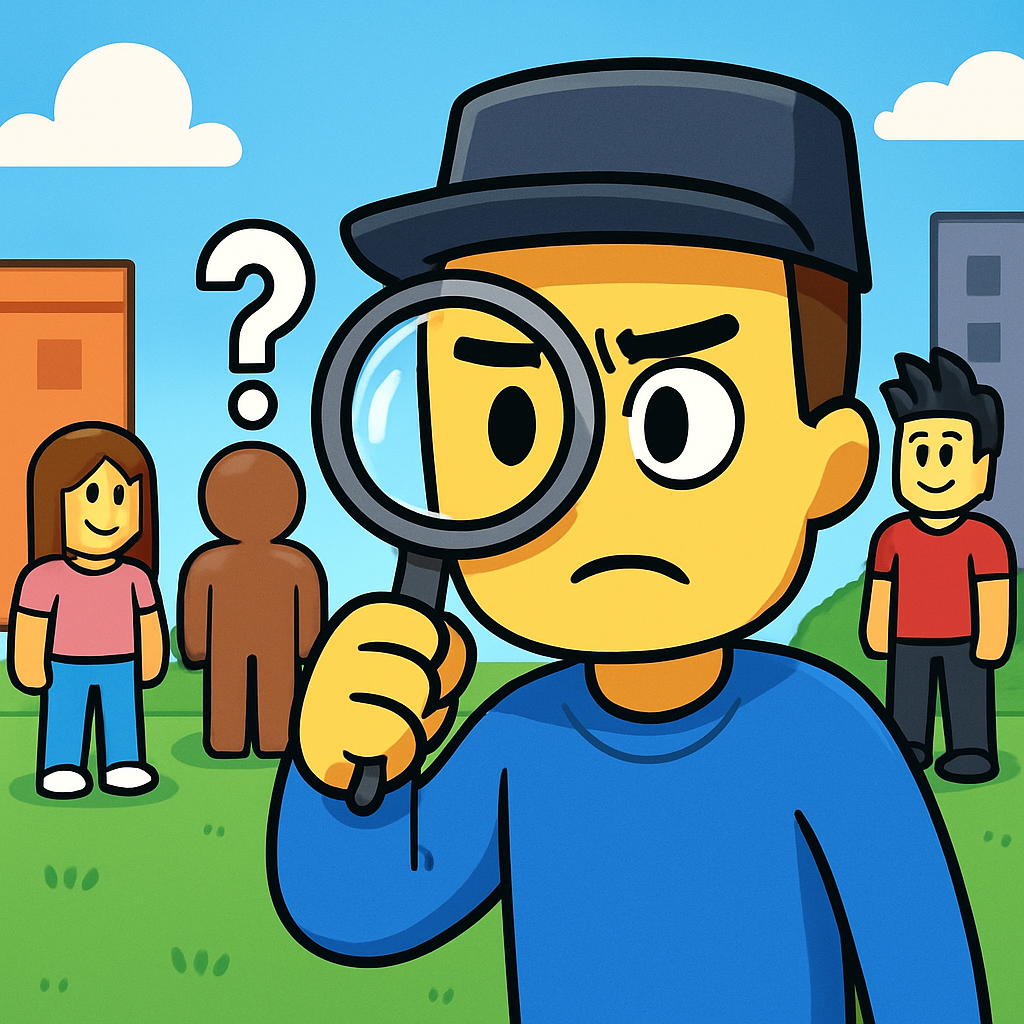 Spotting Strangers in Games
Games like Roblox, Fortnite Creative, and Minecraft can have chats and friend requests. These are fun features — but they can also be where strangers try to talk to you.
Strangers might try to start with something small, like “Hi” or “Want to be friends?” Then they might ask more questions, like your age, your school, where you live, or what time you play. Sometimes they try to move the chat to another app. That’s a warning sign.
It is always okay to say no. You don’t have to be polite to strangers online. Your job is to stay safe.
Example: In Roblox, someone with a cool avatar asks to be your friend right away. You don’t know them in real life — stranger alert!
Safety Rule #2
What to do if a stranger tries to friend you
- Don’t accept the friend request.
- Don’t reply to private messages.
- Block and report if the game lets you.
- Tell a trusted adult if something feels weird.
3 - Safe vs Unsafe Chats
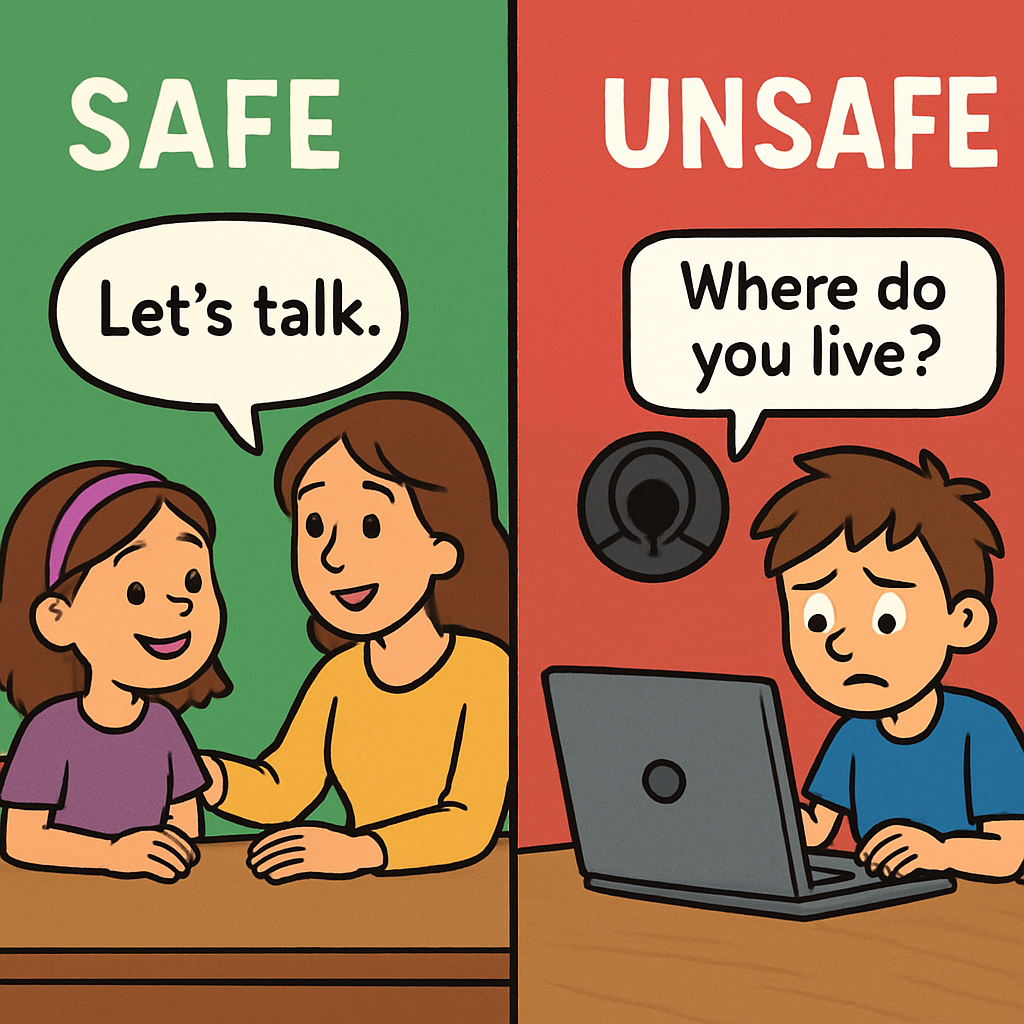 Safe vs Unsafe Chats
Chats in games can be fun — especially with friends you know in real life. But sometimes chats can turn unsafe. The good news is: you are always allowed to leave the chat.
What does a safe chat look like?
Safe chats are usually about the game. They are kind, respectful, and not secretive. Safe chats don’t ask you for your name, school, phone number, address, passwords, or “secret” messages.
What does an unsafe chat look like?
Unsafe chats often try to tempt you (“free stuff!”), rush you (“quick, now!”), or hide things (“don’t tell anyone”). If someone asks for private information or wants to move you to a private chat, that’s a warning sign.
Example:
- Safe: “Great build in Minecraft!”
- Unsafe: “Come to my private server for free diamonds.”
Safety Rule #3
- One safe chat line you might see in a game.
- One unsafe chat line you might see in a game.
4 - Quiz
Safe or Unsafe Quiz
Click YES if it’s safe, NO if it’s unsafe. You’ll get feedback after each question. At the end, you’ll see your score.
1 / 5 A Roblox stranger says: “Hi friend! Want free Robux?”
5 - Tricky Tricks from Strangers
 Tricky Tricks from Strangers
Sometimes strangers online try to trick you. They might offer “free” prizes, pretend to be important, or try to pull you into a private chat. These tricks are made to get you to act fast without thinking.
Common tricks strangers use
- Fake prizes: “Click here for free coins!”
- Fake important person: “I’m an admin / I work for the game.”
- Secret trap: “Don’t tell anyone—join my private server.”
- Roleplay trap: “For the story, tell me your details.”
Example: In Roblox, a “fake admin” says: “I’m the builder! Give me your avatar name for a badge.” Nope! Real game helpers don’t ask kids for private details in chat.
Safety Rule #4

Unlock the Full Learning Experience
Get ready to embark on an incredible learning journey! Get access to this lesson and hundreds more in our Digital Skills Curriculum.
This lesson is copyright of Coding Ireland 2017 - 2025. Unauthorised use, copying or distribution is not allowed.


