1 - Introduction
What is a password?
A password is a secret word (or secret code) you use to get into an account — like a game account or a school website. It works like a key. If you have the key, you can open your account. If you don’t, you can’t get in.
Why are passwords important?
Passwords keep your account safe. If someone learns your password, they could:
- Look at your private information.
- Send messages pretending to be you.
- Change your settings or lock you out.
That’s why it’s important to choose a strong password that is hard for other people to guess.
2 - Weak Passwords
 Understanding Weak Passwords
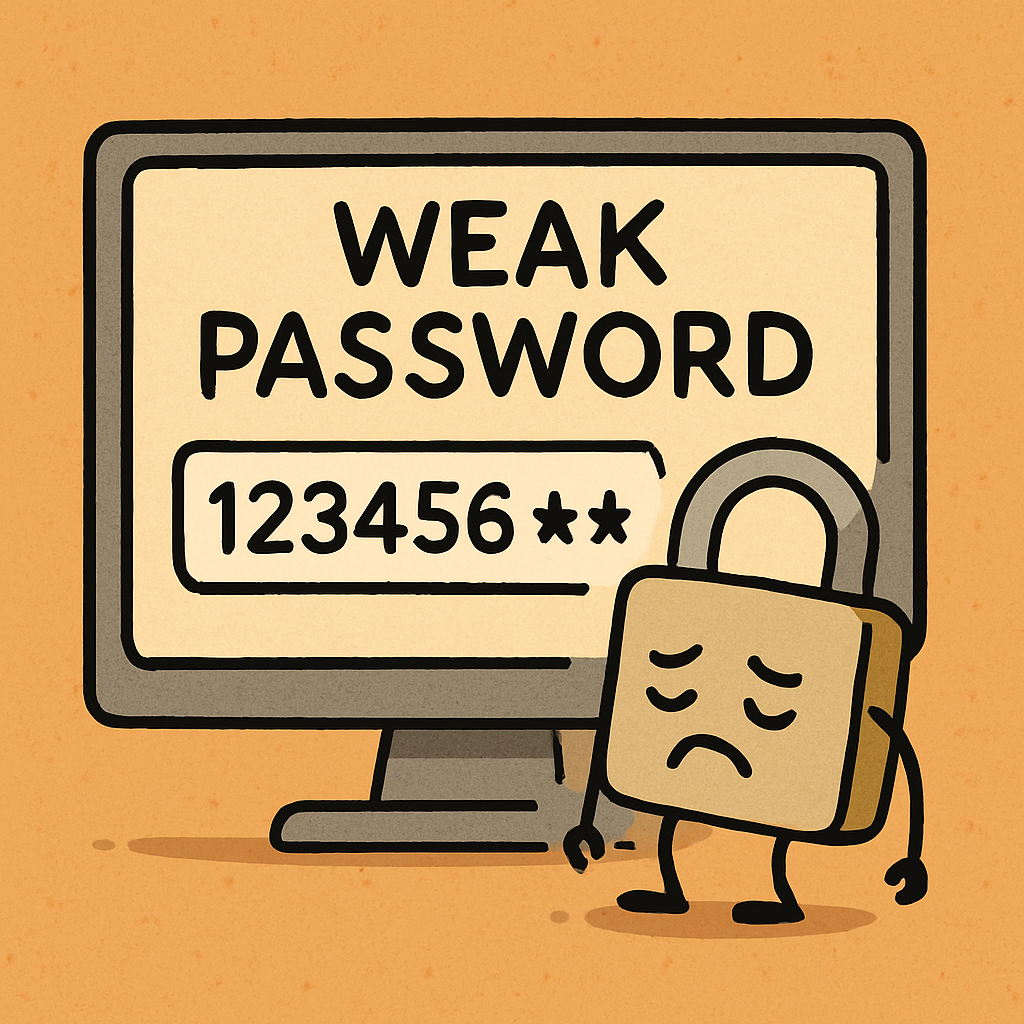
A weak password is a password that is easy for someone else to guess. If your password is weak, someone could get into your account without permission.
What makes a password weak?
- It’s short (too few characters).
- It’s simple (easy words or number patterns).
- It uses personal info (your name, pet name, birthday, school name).
- It doesn’t mix characters (only letters or only numbers).
Examples of weak passwords
These are common weak passwords. They are weak because lots of people use them, or they are easy to guess:
- 1234 — a simple number pattern.
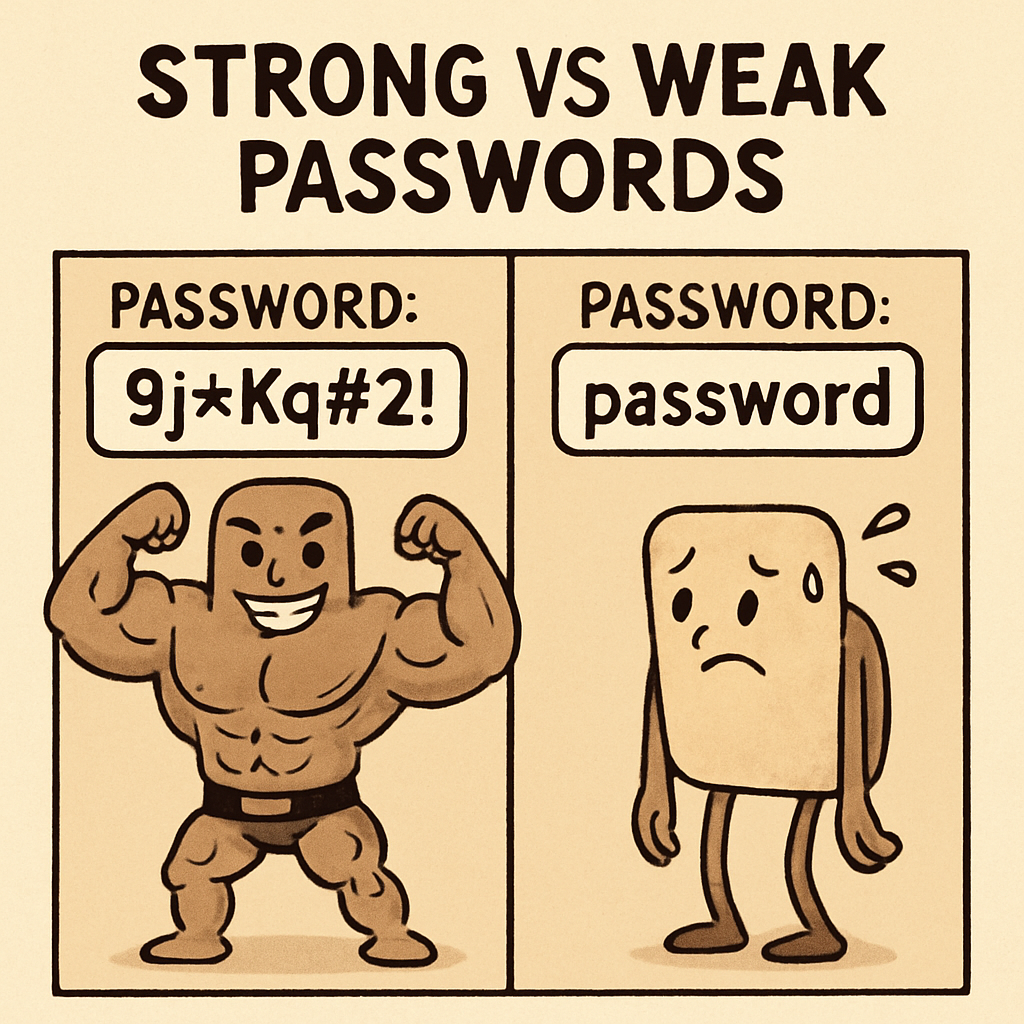
- password — a very common word.
- Your name (like “alex”) — people who know you might try it.
- Your pet’s name (like “fluffy”) — often easy to guess.
- qwerty — keyboard letters in a row.
Important: Avoid weak passwords so your account stays protected.
3 - Strong Passwords
 Understanding Strong Passwords
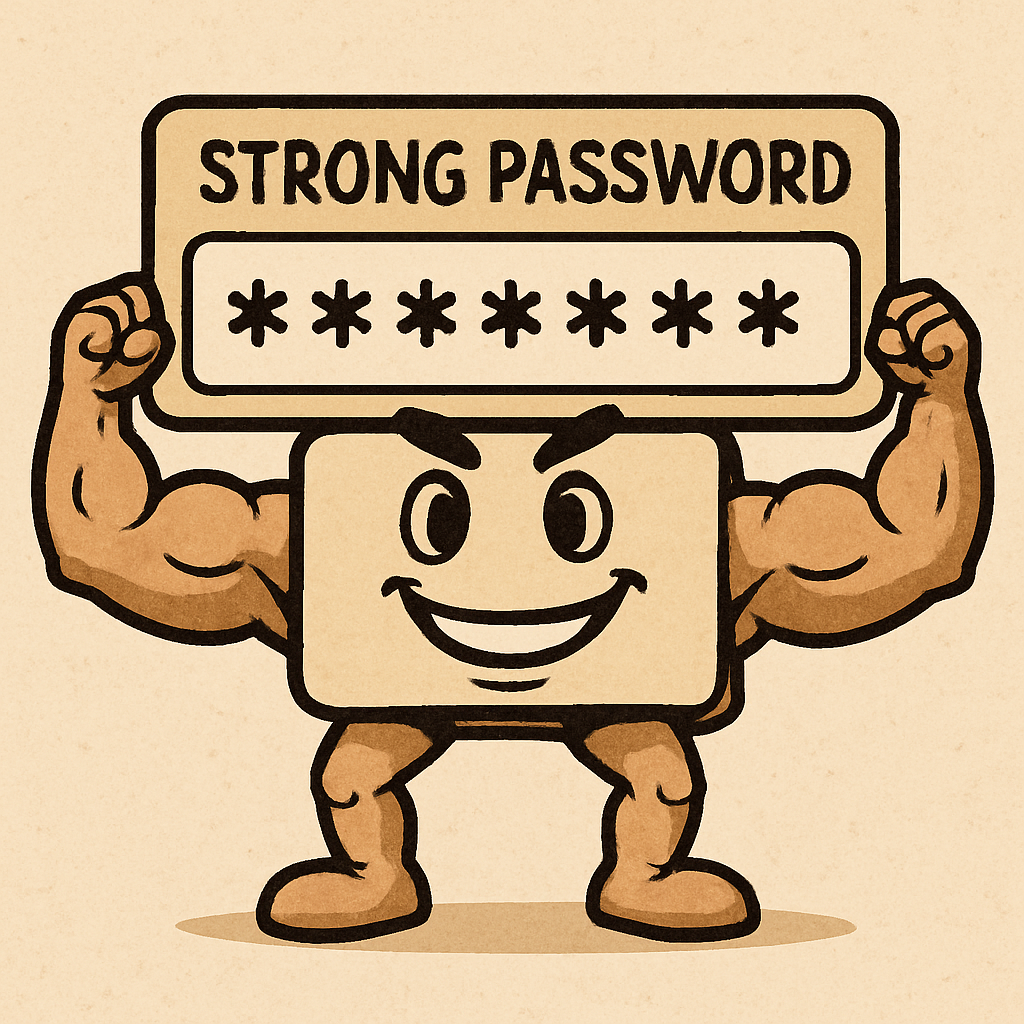
A strong password is a password that is hard for other people to guess. Strong passwords help protect your accounts so only you can get in.
What makes a password strong?
- It is long (at least 8 characters).
- It mixes letters (uppercase and lowercase).
- It includes numbers (like 4, 7, 9).
- It can include symbols (like ! @ # $).
- It is not personal (not your name, birthday, or school).
Examples of strong passwords
These are strong because they mix different types of characters and don’t look easy to guess:
- BlueSky!23 — has letters, a symbol, and numbers.
- HappyDog#456 — has letters, a symbol, and numbers.
- StarJump@789 — long and mixed, so it’s harder to guess.
Important: Strong passwords are safer because they are harder to guess and harder to crack.
4 - Strong vs Weak Passwords
 Strong vs Weak Passwords
Time to test what you’ve learned. For each password, choose Weak or Strong. You’ll get feedback and a short reason.
Password: 123456
Password: password
Password: BlueSky!23
Password: abc123
Password: HappyDog#456
Password: letmein
5 - Most Commonly Used Passwords
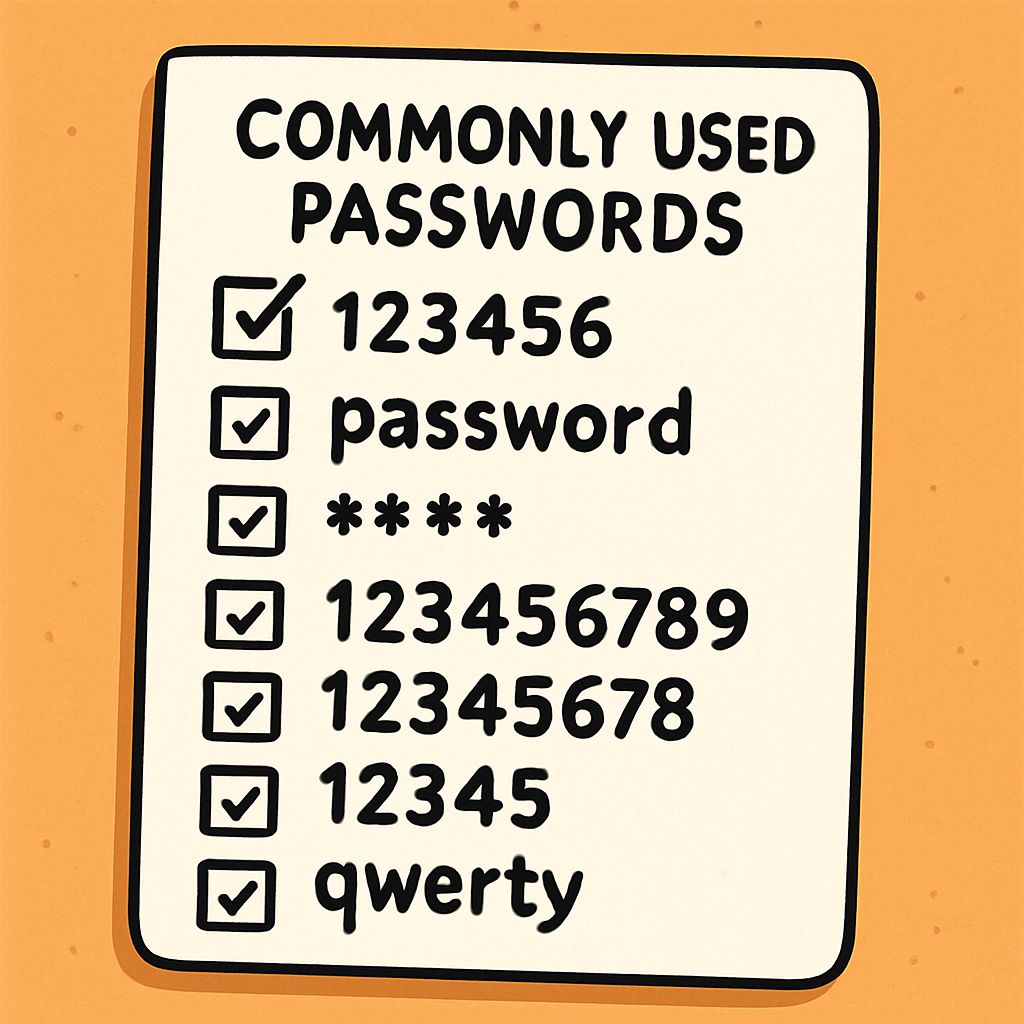 Common Passwords to Avoid
Lots of people choose passwords that are easy to remember. The problem is: hackers know these passwords too. They try the most common passwords first, because they work on lots of accounts.
Why should we avoid these passwords?
These passwords are used by lots of people, so they are easy to guess. If someone guesses your password, they could get into your account and pretend to be you, change your settings, or send messages from your account.
Examples of common passwords
Don’t use these as your password:
- 123456
- password
- qwerty
- abc123
- iloveyou
- sunshine
- football
- princess
- welcome
- monkey
Even if they feel easy, they aren’t safe enough. A stronger password is one that is harder to guess and not on a common list.

Unlock the Full Learning Experience
Get ready to embark on an incredible learning journey! Get access to this lesson and hundreds more on our learning platform.
This lesson is copyright of Coding Ireland 2017 - 2025. Unauthorised use, copying or distribution is not allowed.


