1 - Introduction
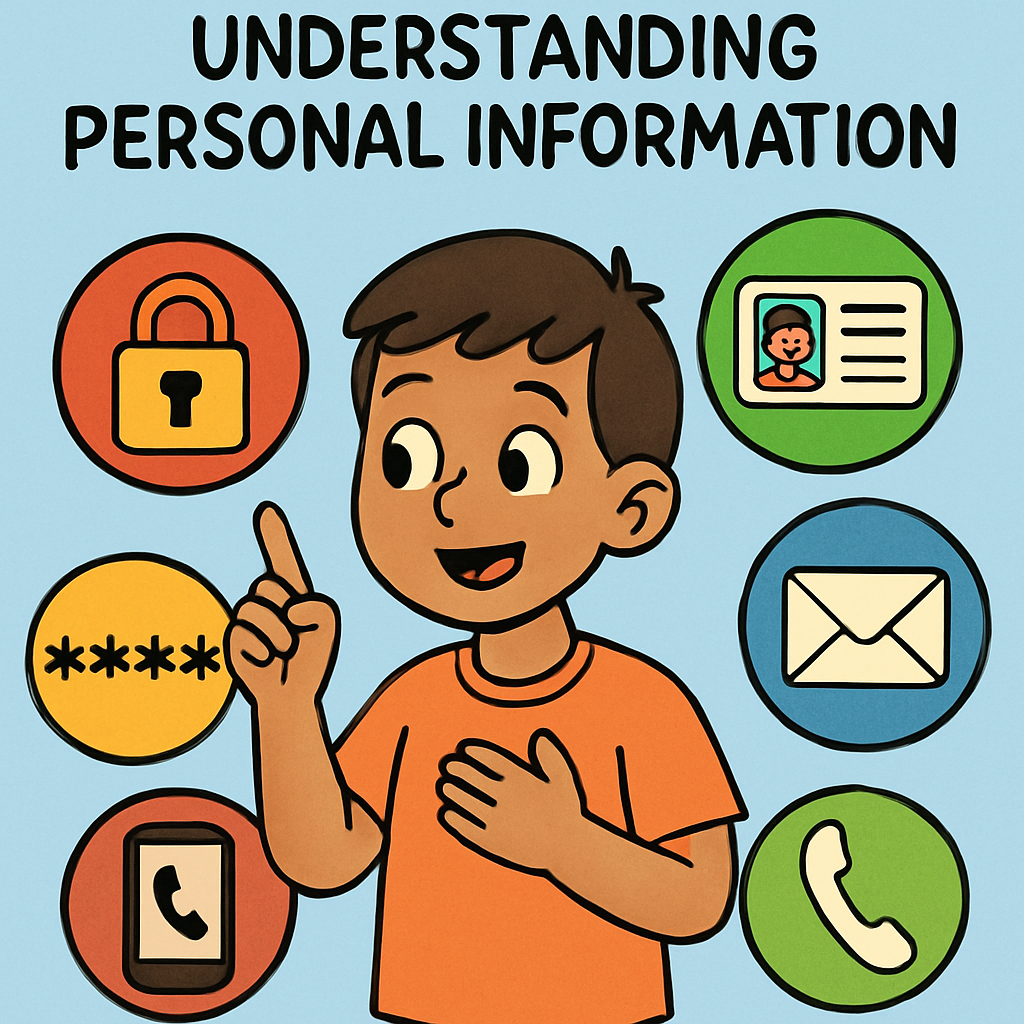 Welcome to this lesson! Today we’re learning about personal information — that means information that is about you.
What is personal information?
Personal information is anything that can tell someone who you are or where you are.
Why should we keep it private?
Keeping it private helps you stay safe. If a stranger gets personal information, they might try to message you or trick you.
Easy rules to remember
✅ My 3 Safety Rules
- Keep it private: Don’t share personal information online.
- If you’re not sure: Don’t share — ask a trusted adult first.
- Use your routine: STOP – THINK – CHECK.
2 - Examples of Personal Information
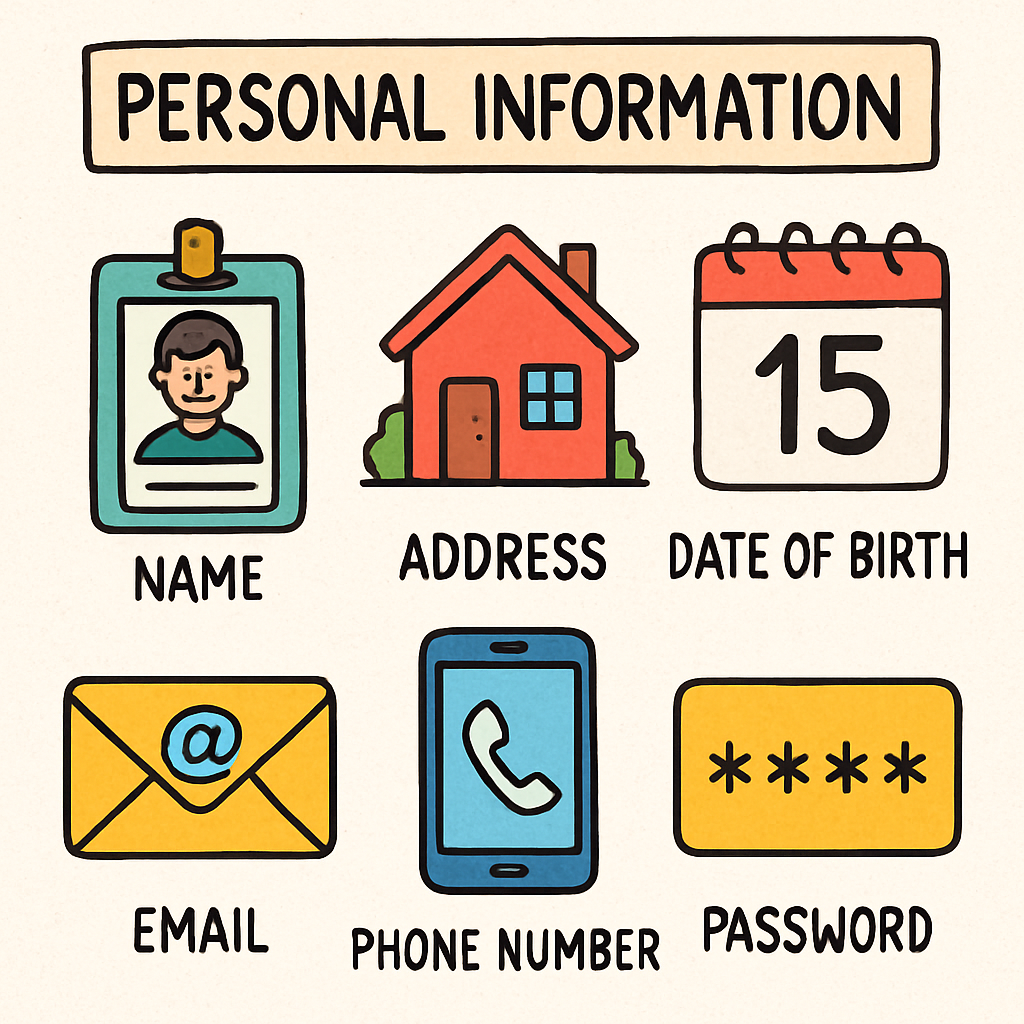 Now let’s look at examples of personal information. This will help you spot what details should be kept private to stay safe online.
Sometimes people online ask questions that seem normal — but they might be trying to learn details about you. If the information could help someone figure out who you are or where you are, it counts as personal information.
Common examples of personal information
- Your full name — this can tell people exactly who you are.
- Your home address — this tells people where you live.
- Your phone number — this lets people contact you anytime.
- Your email address — this lets people message you.
- Your birthday / date of birth — this is an important detail about you.
- Your school name — this tells people where you go each day.
3 - Why Personal Information is Important
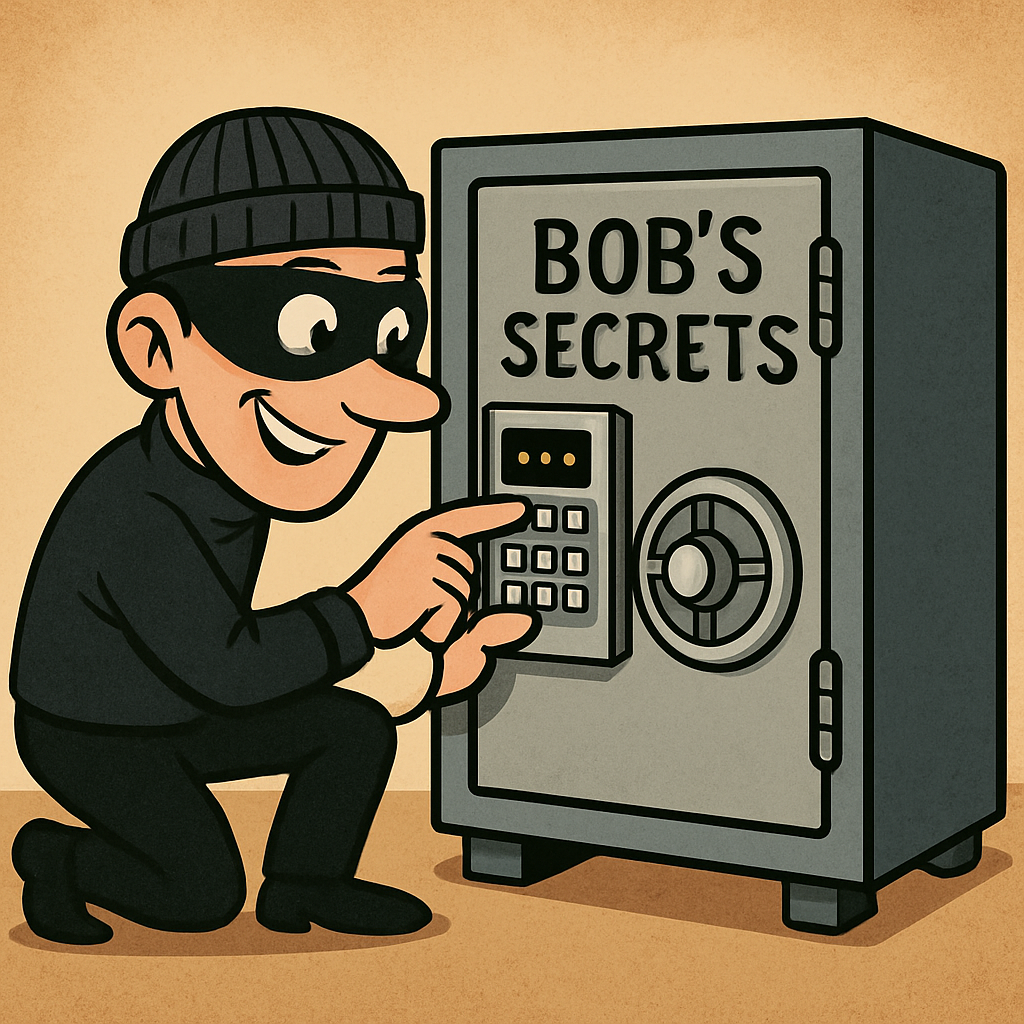 Now we’re going to learn why personal information is important and why we must protect it — especially online.
Why does personal information matter?
Personal information helps show who you are. Sometimes adults need it for safe reasons (like school forms), but online we must be careful.
What could go wrong if we share it?
- Strangers might contact you when you don’t want them to.
- Someone could pretend to be you (that’s sneaky and not okay).
- It could make you feel unsafe if people learn where you go or where you live.
Activity: My 2 Reasons
Write two reasons why protecting your personal information is important to you.
Reason 1:
Reason 2:
4 - Personal Information and the Internet
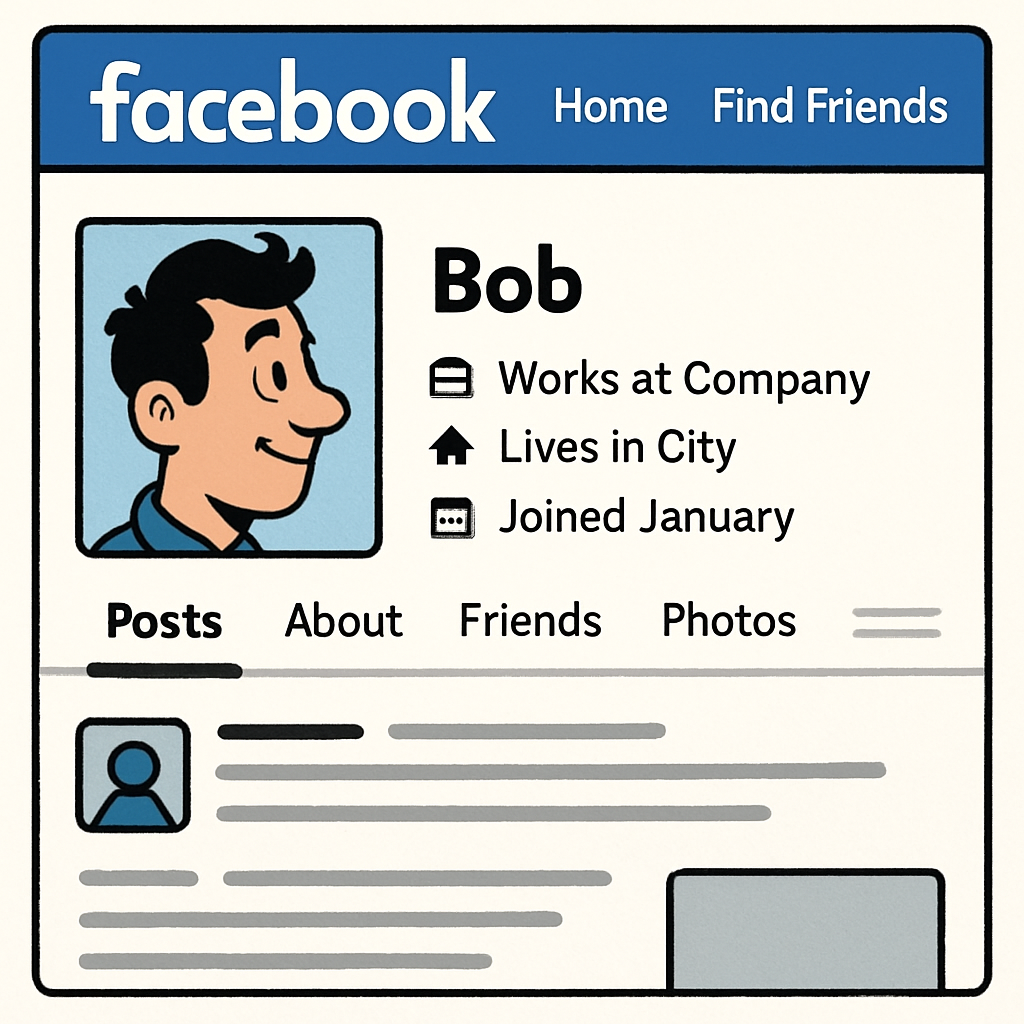 Now we’re going to learn about personal information and the internet.
Online can be fun — but we have to be careful.
Now we’re going to learn about personal information and the internet.
Online can be fun — but we have to be careful.
What is different about the internet?
In real life, you can usually see who you are talking to. Online, you can’t always tell. Someone might use a fake name, a fake photo, or pretend to be a child when they are not.
Also, when you post something online, it can spread quickly. Other people can screenshot it, copy it, or share it. That’s why it’s smart to pause before you post or message.
What could go wrong if we share personal information online?
- Someone could trick you by pretending to be a friend, a kid, or a helpful person.
- You could get unwanted messages from strangers, or someone could bother you again and again.
- Bullying can happen if people use what you shared to tease you or upset you.
- Things can stay online for a long time, even if you delete them later.
Activity: Online Sharing Reflection
Take 5-10 minutes to think about a time you shared something online (a message, a comment, a post, or something in a game). In your copy or notebook, write:
- What did I share?
- Why did I share it?
- Could it be risky?
- One way I can make it safer next time.
Example: “I shared something in a game chat. Next time I will keep it private and ask a trusted adult if I’m not sure.”
5 - How to Protect Your Personal Information
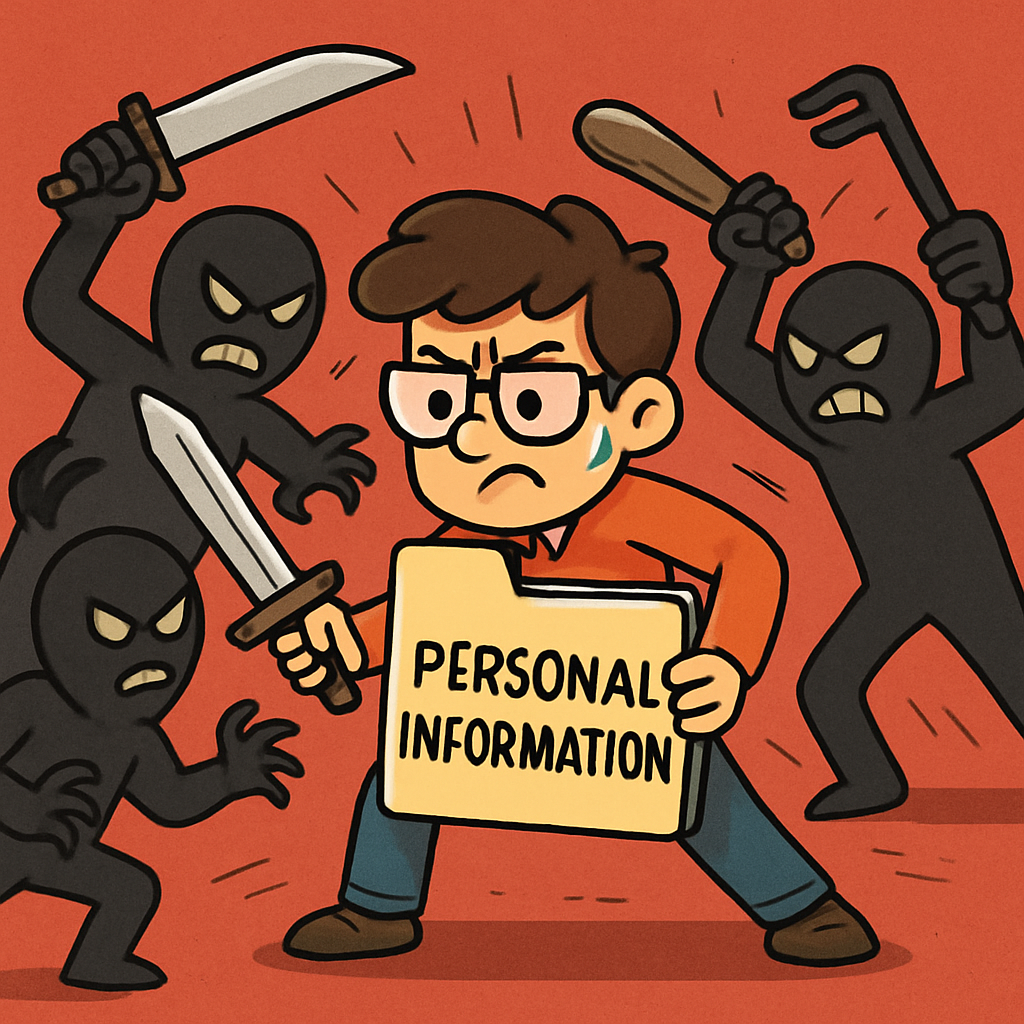 Now let’s learn some simple ways to protect your personal information online.
These tips help you stay safe and keep your private stuff private.
Now let’s learn some simple ways to protect your personal information online.
These tips help you stay safe and keep your private stuff private.
Essential tips for protection
You don’t have to be an expert to stay safe. You just need good habits. Here are the big ones:
- Don’t share personal information with strangers — if you don’t know them in real life, keep it private.
- Only share with people you trust — like your family, your teacher, or other trusted adults.
- Be careful in chats and games — even if someone seems nice, you still don’t know who they really are.
- Use strong passwords — a strong password is hard to guess. Never share it with friends.
- Think before you post — once something is online, it can be shared or screenshotted.
Extra smart moves
Sometimes you might see something strange online, like a message that feels creepy, a pop-up, or someone asking questions about you. If that happens, it’s okay to:
- Close it if it feels wrong.
- Block and report if someone is being mean or asking for private info.
- Tell a trusted adult straight away.
Activity: Your Protection Plan
In your copy or notebook, write 3 rules you will follow to keep your personal information safe online.
Example rules:
1) I will not share personal information with strangers.
2) I will use STOP–THINK–CHECK before I click or post.
3) If I feel unsure, I will tell a trusted adult.

Unlock the Full Learning Experience
Get ready to embark on an incredible learning journey! Get access to this lesson and hundreds more on our learning platform.
This lesson is copyright of Coding Ireland 2017 - 2025. Unauthorised use, copying or distribution is not allowed.


