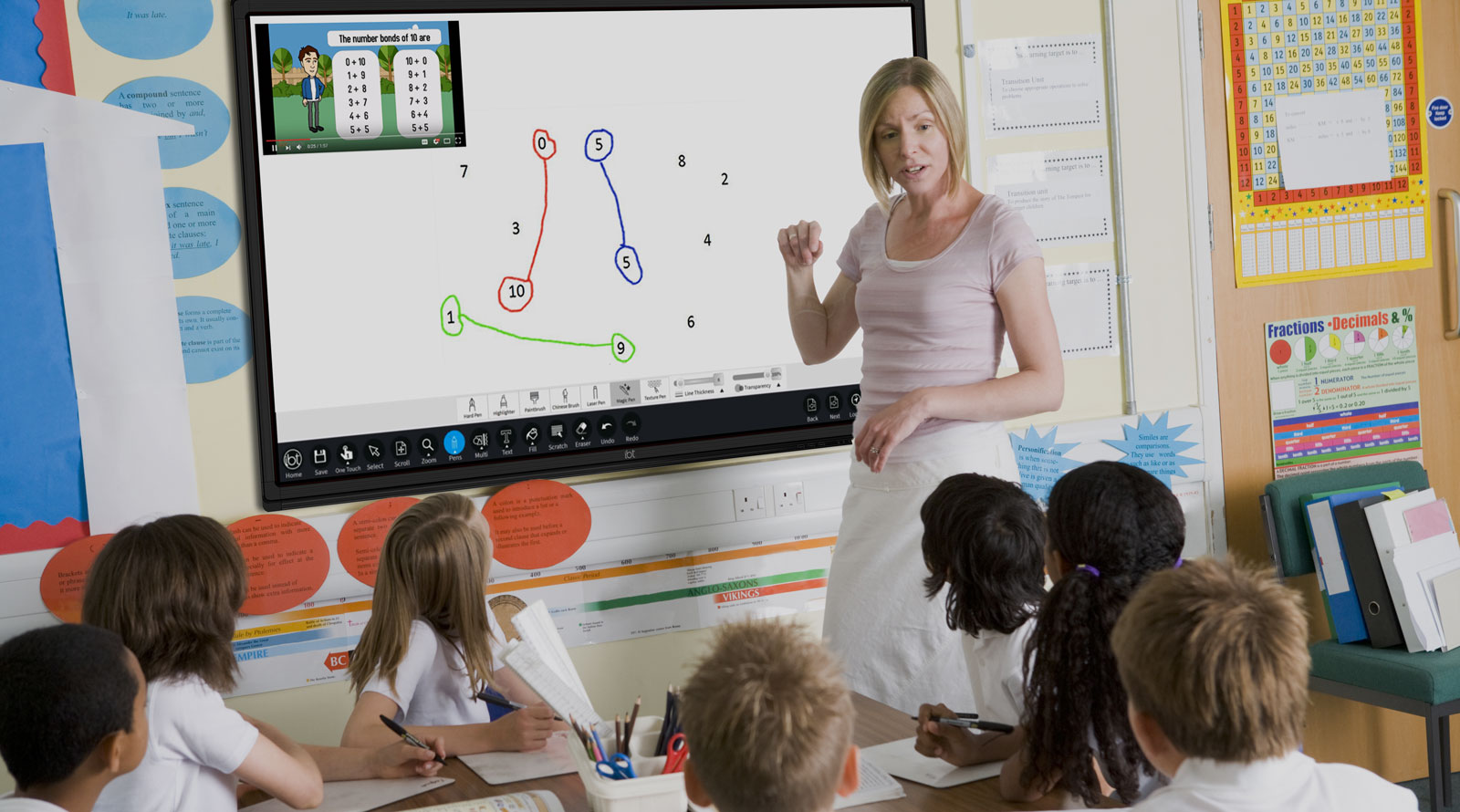
Look at the rectangle on the board. It is six squares across and four squares down. How many little squares are there altogether?
Hands up: what is a quick way to count them all, without touching every single square?
Watch four rectangles on the shape-measurer. For each one, notice its length, its width, and the area reading. See how the area grows as the sides get longer.
A 6 by 4 rectangle is 4 rows with 6 squares in each row, so 4 × 6 counts them all. That is why multiplying the two sides gives the area.
The last rectangle is 12 by 7 — far too many squares to count one at a time. That is exactly when we stop counting and start multiplying.
Today we work through three rectangles together on the shape-measurer. First a 7 by 2. Then a 4 by 4. Last a 9 by 6.
One pupil works each rectangle at the board. The rest of the class calls out length × width aloud before the area is read off the screen, so everyone confirms the answer together.
The 4 by 4 is worth a second look: compare it with the 8 by 3 from before, different sides can give very different areas.
The 9 by 6 is the one to watch, so predict it with multiplication first, then let the screen check us.
In your maths copy, sketch each rectangle we worked on with its length and width labelled along the sides. Underneath each one, write l × w = area, and add the units (cm²).
Your squared sheet is being handed out now. It has four rectangles printed on it, and each little square is 1 cm. Count along each side to get the length and width, then multiply.
On the biggest rectangle, do not count square by square, that is the cue to multiply. Record each as l × w = area cm² in your copy.
Finished early? Try this: the distance all the way round a rectangle is the total of all four sides. Find the rectangle with an area of 36 cm² that has the shortest distance all the way round — try a few side pairs and see which one gives the smallest total.
You're previewing this lesson. Get full access to this lesson and hundreds more — each one ready to teach, with interactive activities, printable resources and pupil progress tracking built in.