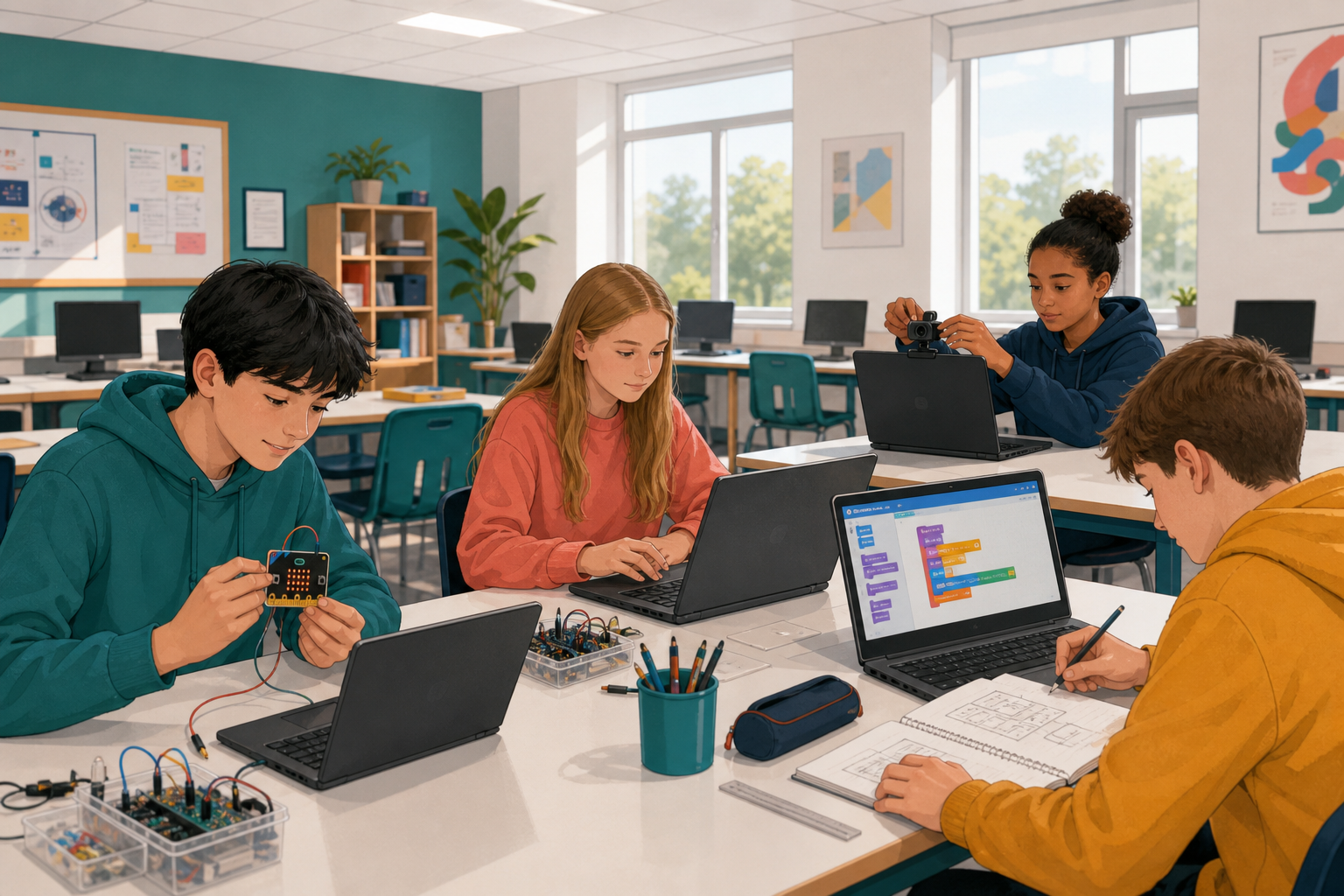
 You have built games, a website, micro:bit programs, and even trained an AI model. Today you pick one thing you already care about (another subject, a hobby, a local issue) and build something small that connects coding to it.
By the end you will have a short working build that shows data, interactivity, or a short coded performance, and you will show classmates one thing it does and why it matters to you.
Rules
- Connect coding to another subject or something you care about.
- Show data (a reading, a score, a count, a chart), interactivity (buttons, sensors, input that changes what happens), or a short coded performance (a tune, a drawing the pen makes).
- One feature only. Keep it small enough to finish today.
Four starter ideas if you want a launch pad:
- micro:bit environment station (needs kit): read light or temperature and show it, useful for science or geography fieldwork. Minimum version: show one light reading on the LED matrix.
- Scratch make-a-song (quick start): use notes or loops that match a music or Irish-language rhyme you know. Minimum version: one short four-note hook.
- Scratch pen art (quick start): draw a pattern or crest linked to art, maths shapes, or a club badge. Minimum version: one shape or crest outline drawn by the pen.
- Body-controlled game (needs webcam or model): use a pose or image model so movement steers something, good for PE or accessibility ideas. Minimum version: one pose moves a sprite left or right.
You may also invent your own idea with the same tools. One clear feature beats five half-built ones.
a short working build you can demo in under a minute, plus one sentence on how it connects to something outside coding.
Build your small project now.
- Write one line at the top of a comment, note, or page title: what it connects to (for example "science: classroom light levels" or "music: a four-note hook").
- Build the core feature first until it runs: a reading on screen, a sound that runs, a drawing that appears, or an input that changes something.
- By halfway, your core feature must run once. If not, cut scope to the starter's smallest version.
Unlock the full learning experience
You're previewing this lesson. Get full access to this lesson and hundreds more — each one ready to teach, with interactive activities, printable resources and pupil progress tracking built in.
This lesson is copyright of Coding Ireland 2017 - 2026. Unauthorised use, copying or distribution is not allowed.