Today you will
- attach a small file to an email
- decide when a share link is better than an attachment
- turn a long web address into clear words you can click
- send it to your teacher and print your own copy
Warm-up
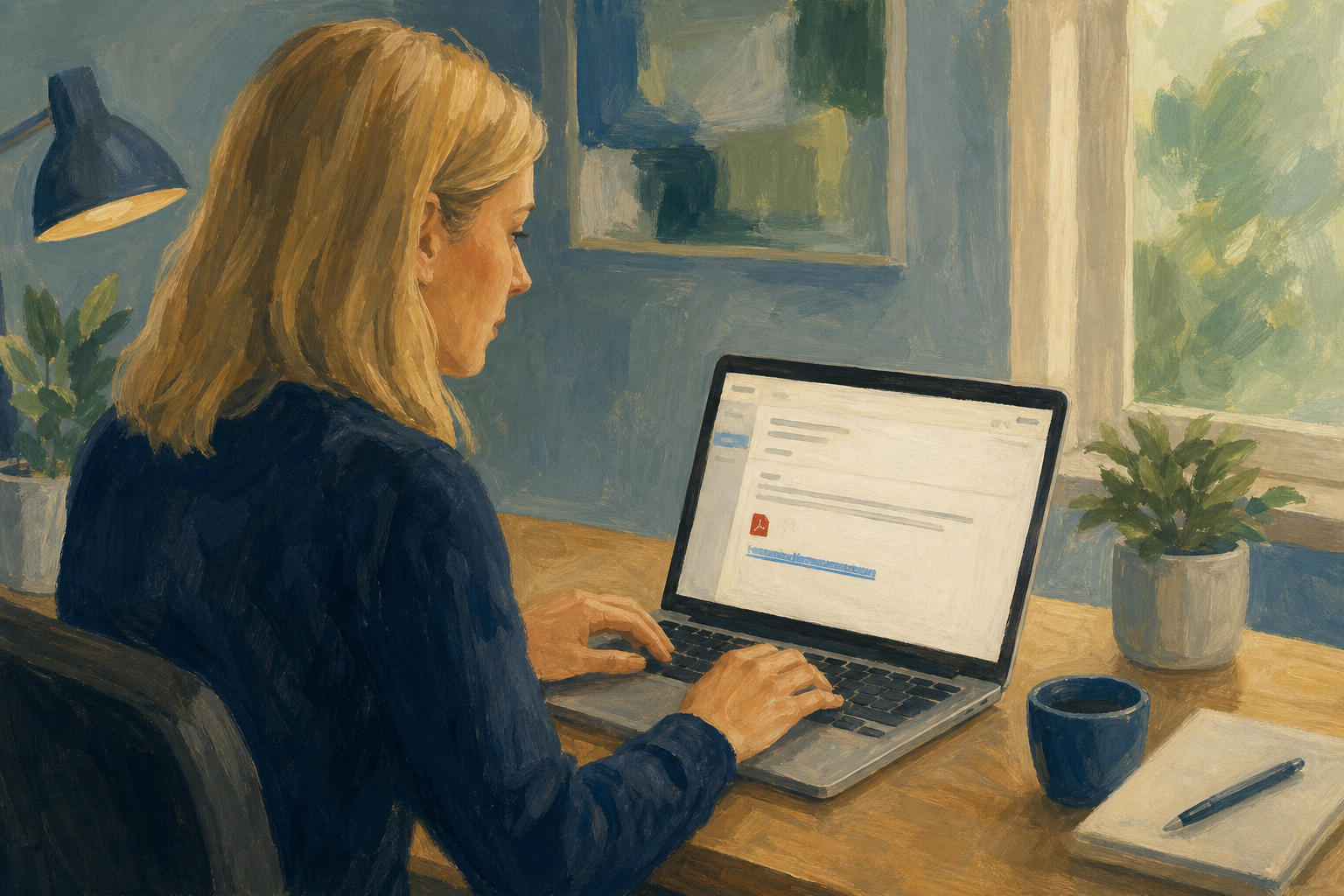 Think of the last time someone emailed you a file. Did it open straight away, or did something go wrong?
An attachment is a copy of a small, finished file sent by email.
A share link opens the file in OneDrive or Google Drive. Use it for big files or unfinished work. School email usually stops at about 25 MB.
A friendly-display hyperlink shows clear words, like "Open my outline", not a long web address.
Cc sends a copy everyone can see. Bcc sends a hidden copy. Cc yourself to prove you sent it.
Example
Attach your hours log, but share your 40 MB video as a link.
Attach or share link?
Read each situation below. Write A if you would attach the file, or S if you would send a share link. Then check your answers with a partner.
| # | Situation | Your choice (A or S) |
|---|---|---|
| 1 | A one-page PDF under 1 MB for your Work Experience supervisor to print | |
| 2 | A 40 MB CapCut export of your short explainer video | |
| 3 | A budget spreadsheet you and a partner are still editing | |
| 4 | A short scanned consent form your teacher needs offline today | |
| 5 | A folder of five large images for a community proposal | |
| 6 | A finished one-page skills checklist exported as PDF |
Attach small, finished files. Share big files, or files that are still changing.
You will email your teacher a small file and a clear link, with a Cc to yourself. Follow the steps for your email app in the box below.
Common issues
- The email bounced. The file was too big, so send a share link instead.
- The link shows a long web address. Select your words first, then insert the link.
- The link asks for permission. Change the share setting to anyone with the link can view, then send it again.
Unlock the full learning experience
You're previewing this lesson. Get full access to this lesson and hundreds more — each one ready to teach, with interactive activities, printable resources and pupil progress tracking built in.
This lesson is copyright of Coding Ireland 2017 - 2026. Unauthorised use, copying or distribution is not allowed.