Today you will
- sort mobile apps from web apps
- put one real deadline from your project on your school calendar
- practise muting and sharing your screen on a video call
Warm-up
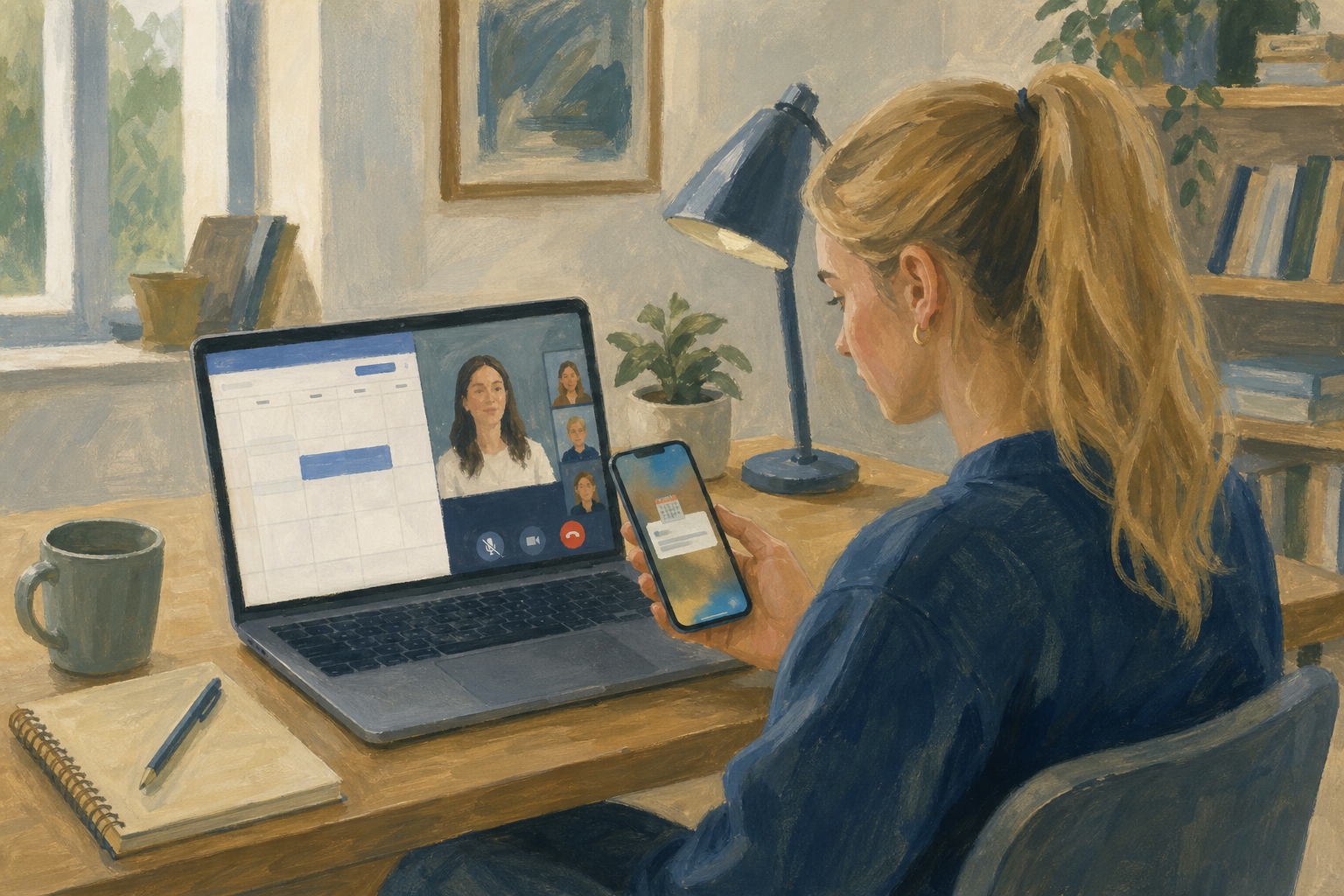 Think of a time you nearly missed a Work Experience check-in, a Key Assignment hand-in or a video call. Was the problem the app, the reminder, or the way the call started?
A mobile app is installed on your phone, and it can ping you with reminders.
A web app opens in a browser, so it works on any school computer.
A calendar entry is an event with a title, a date, a time and a reminder.
Web-conferencing etiquette means good call habits, like staying muted and sharing one window.
Example
Aoife, an LCA student, is pitching a phone-case business. She adds an entry called Pitch cost sheet v2 due for next Wednesday at 16:00, with a reminder one day before.
Now you will make a practice calendar entry in your browser, with this sample deadline:
Title {{code:Investigation sources check-in}}, three school days from today, 14:30 to 15:00, reminder {{code:30 minutes before}}, note {{code:Bring three source URLs}}.
Your own deadline comes later. Your school uses Microsoft 365 or Google Workspace, so follow the steps for yours.
Your teacher has started one class test meeting. Join it with the link on the board, and don't make your own. Stay muted until your teacher calls you, then practise sharing one window and stopping.
Common snags
- If your event is missing, check you clicked {{btn:Save}} and are looking at the right week.
- If you get no reminder, open the event again and set the reminder yourself.
- If you shared your whole screen by mistake, stop sharing straight away and pick one window.
- If your screen looks different from the demo, look for the button names instead.
Unlock the full learning experience
You're previewing this lesson. Get full access to this lesson and hundreds more — each one ready to teach, with interactive activities, printable resources and pupil progress tracking built in.
This lesson is copyright of Coding Ireland 2017 - 2026. Unauthorised use, copying or distribution is not allowed.