Intermediate
60 mins
Teacher/Student led
+95 XP

Applying Universal Design to Your VET Work

You will combine decisions about your Something Real VET presentation format with universal design priorities into a low-fidelity sketch. This paper-based plan ensures structure and accessibility are considered before using design software and provides portfolio evidence.

Teacher Class Feed

Load previous activity

    1 - Introduction ~5 mins

    Welcome

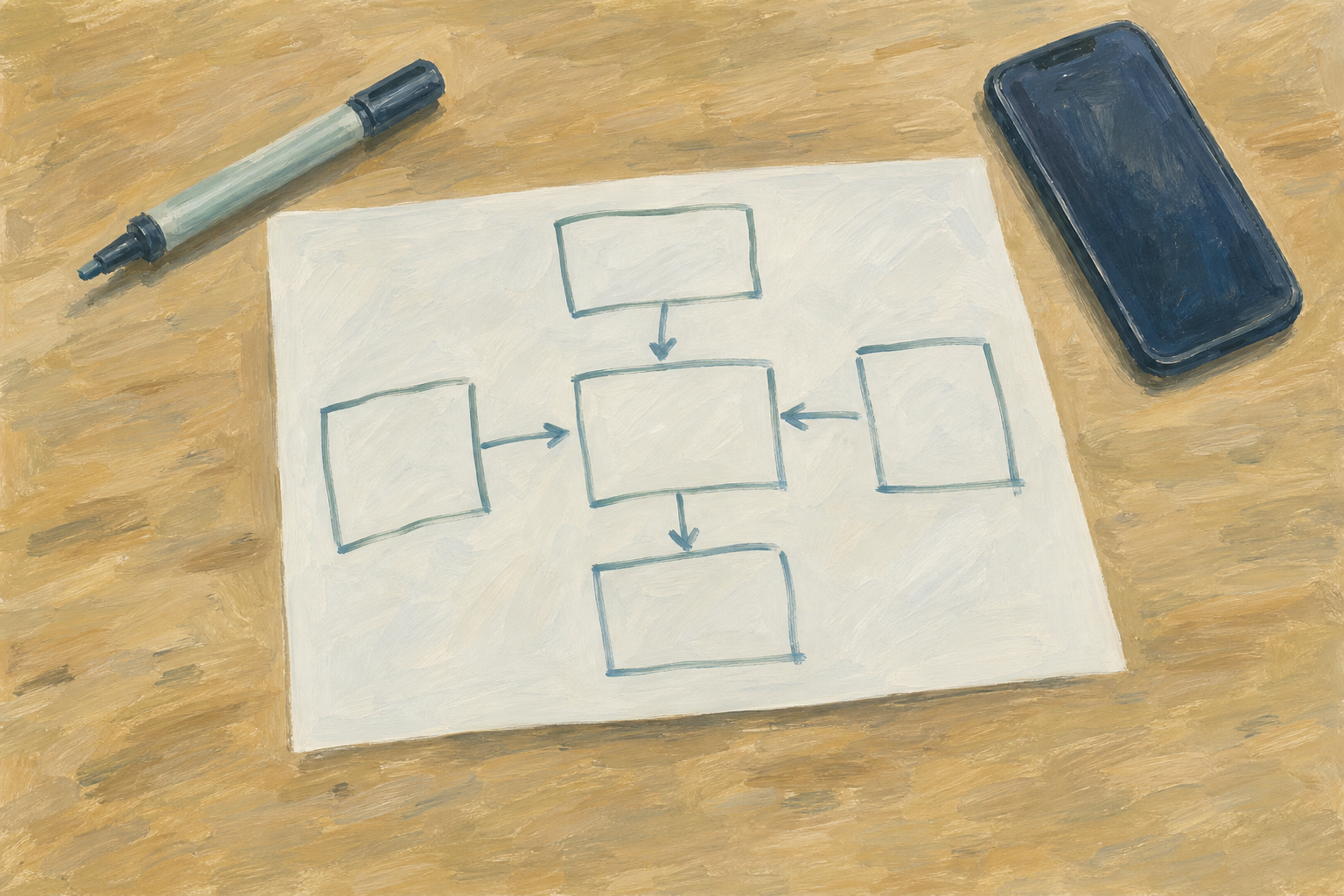
    Illustration for IntroductionYou already chose a format for your Something Real VET interview presentation and named two universal design priorities you want to honour. Today you put those decisions on paper before you open any software. A rough sketch locks structure, audience fit, and accessibility intent while it is still cheap to change, which is exactly what you need before you build the live piece the SEC examiner will see.

    By the end of this lesson, you will be able to:

    • Combine your format decision and universal design priorities into a low-fidelity sketch
    • Plan how your Something Real VET interview presentation will look before opening any design software
    • Save {{code:sm2_vet_sketch_v1.png}} as portfolio evidence of your plan

    Before we start

    Open last lesson’s notes or sticky. On a blank A4 page, write at the top: your format (for example five-slide deck, short video storyboard, infographic) and your two universal design priorities. If those notes are missing, take 30 seconds now to restate format + two principles with your teacher, then write them on the page before we continue.

    Warm-up

    Picture the SEC examiner and your teacher at the VET interview for your Something Real project. If they saw only the first screen, slide, or frame of your presentation, what should they understand in the first three seconds? Hold that answer in your head; your sketch starts there.

    2 - Key Concepts ~6 mins

    Key point

    Today’s quality bar: structure, titles, and universal design labels. Not pretty. Clear. If your page looks rough, you are doing it right — a messy labelled plan beats a pretty empty deck.

    Your teacher will point these ideas out on the worked-example sketch. The formal names are just labels for what you can already see on the board.

    ConceptWhy it mattersExample
    Low-fidelity sketch — a rough plan of structure and flow using boxes, titles, and labels, not finished designSoftware tempts polish too early; paper keeps you focused on what the examiner must understandFive labelled boxes for a Work Experience placement pitch, titles only, no colours or icons yet
    Structure before polish — decide order, hierarchy, and one idea per section before fonts, colours, or motionIf the structure is wrong, no amount of Canva styling or slide animation saves the interviewA small enterprise pitch ordered as Hook → Problem → Offer → Numbers → Ask, written as five slide titles
    Labelled universal design — mark on the sketch where each chosen UD principle will show up in the live piecePriorities only count if they change the plan; a label turns a good intention into a build instructionArrow to slide 1 saying "large title, high contrast for equitable use" and a note under an image box saying "alt text + spoken description"
    VET audience on the page — design for the SEC examiner and teacher who must verify learning, not for a peer scrollInterview adults need clear evidence of skill and project ownership, not entertainment aloneA closing frame labelled "What I can do / evidence from my portfolio" rather than only a brand logo

    Worked example: Aoife’s coffee-cart pitch (slide deck)

    Aoife is building a small enterprise pitch for a weekend coffee cart near her local GAA pitch. Her format is a five-slide deck for the VET interview. Her two universal design priorities are equitable use (large, high-contrast text readable from across a table) and perceptible information (every image has alt text planned, and key numbers are said aloud as well as shown).

    Worked example

    Her sketch on landscape A4 looks like this:

    • Slide 1 – Hook: "€3 coffee that funds underage gear" — label: big type, dark text on light ground
    • Slide 2 – Problem: three short bullets about club fundraising gaps — label: one idea only, no dense paragraph
    • Slide 3 – Offer: box for product photo + price — label: alt text for photo; say the price out loud
    • Slide 4 – Numbers: simple table of cost vs target sales — label: table also summarised in one sentence for listeners
    • Slide 5 – Ask + evidence: what she wants from a sponsor, plus "portfolio proof" note — label: clear next step for the examiner

    That is the bar for your sketch later: structure, titles, and universal design labels. Not pretty. Clear. Messy handwriting is fine if every title and label can still be read in a photo.

    3 - Guided Sketch Method ~10 mins

    With your teacher leading on the board, watch and copy the sketch method using Aoife’s coffee-cart example (or one volunteer project). Stay on paper or scrap: titles first, universal design labels second, no software. You are learning the moves now. You will build your own Something Real VET sketch in Independent Practice, then save the photo in the activity after that.

    Key point

    Keep it rough checklist: boxes and short titles only · at least two UD labels with a concrete build note · readable opening beat · no colour, icons, or full paragraphs yet.

    4 - Common Issues ~3 mins

    Common Issues

    Tip

    Keep this table open as a reference while you sketch and while you bank the photo. Your teacher will not read every row aloud unless hands go up.

    IssueSolution
    My sketch is turning into a finished designStop adding colour, icons, and full sentences. Erase decoration and keep boxes, short titles, and UD labels only.
    I cannot remember my two universal design prioritiesCheck the notes or checklist from the earlier universal design lesson in this unit. If they are missing, pick two principles again with your teacher and label both on the sketch before you photograph it.
    The photo is blurry or cuts off labelsRetake square-on in brighter light, fill the frame with the page, and confirm every title is readable before you upload.
    I cannot get the photo from my phone onto the classroom computerUse the class default: email the image to your school account and open the message on the classroom computer, or use the shared class device your teacher named. Ask before using a cable or USB.
    I uploaded the file but cannot find it laterCheck you are inside {{code:Project_Portfolio}} → {{code:09_specialism}} → {{code:sm2}} and that the file is named {{code:sm2_vet_sketch_v1.png}}, not the camera’s default name.
    My format is audio or video, not slidesSketch beats on a timeline or storyboard strip instead of slide boxes. Still title each beat and still label your two UD priorities on the page.

    5 - Independent Practice ~16 mins

    Independent Practice

    Your goal: Turn your own Something Real VET interview plan into a labelled low-fidelity sketch so you have one clear blueprint before you build the live interview presentation.
    Time: ~20 minutes
    Task: Using the method your teacher modelled, complete your own Something Real VET presentation sketch on paper or a simple digital canvas. Put format and two UD priorities at the top, block every beat with a short title, label both universal design priorities with concrete build notes, and add one accessibility check. Stay low-fidelity. When the sketch meets the success criteria, get a quick roaming stamp or initials from your teacher (or finish the partner look-fors). You will photograph and save it as {{code:sm2_vet_sketch_v1.png}} in the next activity — do not open Canva, PowerPoint Online, or Slides yet.
    Success criteria:
    • The sketch shows the full structure of your chosen VET format with a short title on every beat or section
    • At least two universal design priorities are labelled on the page with a concrete note about how each will appear in the finished piece
    • One accessibility check note is on the page (contrast, text size, alt text, or captions) and the opening beat is marked
    • A teacher or peer can tell from the page alone what format you are using and what the examiner should grasp first
    123learn · Online learning platform

    Unlock the full learning experience

    You're previewing this lesson. Get full access to this lesson and hundreds more — each one ready to teach, with interactive activities, printable resources and pupil progress tracking built in.

    Hundreds of curriculum-aligned lessons
    Interactive activities in every lesson
    Printable resources & progress tracking
    Copyright Notice
    This lesson is copyright of Coding Ireland 2017 - 2025. Unauthorised use, copying or distribution is not allowed.
    🍪 Our website uses cookies to make your browsing experience better. By using our website you agree to our use of cookies. Learn more