Makecode Arcade
Intermediate
50 mins
Teacher/Student led
+150 XP

Build and Debug the Core Features

Pupils build a platform-style Arcade game with left and right movement and gravity, running the program and using a find-and-fix routine on any bug.

Teacher Class Feed

Load previous activity

    1 - What We're Building ~5 mins

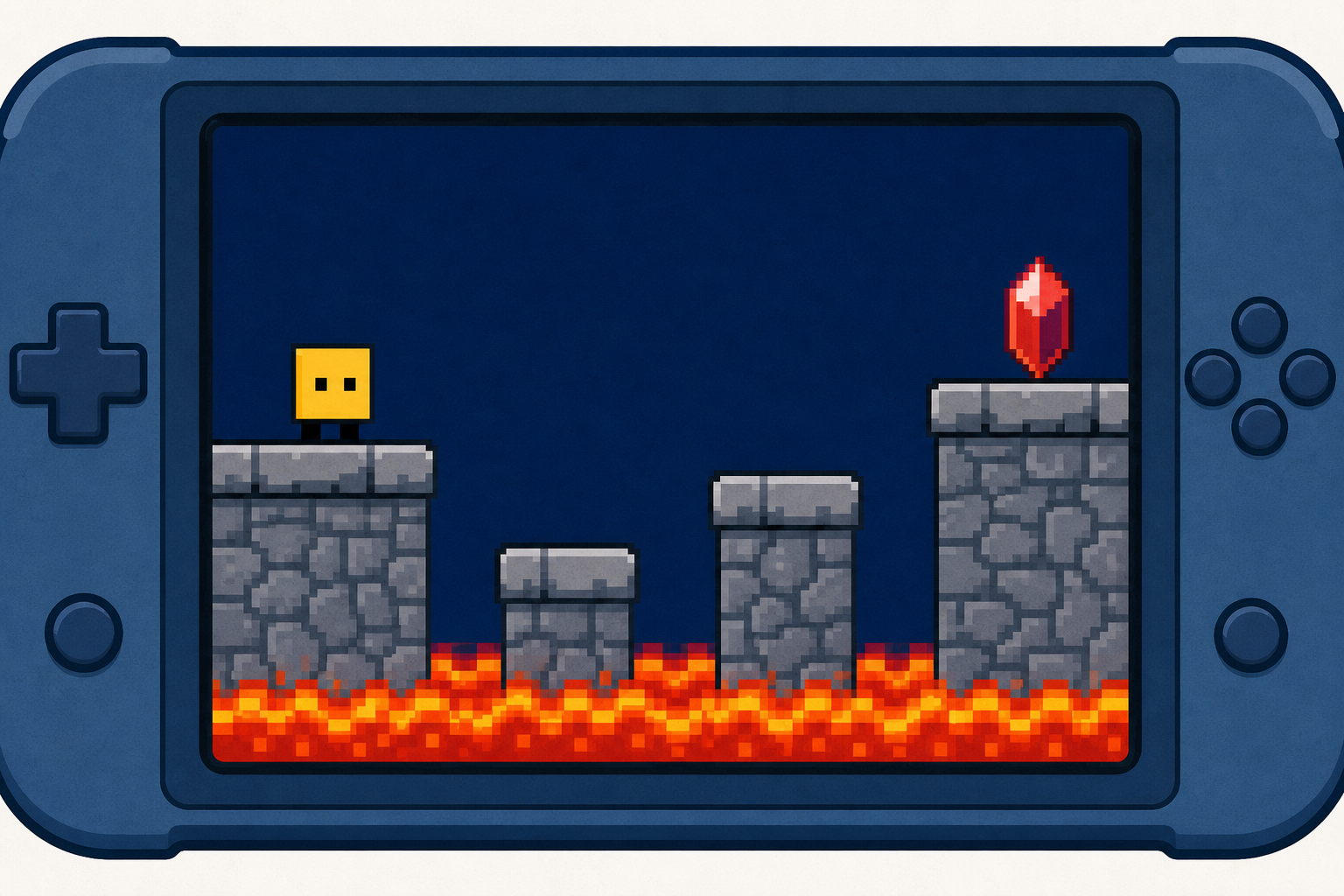
    Illustration for What we're buildingProgrammers rarely get a game working perfectly the first time — a huge part of the job is testing, spotting when something goes wrong, and fixing it. That's called debugging, and today you'll do exactly what game developers do all day.

    You'll reopen the platform game you saved last time and keep building it. Watch the board as each new piece is modelled, then add it on your own device and run it to see what happens. When something behaves unexpectedly, that's not a mistake — it's your next puzzle to solve.

    2 - Introduction ~2 mins

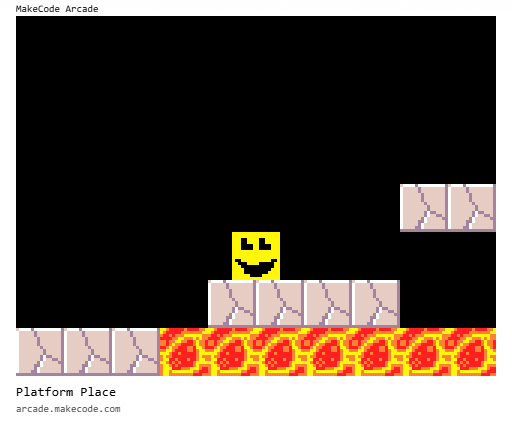
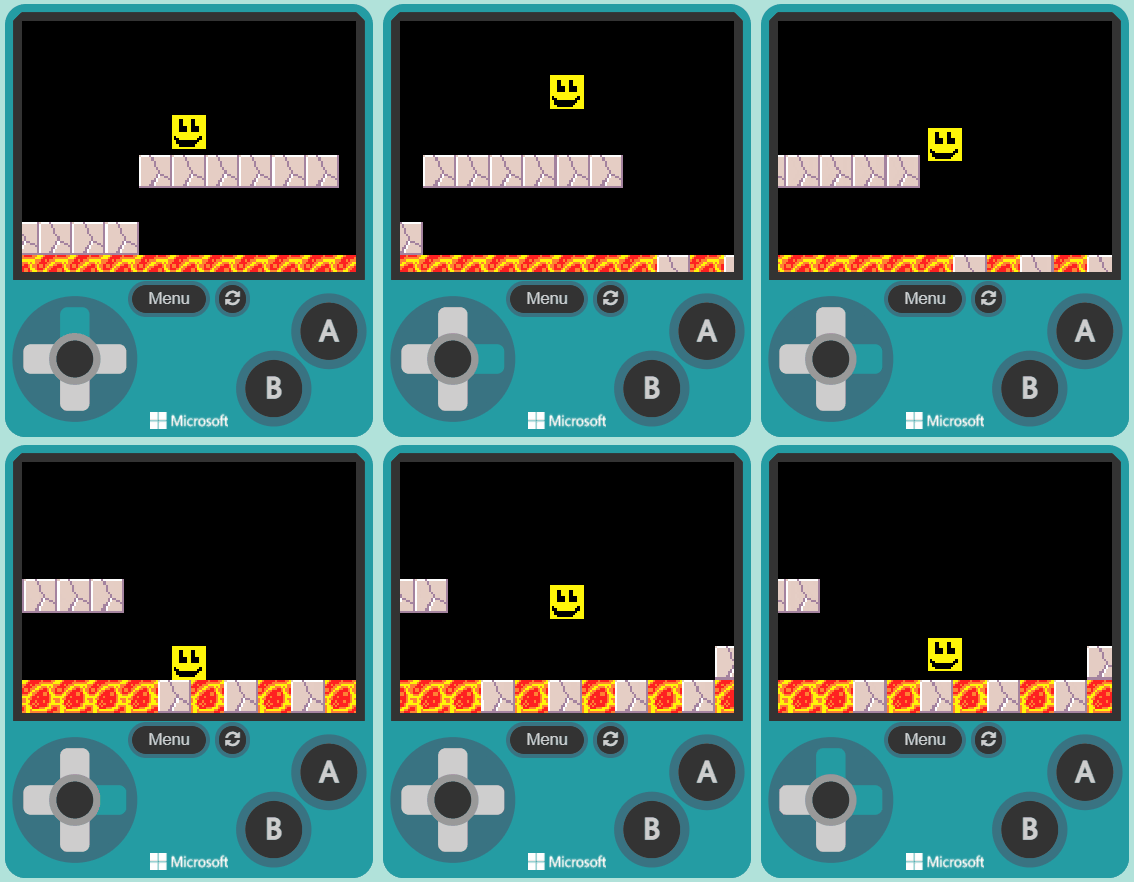
    Platform games (often simplified as platformer or jump 'n' run games) are a video game genre of action games in which the goal is to move the player character between points in an environment. Platformers use in jumping and climbing to navigate the player's environment and reach their goal. Levels and environments feature uneven terrain and suspended platforms of varying height that requires use of the player character's abilities in order to traverse them.


    3 - Open Your Saved Arcade Project ~2 mins

    Go to the arcade.makecode.com website and open the project you saved last time. Do not start a new one — today you are adding to the game you already built.

    4 - Create Your Sprite ~4 mins

    In this game you will control a sprite and move it from the start of the map, to the goal at the end.

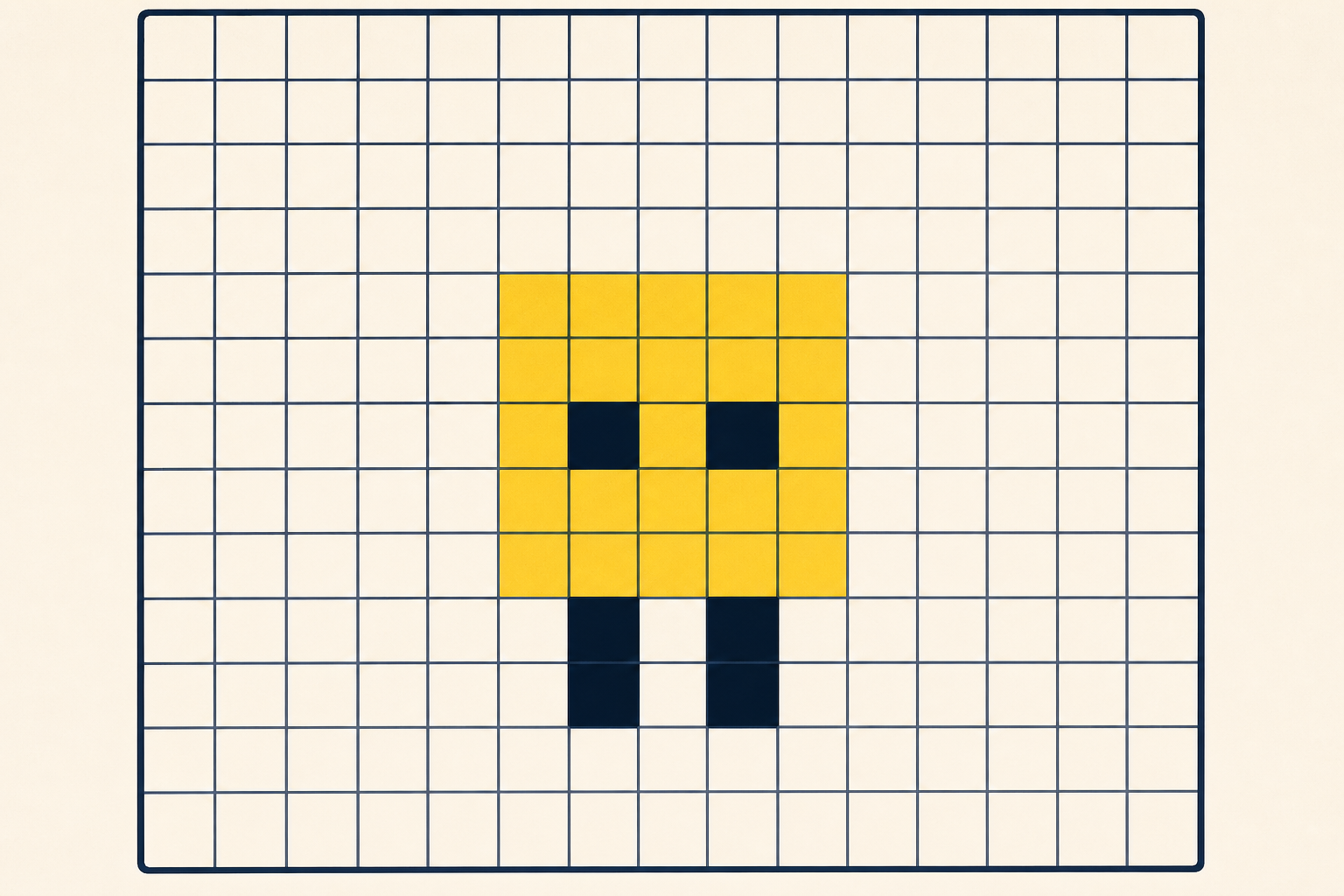
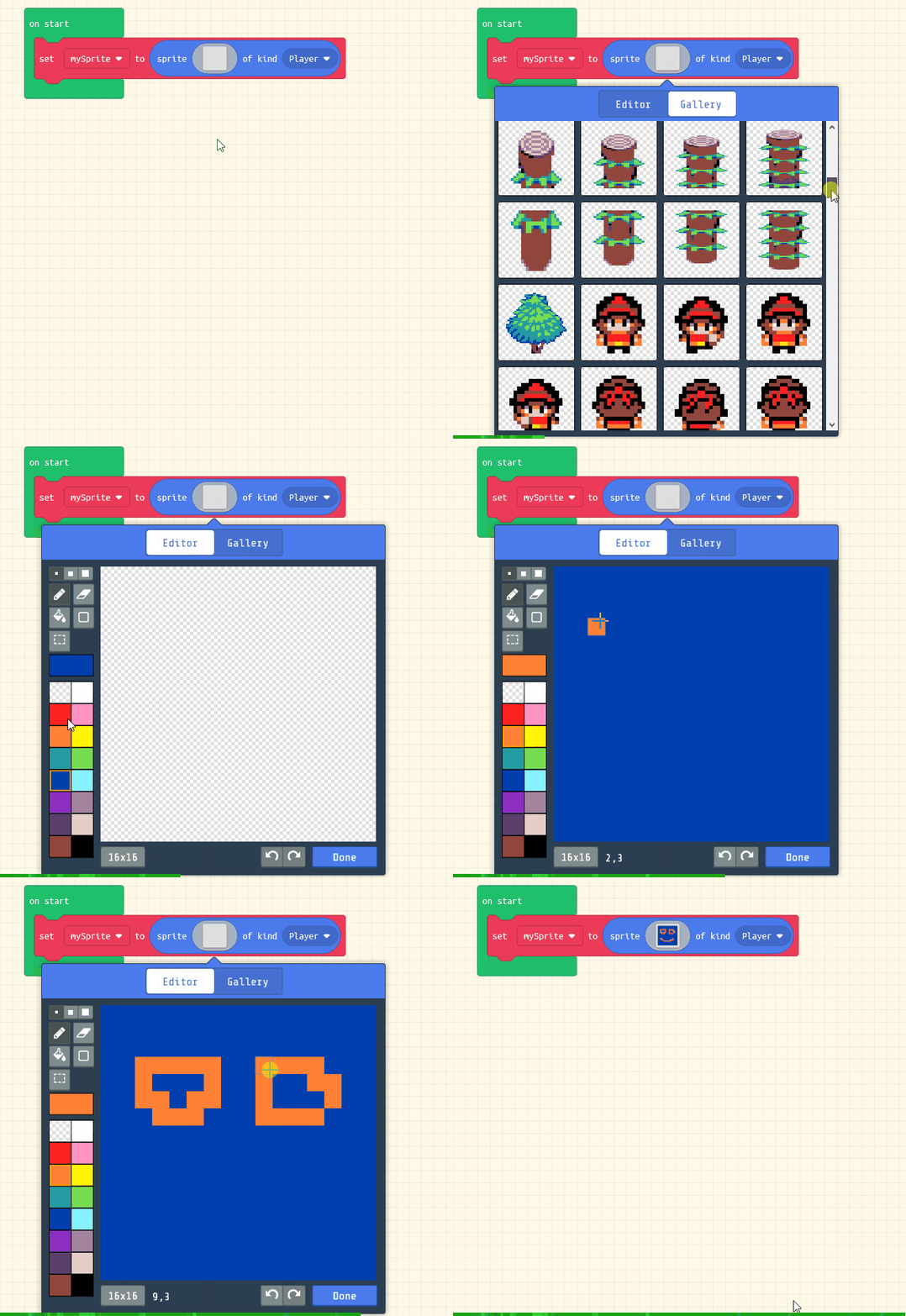
    Add the following code to your project to create your sprite and use the sprite editor to design your character.

    let mySprite = sprites.create(img`
        5 5 5 5 5 5 5 5 5 5 5 5 5 5 5 5 
        5 5 5 5 5 5 5 5 5 5 5 5 5 5 5 5 
        5 5 5 f f 5 5 5 5 f f 5 5 5 5 5 
        5 5 5 f f 5 5 5 5 f f 5 5 5 5 5 
        5 5 5 f f 5 5 5 5 f f 5 5 5 5 5 
        5 5 5 f f f f 5 5 f f f f 5 5 5 
        5 5 5 f f f f 5 5 f f f f 5 5 5 
        5 5 5 f f f f 5 5 f f f f 5 5 5 
        5 5 5 5 5 5 5 5 5 5 5 5 5 5 5 5 
        5 5 5 5 5 5 5 5 5 5 5 5 5 5 5 5 
        5 f 5 5 5 5 5 5 5 5 5 5 5 f 5 5 
        5 f f 5 5 5 5 5 5 5 5 5 f f 5 5 
        5 5 f f f f f f f f f f f 5 5 5 
        5 5 f f f f f f f f f f 5 5 5 5 
        5 5 5 f f f f f f f f 5 5 5 5 5 
        5 5 5 5 5 5 5 5 5 5 5 5 5 5 5 5 
        `, SpriteKind.Player)
    

    5 - Move Left and Right ~5 mins

    In the game we will use the left and right buttons to move our sprite.

    Add the following new code:

    let mySprite = sprites.create(img`
        5 5 5 5 5 5 5 5 5 5 5 5 5 5 5 5 
        5 5 5 5 5 5 5 5 5 5 5 5 5 5 5 5 
        5 5 5 f f 5 5 5 5 f f 5 5 5 5 5 
        5 5 5 f f 5 5 5 5 f f 5 5 5 5 5 
        5 5 5 f f 5 5 5 5 f f 5 5 5 5 5 
        5 5 5 f f f f 5 5 f f f f 5 5 5 
        5 5 5 f f f f 5 5 f f f f 5 5 5 
        5 5 5 f f f f 5 5 f f f f 5 5 5 
        5 5 5 5 5 5 5 5 5 5 5 5 5 5 5 5 
        5 5 5 5 5 5 5 5 5 5 5 5 5 5 5 5 
        5 f 5 5 5 5 5 5 5 5 5 5 5 f 5 5 
        5 f f 5 5 5 5 5 5 5 5 5 f f 5 5 
        5 5 f f f f f f f f f f f 5 5 5 
        5 5 f f f f f f f f f f 5 5 5 5 
        5 5 5 f f f f f f f f 5 5 5 5 5 
        5 5 5 5 5 5 5 5 5 5 5 5 5 5 5 5 
        `, SpriteKind.Player)
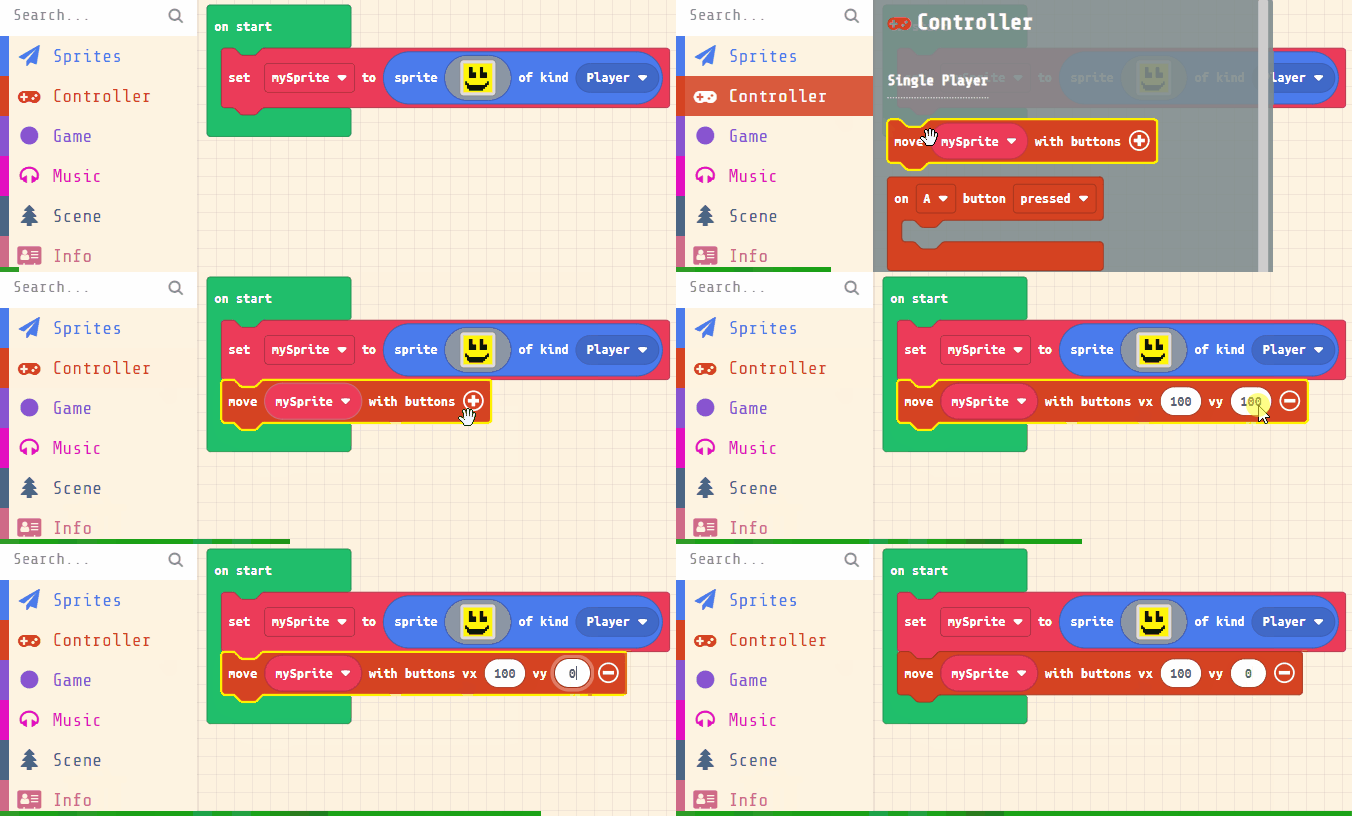
    controller.moveSprite(mySprite, 100, 0)
    
    Click the + to set the vx value to 100 and the vy value to 0. We set the vy value to 0 so that up and down buttons do not move the sprite.
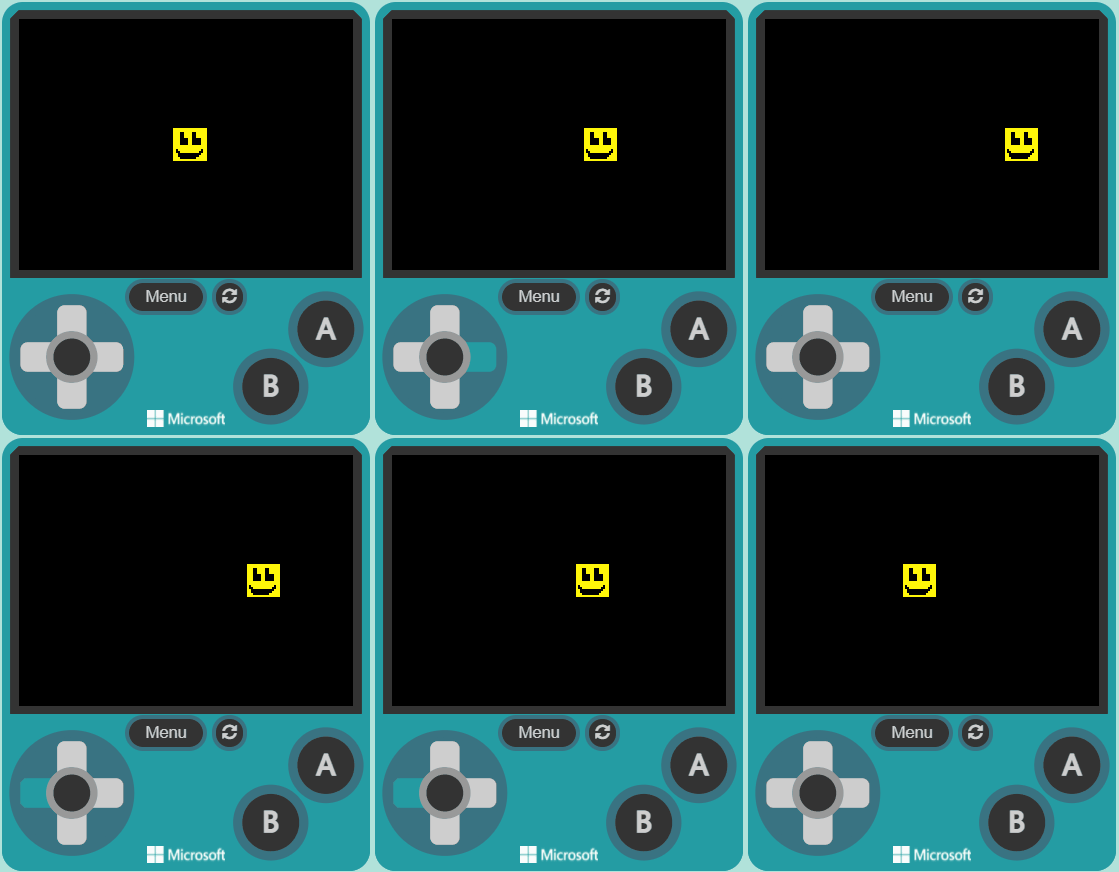
    Test that you can move your character left and right but not up and down.


    Pupil practice · Investigation Journal
    Module 4 · Technology: a Coding Build, Micro:bit Data and Presenting Data
    Lesson 24 · Build and Debug the Core Features
    Download Investigation Journal sheet (PDF)
    123learn · Online learning platform

    Unlock the full learning experience

    You're previewing this lesson. Get full access to this lesson and hundreds more — each one ready to teach, with interactive activities, printable resources and pupil progress tracking built in.

    Hundreds of curriculum-aligned lessons
    Interactive activities in every lesson
    Printable resources & progress tracking
    Copyright Notice
    This lesson is copyright of Coding Ireland 2017 - 2025. Unauthorised use, copying or distribution is not allowed.
    🍪 Our website uses cookies to make your browsing experience better. By using our website you agree to our use of cookies. Learn more