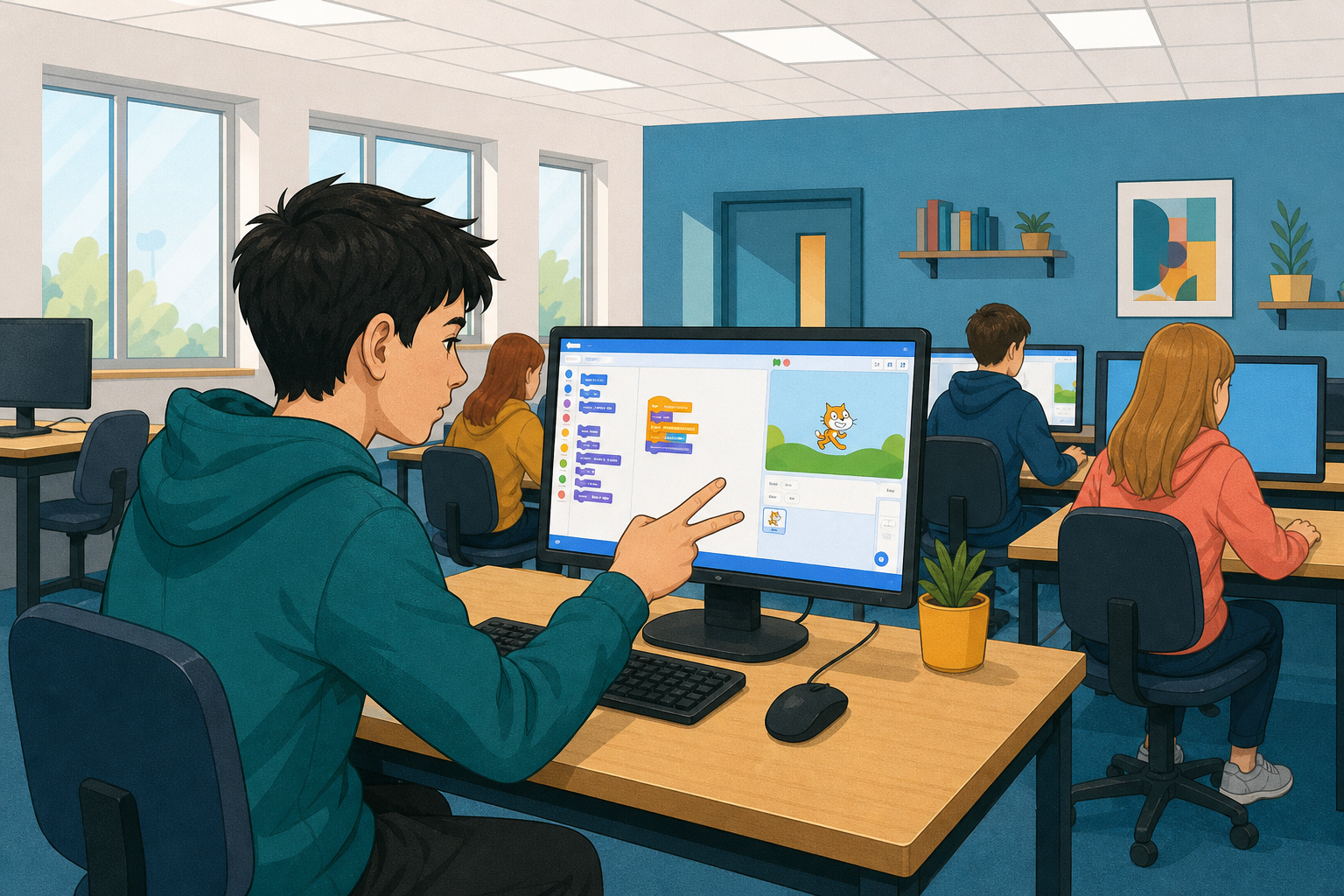
 Today you will load your hand gesture model into a rock, paper, scissors game in Scratch, and play against the computer.
What might go wrong if the model is only slightly sure about a gesture?
Have your model's link ready: you will start a new project and build the game step by step, testing it as you go.
We will build the game in Stretch3, a free version of Scratch that has the extension we need.
- Go to stretch3.github.io. A new Scratch project opens.
- Delete the cat sprite: click it in the sprite list, then click the small bin icon on its corner.
- Click the Extensions button in the bottom left corner of the screen and choose TM2Scratch.
It lets your Scratch project use a Google Teachable Machine image model.
The extension turns your camera on straight away. If the browser asks, click Allow. You should then see what the camera shows on the stage.

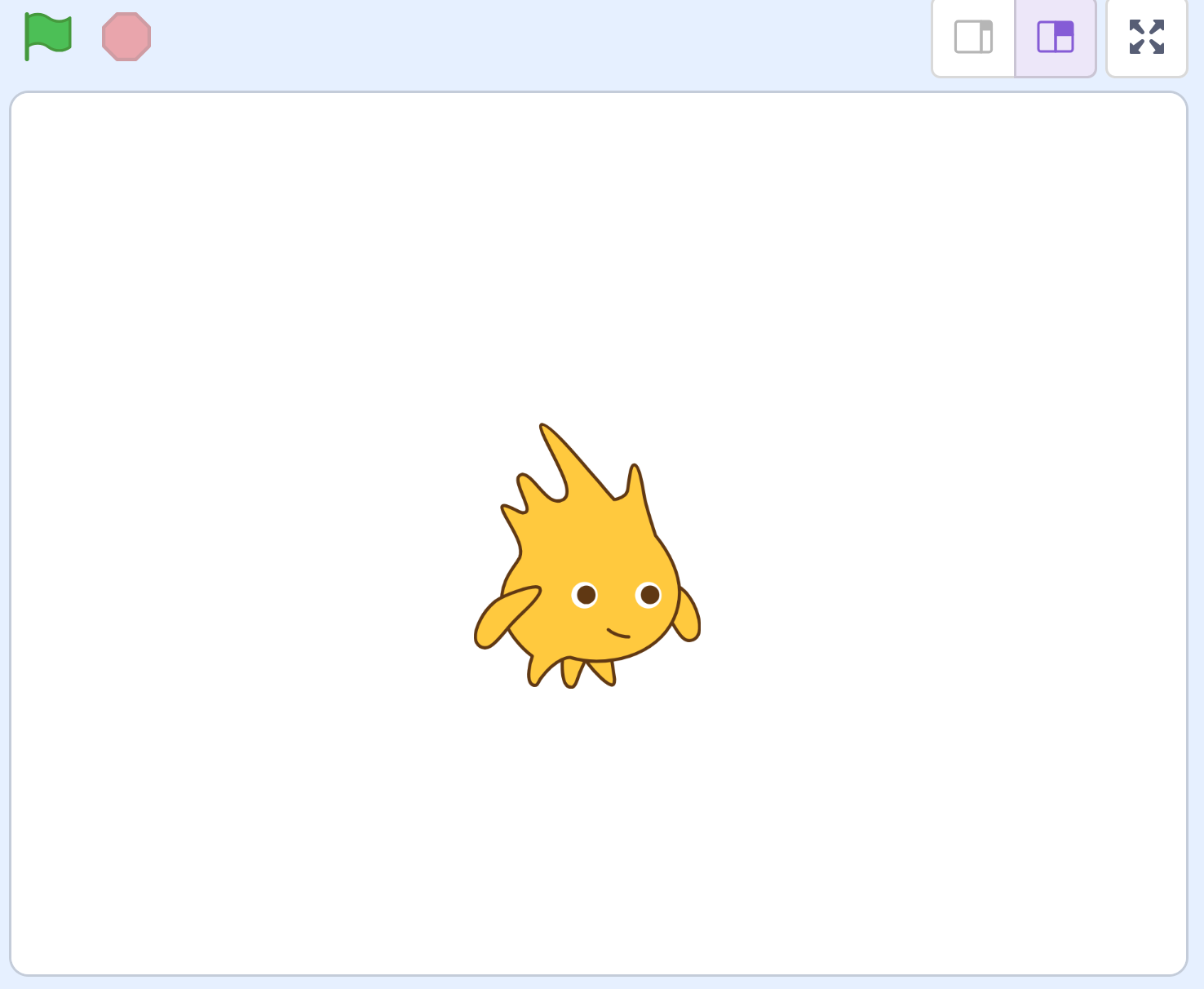
Add a new sprite to the project that will represent the computer's choice in the game. You can choose any sprite you like, but for this example, we'll use the 'Gobo' sprite.
Create two new variables:
playerChoice- to store the player's choice.computerChoice- to store the computer's choice.
In this step, you will add code to your sprite to randomly set the computer's choice to 1, 2, or 3. These numbers will represent the computer's choice of rock, paper, or scissors, respectively:
- 1 = Rock
- 2 = Paper
- 3 = Scissors
Add the following code to your sprite:
when green flag clicked
set [computerChoice v] to (pick random (1) to (3))
Unlock the full learning experience
You're previewing this lesson. Get full access to this lesson and hundreds more — each one ready to teach, with interactive activities, printable resources and pupil progress tracking built in.
This lesson is copyright of Coding Ireland 2017 - 2026. Unauthorised use, copying or distribution is not allowed.
Scratch is developed by the Lifelong Kindergarten Group at the MIT Media Lab. It is available for free at https://scratch.mit.edu