Today you will
- set out a page in two columns, like a newspaper
- keep your title full width across the top
- make a one-page newsletter about your Something Real project
Warm-up
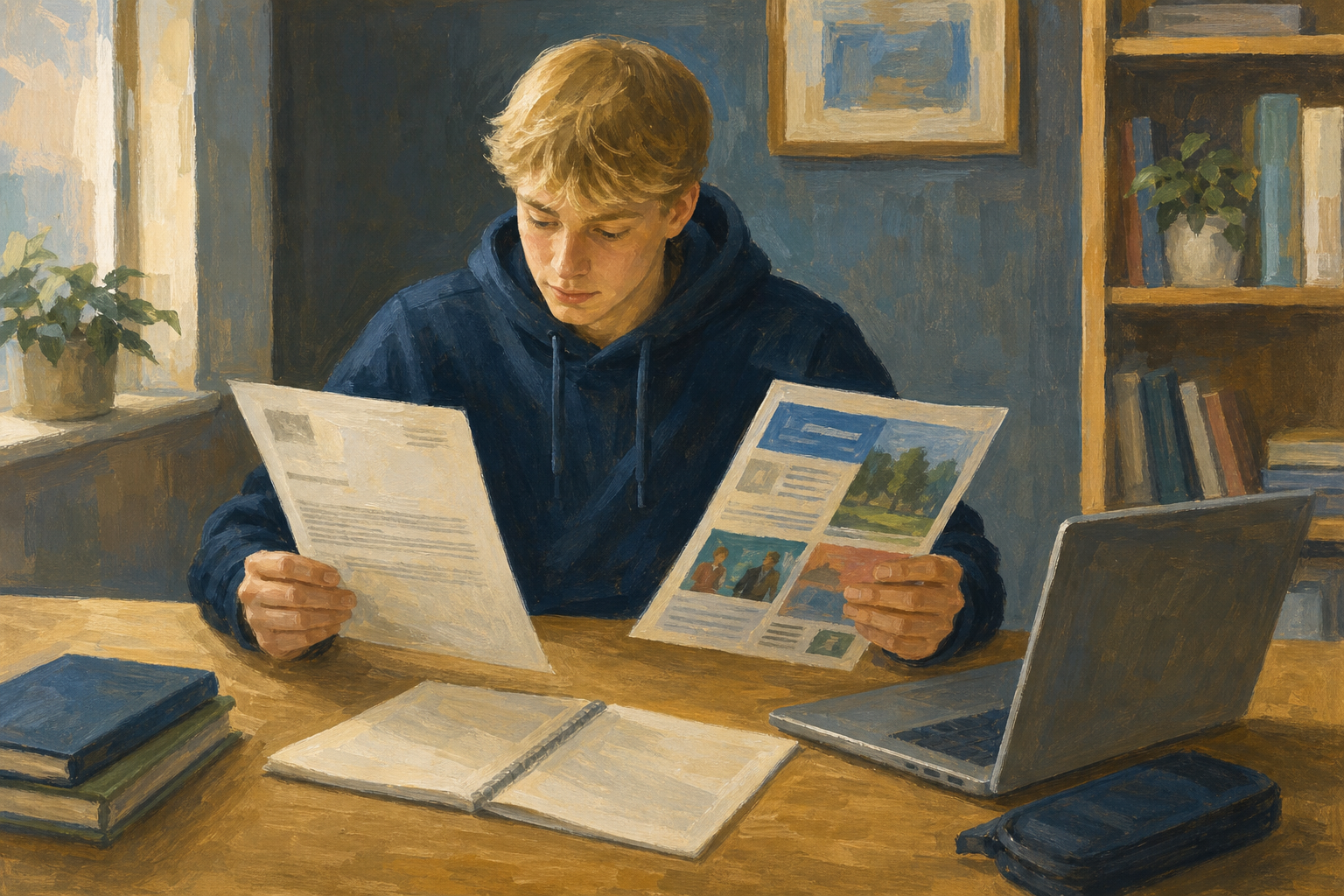 Think of the last leaflet or club notice you read. Was the title across the whole top of the page?
Say your project's name out loud. If you have no project yet, use a school bake sale for today.
Columns split the body text into strips down the page, like a newspaper.
A full-width heading runs across the whole page above the columns, so readers see the name first.
A column break pushes the next text to the top of the next column.
Match the layout to the job. A CV or a letter stays in one column.
Example
Your practice file is a newsletter for Coastal Crafts, who sell phone charms. Its title goes across the top, with three sections in two columns below.
You will make a practice newsletter for Coastal Crafts called {{code:sm1_columns_practice}}. Watch your teacher first, then follow the steps in the box below for Word or Google Docs.
When the steps tell you, paste in this text:
What's new this week
New seaweed-green charm packs are in. Three local cafés asked about gift bundles for the bank-holiday weekend.
How to order
Message the stall page before Friday. Collection at the Saturday market or school pickup on Monday lunch.
Next dates and pitch note
Saturday market 10–2. Aim: 40 packs. Need two volunteers for the table and one clear price card in euro.
Common issues
- My title is in a column. Undo, select only the body text, and choose two columns again. In Google Docs, check there is a section break under the subtitle.
- The column break does nothing in Word online. Shorten the first section so the columns look even instead.
- Three columns look squashed. Go back to two columns.
Independent Practice
- In {{code:sm1}}, make a new document called {{code:sm1_doc2_newsletter_v1}}.
- Type a title and a subtitle for your project.
- Write three short sections about your project, using these headings:
What I want you to do
When and where next
- Set the body only to two columns, so the title stays full width.
- Add a column break after section 1, or shorten sections so the columns look even.
- {{code:sm1_doc2_newsletter_v1}} is saved in {{code:sm1}}.
- My title is full width above two columns.
- I have three short sections about my own project.
- A classmate can say what is happening after 30 seconds.
Unlock the full learning experience
You're previewing this lesson. Get full access to this lesson and hundreds more — each one ready to teach, with interactive activities, printable resources and pupil progress tracking built in.
This lesson is copyright of Coding Ireland 2017 - 2026. Unauthorised use, copying or distribution is not allowed.