Warning: Your screen size is quite small for viewing this. Rotate your device into landscape mode if you can.
Today you will
- learn six words about browsers, websites and cloud storage
- make your own Digital Literacy Glossary
- write each word in your own words, with a real example
Warm-up
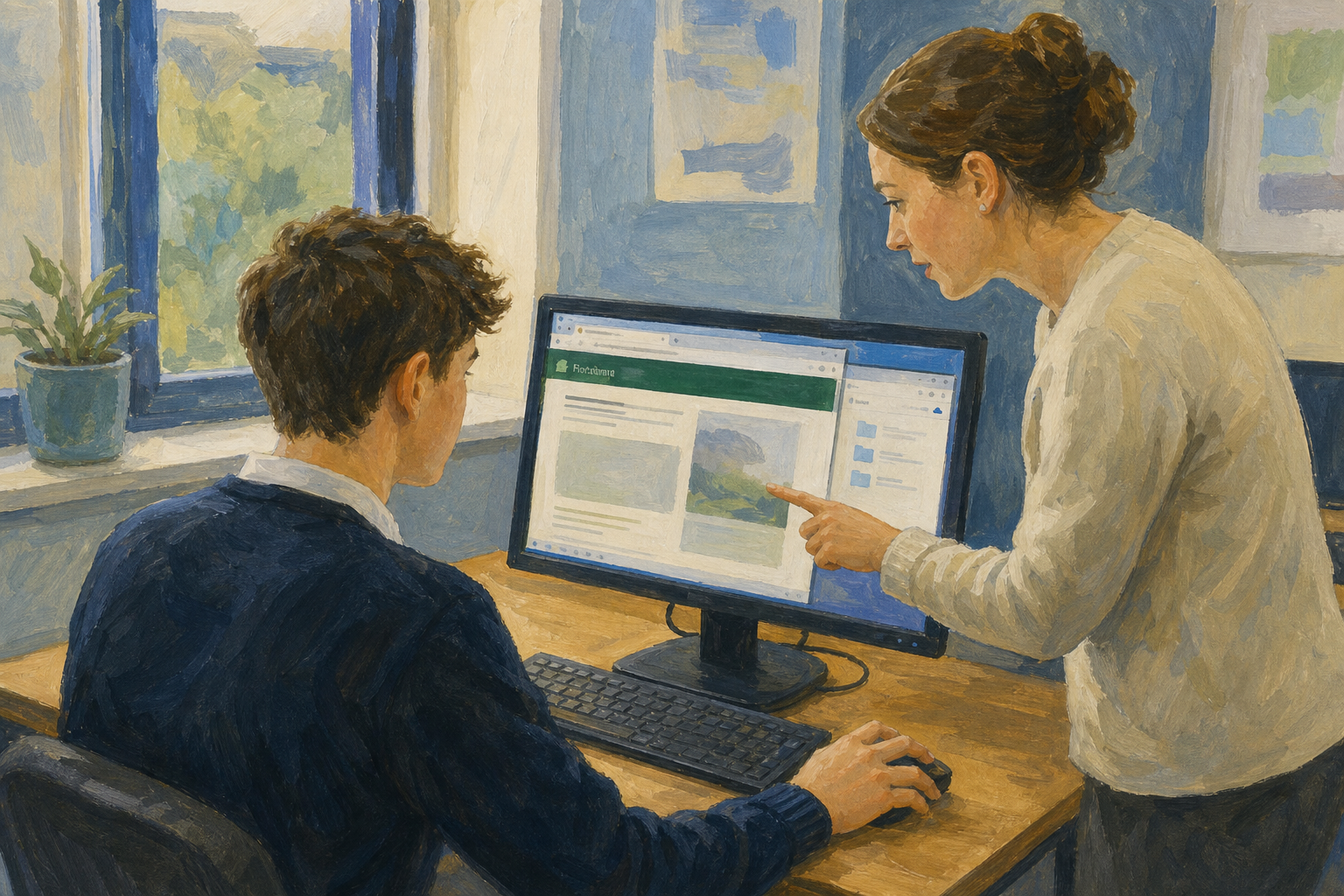 What is the difference between a URL and a domain? Keep your answer in your head. You will check it in a few minutes.
Today's six words
- A web browser is the app that opens websites, like Chrome or Edge.
- The user interface (UI) is everything on screen you see and click.
- Cloud storage means online folders you can open on any computer, like OneDrive.
- A URL is the full web address of a page.
- The domain is just the short site name inside the URL.
- HTTPS means the connection is encrypted, and you see a padlock.
Example: In https://www.citizensinformation.ie/en/ the whole address is the URL, and citizensinformation.ie is the domain.
Watch your teacher do this first. Then follow the steps in the box below to make your glossary in {{code:sm4}} and fill in the first three rows.
If something goes wrong
- If you can't find {{code:sm4}}, go back to {{code:Project_Portfolio}} and open {{code:09_specialism}} first.
- If your document saved in the wrong place, move it into {{code:sm4}}.
- If you mixed up URL and domain, remember that the domain is only the short site name, like citizensinformation.ie.
- If your table is the wrong size, remember you need 3 columns and 7 rows.
Independent Practice
Your goal: Finish all six words in your glossary, in your own words.
Time: ~20 minutes
Task: Watch your teacher do the HTTPS row first, then:
- Open {{code:sm4_digital_literacy_glossary}} in your {{code:sm4}} folder.
- Fill in a definition and a real example for User interface (UI), Domain and HTTPS.
- Write each definition as you would say it to a friend.
- Make sure at least one example comes from your investigation topic.
- If you get stuck, look back at the six words in Key concepts, or ask your teacher for one more example.
If you have no glossary yet, make it in {{code:sm4}} and copy in this table.
| Term | Definition in my words | Real example |
|---|---|---|
| Web browser | The app I open to look at websites | Edge or Chrome |
| URL | The full web address of a page | (paste a real web address here) |
| Cloud storage | Online folders I can open on any computer | Project_Portfolio in OneDrive or Google Drive |
| User interface (UI) | ||
| Domain | ||
| HTTPS |
Success criteria:
- My glossary is saved in {{code:sm4}}.
- All six words have a definition in my own words.
- Each word has a real example.
- A classmate could understand any row without help.
123learn · Online learning platform
Unlock the full learning experience
You're previewing this lesson. Get full access to this lesson and hundreds more — each one ready to teach, with interactive activities, printable resources and pupil progress tracking built in.
Hundreds of curriculum-aligned lessons
Interactive activities in every lesson
Printable resources & progress tracking
Copyright Notice
This lesson is copyright of Coding Ireland 2017 - 2026. Unauthorised use, copying or distribution is not allowed.
This lesson is copyright of Coding Ireland 2017 - 2026. Unauthorised use, copying or distribution is not allowed.