Today you will
- sort real cases to decide who can use what
- set up a Rights Audit, a table of who owns your media, in {{code:09_specialism/sm4/}}
- check three images or clips from your investigation
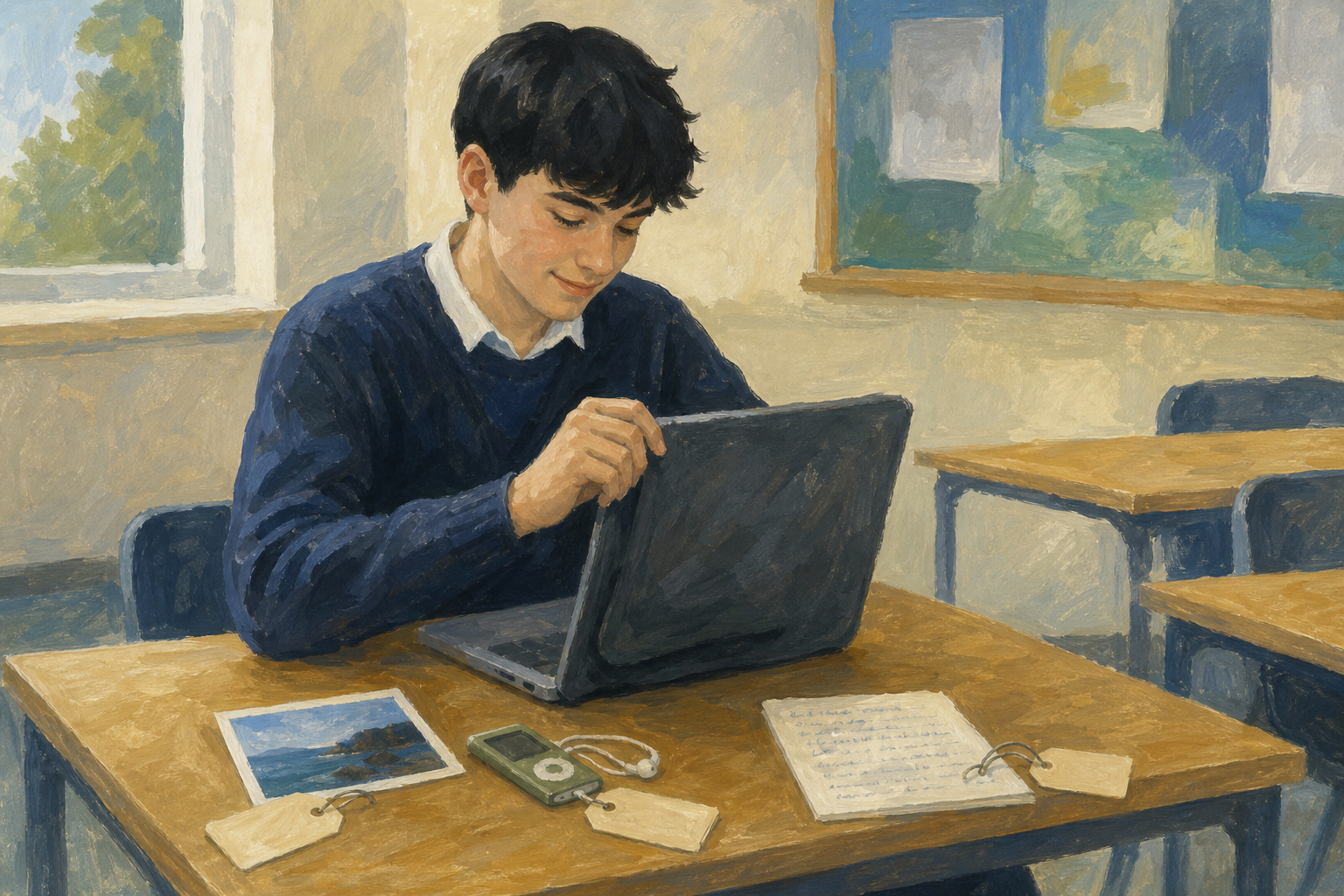 Every photo, song and quote has an owner.
Warm-up
Think of one image or song in your investigation. Who made it?
Copyright means the maker decides who can reuse their photo, song or writing.
Public domain work has no copyright, so anyone can reuse it.
Citing is using a short quote with the source named. Copying is pasting big chunks as if they were yours.
A licence gives the reuse rules, and permission is a clear yes from the owner.
Example
A local shop's logo on its website has no licence line, so you can't use it. Take your own photo of the shop front instead.
As a class, sort eight cases into three buckets. The buckets are free to use, OK if you cite, credit or follow the licence, and not allowed.
Eight ownership cases
Common issues
- "It was on Google Images, so it's free." It isn't. Find the real page and read the rules, or take your own photo.
- "I credited it, so I can use the whole song." A credit covers a short quote, not a full song or article.
- "There's no licence line." Don't use it yet. Swap in your own photo or a file whose licence allows it.
Watch the demo on the board. Then make a blank Rights Audit document with a table of four columns. You will fill in the rows in the next step, so follow the steps in the box below.
Type these four headings in the top row:
| Image or media | Source | Licence type | Why this use is legitimate |
|---|
Unlock the full learning experience
You're previewing this lesson. Get full access to this lesson and hundreds more — each one ready to teach, with interactive activities, printable resources and pupil progress tracking built in.
This lesson is copyright of Coding Ireland 2017 - 2026. Unauthorised use, copying or distribution is not allowed.