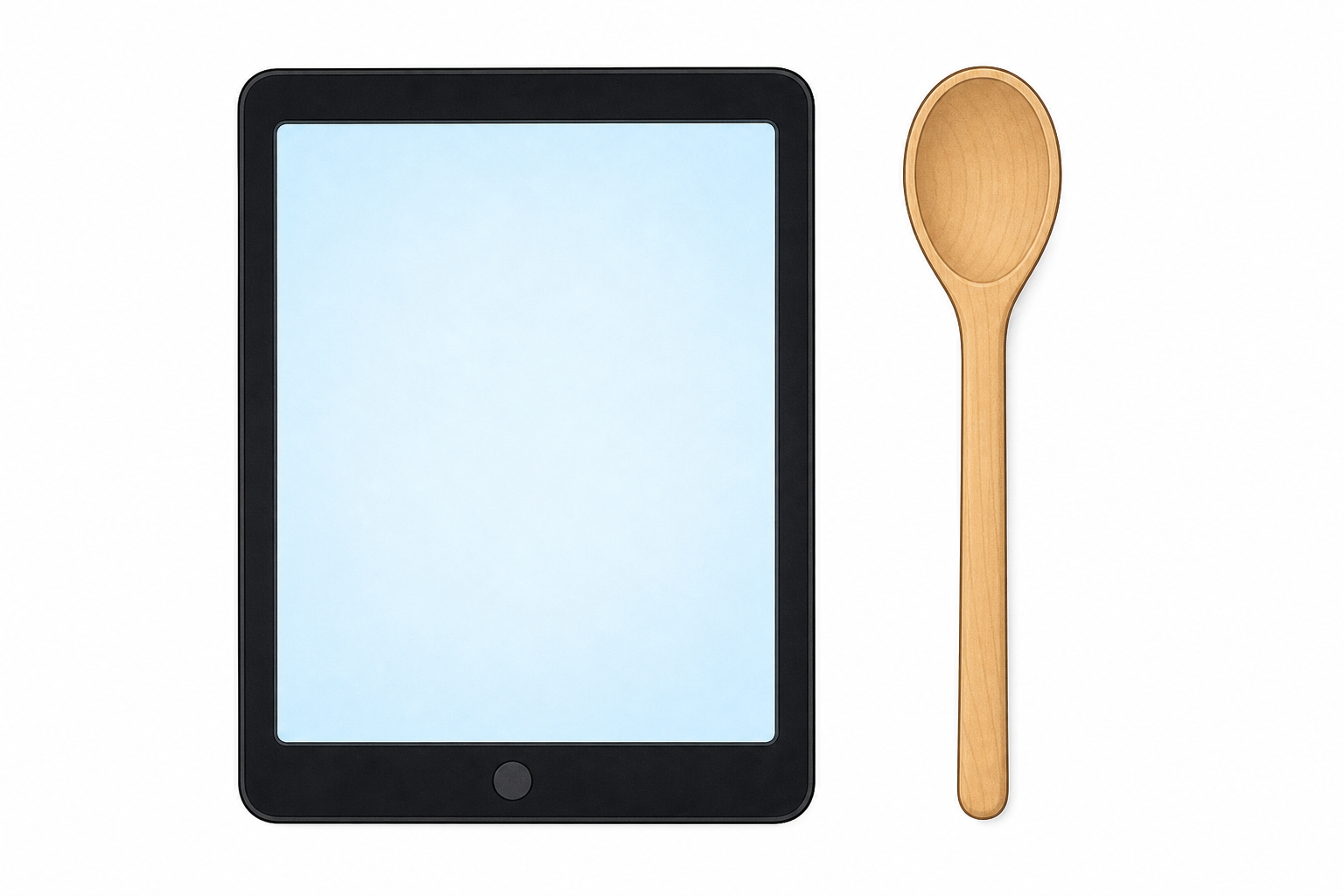
 Look at these two helpers: a tablet and a wooden spoon. Both help people do a job. What is different about how they work?
Hands up: which one needs power? Which one does not?
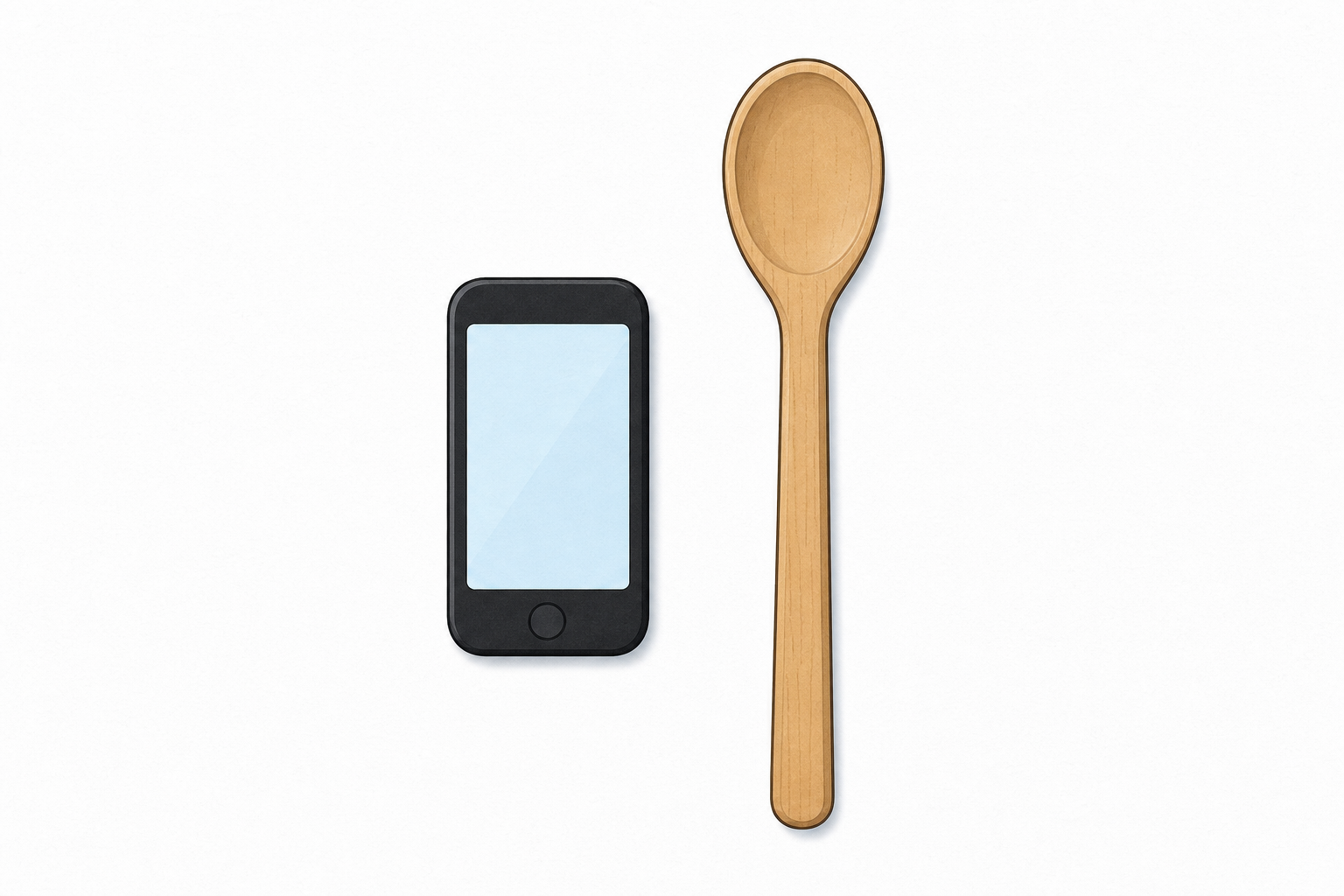 Is a spoon digital or non-digital? Is a phone digital or non-digital?
Look at the spoon: it is non-digital. Look at the phone: it is digital.
Digital technology needs power and has a screen, or buttons and lights that only work when it is on.
Non-digital technology works without a screen and without those buttons or lights.
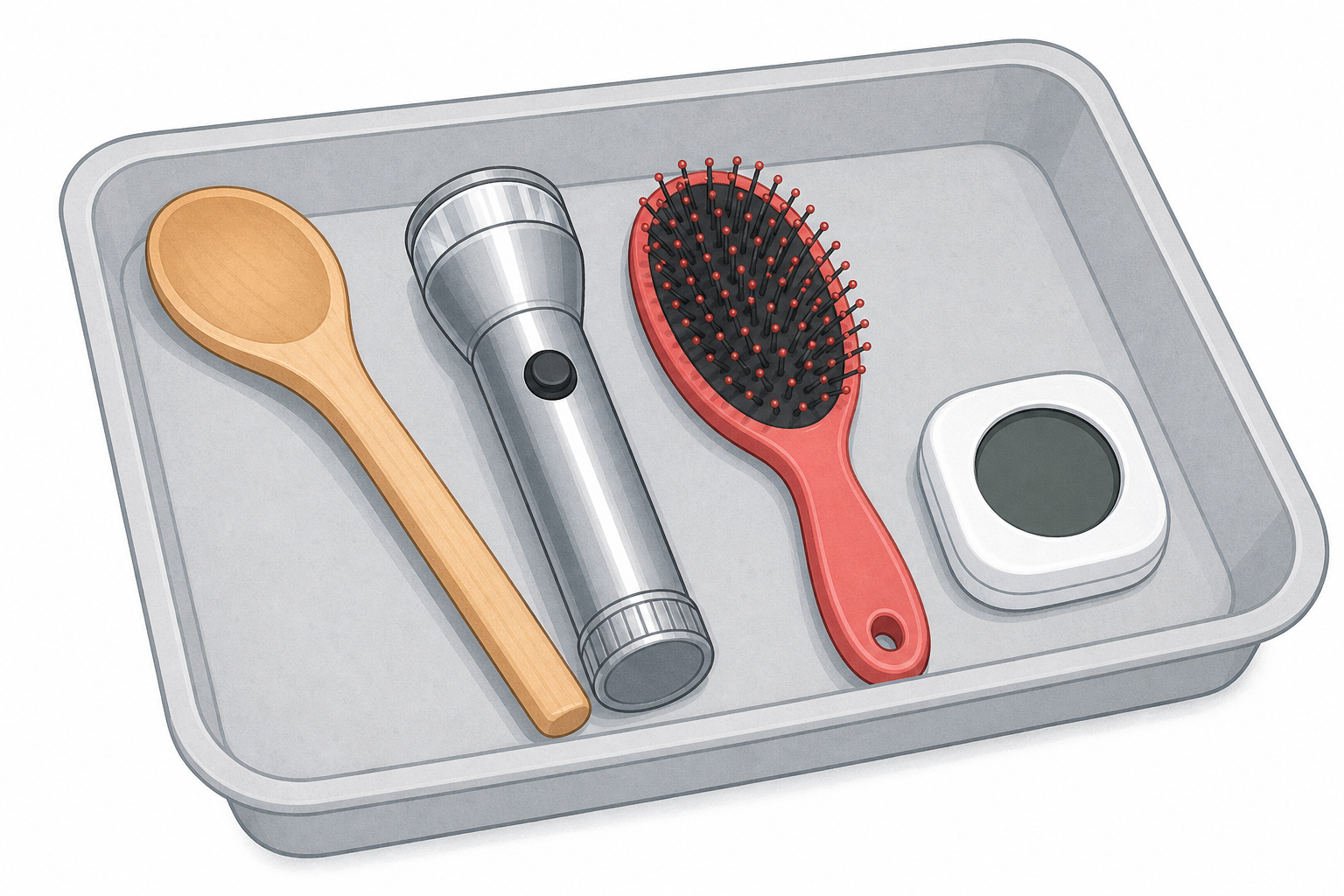 Helpers are on our tray. When each one is held up, look carefully.
What is it? What job does it do for us?
Do not say digital or non-digital yet. That comes next.
Two hoops are on the floor: one for digital and one for non-digital. We will place each helper in the hoop that fits. Say why before it goes in.
Now the hard ones.
Call out digital or non-digital, and say why.
Careful with the torch. It takes a battery. Does that make it digital?
Digital or not? The hard ones
Unlock the full learning experience
You're previewing this lesson. Get full access to this lesson and hundreds more — each one ready to teach, with interactive activities, printable resources and pupil progress tracking built in.
This lesson is copyright of Coding Ireland 2017 - 2026. Unauthorised use, copying or distribution is not allowed.