Intermediate
40 mins
Teacher/Student led
+70 XP
What you need:
Chromebook/Laptop/PC
Clipchamp account (Microsoft or Google)

Editing Video with Clipchamp, Part 1: Import, Sequence and Trim

Students import three clips into Clipchamp, stack them on separate tracks and trim each to a set length, ending with a saved project that plays in order.
Teacher Class Feed

Load previous activity

    1 - Start ~4 mins

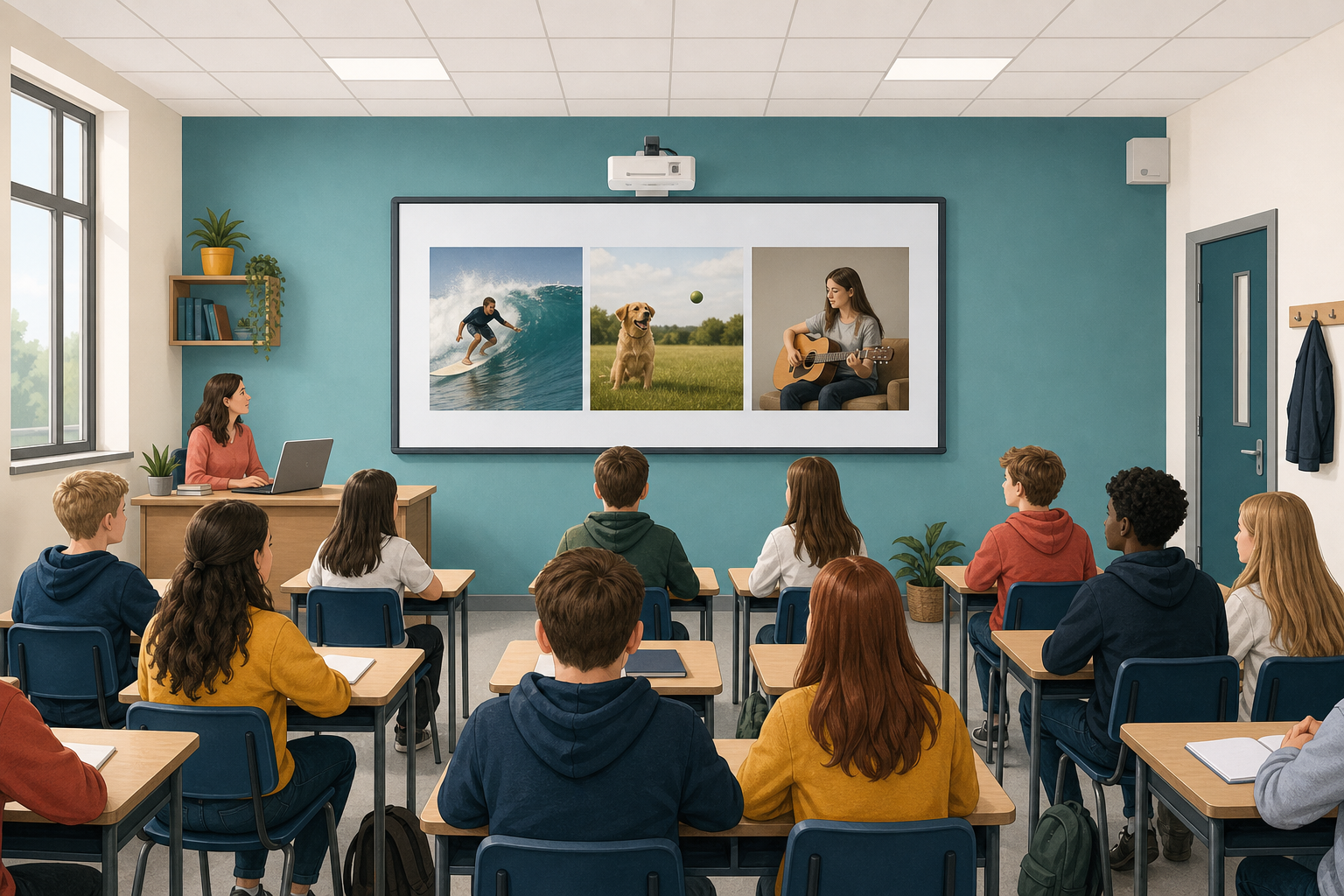
    Illustration for StartPlay the class two versions of the same three clips, cut in a different order. Ask what each version says happened.

    Same footage, nothing added. The order did all the work.

    Today you build the sequence. Next lesson you finish it and re-cut it to see the effect for yourself.

    The clips for this lesson

    Download all three before you start. Each opens in a new tab; use the download control in the player to save it.

    2 - Timelines and Tracks ~5 mins

    Illustration for Timelines and tracksA video editor shows your footage as a timeline: a strip running left to right, where left is the start and right is the end.

    WordWhat it means
    ClipOne piece of footage or sound sitting on the timeline.
    TrackOne row of the timeline. Stacked rows play at the same time, which is how an overlay or a soundtrack works.
    TrimMaking a clip shorter by dragging its edge in.
    PlayheadThe vertical line showing which moment you are looking at.
    Why more than one track

    Keeping the base video, the overlay and the sound on separate rows means you can change one without disturbing the others. That is the whole reason editors stack them.

    3 - Hands-on: Import and Place Your Media ~13 mins

    Open Clipchamp and sign in, then build the stack: base video, overlay above it, sound below.

    4 - Hands-on: Trim to Length and Save ~13 mins

    Now cut each clip to the length it needs. Drag the edge of a clip inwards to trim it; the timecode shows the length as you drag.

    ClipTrim to
    Ring of Fire (base video)6 seconds
    Computerised Globe (overlay)4 seconds
    Special effects music6 seconds, matching the base video

    5 - Make Sense ~3 mins

    You have a sequence: three pieces of media, stacked on separate tracks, each cut to a deliberate length.

    Key point

    Nothing here was invented. Every decision was about what to keep, how long to keep it, and what sits on top of what. That is editing.

    What would change if the globe ran the full six seconds instead of four?

    123learn · Online learning platform

    Unlock the full learning experience

    You're previewing this lesson. Get full access to this lesson and hundreds more — each one ready to teach, with interactive activities, printable resources and pupil progress tracking built in.

    Hundreds of curriculum-aligned lessons
    Interactive activities in every lesson
    Printable resources & progress tracking
    Copyright Notice
    This lesson is copyright of Coding Ireland 2017 - 2025. Unauthorised use, copying or distribution is not allowed.
    🍪 Our website uses cookies to make your browsing experience better. By using our website you agree to our use of cookies. Learn more