1 - Introduction ~5 mins
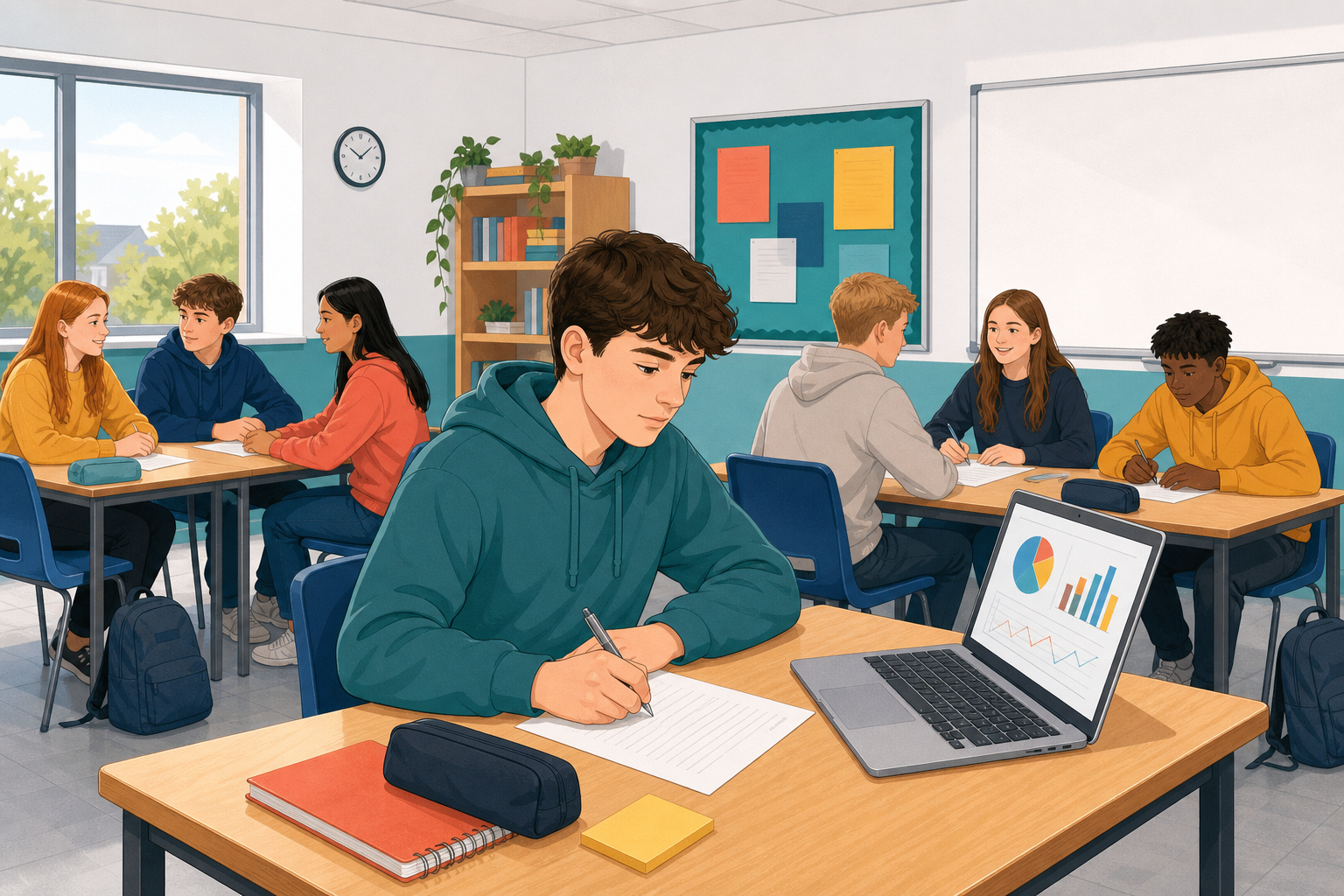 Today you finish the module with a one-page findings note and a two-minute dashboard briefing to a group of four.
By the end of this lesson, you will be able to:
- Write a findings note with limits and a recommendation
- Include a view-only dashboard link
- Present for two minutes and answer one question
Warm-up
Jot four spine sentences in one minute: main finding, sample size, one limit, one recommendation. Keep them for {{code:10_findings}}.
2 - Key Concepts ~5 mins
Four ideas shape your note and briefing.
| Concept | Why it matters | Example |
|---|---|---|
| Findings note: a one-page write-up of what the survey shows | Busy readers need the point without opening every sheet | Bus is the most common way TY students get to school |
| Certainty statement: who answered, who did not, and what you cannot claim | Honest limits stop you overselling a small sample | Only TY classmates answered; juniors were not surveyed |
| Actionable recommendation: one change aimed at a named person who can act | Findings without a next step rarely change anything | Ask the student council to trial covered cycle parking |
| Two-minute briefing: question, one finding, one chart, recommendation | Short keeps every voice in the group heard | How do TY students get to school? Bus is most common. Show the bar chart. Trial covered cycle parking near the main gate. |
Sample note (24 TY getting-to-school answers). Shows: bus most common; walkers rate journeys higher. Sure: one year group; times self-reported. Recommendation: student council trials covered cycle parking for one term. Dashboard link: [view-only link].
Your note links to the dashboard view-only, so readers can see it but cannot change your formulas. The next step gets the link.
3 - Get Your View-only Link First ~5 mins
Before you write, copy a view-only link to {{code:02_survey_analysis}}. You will paste it into your findings note. View-only means readers can see charts but cannot change formulas.
If you cannot see {{code:Digital_Spreadsheets}} or {{code:02_survey_analysis}}, tell your teacher before you continue.
4 - Common Issues ~3 mins
Common Issues
| Issue | Solution |
|---|---|
| I have no view-only link yet | Go back to the step before and follow the Share steps for your suite. |
| My note is longer than one page | Cut to two or three findings, one limits paragraph, and one recommendation |
| I am not sure who the recommendation is for | Name the person who could act: principal, student council, PE department, or parents' association |
| I cannot find {{code:Digital_Spreadsheets}} or {{code:02_survey_analysis}} | Tell your teacher before writing. Do not invent a new folder or workbook name |
5 - Mini-project: Write Your Findings Note ~20 mins
Write a one-page findings note someone could act on, and save it as {{code:10_findings}}. Use your own cleaned survey data when you have ten or more answers; otherwise use the sample and say so.
This is a one-pager, not an essay. Two or three solid findings beat a long vague list. If your real sample is small, say so in the certainty section; honesty is part of good work here.
If your teacher set the note as homework, jump to the Done when checks, confirm your link and sections, then wait for groups.
Write four short sections:
- What the data shows (two or three clear findings)
- How sure you can be (who answered, who did not, what the survey cannot tell)
- One recommendation to a named person who could act
- Your view-only link to {{code:02_survey_analysis}} (paste the link you copied)
The note fits one page, names a real reader, states limits honestly, and the link opens the dashboard in view-only mode.
Unlock the full learning experience
You're previewing this lesson. Get full access to this lesson and hundreds more — each one ready to teach, with interactive activities, printable resources and pupil progress tracking built in.
This lesson is copyright of Coding Ireland 2017 - 2025. Unauthorised use, copying or distribution is not allowed.