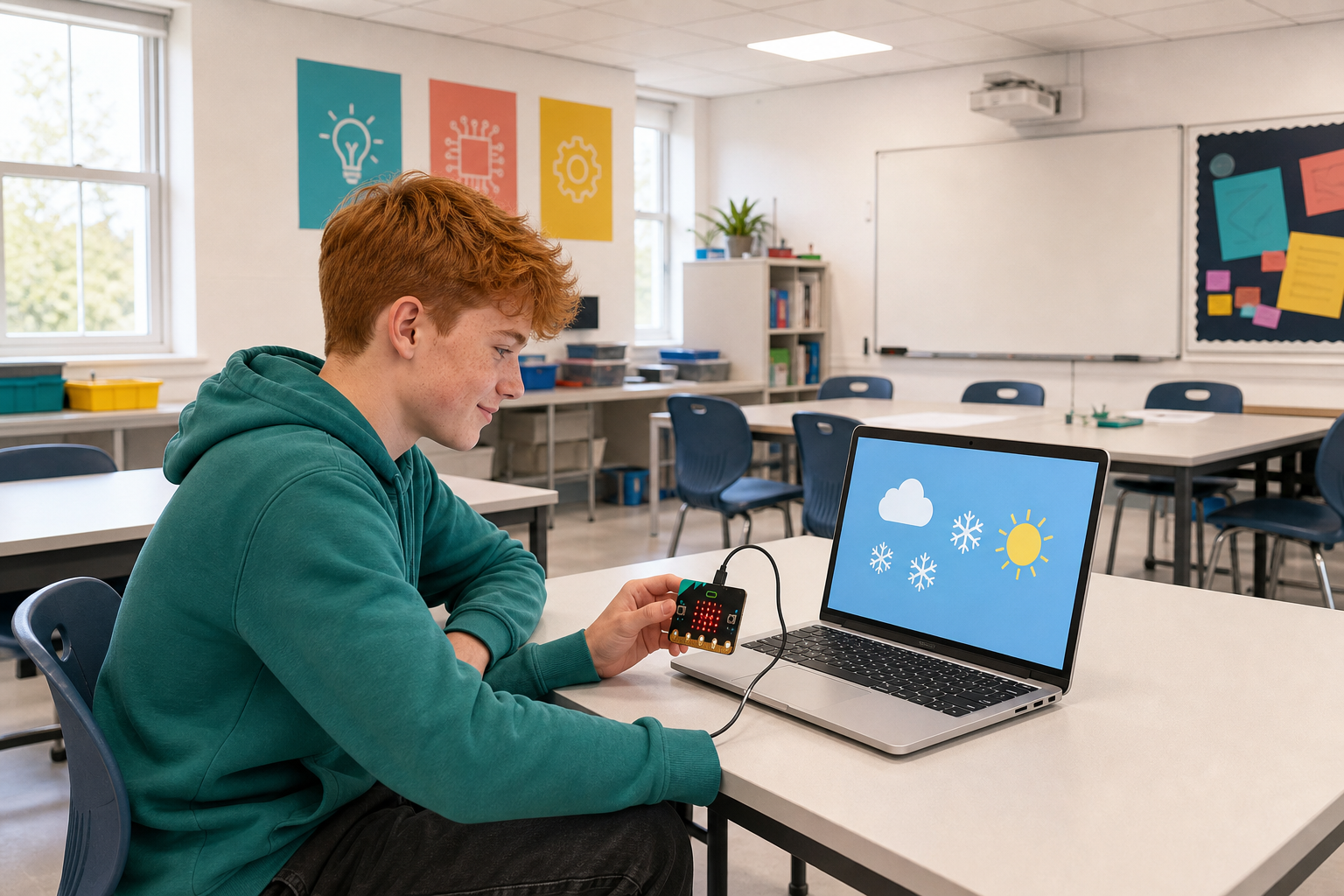
 You can already run Python on the micro:bit and make the display show images or scroll text.
What is one reason you might want to give a block of code its own name and use it more than once?
Today you will write and call your first procedures and functions in Python, then build a simple weather station that picks a cold, moderate or hot symbol from a temperature you give it.
You have written the same few lines more than once by now. A function lets you write them once, give them a name, and then use that name wherever you need them.
Two things come with that. You fix it in one place instead of hunting for every copy. And a name like show_temperature tells the next reader what a block of code is for, which the code itself does not.
Later you will send a value into a named block of code, so the same code can do its job with a different number each time.


A procedure is a block of code that can be reused throughout a program. Think of it as a sequence of instructions bundled together under a common name. Unlike functions, procedures do not return values. They just perform an action.
Let's create a simple procedure using the micro:bit to display a smiley face:
from microbit import *

def show_smiley():
    display.show(Image.HAPPY)
    sleep(1000)
    display.clear()

show_smiley()
In the above code, show_smiley() is a procedure that shows a smiley face on the micro:bit's display for one second and then clears the screen. We define the procedure using the def keyword and call it by its name followed by parentheses ().
To create a new Python project for a Microbit, open the website python.microbit.org.
This will open the code editor with a new project. It might have some example code already added such as:
# Imports go at the top
from microbit import *

# Code in a 'while True:' loop repeats forever
while True:
    display.show(Image.HEART)
    sleep(1000)
    display.scroll('Hello')
You should delete this code except for the import line that you will need. This imports the necessary libraries you will need to code a microbit.
# Imports go at the top
from microbit import *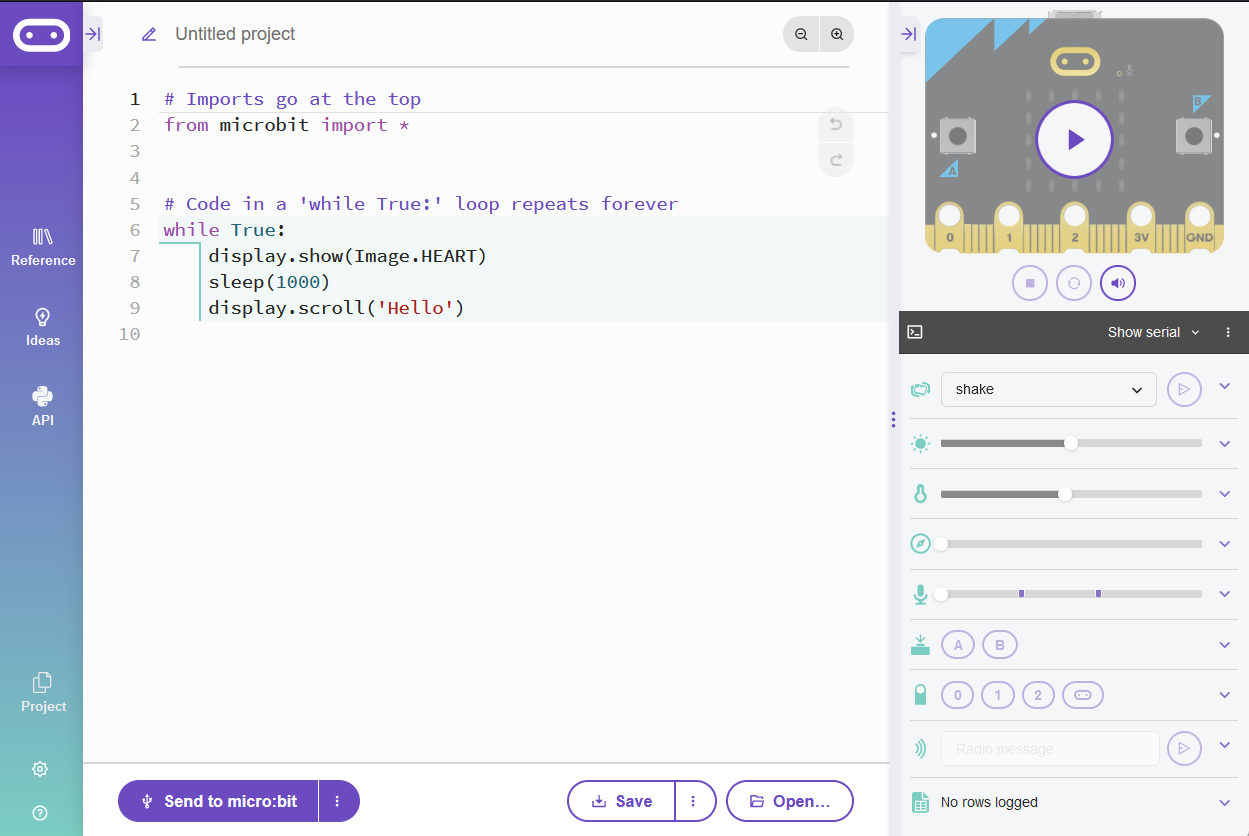
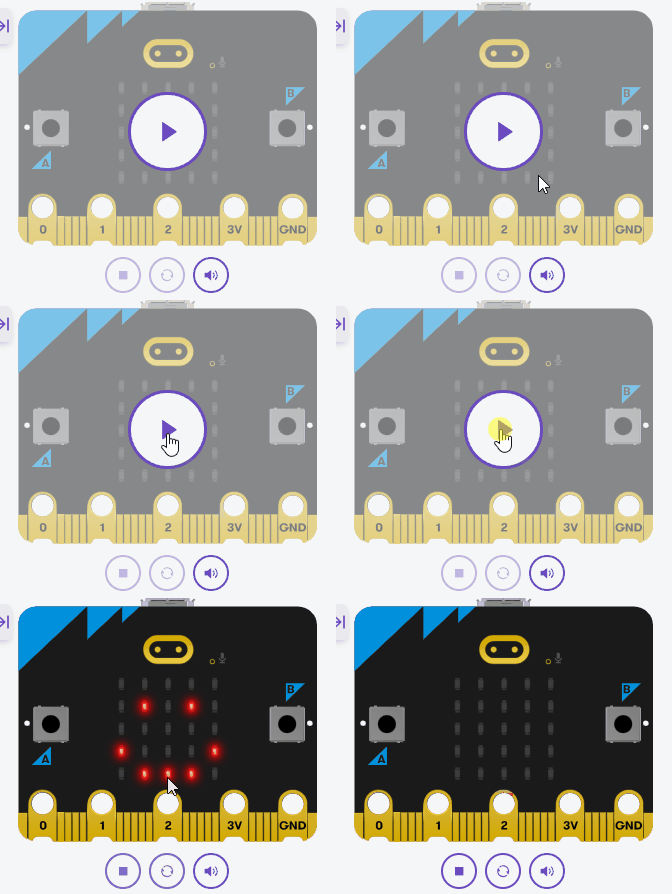
While procedures perform actions, functions can return values. This allows them to be more flexible in many scenarios. Functions in Python are defined using the def keyword, similar to procedures.
Let's create a function that returns the square of a number:
from microbit import *

def square(number):
    return number * number

result = square(4)
display.scroll(str(result))
Here, the function square() calculates the square of the provided number and returns it. When we call the function with an argument of 4, the micro:bit will scroll the result, which is 16.
square() function and run your code again.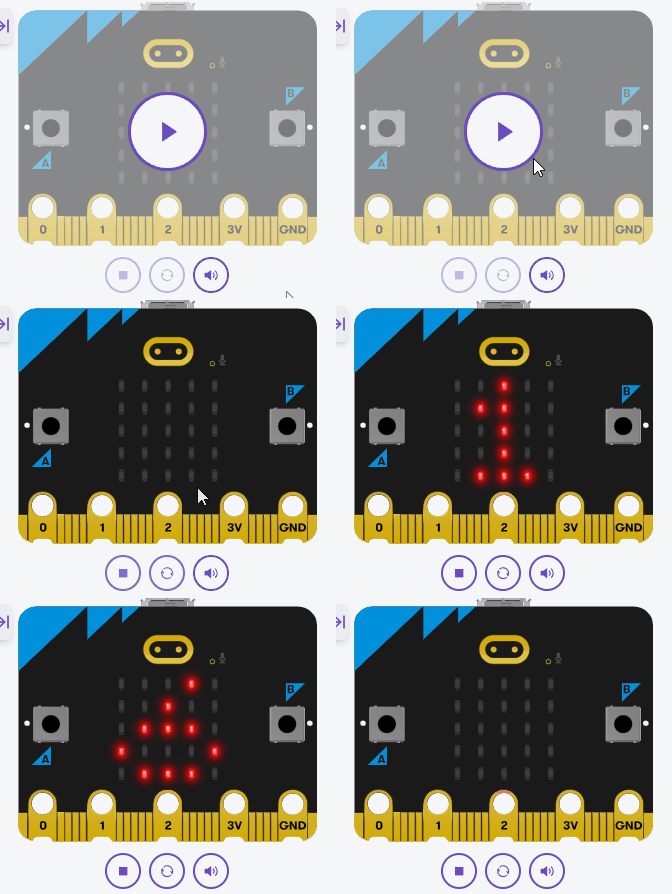
Parameters allow us to pass information into our functions, making them more flexible. A function can have multiple parameters, separated by commas.
Let's create a function that takes two numbers as parameters and returns their sum:
from microbit import *

def add_numbers(a, b):
    return a + b

total = add_numbers(5, 3)
display.scroll(str(total))
In this example, our function add_numbers() accepts two parameters, a and b. When called with the arguments 5 and 3, the function returns 8, and the micro:bit scrolls this result on its display.
add_numbers() function and run your code again.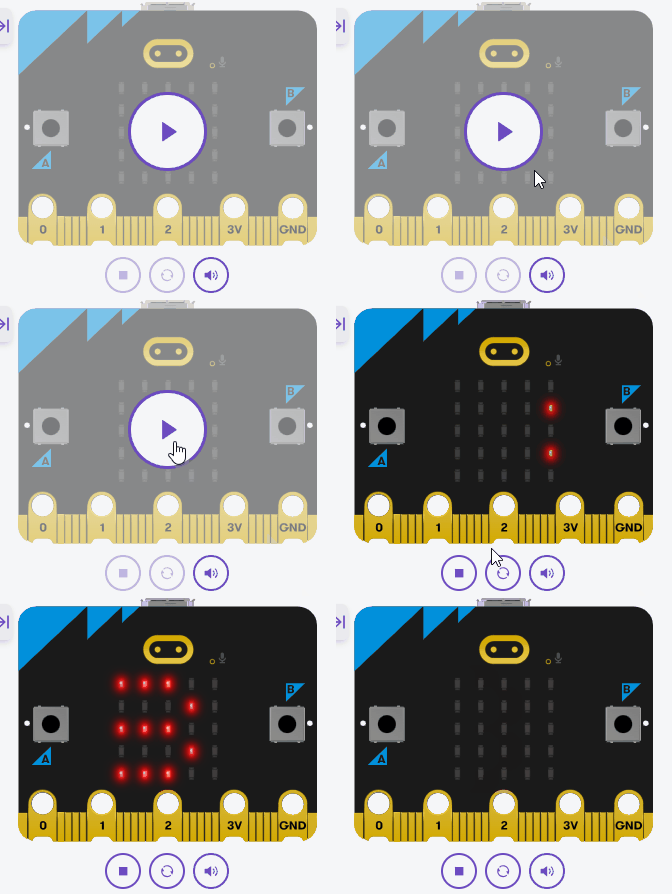
Unlock the full learning experience
You're previewing this lesson. Get full access to this lesson and hundreds more — each one ready to teach, with interactive activities, printable resources and pupil progress tracking built in.
This lesson is copyright of Coding Ireland 2017 - 2026. Unauthorised use, copying or distribution is not allowed.