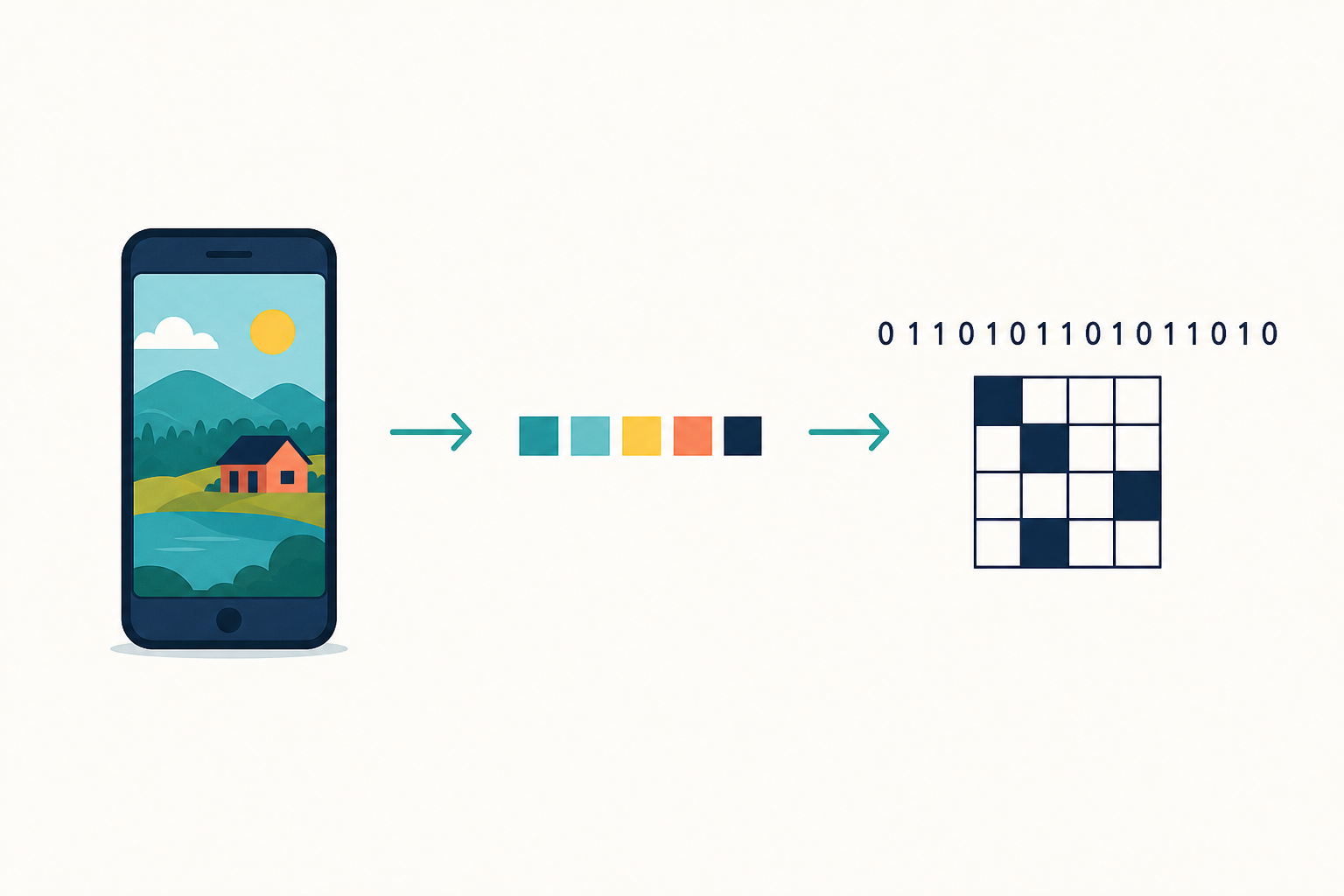
 Your games, your website, your photos: the computer stores every one of them as 0s and 1s. Today you will encode a short message by hand, colour a tiny picture from a bit pattern, then decode someone else's bits back into letters and a drawing. By the end you will be able to explain how numbers, text and images all become binary.
A bit is the smallest piece of data a computer can store. It is either a 0 or a 1. Everything a computer keeps is built from bits.
Numbers. Binary counts in powers of two. With four bits you can store the numbers 0 to 15 (for example 0001 = 1, 0101 = 5, 1111 = 15).
Text. Every letter is first given a number, then that number is stored as bits. Today you will use this short class code (not the full computer code, just enough to send a message):
| Letter | Bits | Letter | Bits |
|---|---|---|---|
| A | 0001 | B | 0010 |
| C | 0011 | D | 0100 |
| E | 0101 | H | 1000 |
| I | 1001 | L | 1100 |
| O | 1111 | space | 0000 |
Work on paper. Keep the class code table where you can see it.
- Encode a short message. Choose a word or short phrase using only the letters in the class code (A, B, C, D, E, H, I, L, O and space). Good options: HI, HELLO, CODE, BAD, CAB.
- Write each letter, then write its 4-bit code underneath. Leave a gap between each group of four bits so it stays readable.
- Example: HI becomes 1000 1001.
Done looks like: your message written as letters and as groups of four bits.

Images. A picture on a screen is a grid of tiny dots called pixels. In a simple black-and-white image, each pixel is one bit: 1 means colour it in, 0 means leave it blank. Line the bits up in rows and a picture appears.
Stay on paper.
- Colour a pixel grid from bits. Draw a 4 by 4 grid (16 squares). Use this bit pattern, reading left to right across each row, top row first:
Row 1: 0 1 1 0
Row 2: 1 1 1 1
Row 3: 1 0 0 1
Row 4: 0 1 1 0
Colour a square when the bit is 1. Leave it blank when the bit is 0. What picture did the bits make? Name it in a few words (for example smile, window, letter O). Any reasonable answer is fine. - Make your own 4 by 4. Design a tiny black-and-white picture (a letter, a simple face, a cross, an arrow). Write the 16 bits that store it, row by row. Keep this pattern: you will swap it with a classmate later.
Done looks like:
- the given bit pattern coloured in on a 4 by 4 grid
- your own 4 by 4 picture with its 16 bits written underneath
Unlock the full learning experience
You're previewing this lesson. Get full access to this lesson and hundreds more — each one ready to teach, with interactive activities, printable resources and pupil progress tracking built in.
This lesson is copyright of Coding Ireland 2017 - 2026. Unauthorised use, copying or distribution is not allowed.