Advanced
60 mins
Teacher/Student led
+65 XP

KA1 Workshop Part 1: Creating the Range of Documents

This lesson shows why ICT1 KA1 requires several word-processed documents. You will learn to lay out a formal letter correctly, write one for your project and save it as a PDF in your portfolio.

Teacher Class Feed

Load previous activity

    1 - Introduction ~6 mins

    Welcome

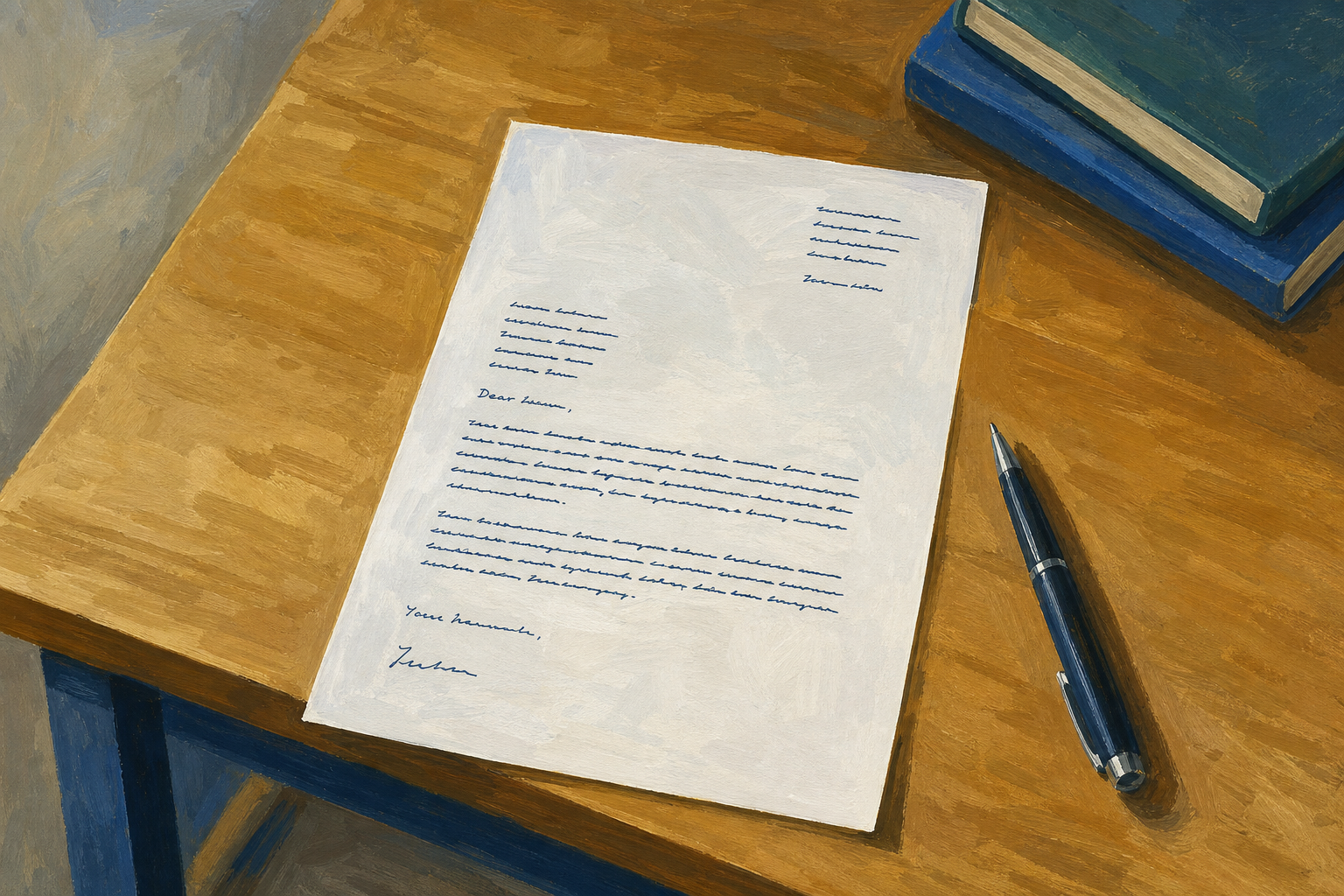
    Illustration for IntroductionYour proposal draft should already be in the portfolio. ICT1 Key Assignment 1 needs a range of word-processed documents for specific purposes, not one file dressed up twice. Today you add a second document type: a one-page formal letter connected to your Something Real project, aimed at a real or realistic stakeholder.

    Before you start (class check with your teacher):

    1. Project Portfolio open
    2. {{code:03_documents}} visible inside it
    3. Stakeholder chosen (name or role)

    If you cannot find the portfolio or the folder, tell the teacher now — they will help you open or recreate it before the letter work starts. If your proposal is missing, you can still write the letter today; you will catch the proposal up later.

    By the end of this lesson, you will be able to:

    • Explain that ICT1 KA1 needs a range of word-processed documents for specific purposes
    • Lay out a formal letter with salutation, body and sign-off
    • Write a one-page project-connected letter to a real or realistic stakeholder
    • Save {{code:03_letter}} and export a PDF copy for the portfolio

    Warm-up

    Think of one person outside this class who might actually read something about your Something Real project. Keep that name (or role) in mind. They are your letter’s audience today.

    If nobody comes to mind, pick one of these for practice: your LCA teacher, a subject teacher, a Work Experience supervisor, or a realistic club or community contact (for example a treasurer or centre coordinator). The letter does not have to be posted, but the tone should still pass the “would I send this?” test.

    If your project still needs concrete detail: pick one practice ask and one realistic figure so you can still finish today.

    • Practice ask (choose one): permission for a small stall or stand; a short meeting to explain your idea; an invite to see a quick demo of what you have built
    • Concrete detail (invent realistically if needed): a date in the next month, a place (school hall, clubhouse, placement site), or a cost around €20–€80 for materials

    You can replace these with real project facts later. Today the goal is a sendable layout and a clear purpose.

    2 - Key Concepts ~6 mins

    Look at the sample letter on the board (full text is also below if you need it while you work). In the next activity you rebuild this layout; later you write your own project version.

    What to notice:

    • Layout blocks in order: sender address, date, recipient, salutation, body, sign-off, name
    • Matching pair: “Dear Ms Byrne,” with “Yours sincerely,” (named person). Unknown name uses “Dear Sir or Madam,” with “Yours faithfully,”
    • Purpose in sentence one: the reader knows why you wrote before paragraph two
    • One page, plain formatting: short paragraphs, readable font, concrete detail (date, cost, ask)

    For KA1 today: layout order + matching Dear/Yours + editable file and PDF side by side (proposal is document one; this letter is document two).

    The sample is a model for structure, not wording to copy into your own {{code:03_letter}}.

    Full sample letter (open if you need the wording while typing)

    12 Oak Drive
    Kilkenny
    R95 AB12

    15 March 2026

    Ms Siobhán Byrne
    Treasurer
    St Mary’s GAA Club
    Clubhouse Road
    Kilkenny

    Dear Ms Byrne,

    I am writing to propose a small fundraising stall at the under-16 blitz on 12 April. I am an LCA student and I am developing a community fundraising project as part of my ICT coursework and Practical Achievement work.

    The stall would sell homemade bakes and simple club stickers. I have costed materials at about €45 and, based on similar stalls at recent blitzes, I expect to raise between €120 and €180 for club funds.

    I would be grateful if the committee would consider this proposal. I can meet at a time that suits you and can send a one-page plan with costs if that would help.

    Yours sincerely,

    Jordan Murphy
    LCA Year 1

    3 - Build a Formal Letter from the Sample ~18 mins

    Follow the steps for your word processor to create a one-page formal letter that matches the sample layout. You may type the sample blocks or paste them in and then fix spacing and font — the goal is layout practice, not speed typing.

    If your spacing looks messy at first, that is normal — get the blocks in order, then tidy blank lines. Paste from the copy block if typing every line will eat the clock.

    Save the practice file inside {{code:03_documents}} as {{code:03_letter_practice}}. You will create the real portfolio file {{code:03_letter}} in independent practice.

    Copy block (sample content for layout practice)

    Sender: 12 Oak Drive / Kilkenny / R95 AB12

    Date: use today’s date (or the date you would send the letter), not the sample’s 15 March 2026

    Recipient: Ms Siobhán Byrne / Treasurer / St Mary’s GAA Club / Clubhouse Road / Kilkenny

    Salutation: Dear Ms Byrne,

    Body (one short paragraph is enough in this practice): I am writing to propose a small fundraising stall at the under-16 blitz on 12 April. I am an LCA student developing a community fundraising project as part of my ICT coursework.

    Sign-off: Yours sincerely, / (blank lines for signature) / Jordan Murphy / LCA Year 1

    Must finish: layout blocks through sign-off on one page (the early steps).

    Finish if you have time (or with the teacher at the start of independent practice): export this practice letter once as PDF so the path is familiar. Your teacher will demo the PDF click path on the board before you try it.

    4 - Quick Fixes Before You Write ~2 mins

    Quick fixes

    Key point

    Practice file is done. Next file is the real KA letter named {{code:03_letter}} — use these two checks while you write.

    IssueSolution
    I cannot find {{code:03_documents}} Open your Project Portfolio in OneDrive or Google Drive first. If the folder is missing, create {{code:03_documents}} inside the portfolio now, then create the letter inside that folder.
    My tone still sounds like a text message Replace slang and emoji with full sentences. Open with why you are writing. Use “Dear …” and a matching “Yours sincerely” or “Yours faithfully”. Read one paragraph aloud: if you would not say it to a supervisor, rewrite it.

    5 - Independent Practice ~20 mins

    Independent Practice

    Your goal: Add a second KA1 document to your portfolio: a one-page formal letter about your Something Real project that a real stakeholder could take seriously.
    Time: ~20 minutes
    Task:

    Create and finish {{code:03_letter}} for your own project. Work through these steps in order:

    1. Open {{code:03_documents}} and create a new document named {{code:03_letter}}.
    2. Jot three short planning bullets at the top (delete them later): (1) who you are writing to and why they care, (2) what you are asking or telling them, (3) one concrete detail (date, place, cost, number, or clear ask — not only “my project”).
    3. Expand the bullets into short body paragraphs using the same layout blocks as the sample (sender address, today’s date, recipient, salutation, body, matching sign-off). Aim for three short paragraphs; two is enough if time is tight, as long as the purpose is clear in the first sentence.
    4. Delete the planning bullets. Check one-page layout and matching salutation/sign-off. Fix tone so you would actually send it.
    5. Export {{code:03_letter.pdf}} into the same folder beside the editable file. Show both files to your teacher.

    Create reminder (same as practice): inside {{code:03_documents}}, click {{btn:New}} then Word document or Google Docs, then rename the file to {{code:03_letter}}.

    Non-negotiables today: formal layout on one page, a clear purpose sentence, at least one concrete project detail, and both editable + PDF files in the folder. Polish can wait for the next editing workshop.

    Success criteria:
    • {{code:03_letter}} sits in {{code:03_documents}} and clearly uses formal letter layout on one page
    • The letter is about your Something Real project, names a real or realistic stakeholder, and states a clear purpose
    • At least one concrete project detail appears (date, place, cost, number, or clear ask) — not only “my project”
    • Salutation and sign-off match, and the tone would be acceptable to send
    • {{code:03_letter.pdf}} is saved alongside the editable file in {{code:03_documents}} (both visible in the folder)

    Before you finish: folder shows {{code:03_letter}} + {{code:03_letter.pdf}} — hand up for teacher check.

    Board model — bullet becomes a sentence (non-GAA example; watch your teacher once, then do yours):

    • Bullet: ask supervisor for 10 minutes to show stock-check sheet
    • Expanded: “I am writing to ask whether I could have ten minutes during my next Work Experience day to show you the stock-check sheet I am building for the shop floor.”

    Optional sentence starters (use if you are stuck, then make them sound like you):

    • Paragraph 1: “I am writing to …” / “I would like to ask whether …” / “I am an LCA student working on …”
    • Paragraph 2: “The project involves …” / “I have costed … at about …” / “The event / placement is on …”
    • Paragraph 3 (if time): “I would be grateful if you would …” / “I can meet at a time that suits you …” / “Please let me know if …”

    If the first draft sounds like a text, that is normal — fix layout first, then rewrite one paragraph at a time until you would actually send it. Do not paste the GAA sample and swap names.

    PDF export reminder (you practised this on {{code:03_letter_practice}}, or catch up with the teacher now)

    • Word Online: {{menu:File -> Save as}} then {{btn:Download as PDF}}. If you do not see that option, use {{menu:File -> Export}} then {{btn:Download as PDF}}. Do not stop at “Download a copy” if it only gives you a Word file. Move the downloaded PDF into {{code:03_documents}} if it landed in Downloads, and name it {{code:03_letter.pdf}}.
    • Google Docs: {{menu:File -> Download -> PDF Document (.pdf)}}, then move the file into {{code:03_documents}} if needed and name it {{code:03_letter.pdf}}.
    • Finish check: open {{code:03_documents}} and confirm both {{code:03_letter}} and {{code:03_letter.pdf}} are visible side by side before you leave the task.
    123learn · Online learning platform

    Unlock the full learning experience

    You're previewing this lesson. Get full access to this lesson and hundreds more — each one ready to teach, with interactive activities, printable resources and pupil progress tracking built in.

    Hundreds of curriculum-aligned lessons
    Interactive activities in every lesson
    Printable resources & progress tracking
    Copyright Notice
    This lesson is copyright of Coding Ireland 2017 - 2025. Unauthorised use, copying or distribution is not allowed.
    🍪 Our website uses cookies to make your browsing experience better. By using our website you agree to our use of cookies. Learn more