 You can already run Python on the micro:bit and show values on the LED display.
Today you will store a collection of values in a list, change that list, and loop over it to build LED light patterns.
Before you run anything, think: if a list holds five numbers and you ask for the item at index 0, which number do you expect?
A variable holds one value. If you needed twenty, you would need twenty variables and twenty names to remember.
A list holds many values under one name, in order, and each has a position you can ask for. That matters most with a loop: one loop can walk through a list of any length, so the same code works for five patterns or fifty.
Today you build a list, change it, and loop over it to play LED patterns on the display.
To create a new Python project for a Microbit, open the website python.microbit.org.
This will open the code editor with a new project. It might have some example code already added such as:
# Imports go at the top
from microbit import *

# Code in a 'while True:' loop repeats forever
while True:
    display.show(Image.HEART)
    sleep(1000)
    display.scroll('Hello')
You should delete this code except for the import line that you will need. This imports the necessary libraries you will need to code a microbit.
# Imports go at the top
from microbit import *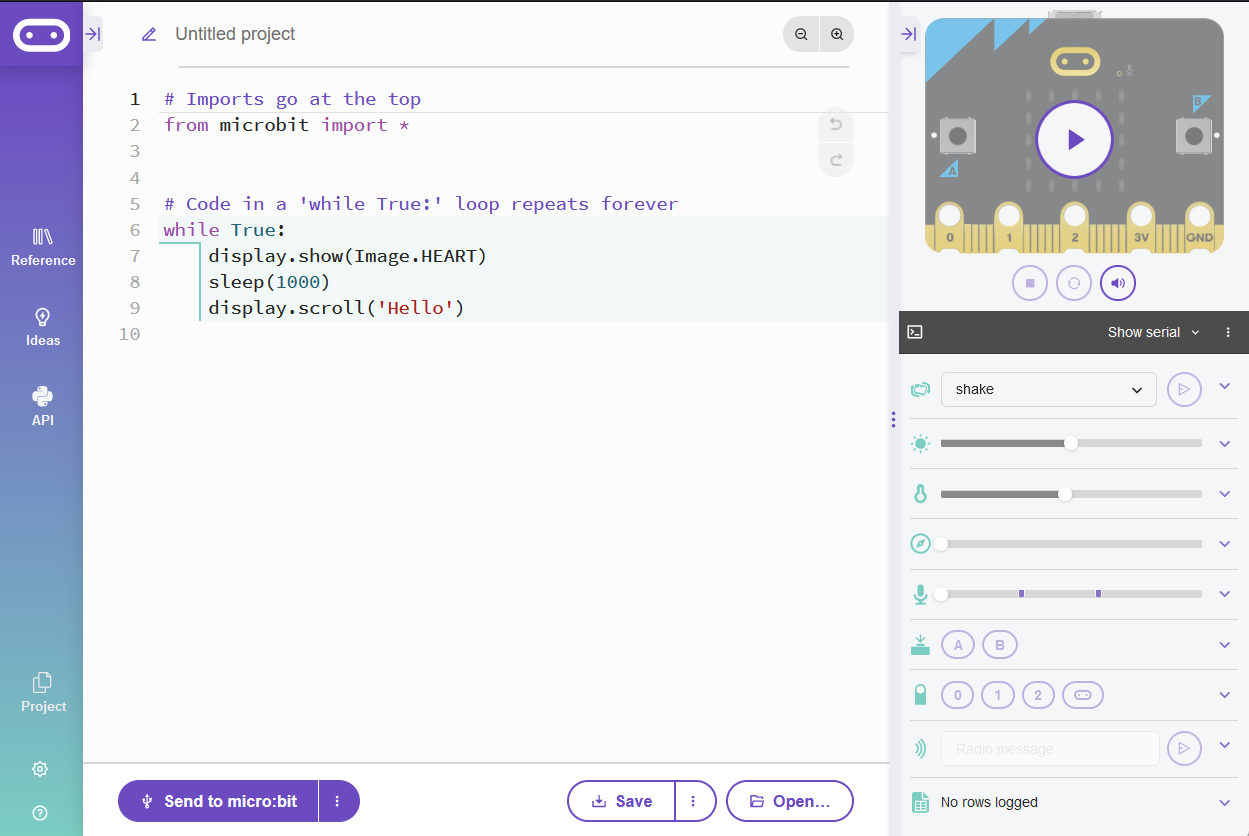
An array is a collection of items, like numbers or strings, stored in a single variable. In MicroPython, arrays are often called lists. They are useful when you want to store and manipulate multiple values using a single variable.
In this lesson, we'll use the terms 'array' and 'list' interchangeably.

Lists can store different types of data, such as integers, strings, or even other lists. For example:
- Integer List:
[1, 2, 3, 4, 5] - String List:
['apple', 'banana', 'cherry'] - Mixed List:
[1, 'apple', 3.14]
Now, let's create a list called 'numbers' with five elements. The elements are the integers from 1 to 5. Add the following code to your editor:
from microbit import *

numbers = [1, 2, 3, 4, 5]
numbers with five elements. The elements are the integers from 1 to 5.Now, let's retrieve elements from the list using their index. Add the following new code:
from microbit import *

numbers = [1, 2, 3, 4, 5]

first_number = numbers[0]
second_number = numbers[1]

display.show(first_number)
sleep(1000)
display.show(second_number)
This code retrieves the first and second elements of the list (at index 0 and 1) and displays their values.
numbers[index_value] to retrieve different items from the list, and run your code again. e.g. numbers[3] will retrieve the fourth item in the list.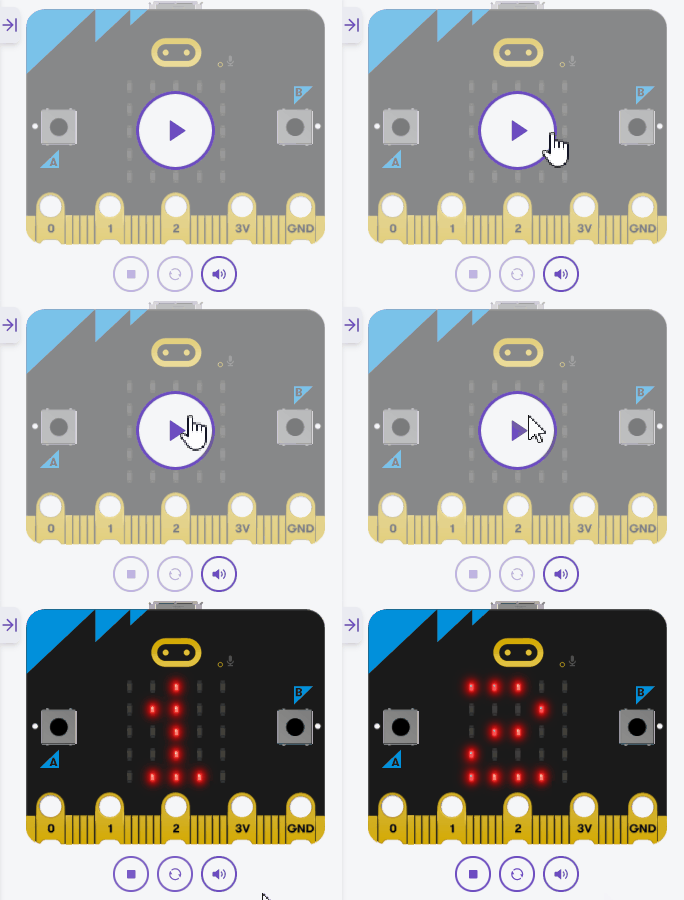
Unlock the full learning experience
You're previewing this lesson. Get full access to this lesson and hundreds more — each one ready to teach, with interactive activities, printable resources and pupil progress tracking built in.
This lesson is copyright of Coding Ireland 2017 - 2026. Unauthorised use, copying or distribution is not allowed.