Mathematics
Intermediate
50 mins
Teacher/Student led
+80 XP
What you need:
IWB/Projector/Large Screen

Multiplying by 10, 100 and 1000

Learn how multiplying by 10, 100 and 1000 shifts digits left whilst the decimal point stays fixed in place. Use place-value charts to see the pattern and practise with whole numbers and decimals.
Teacher Class Feed

Load previous activity

    1 - Getting Started ~4 mins

    Worked example

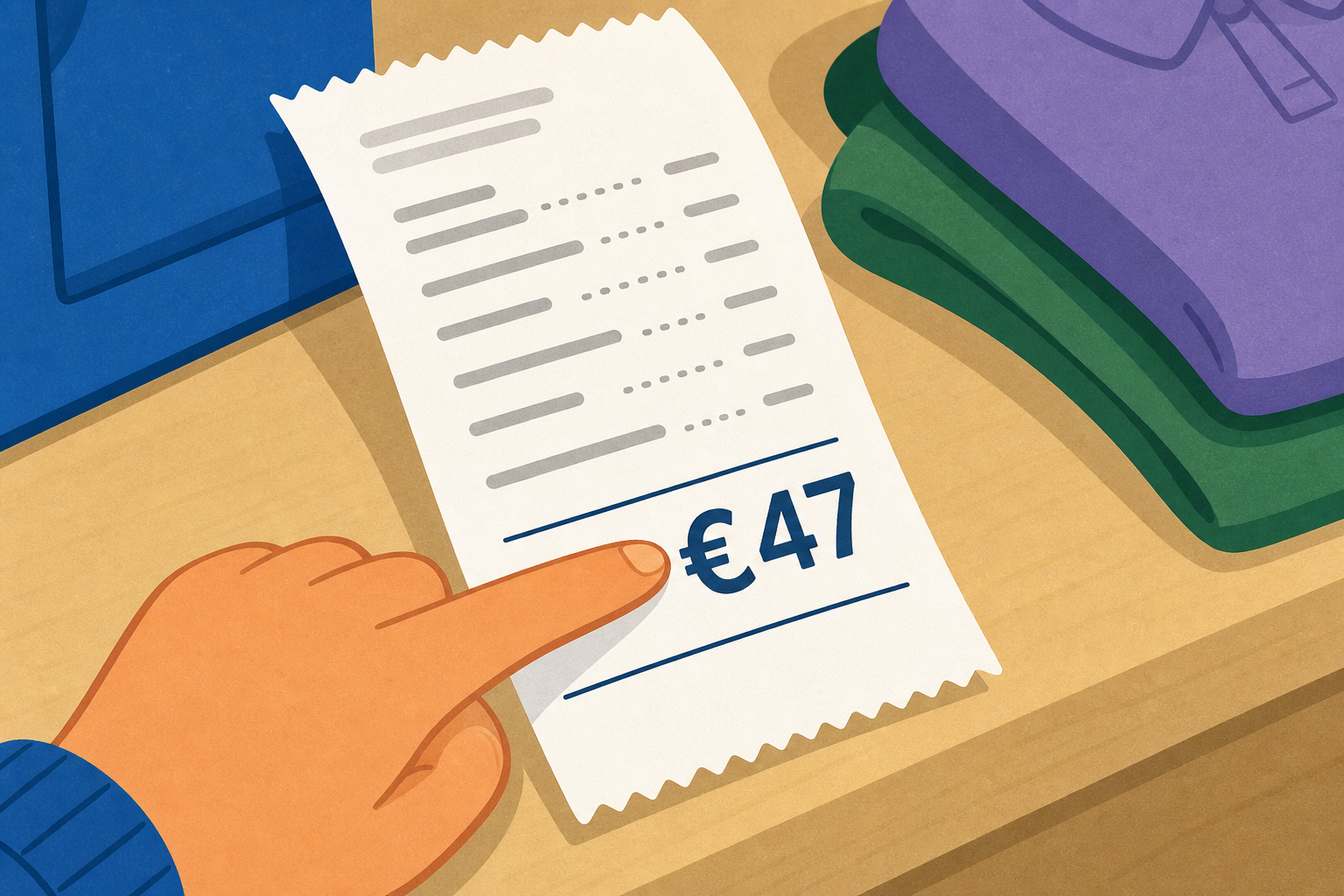
    Illustration for Getting StartedHere is a spot-the-mistake. Someone worked out 47 × 10 and wrote 47.0, they added a decimal point and zero and left the digits where they were. Is that right?
    Have a good look. What does 47 × 10 really equal, and what has gone wrong in this answer?

    2 - Watch and Notice ~9 mins

    Watch the place-value chart as we multiply by ten, a hundred and a thousand. Every time, the digits slide left and the point stays put. Watch where each digit lands and what fills the empty columns behind it.

    3 - Try It Together ~11 mins

    Key point

    We say the answer aloud before we slide the digits, so we can check our prediction against what the chart shows.

    Today we work through these together on the place-value chart, in this order: 6 × 10, then 6 × 100, then 3.5 × 10, then 3.5 × 100, and finally 3.5 × 1000. The chart starts on 3.5, so for the first two examples we type 6 into the starter, then set it back to 3.5 for the last three.

    Watch for

    Watch how 3.5 × 10 turns a decimal into a whole number, and how 3.5 × 1000 sends the digits three columns left and fills the gaps with zeros.

    Slide the digits left

    4 - Line up the Columns in Your Copy ~3 mins

    COPYBOOK MOMENT

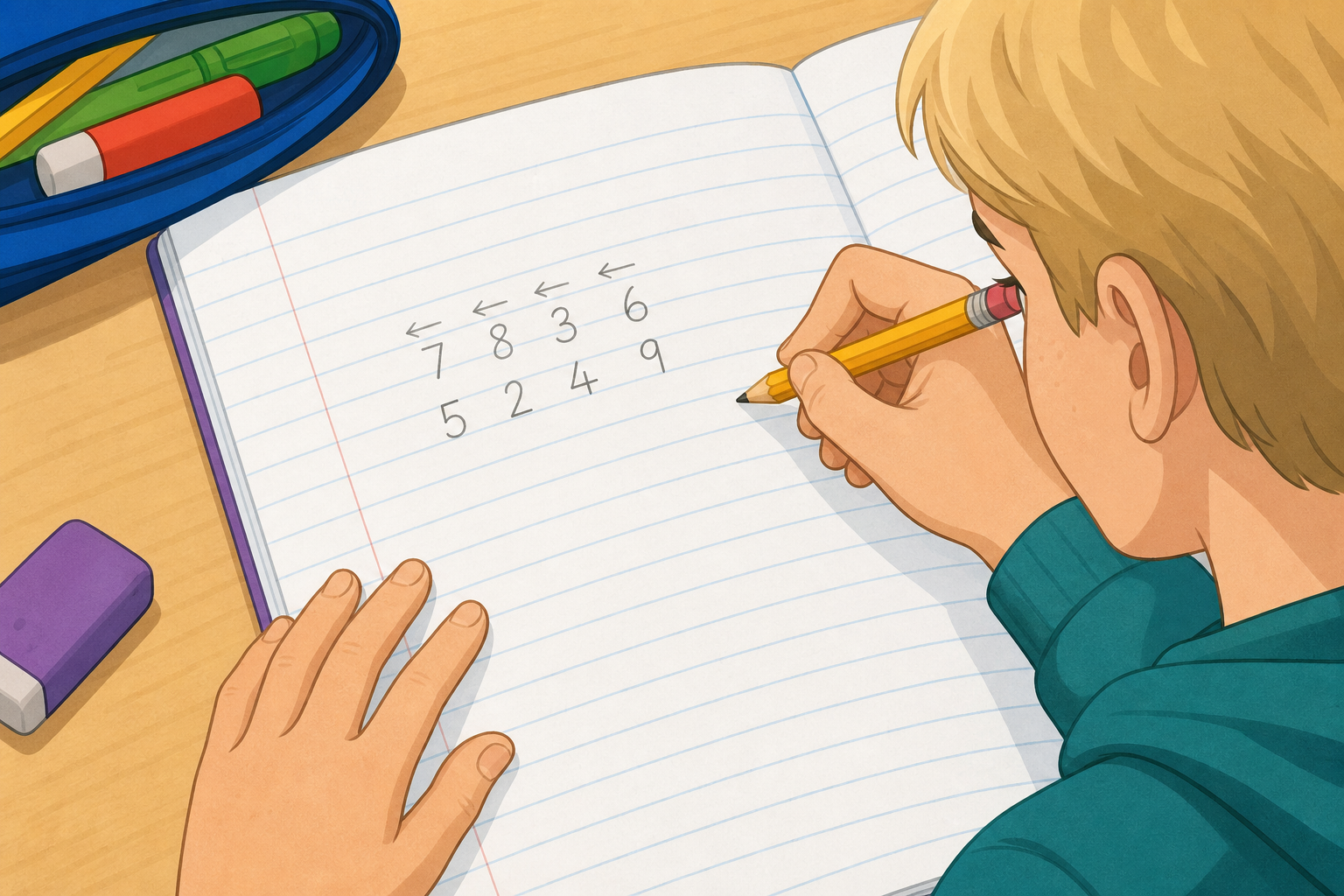
    Illustration for Line Up the Columns in Your CopyIn your maths copy, write each starter and its answer one above the other, with the digits lined up by column. Then draw an arrow above each digit showing how far it slid to the left.

    • 28 × 10
    • 28 × 100
    • 5.6 × 10
    • 5.6 × 1000

    Keep your columns straight so you can see exactly which column each digit moved into.

    5 - Class Challenge ~8 mins

    In today's challenge, you'll turn a starting number into a target number, using only the buttons that are lit up. Some look easy at first, but the lit buttons make you plan a route — sometimes ×100 or ×1000 is switched off, so you have to press two buttons in a row to get there.

    Key point

    You can press more than one lit button in a row to build a route.

    We work up through: 4 to 400, then 4 to 4000, then 0.6 to 600 with ×1000 switched off, and finally the tricky one — 7 to 7000, also with ×1000 switched off, so you must find another way.

    Reach the target

    Pupil practice
    Module 2 · Operations and Computational Fluency Number
    Lesson 22 · Multiplying by 10, 100 and 1000
    Download Activity Book page (PDF)
    123learn · Online learning platform

    Unlock the full learning experience

    You're previewing this lesson. Get full access to this lesson and hundreds more — each one ready to teach, with interactive activities, printable resources and pupil progress tracking built in.

    Hundreds of curriculum-aligned lessons
    Interactive activities in every lesson
    Printable resources & progress tracking
    Copyright Notice
    This lesson is copyright of Coding Ireland 2017 - 2025. Unauthorised use, copying or distribution is not allowed.
    🍪 Our website uses cookies to make your browsing experience better. By using our website you agree to our use of cookies. Learn more