1 - Introduction ~5 mins
Welcome
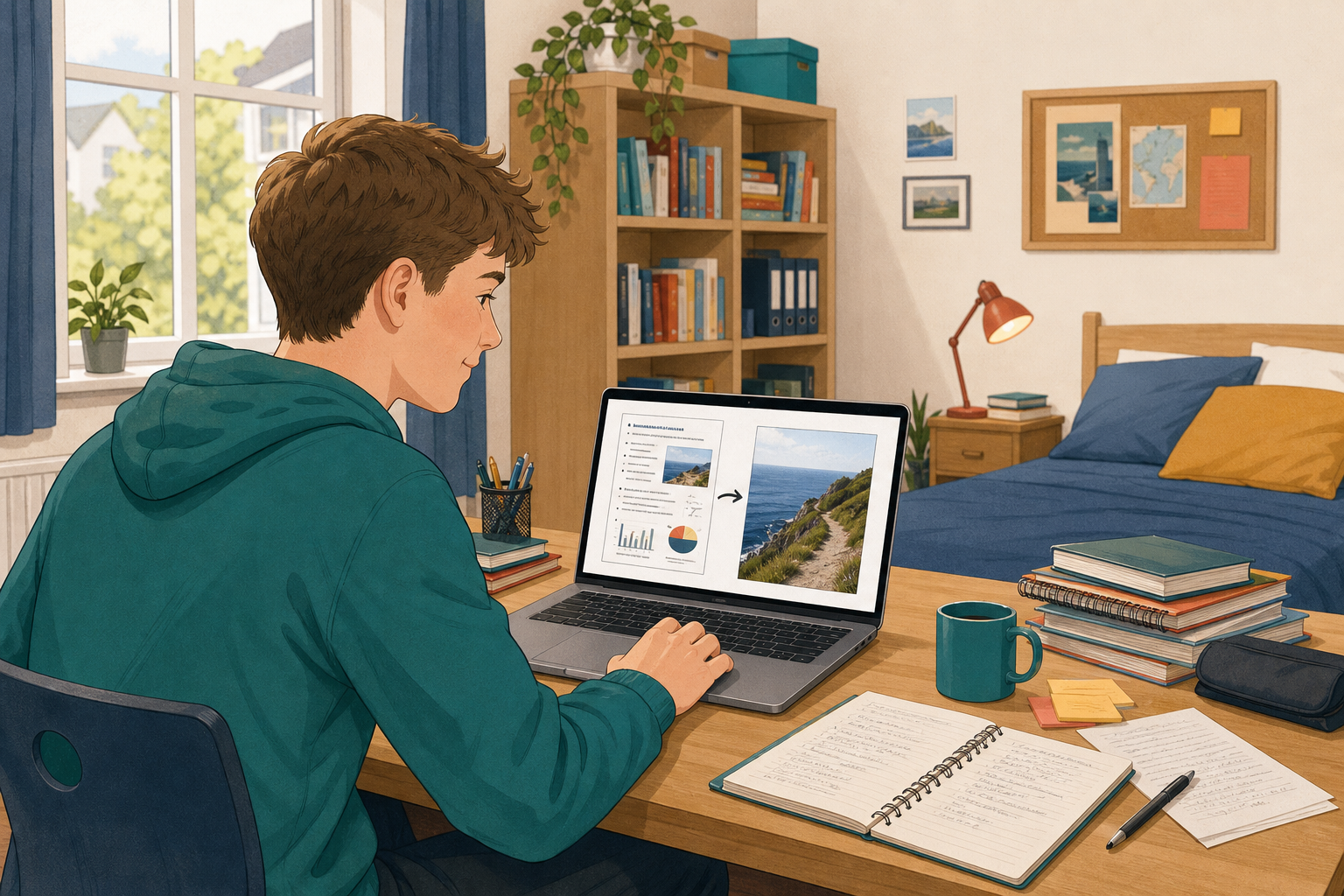 Dense bullets hide the point. Today you turn three slides in {{code:02_talk_deck}} into clear pictures and diagrams.
By the end you will:
- Pick images that explain
- Crop and place clearly
- Turn bullets into a diagram
- Credit every image
If {{code:02_talk_deck}} is missing, add three bullet slides on your topic before the portfolio build.
Warm-up
Did a picture ever beat words alone?
2 - Key Concepts ~5 mins
| Concept | Why it matters | Example |
|---|---|---|
| Explanatory image: carries the slide's point | Decoration distracts; this does the teaching | Coastal path photo, not a sunset |
| Crop: trim to what matters | Keeps the subject large from the back | Path and edge fill the frame |
| Diagram: SmartArt, Diagram, or shapes | Order is clearer than a long bullet list | Four Leave No Trace steps |
| Image credit: where each picture came from | Keeps your talk honest | Final slide listing sources |
Crop check: Before: whole cluttered cliff scene. After: only the path and edge fill the frame.
3 - Step-by-step Task: Pictures and a Diagram ~15 mins
Part A: Picture and crop (first half). One coastal path photo, cropped tight. Clear beats fancy.
Part B: Diagram and credits (second half). Four Leave No Trace steps, then a credits slide.
Mid-point: when Part A is done, move on to Part B so you finish on time.
Picture test: a path photo teaches stay-on-path; a sunset only decorates. Pick the one that teaches.
Transfer tip: bakers talk → search {{code:dough kneading}}; steps Mix, Prove, Bake, Cool as diagram boxes. Kit list → one cropped gear photo.
Next you copy the same moves onto {{code:02_talk_deck}}.
4 - Common Issues ~5 mins
Common Issues
| Issue | Solution |
|---|---|
| Stock search empty | Try path, cliff path, coastline. Use plain nouns. |
| Crop stuck | Click outside the picture, then retry. |
| No SmartArt or Diagram | Use four shapes and arrows instead. |
| No source name | Write Stock: coastal path, or the title you noted. |
| Still in the practice file | Close it. Edit {{code:02_talk_deck}} only. |
5 - Portfolio Build: Visual Slides in 02_talk_deck ~20 mins
Independent Practice
- Open {{code:02_talk_deck}} in {{code:Digital_Presentations}}. If it is missing, create it with three short bullet slides on your topic (raise your hand only if you cannot).
- On paper or a scratch slide, list three slide titles and label each P (picture) or D (diagram).
- Plan one plain search noun per picture and rough labels per diagram (e.g. kit list → gear photo; team roles → four boxes). No process fit? Use two shapes and an arrow for a comparison.
- Edit with practice menus: Stock Images or Stock & web, Crop, SmartArt or Diagram or shapes. Note each source as you go.
- Finish with an {{code:Image credits}} slide that names every source.
- Three slides in {{code:02_talk_deck}} no longer rely on a dense bullet list, and across them you have at least one cropped picture and at least one diagram
- At least one cropped explanatory picture fills its frame and still reads from a distance
- At least one diagram shows a process, comparison, or relationship in a clear order
- A final credits slide lists a short source line for every image used
Unlock the full learning experience
You're previewing this lesson. Get full access to this lesson and hundreds more — each one ready to teach, with interactive activities, printable resources and pupil progress tracking built in.
This lesson is copyright of Coding Ireland 2017 - 2025. Unauthorised use, copying or distribution is not allowed.