Advanced
80 mins
Teacher/Student led
+80 XP

Presenting and Reflecting

Across two periods you present your documented project or portfolio to classmates, share feedback on strengths and questions, note one improvement, and reflect on your growth in computational thinking and problem-solving across Strand 1 Introducing computer science, Strand 2 Let's get connected, and Strand 3 Coding at the next level.

Teacher Class Feed

Load previous activity

    1 - Start ~4 mins

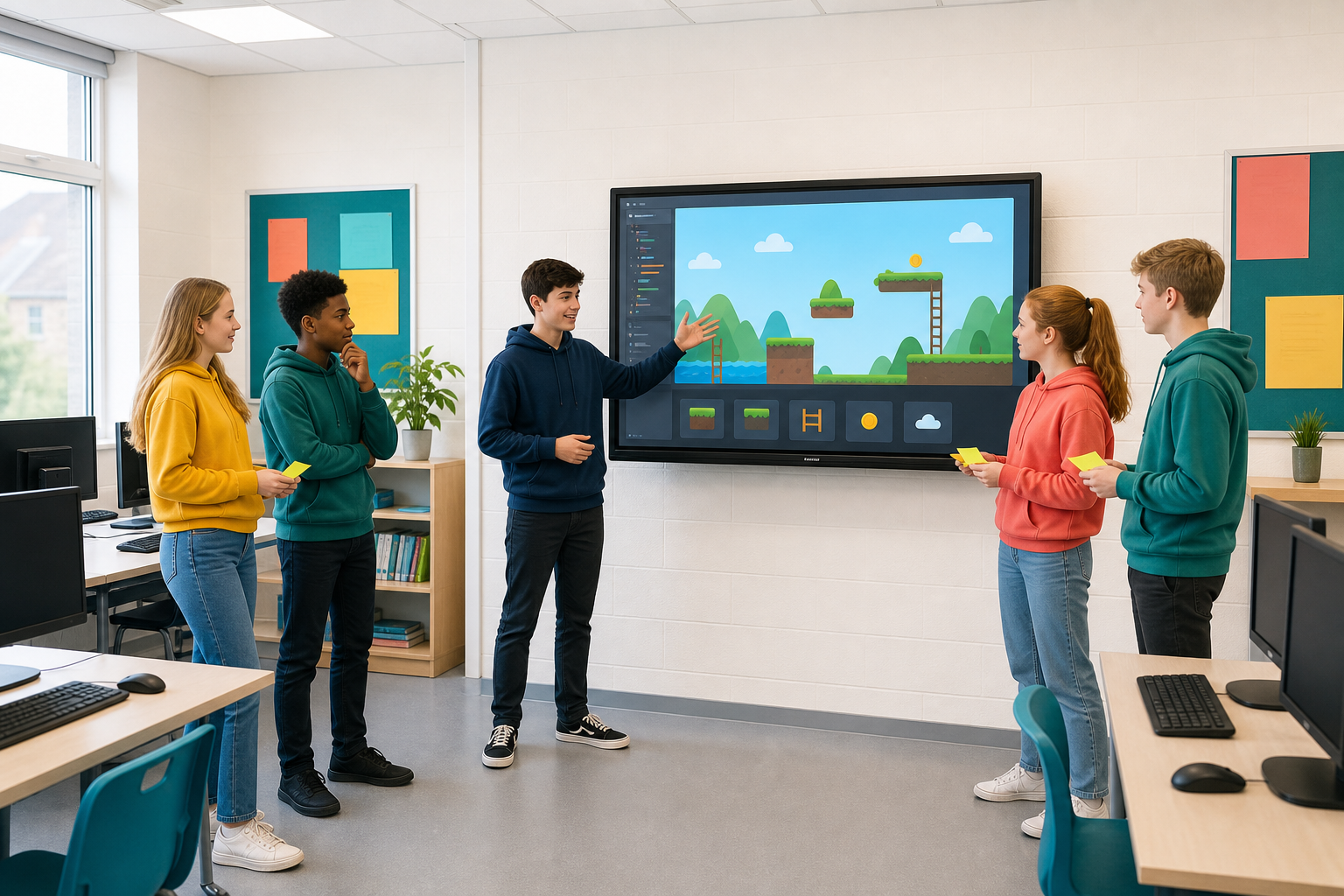
    Illustration for StartToday you show your CBA work, get feedback, fix one thing, and look back.

    This is the final CBA checkpoint, run across two periods. Your project or portfolio is ready to show.

    • Period 1: present and peer-test
    • Period 2: one improvement from the feedback, a short course-wide look back, and a clear reflection

    You will hear feedback from peers, act on one improvement, and reflect on how your learning and problem-solving grew across the three strands:

    • Strand 1 Introducing computer science
    • Strand 2 Let's get connected
    • Strand 3 Coding at the next level

    You are not finishing the whole CBA from scratch here. You are showing what you have built and thought through, then packaging the evidence.

    2 - How Presenting Works Today ~9 mins

    Each presentation is short and focused. Whether you chose the software project or the portfolio, you cover the same four points:

    1. What you made or collected, in plain language.
    2. Why it mattered, the problem, interest, or question behind it.
    3. One decision you changed along the way, and what prompted the change.
    4. How someone else can understand the work, pointing to your documentation, comments, or reflection notes.

    Listeners give two things only: one strength and one clear question. Write both on a feedback slip or sticky note so the presenter can keep them. If you are in a project team of two or three, share the speaking so everyone is heard.

    3 - Hands-on: Present Your CBA Work ~39 mins

    Present your documented project or portfolio to your small group. Run through the four points. Your teacher will set the timer for your group.

    While you listen:

    • On your feedback slip, note one strength that is specific (what worked, and why it helped).
    • Write one question that would help the presenter improve clarity, testing, or documentation.
    • If it is a software project, try it as a user when invited: follow the instructions without help first, then note where you got stuck on the same slip.

    Hand the slip to the presenter at the end of their slot. Do not start rewriting your own work yet; that comes in Period 2.

    4 - Peer Feedback and One Improvement ~22 mins

    Done looks like: feedback written down, one chosen action, and either the change made or a clear note of what you would change next if time has run out.

    On your own or with your project team:

    1. Read the strength and question slips you received.
    2. Choose one piece of feedback you can act on before the work is finally submitted.
    3. Make that small improvement if time allows (clearer comment, sharper reflection sentence, fix a rough edge a user hit, tighten a label or heading).
    4. Note what you changed and why in your CBA evidence.

    5 - Make Sense ~3 mins

    Pull the thread across the whole course for a moment:

    • Strand 1 Introducing computer science: you moved from first sequences and games into early problem-solving.
    • Strand 2 Let's get connected: you worked with the internet, data, websites, physical computing and AI.
    • Strand 3 Coding at the next level: you moved into text code and documented programs.

    The four steps of computational thinking (decomposition, pattern recognition, abstraction, algorithms) and the habit of testing and fixing showed up whenever a build got hard.

    Your CBA presentation is evidence of that growth: not only a finished product or a neat folder, but the story of how your problem-solving changed.

    123learn · Online learning platform

    Unlock the full learning experience

    You're previewing this lesson. Get full access to this lesson and hundreds more — each one ready to teach, with interactive activities, printable resources and pupil progress tracking built in.

    Hundreds of curriculum-aligned lessons
    Interactive activities in every lesson
    Printable resources & progress tracking
    Copyright Notice
    This lesson is copyright of Coding Ireland 2017 - 2025. Unauthorised use, copying or distribution is not allowed.
    🍪 Our website uses cookies to make your browsing experience better. By using our website you agree to our use of cookies. Learn more