1 - Getting Started ~5 mins
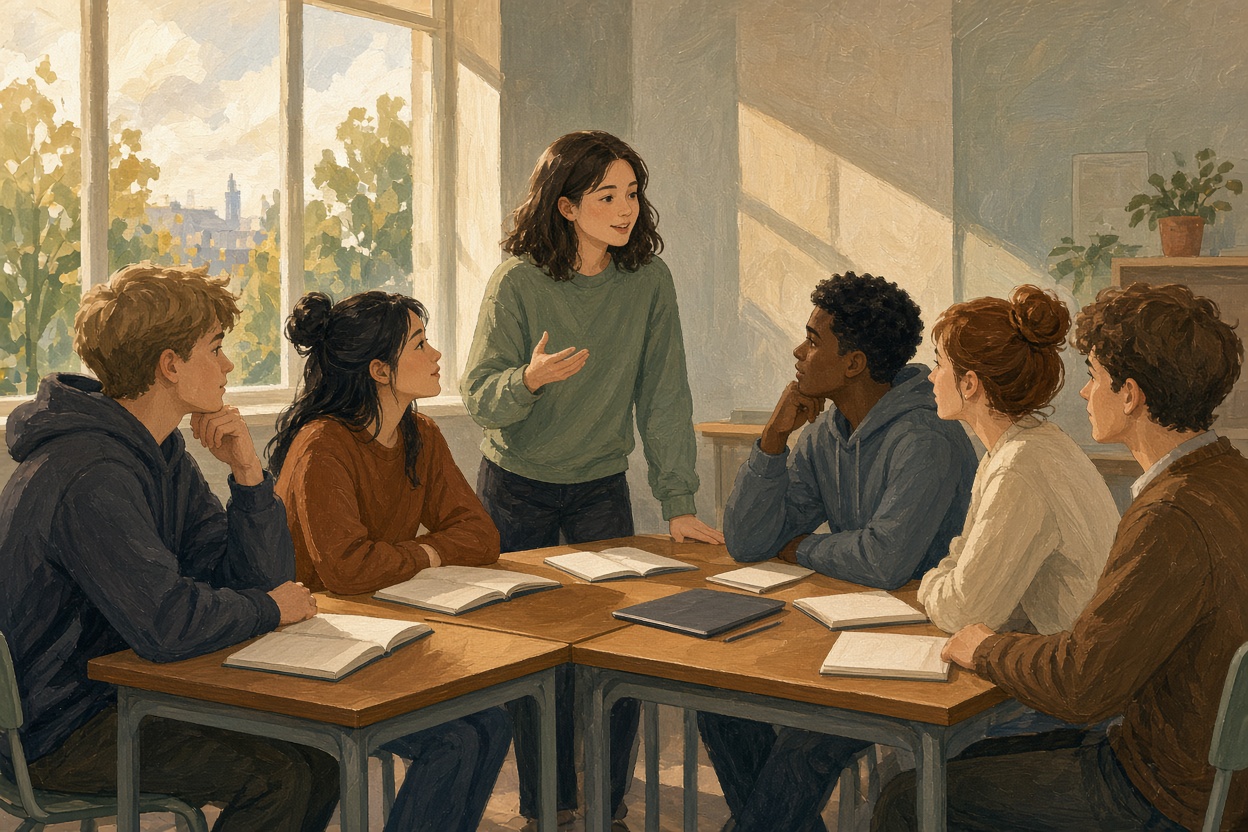 You are applying five lessons of collaborative design-thinking work today. You should already have your group's problem definition, developed solution and implementation plan from the earlier Strand 2.1 collaborative-task lessons, plus a draft presentation outline brought from last time. This period is final cut, one timed practise, live delivery and peer scoring, not a cold start from blank notes.
Seven groups presenting one after another will not fit a period, so presentations run paired and simultaneous: your group presents to one other group for five minutes, then you swap. Everybody presents. Everybody watches closely, because you are scoring against a class-agreed rubric.
By the end you leave holding the presentation itself, the scores and comments the other group gave you, and one line on what you would change before facing a real community audience. This is formative Digital Portfolio evidence for Strand 2.1 collaborative community response work. It is not a named Applied Learning Task on its own, but a strong presentation pack here is the kind of artefact you can draw on later for Portfolio in Action.
2 - Key Terms ~5 mins
Three terms sit under today's presentation and the scores you will give and receive.
| Term | What it means for you today |
|---|---|
| Presentation | Your five-minute delivery to the paired group is the live version of the collaborative-task work. |
| Rubric | You and the other group score each other with the same three criteria the class agrees before anyone finalises slides. |
| Community proposal | Your pitch has to sound like something a local stakeholder could act on, not a school project summary. |
3 - Build, Present, Score and Bank One Change ~40 mins
Today's artefact is one shared group document, Collaborative Task Presentation, in your Strand 2.1 folder. It holds the five-minute support (link or export), the peer scores and comments, and one pre-audience change line.
Open these three before you build: your group's problem definition, developed solution, and implementation plan from the earlier Strand 2.1 collaborative-task lessons, plus the draft presentation outline you brought in.
1. Agree the standard (about 3 minutes).
A strong five-minute community proposal hits three things: clarity (the audience can follow the issue and the solution), evidence (every claim has something behind it), and a clear ask (you say what you want the audience to do or support). Confirm these as the class rubric. You will score with them later.
2. Final cut and timed practise (about 15 minutes).
You are not starting from scratch. Cut and shape the draft you already have so the five minutes synthesise the problem definition, developed solution and implementation plan into one tight proposal. Choose or confirm a format that fits: spoken with a few slides, spoken with a one-page handout, short audio-visual, or a brief video you already have. Cut anything that does not serve clarity, evidence or the ask. Practise once against the clock.
3. Present paired and simultaneous (10 minutes).
Your group presents for five minutes to your paired group. Then swap. No interruptions during the five minutes; questions wait until scoring.
4. Score and hand over (about 7 minutes).
One device per reviewing group. Designate a scribe. Open the rubric review and submit a single shared group review. Judge each criterion, write a specific comment on anything below the top level, and name the one change that would most improve it before a real community audience. After submit, share, export or screenshot the review and paste it into the presenting group's Collaborative Task Presentation document. They do the same for you.
5. Bank it (about 5 minutes).
In the shared group document titled Collaborative Task Presentation (create it now in Strand 2.1 if it does not exist), use three headed sections:
- Presentation link or file: link, export or photo of the five-minute support (slides, PDF, one-page handout, or video).
- Peer scores and comments: paste the rubric review you received.
- One change before a real audience: one agreed group line on what you would change and why (optional personal note underneath if someone wants their own angle).
Every group member should be able to open the same shared document in the Strand 2.1 folder.
Score the other group's proposal
4 - Think About It ~5 mins
This is a quick group check rather than a second round of work, so leave the presentation itself alone and spend the few minutes you have on the change line you banked and on the wording of your ask.
- Read the change line you just banked. Is it something a real audience would notice (jargon, missing cost, unclear ask, who is left out), or only slide polish? If it is polish, rewrite the line now in the shared document.
- Rewrite your ask in one sentence for one named audience you choose: a local councillor, a GAA club committee, a Family Resource Centre board, a Tidy Towns group, or a Public Participation Network (PPN) meeting. Paste that one-sentence ask under the change line if it improves what you already saved.
5 - What You Covered ~5 mins
In this lesson you applied your collaborative design-thinking work by putting it in front of another group and scoring theirs in return.
- Agreed what a strong five-minute community proposal must hit: clarity, evidence behind every claim, and a clear ask
- Cut and rehearsed a draft into a five-minute presentation synthesising your problem definition, solution and implementation plan
- Presented paired and simultaneous, so every group both delivered and watched closely
- Scored the other group against the shared rubric and received their scores and comments
- Banked the presentation support, the peer scores, and one line on what you would change before a real community audience in your shared Collaborative Task Presentation document (Strand 2.1)
Unlock the full learning experience
You're previewing this lesson. Get full access to this lesson and hundreds more — each one ready to teach, with interactive activities, printable resources and pupil progress tracking built in.
This lesson is copyright of Coding Ireland 2017 - 2026. Unauthorised use, copying or distribution is not allowed.