Intermediate
60 mins
Teacher/Student led
+80 XP

Proofing Tools: Spell, Grammar, Readability

Use spell and grammar check tools on your newsletter document. Add custom words to the dictionary and view readability statistics. Learn why automated checks still need human review for context and wrong words.

Teacher Class Feed

Load previous activity

    1 - Introduction ~5 mins

    Welcome

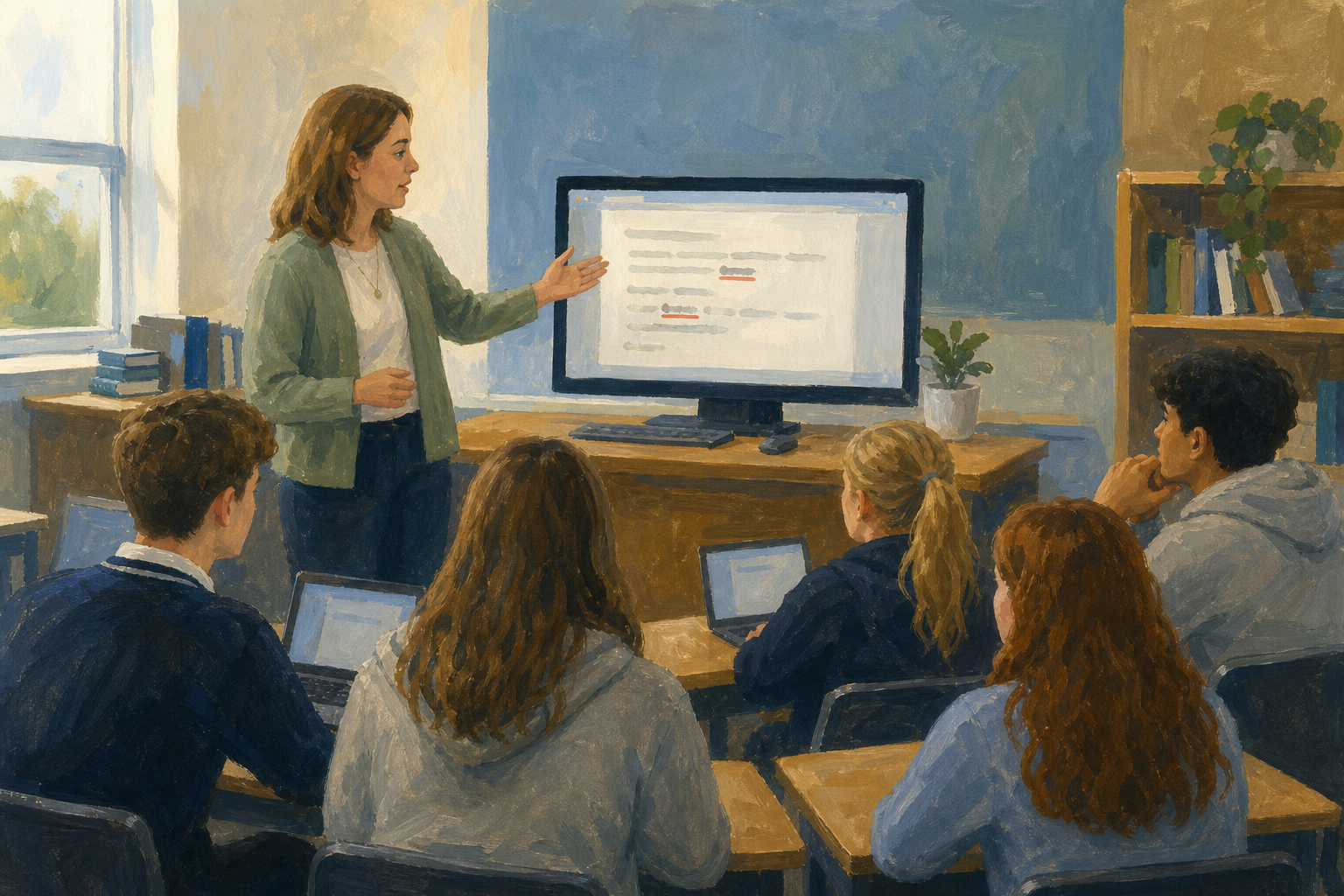
    Illustration for IntroductionYour Something Real newsletter is nearly ready for a real reader. Before it leaves your portfolio, you need a serious proofing pass: spell-check, grammar-check, and a readability note where your app offers one. Automated tools catch a lot, but they miss wrong words, Irish place names, and anything that depends on context, so you still make the final call.

    You will open your latest Something Real newsletter from {{code:Project_Portfolio/09_specialism/sm1/}} (the highest version you already have, for example {{code:sm1_doc2_newsletter.docx}} or {{code:sm1_doc2_newsletter_v5}}). After today's proofing pass that file becomes {{code:sm1_doc2_newsletter_v6}}.

    If every second Irish name is underlined, that is normal. It does not mean your spelling is poor. Add the name once and move on.

    By the end of this lesson, you will be able to:

    • Run a full spell-check and grammar-check on a real newsletter draft
    • Add words to the dictionary and note readability information where available
    • Explain limits of automated proofing, including wrong words and context

    Warm-up

    Think of a word your software has underlined that was actually correct, for example a surname, a club name, or an Irish place name. What did you do with that underline last time you saw it?

    2 - Key Concepts ~6 mins

    Key point

    Proofing tools are your first pass, not your last. Use them thoroughly, then read the page yourself for the things software cannot judge.

    ConceptWhy it mattersExample
    Spelling and grammar tools — built-in reviewers that underline unrecognised words and suggest clearer sentencesTypos make a real reader doubt your care before they take in your ideaTool catches Saterday; may also flag a correct Gaelscoil name
    Custom dictionary — words you deliberately add so the tool stops flagging themYou stop re-checking names that belong in your projectAdd your club or brand name once
    Limits of automated proofing — tools miss wrong words, context, and toneA clean pane can still hide a sentence that is wrong in meaningprinciple vs principal; loose vs lose
    Takeaway

    Takeaway: tool catch, then dictionary add, then human meaning fix.

    Your teacher will walk the full worked example on the classroom screen (sports-day paragraph with Saterday, Gaelscoil, principle, and loose). If your app shows a readability or Editor stats figure, note it once; if not, write that it is not shown and keep going.

    3 - Step-by-step Task ~15 mins

    Run a full proofing pass on a short sample newsletter paragraph: spelling and grammar suggestions, one dictionary add, a human meaning fix, and a readability or stats check where your app offers it. The file {{code:sm1_proofing_practice}} is already in your {{code:sm1/}} folder with the sample typed. Your teacher will demo the first review on the classroom screen (about 3 minutes), then you follow the steps on your own machine (about 12 minutes).

    Watch out

    If you do not see a readability number after one look in Editor or Word count, type {{code:Not shown in this version}} and move on. Do not keep searching.

    4 - Common Issues ~4 mins

    Common Issues

    IssueSolution
    The proofing pane finds nothing, but I can still see mistakesWrong words and context errors often pass automated checks. Read the sentence aloud and fix meaning yourself.
    The tool keeps flagging a correct Irish or project nameThat is normal and does not mean your spelling is poor. Add the word to the personal or custom dictionary once, or use Ignore all for this document if Add is blocked by school settings.
    I cannot find a readability scoreNot every school build shows readability statistics. After one look, note "Not shown in this version" and still complete the human proofing note.
    Grammar suggestions feel wrong for my sentenceYou can reject a suggestion. Keep the version that matches your meaning and audience, and be ready to say why.

    5 - Independent Practice ~20 mins

    Independent Practice

    Your goal: Give your Something Real newsletter a full proofing pass so a real reader sees clean spelling, clearer sentences, and a short readability note before the next edit cycle.
    Time: ~20 minutes
    Task: Open your latest Something Real newsletter in {{code:Project_Portfolio/09_specialism/sm1/}} (the highest version you already have) and run the same proofing suite you just practised on that real file, not on the sample paragraph. If you cannot find a newsletter in {{code:sm1/}}, tell your teacher before you start — do not proof {{code:sm1_proofing_practice}} as your v6.
    1. Open the latest newsletter in {{code:sm1/}}.
    2. Open proofing with {{menu:Review -> Editor}} in Word Online, or {{menu:Tools -> Spelling and grammar -> Spelling and grammar check}} in Google Docs.
    3. Accept real typos the tool finds.
    4. Add or deliberately ignore correct project or Irish names.
    5. Fix any meaning or wrong-word errors the tool misses (if the tool flags one, decide before you accept).
    6. Note the readability or Editor stats result, or write {{code:Not shown in this version}} after one look.
    7. Rename the file in the title bar to exactly {{code:sm1_doc2_newsletter_v6}} (underscore, no space before v6). In Word Online, click the filename in the title bar, type {{code:sm1_doc2_newsletter_v6}}, press {{key:Enter}}. In Google Docs, click the title at the top, type {{code:sm1_doc2_newsletter_v6}}, press {{key:Enter}}. Confirm it still sits in {{code:sm1/}}. Do not use File Save As and do not create a new copy in another folder. If your current file uses a different agreed stem, keep that stem and only append {{code:_v6}}.
    Success criteria:
    • Your newsletter has been through a full spelling and grammar pass and no obvious typos remain
    • At least one correct project or Irish name was handled sensibly (added to the dictionary or deliberately ignored)
    • Any meaning or wrong-word errors the tool missed are fixed; if your own read finds none, a short note says {{code:No meaning errors found on human pass}} and quotes one sentence you double-checked
    • A short note in the document or a comment records the readability or Editor stats result, or states that the score is not available
    • The file is saved as exactly {{code:sm1_doc2_newsletter_v6}} inside {{code:sm1/}} and still reads clearly for your real audience
    123learn · Online learning platform

    Unlock the full learning experience

    You're previewing this lesson. Get full access to this lesson and hundreds more — each one ready to teach, with interactive activities, printable resources and pupil progress tracking built in.

    Hundreds of curriculum-aligned lessons
    Interactive activities in every lesson
    Printable resources & progress tracking
    Copyright Notice
    This lesson is copyright of Coding Ireland 2017 - 2025. Unauthorised use, copying or distribution is not allowed.
    🍪 Our website uses cookies to make your browsing experience better. By using our website you agree to our use of cookies. Learn more