Makecode Arcade
Beginner
40 mins
Teacher/Student led
+150 XP

Score, Win and Share, Part 3

Students finish Monkey Mayhem in MakeCode Arcade with collecting, scoring and a 30-second win condition, then test the game against their plan and evaluate one change they made.
Teacher Class Feed

Load previous activity

    1 - Start: What We're Building ~4 mins

    Illustration for Start: what we're buildingYou can already move a sprite and build simple game behaviour in MakeCode Arcade.
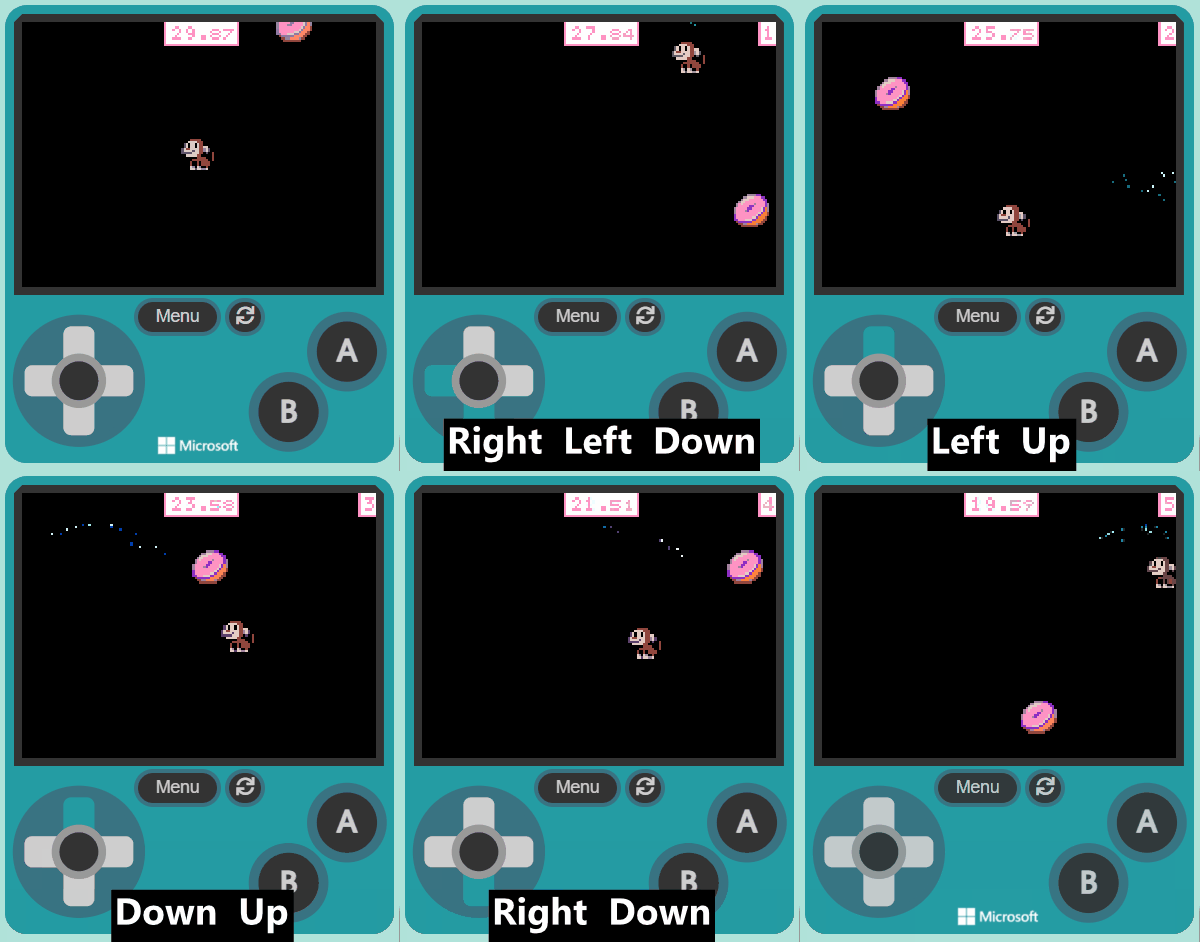
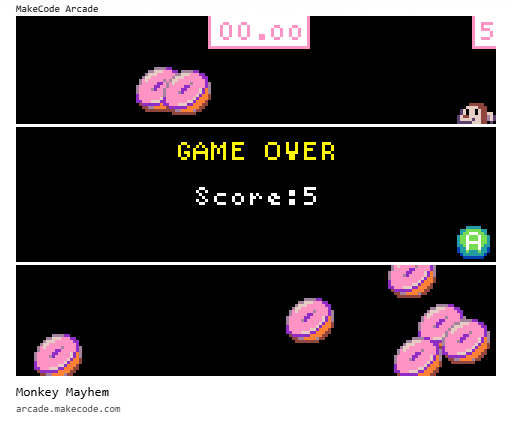
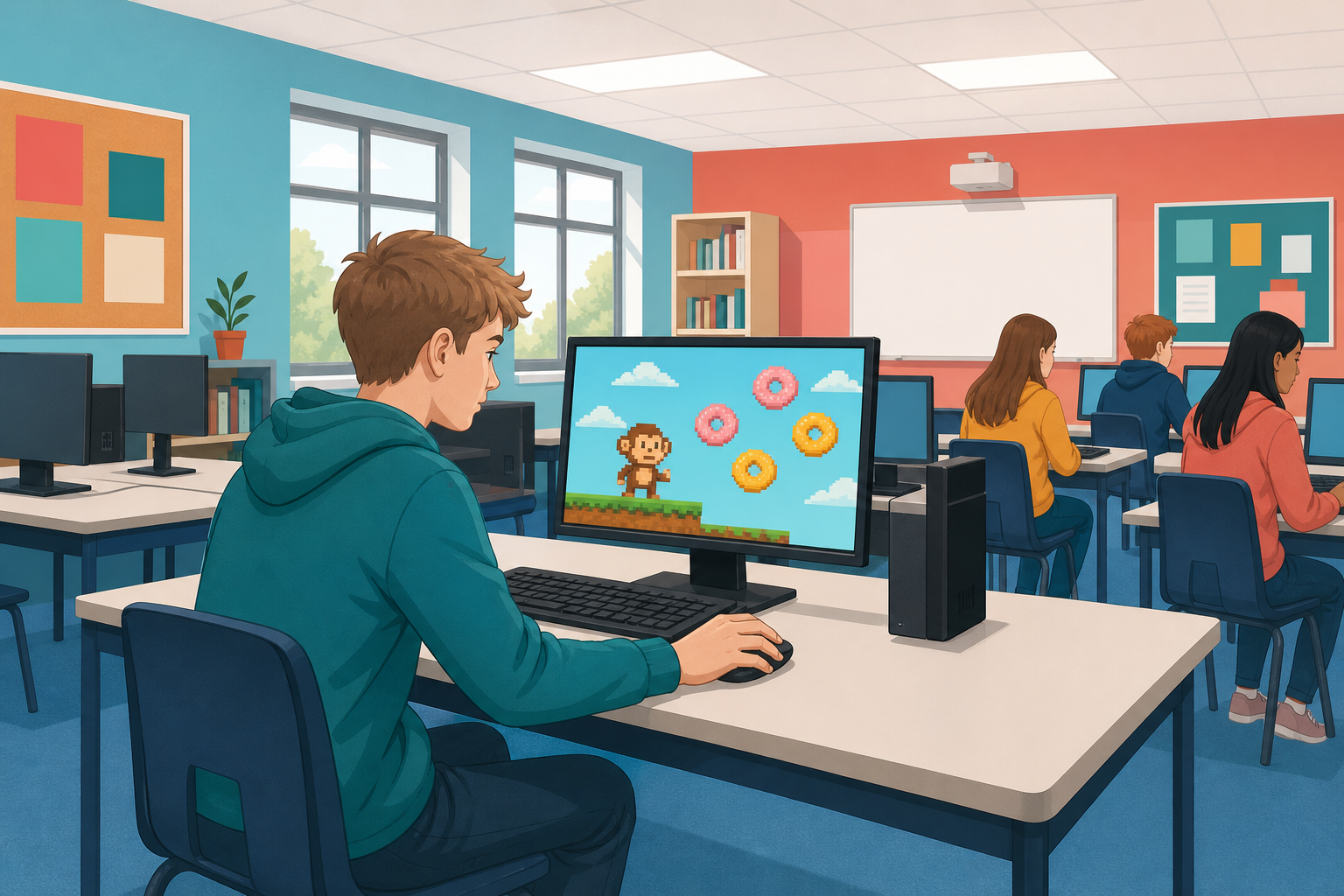
    Today you will finish Monkey Mayhem: a monkey collecting donuts for points against a 30-second countdown. You will run the game, fix problems as they show up, test it against the plan you wrote, and get ready to share it with classmates.

    Open MakeCode Arcade and the project you saved earlier (or start a fresh Arcade project if you need to). We will build step by step: predict, run, investigate, modify, then make it your own.

    2 - Introduction ~2 mins

    Welcome to our exciting coding adventure, Monkey Mayhem! In this lesson, you will create a fun game using MakeCode Arcade. You will control a monkey character who loves to eat donuts. Your task is to help the monkey collect as many donuts as possible within 30 seconds. Are you ready to start coding? Let's go!


    3 - Create a New Project ~2 mins

    Open the MakeCode Arcade website using the link below and create a new project. You can call the project whatever you want.

    https://arcade.makecode.com

    4 - Add Your Player ~3 mins

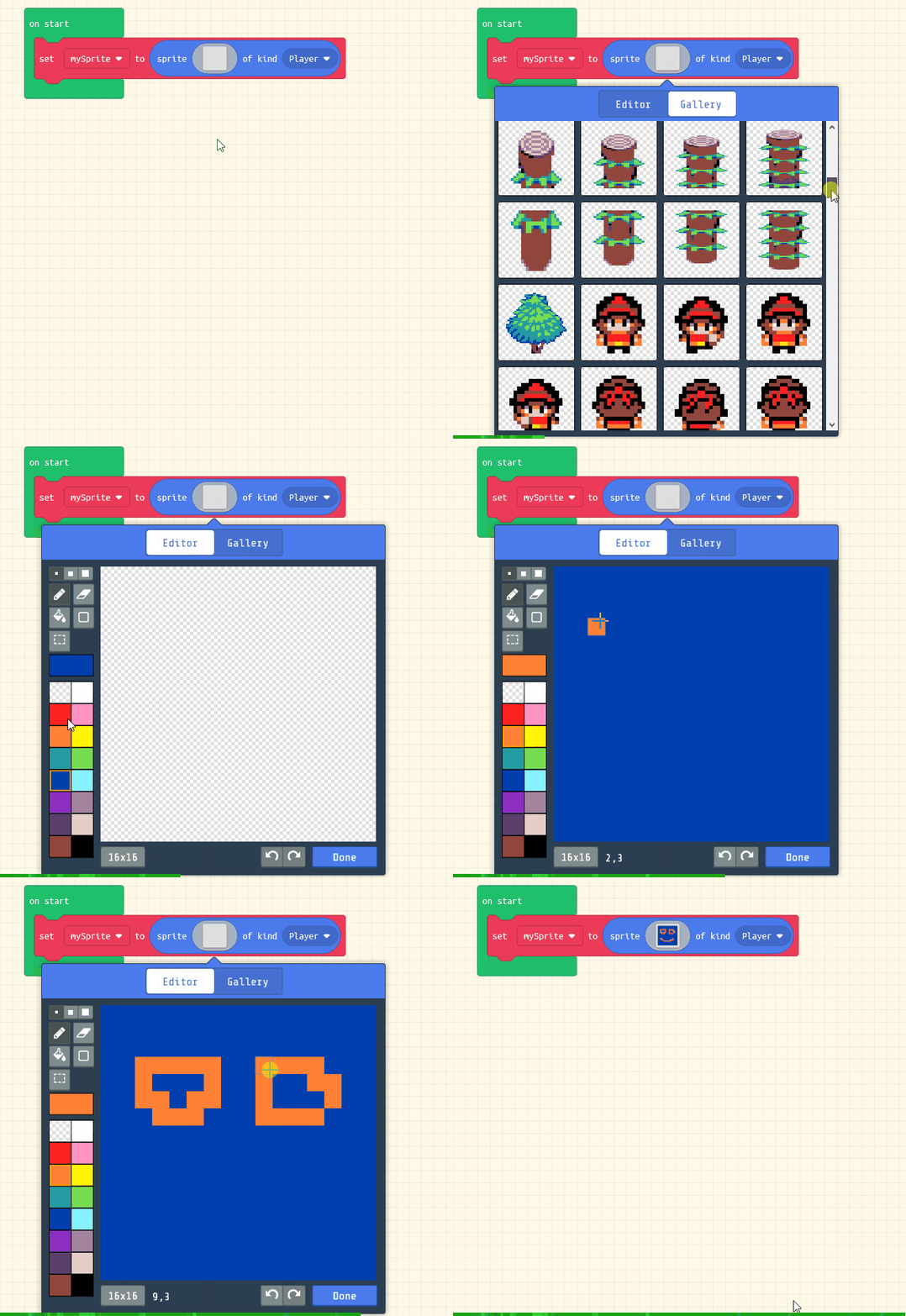
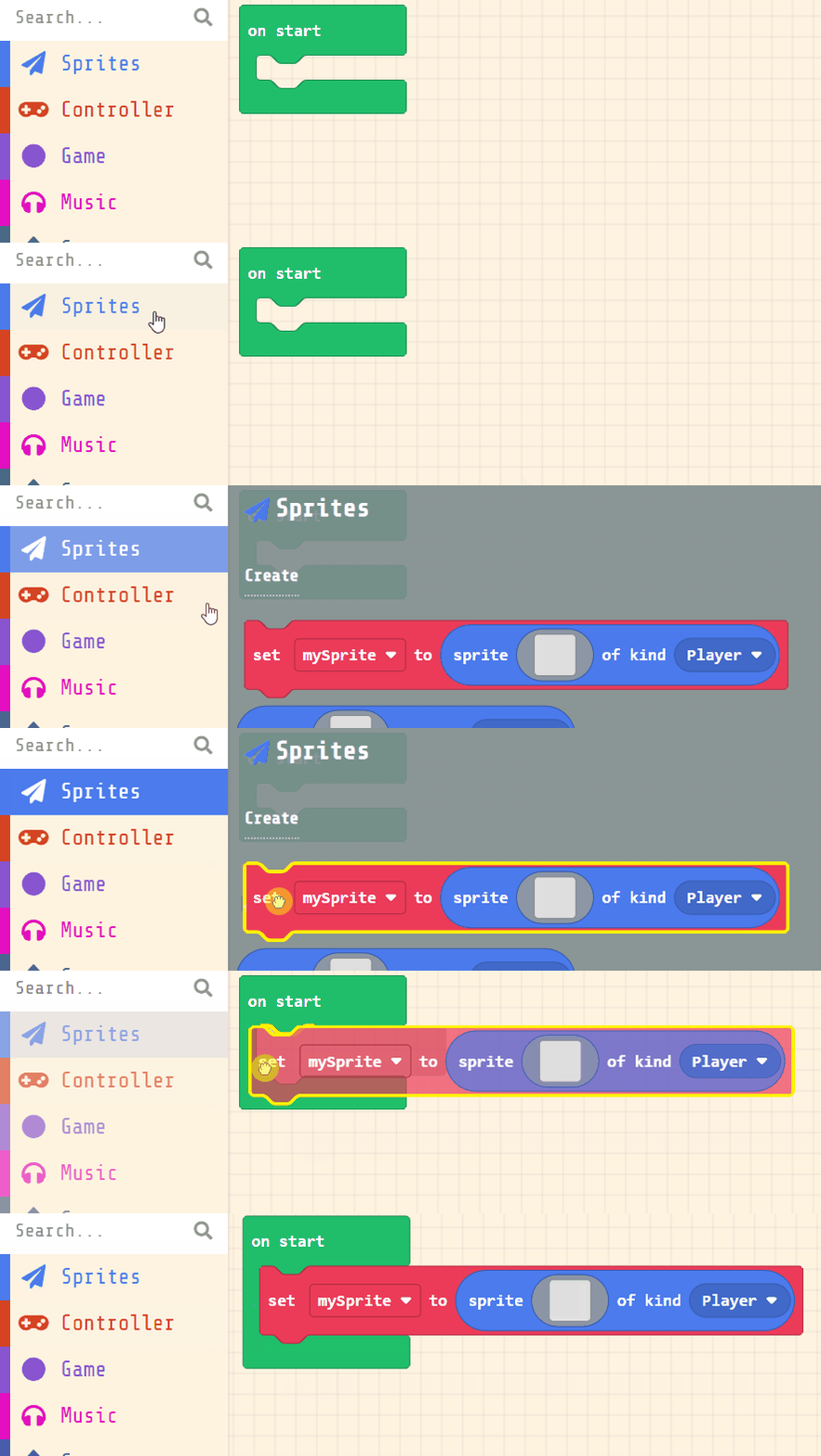
    Next, you will create your player sprite. This is the character that you will control in the game. Add the following code:

    let mySprite = sprites.create(img`...`, SpriteKind.Player)

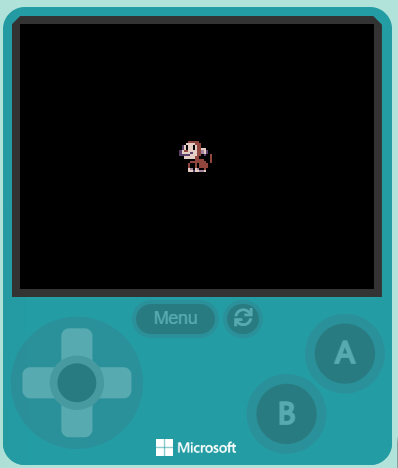
    Then click on the grey box and choose a sprite character from the gallery. In our example we will choose the monkey character.

    let mySprite = sprites.create(img`
        . . . . f f f f f . . . . . . . 
        . . . f e e e e e f . . . . . . 
        . . f d d d d e e e f . . . . . 
        . c d f d d f d e e f f . . . . 
        . c d f d d f d e e d d f . . . 
        c d e e d d d d e e b d c . . . 
        c d d d d c d d e e b d c . f f 
        c c c c c d d d e e f c . f e f 
        . f d d d d d e e f f . . f e f 
        . . f f f f f e e e e f . f e f 
        . . . . f e e e e e e e f f e f 
        . . . f e f f e f e e e e f f . 
        . . . f e f f e f e e e e f . . 
        . . . f d b f d b f f e f . . . 
        . . . f d d c d d b b d f . . . 
        . . . . f f f f f f f f f . . . 
        `, SpriteKind.Player)


    5 - Move Your Player ~3 mins

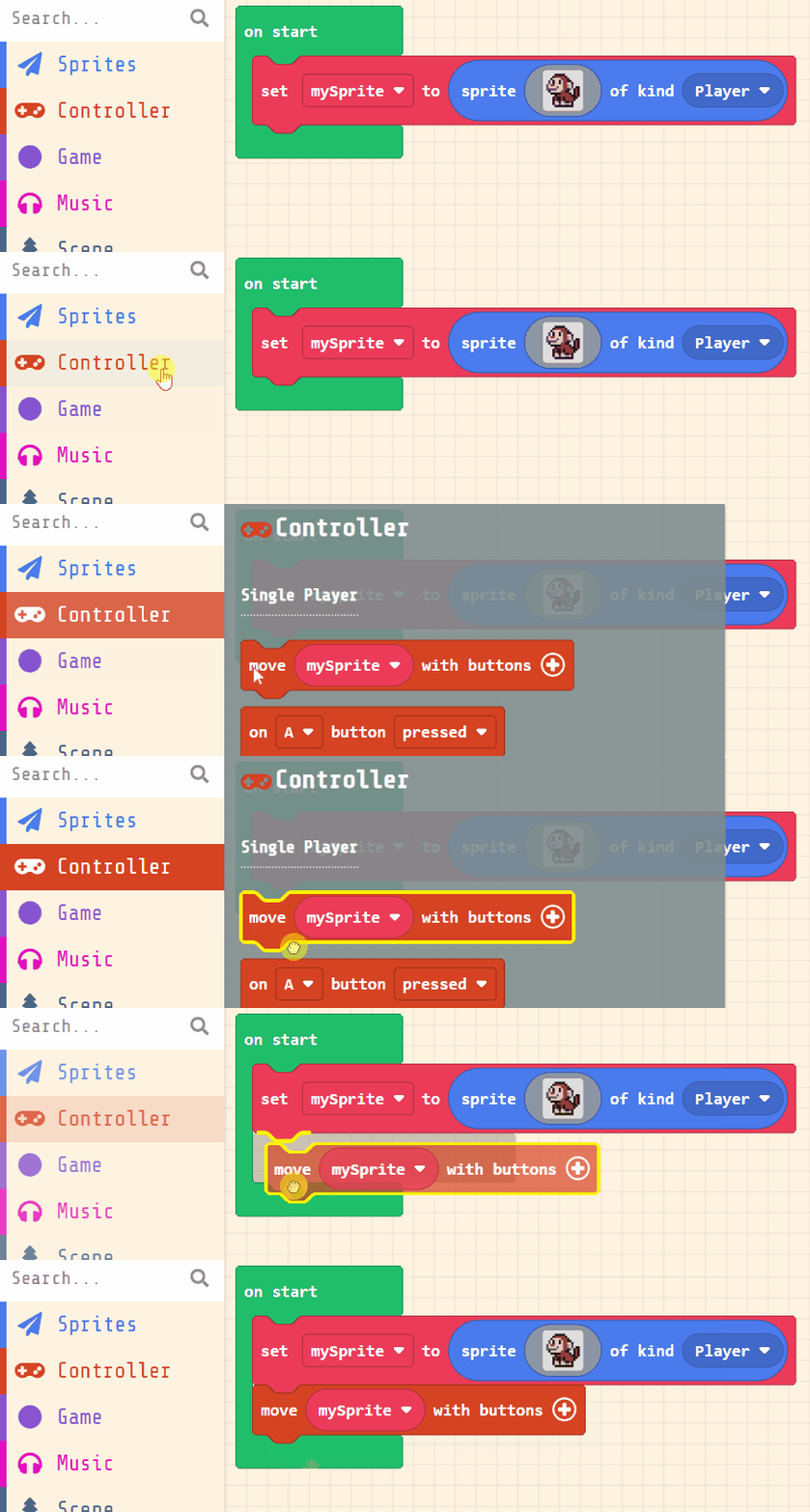
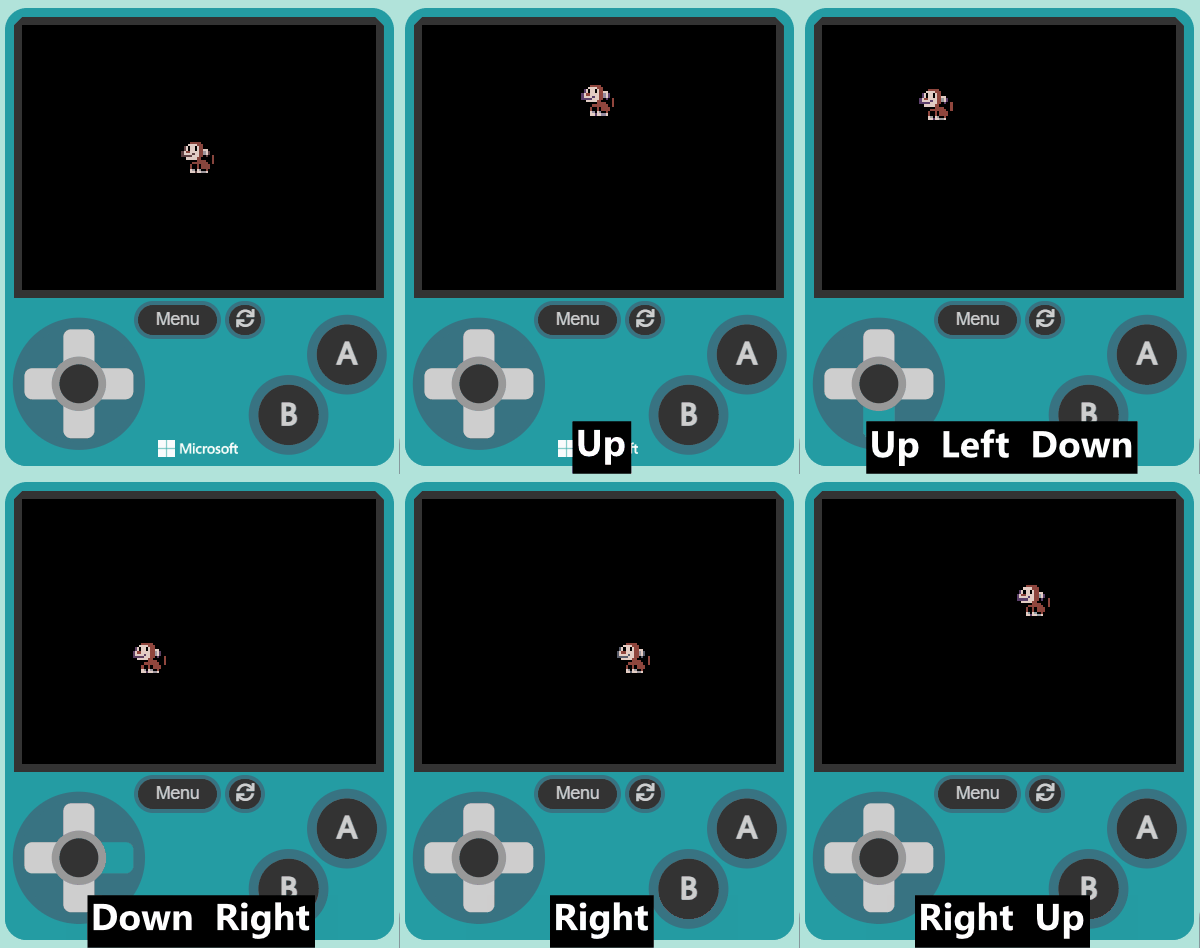
    Now, let's make your sprite move using the joystick (or the arrow keys on your keyboard).

    Add the following new code:

    let mySprite = sprites.create(img`
        . . . . f f f f f . . . . . . . 
        . . . f e e e e e f . . . . . . 
        . . f d d d d e e e f . . . . . 
        . c d f d d f d e e f f . . . . 
        . c d f d d f d e e d d f . . . 
        c d e e d d d d e e b d c . . . 
        c d d d d c d d e e b d c . f f 
        c c c c c d d d e e f c . f e f 
        . f d d d d d e e f f . . f e f 
        . . f f f f f e e e e f . f e f 
        . . . . f e e e e e e e f f e f 
        . . . f e f f e f e e e e f f . 
        . . . f e f f e f e e e e f . . 
        . . . f d b f d b f f e f . . . 
        . . . f d d c d d b b d f . . . 
        . . . . f f f f f f f f f . . . 
        `, SpriteKind.Player)
    controller.moveSprite(mySprite)


    Once you've added the new code, test that you can move your player sprite with the joystick or your keyboard arrow keys.


    123learn · Online learning platform

    Unlock the full learning experience

    You're previewing this lesson. Get full access to this lesson and hundreds more — each one ready to teach, with interactive activities, printable resources and pupil progress tracking built in.

    Hundreds of curriculum-aligned lessons
    Interactive activities in every lesson
    Printable resources & progress tracking
    Copyright Notice
    This lesson is copyright of Coding Ireland 2017 - 2025. Unauthorised use, copying or distribution is not allowed.
    🍪 Our website uses cookies to make your browsing experience better. By using our website you agree to our use of cookies. Learn more