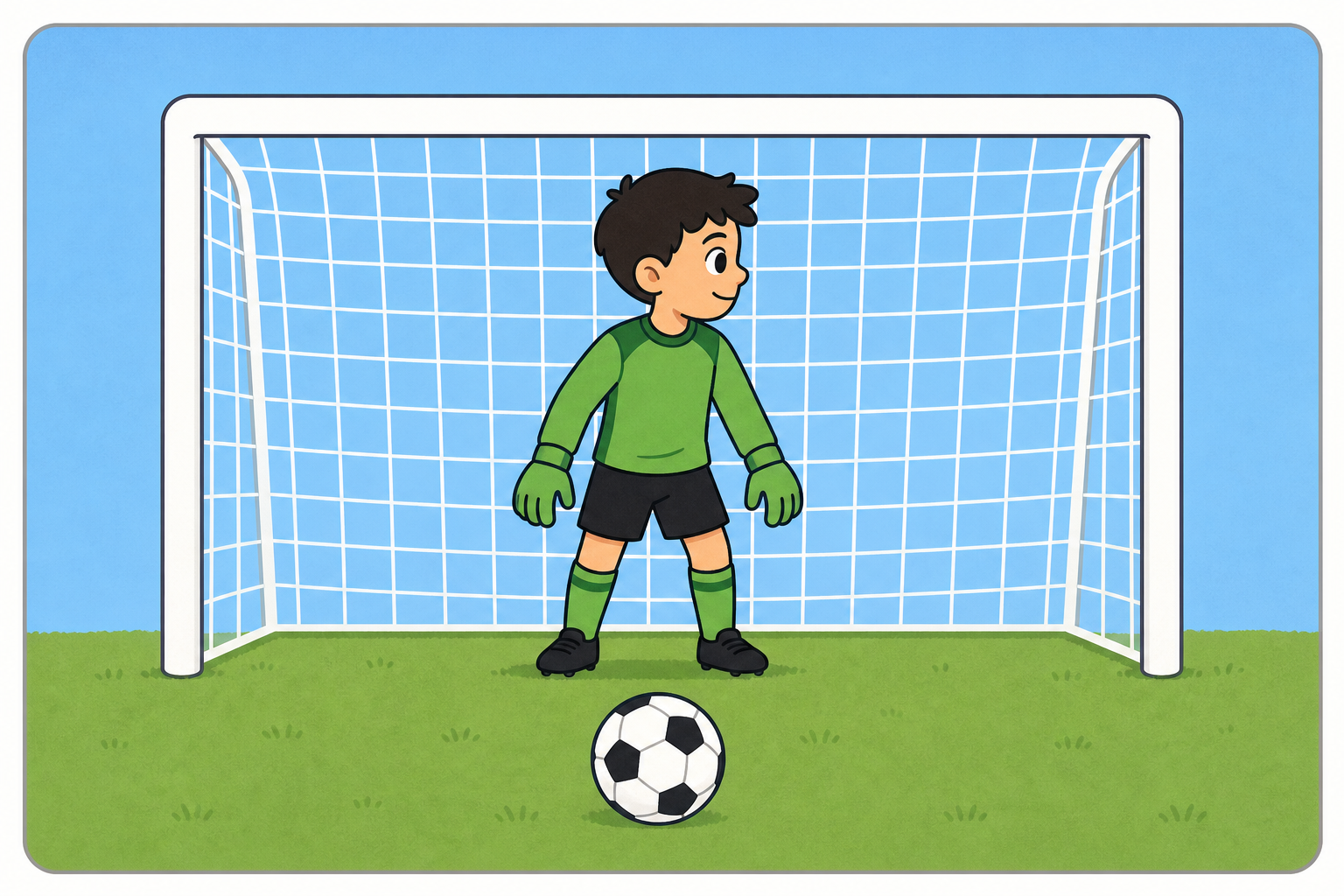
 Today you are the programmer! People who make games write code that tells sprites what to do and when to do it. We're going to build a Penalty Shootout game in Scratch — you'll take a shot, and a goalkeeper will try to save it. Watch the board first as each piece is modelled, then build it yourself and run it to see what happens. Games like this use two big ideas real programmers use every day: loops to repeat an action, and events to decide when something starts.
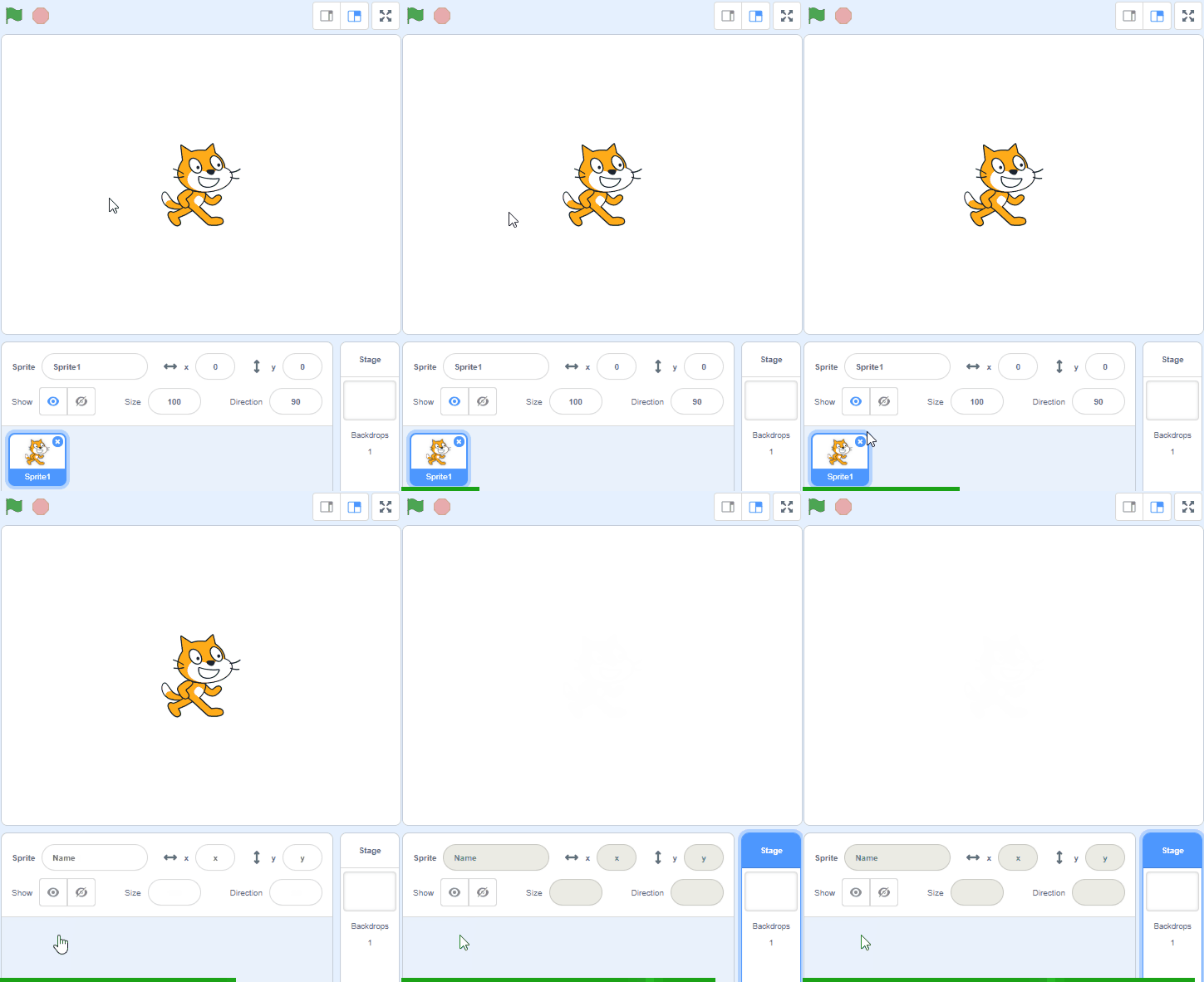
Go to the Scratch website and create a new Scratch project. You can delete the cat sprite.
Go to the Scratch website using the link below and click on the 'Create' link in the blue bar at the top.
By default, each new project starts with the cat sprite already added. To delete the cat click on the x in the blue circle beside the cat in the sprite list.
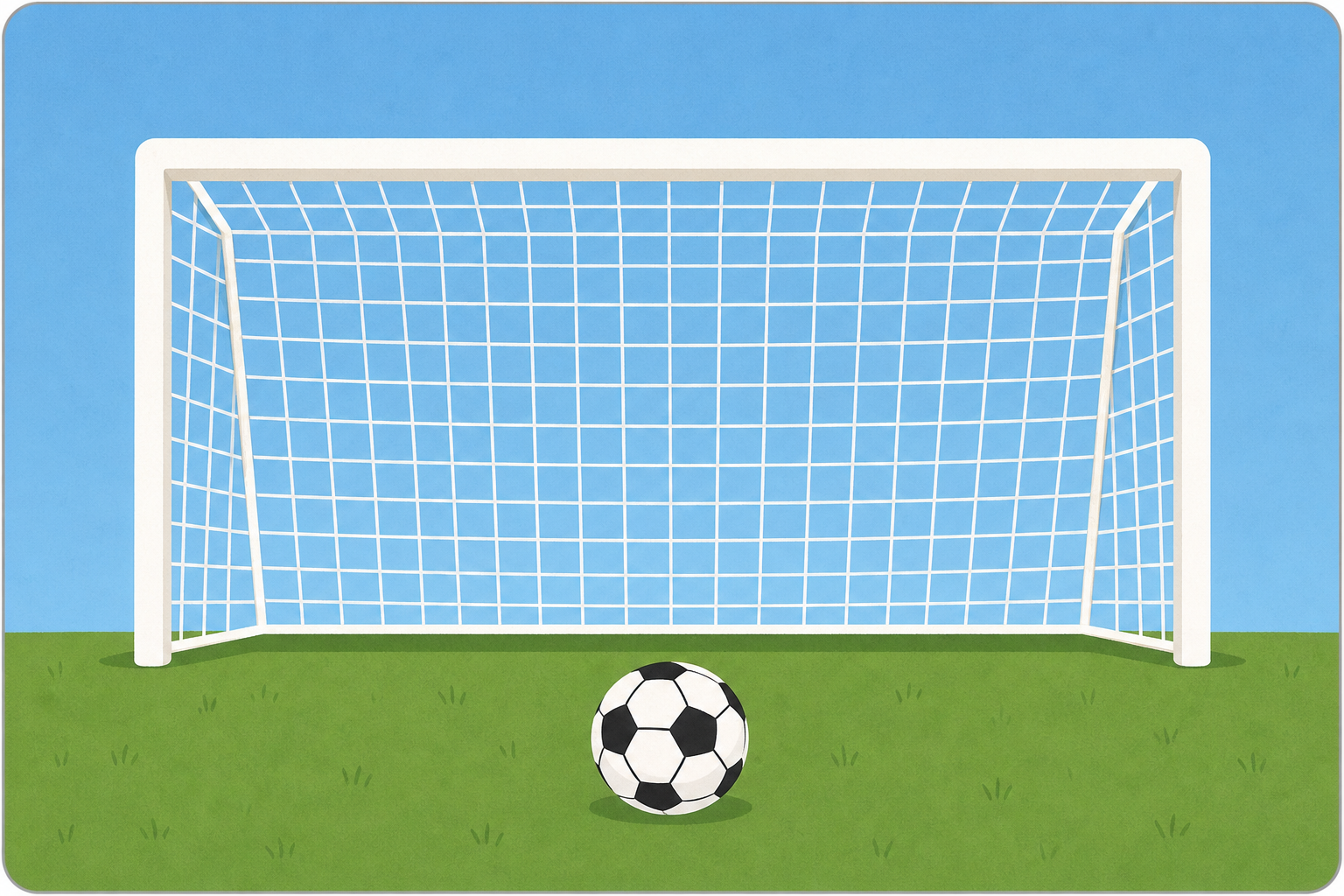
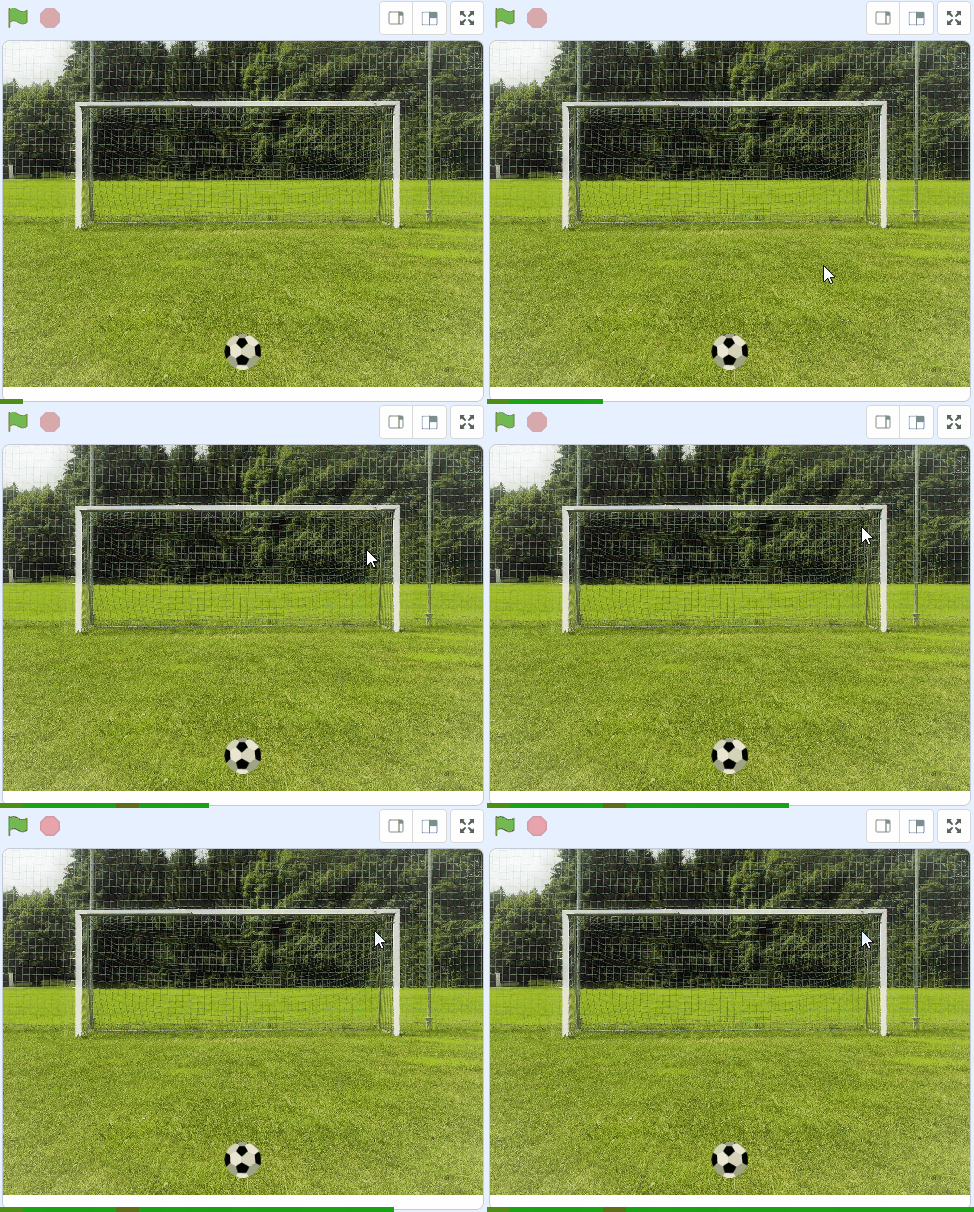
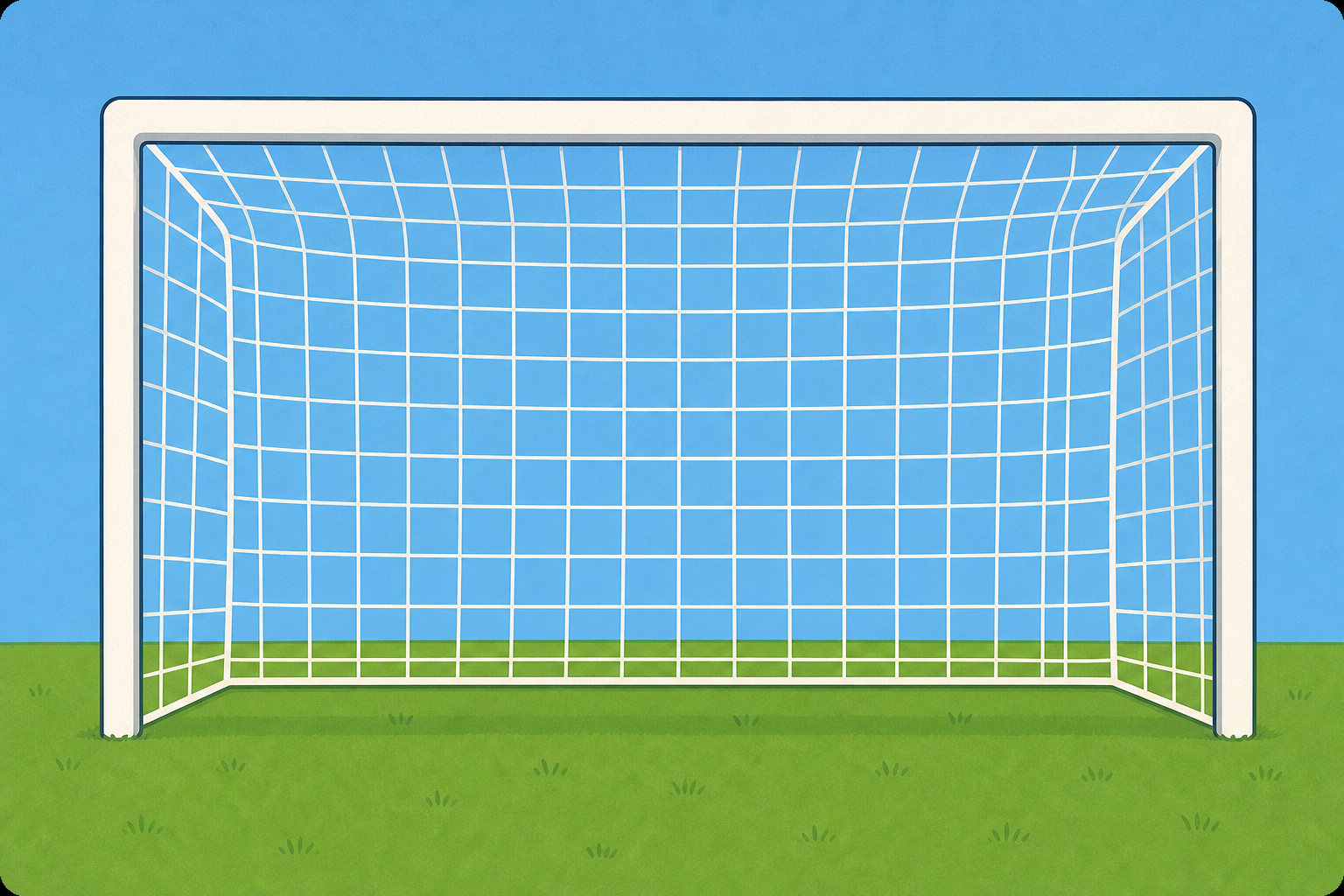 Included with this step is a picture of a soccer goal, download this picture onto your computer and then upload it as a new backdrop in your project.
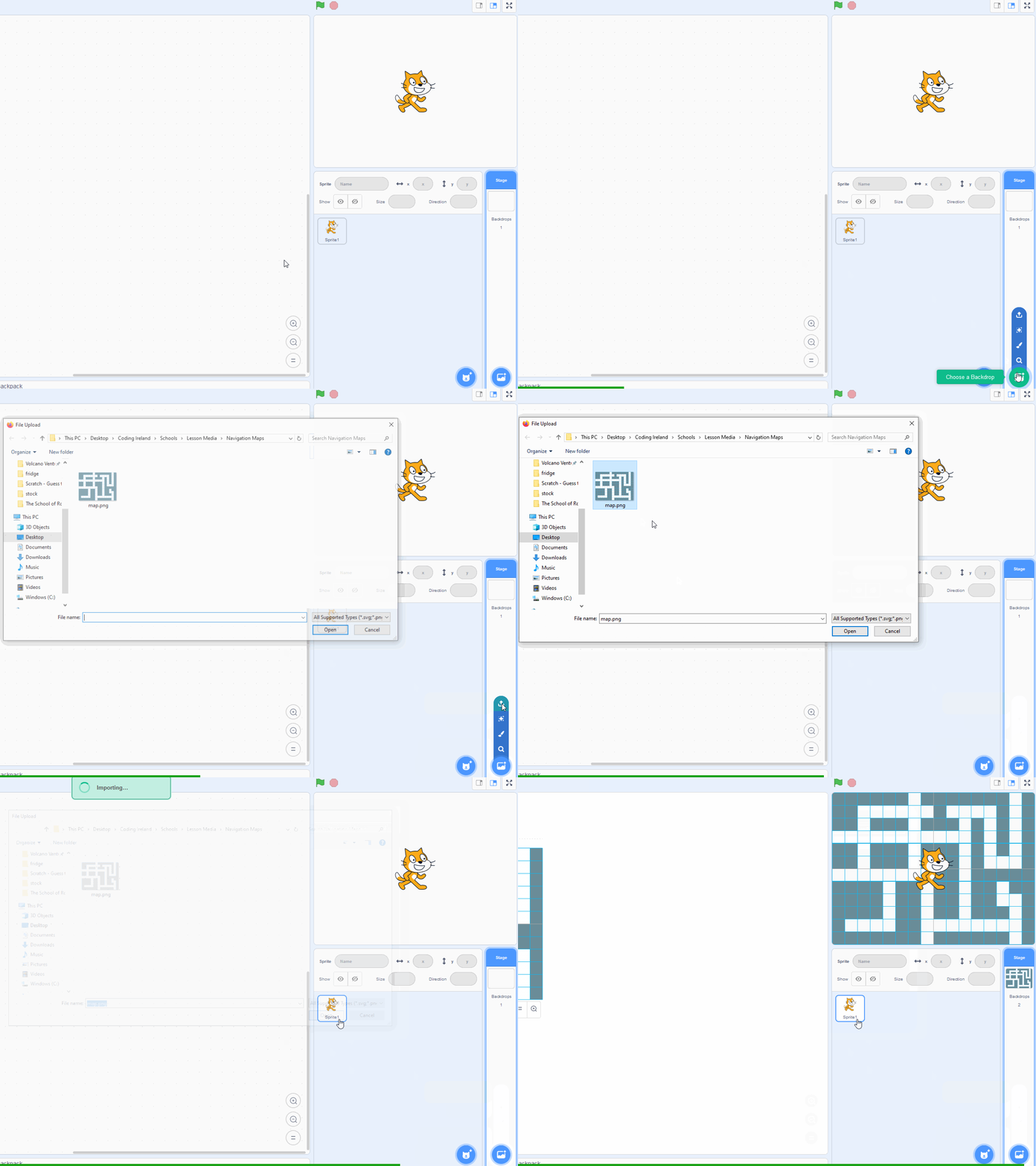
You can upload images as backdrops into your project. To upload a backdrop follow these steps:
- First save the image file onto your computer. You do this by right clicking on the image or link and then selecting 'Save image/link as...'.
- Choose a location on your computer such as your desktop and save the file.
- In your Scratch project, put your mouse over the Choose a Backdrop button.
- Click on the 'Upload Backdrop' button.
- Go to the folder you saved your file.
- Select the file and click 'Open'.
The new backdrop will upload into your project and appear in the stage area.

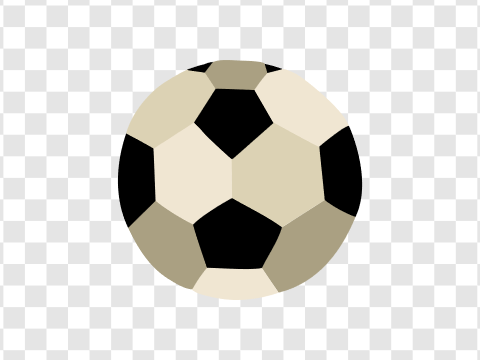
 Add the Soccer Ball sprite from the sprite library and give it the following code to set it up for the start of the game.
when green flag clicked
set size to (100) %
go to x (0) y (-130) // the bottom middle of the stage area
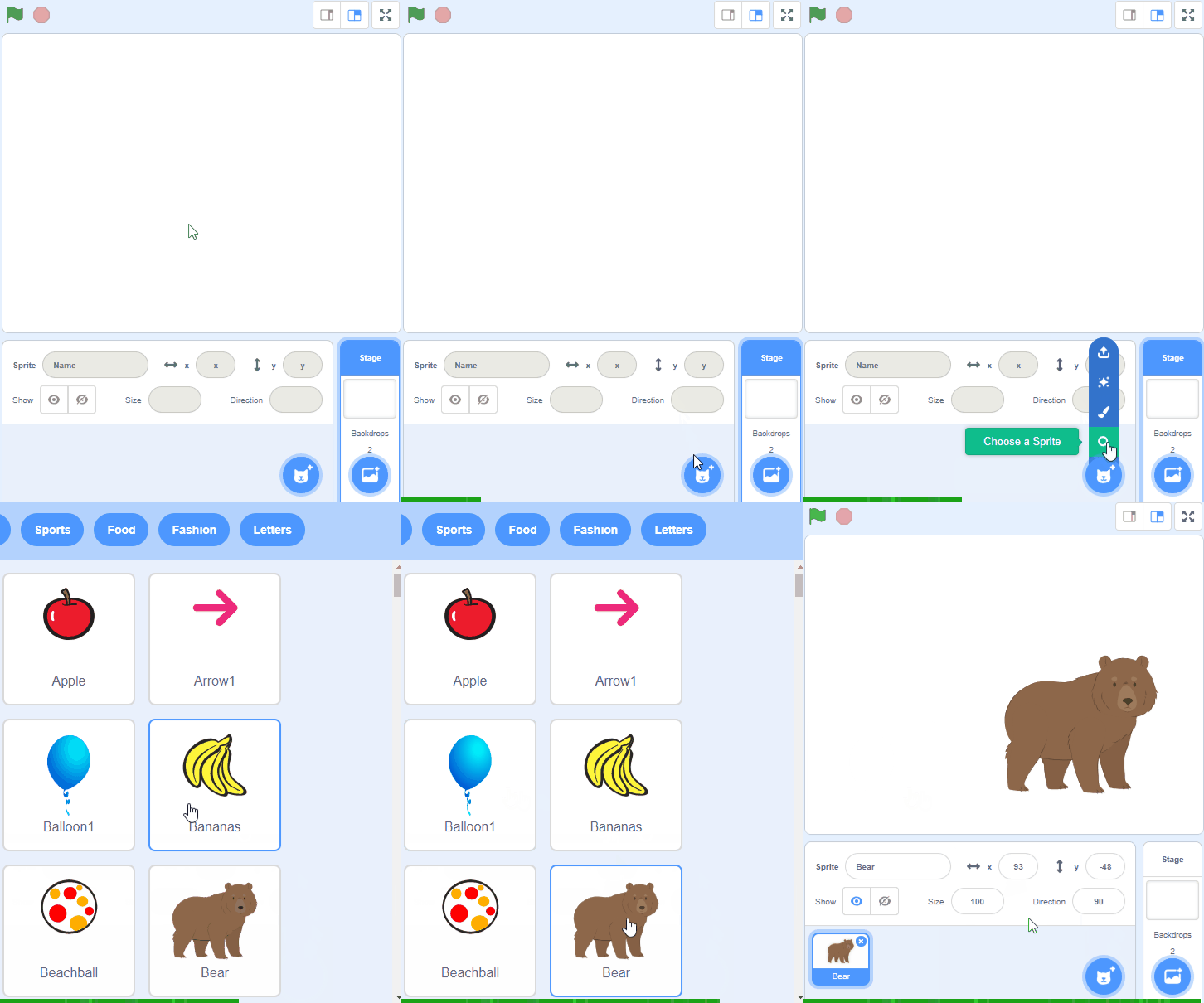
To add a sprite from the sprite library follow these steps:
- Put your mouse over the Choose a Sprite button
- Click on the magnifying glass
- Find the sprite you want in the library
- Click on your chosen sprite
You can use search box or the filter links (Animals, People, Fantasy etc) to locate your sprite.

To take a penalty shot you will click with your mouse the spot in the goal where you want the ball to go. This means that you will be clicking the backdrop so add the following code to the backdrop to broadcast a message.
when stage clicked
broadcast [shoot v]
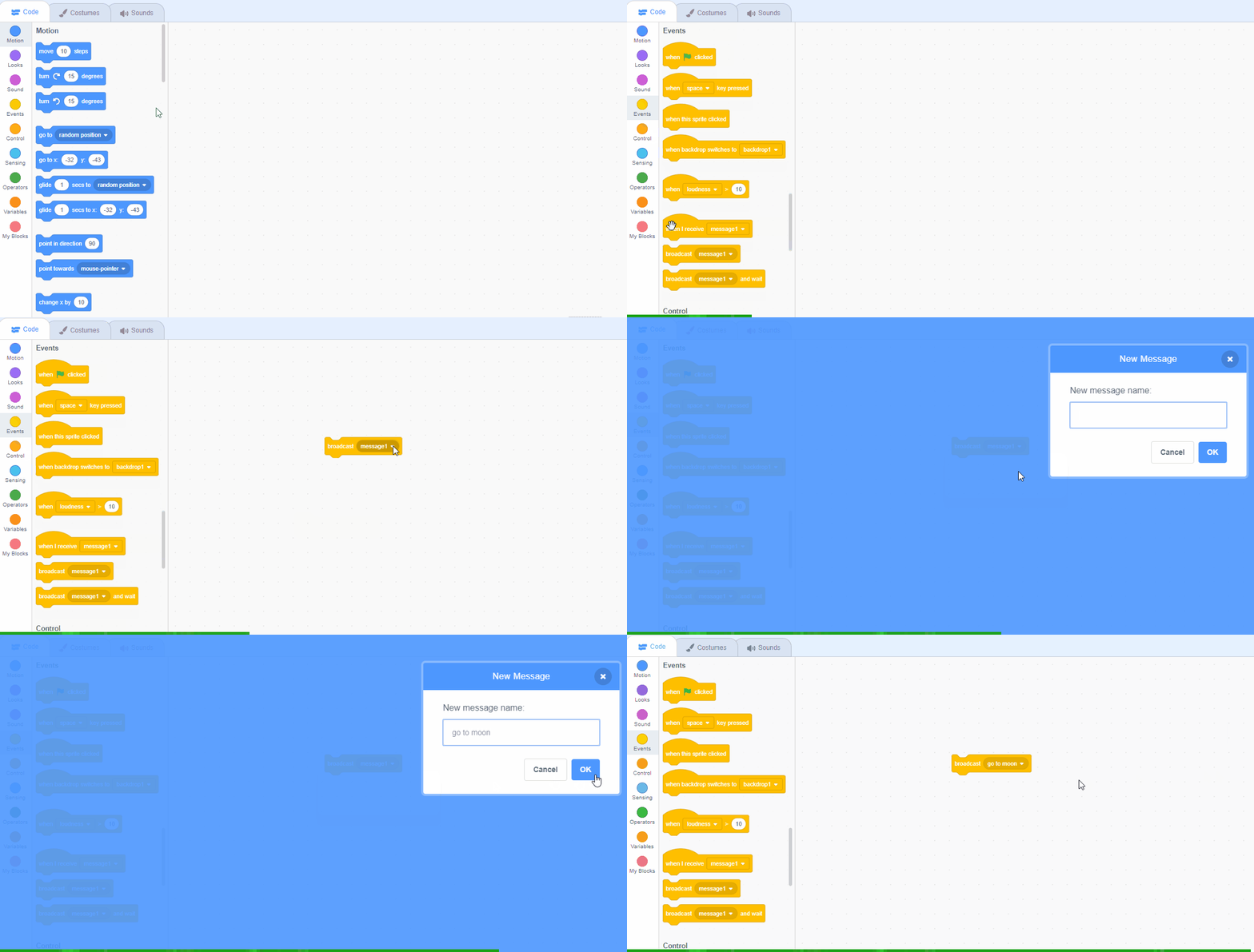
Messages are a great way to start a piece of code at a particular time. To create a new message follow these steps:
- Add the broadcast [message 1 v] block to your code.
- Click on the down arrow beside 'message 1' in the block.
- Click on 'New message'.
- Type in the name of your message. Give it a name that makes sense and you can remember it by.
- Click the OK button.
Unlock the full learning experience
You're previewing this lesson. Get full access to this lesson and hundreds more — each one ready to teach, with interactive activities, printable resources and pupil progress tracking built in.
This lesson is copyright of Coding Ireland 2017 - 2026. Unauthorised use, copying or distribution is not allowed.
Scratch is developed by the Lifelong Kindergarten Group at the MIT Media Lab. It is available for free at https://scratch.mit.edu