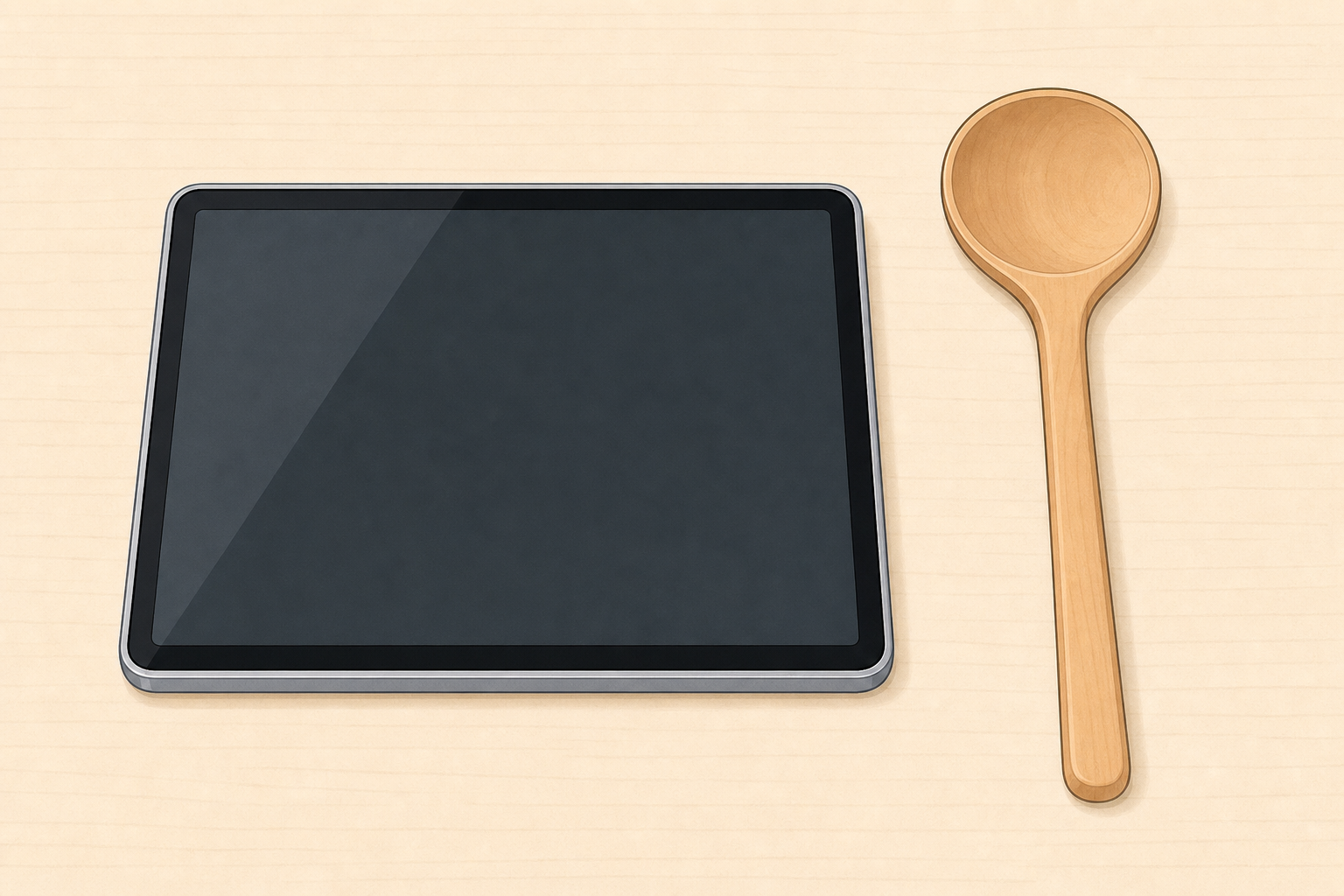
Look what I have: a tablet and a wooden spoon. Which one has a screen we can look at? Point to the one with the screen.
Hold up one everyday helper with a clear screen (a class tablet or a toy phone with a blank screen face) and one with no screen (a wooden spoon). Keep the rest of the sorting tray out of sight so the hook stays light.
Ask only the one question and take a few points. Do not name the full sort rule yet. That comes next.
Who helps us: people invent helpers with screens and helpers without screens so we can do jobs more easily.
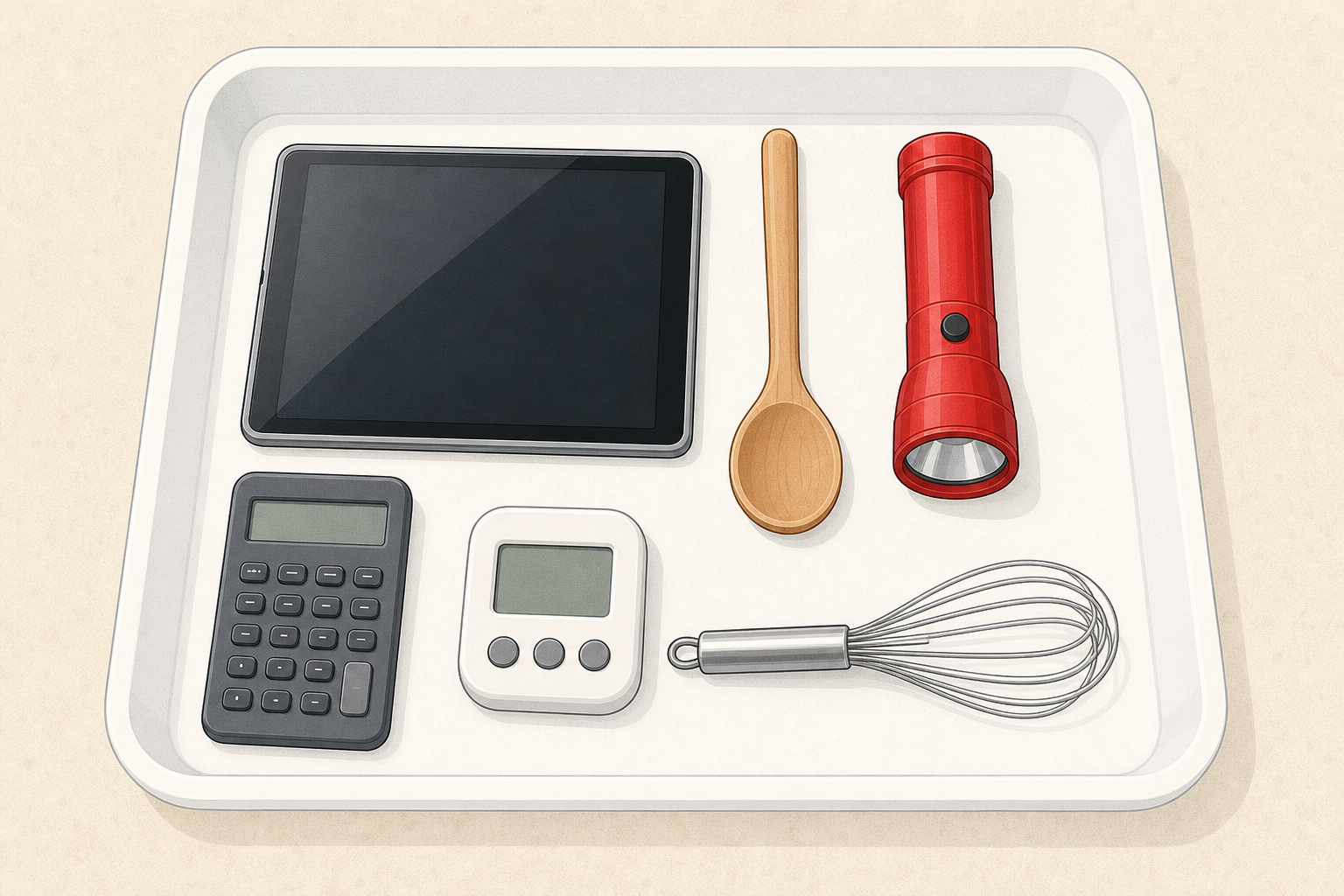
Look at the helpers on the tray. Which ones have a screen? Point to a helper with a screen.
Spread a few safe helpers on the tray so the whole class can see. Keep one look-for only: a screen. Model one object first, then invite two or three children to point and say what they notice. Keep this short and oral.
| Concept | Why it matters | Example |
|---|---|---|
| Screen — a flat part of a helper that lights up so we can look at pictures, words or numbers | Knowing which helpers have a screen helps us use them carefully and choose the right helper for a job | A tablet has a screen we look at; a wooden spoon has no screen |
Board words (say aloud): screen — the part we look at; no screen — a helper with no light-up face.
Model one look: Hold the tablet. I notice a flat shiny part. I think this is a screen. Hold the spoon. I notice no flat shiny part. I think this has no screen.
Misconception to head off: children may call any shiny surface a screen (a metal spoon, a mirror). Gently say a screen is the part that shows pictures or words when the helper is on. An analogue clock face shows numbers but does not light up with pictures or words when turned on — it is not a screen. Put the analogue clock in the no-screen hoop.
Optional stretch talk only (not part of the sort rule): if a child notices buttons on a remote, name them briefly — buttons are small parts you press — then return to the one rule: has a screen or no screen. A remote with buttons but no screen goes in the no-screen hoop.
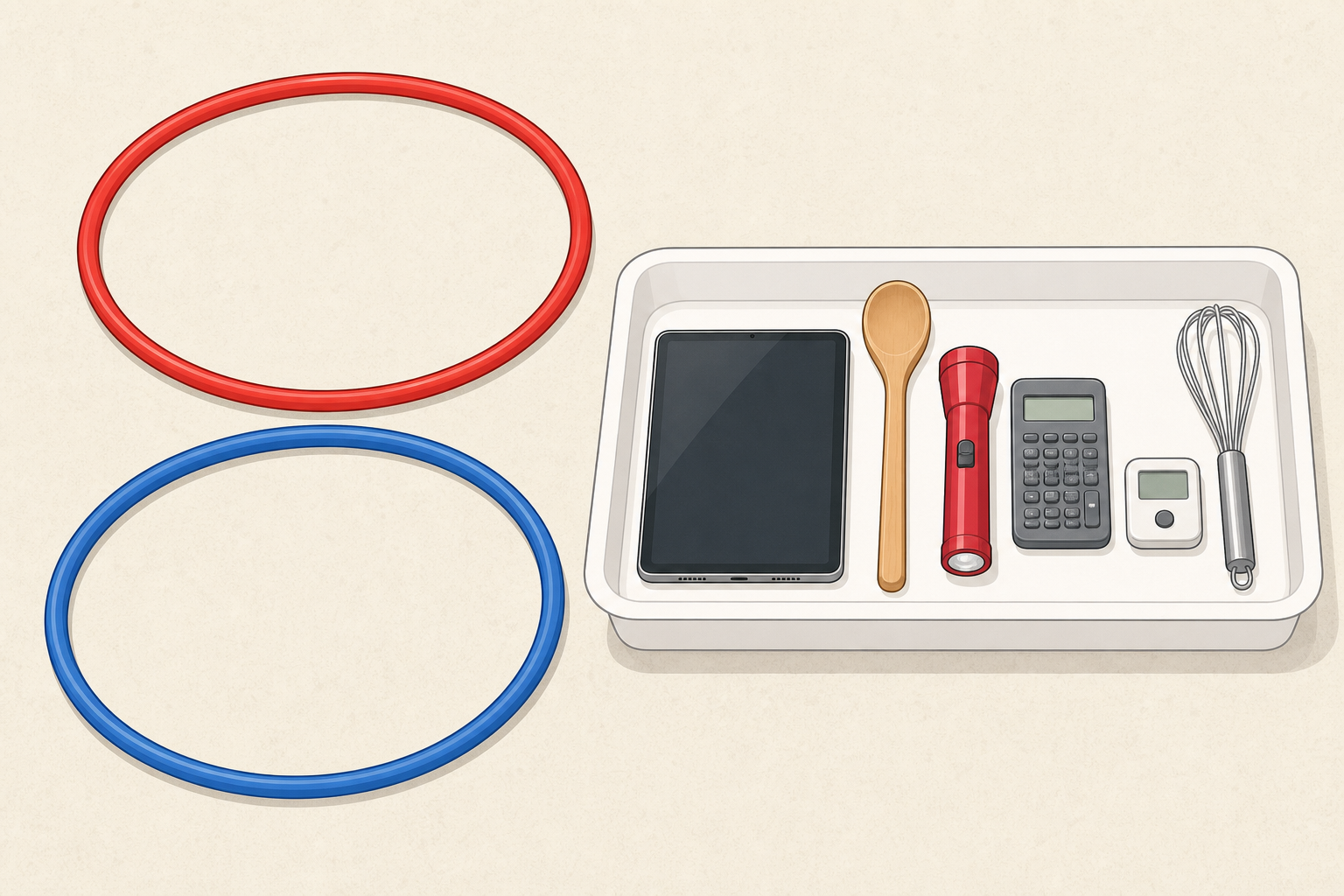
We will sort our helpers into two hoops. One hoop is for helpers with a screen. One hoop is for helpers with no screen. Some friends will sort at the tray. The rest of us watch and help decide. Do you agree? Why?
Model one full sort first with the class watching. Hold up a tablet: I see a screen. I think it goes in the has-a-screen hoop. Place it. Hold up a brush: I see no screen. I think it goes in the no-screen hoop. Hold up a remote: I see buttons to press, but no screen that lights up. It goes in the no-screen hoop.
Then invite a small group to the tray. Those children take turns choosing one object, saying where it goes, and placing it. The rest of the class stay folded in by your questions: Do you agree? Why? What do you notice? Watching and judging is real participation — do not invent a parallel desk task for the watchers.
Look-fors:
If the sort stalls: reduce the tray to six clear objects and do the sort as a whole class on the carpet so every decision is shared aloud.
Differentiation: less confident children sort with you and only two objects; confident children can be the "hoop checker" and ask a friend why. Buttons remain stretch talk only — not a second sort group.
Now we will sort pictures on the board. Same game as the hoops. Has it got a screen? Tell me which hoop each picture should go in.
Open the picture-sort interactive in explore mode on the IWB. Read the question aloud exactly: Has it got a screen? Use the same two labels as the floor hoops so the rule does not change.
Six picture cards start in the tray: tablet, television, mobile phone, spoon, brush, bell. Two hoops: has a screen and no screen.
Invite children to call out where each card goes. You drag it. Nothing is scored. A card in the wrong hoop is a chat: What do you notice on this one?
After the sort, use the prompt: Which helpers have a screen? Name one helper with no screen.
Keep this whole-class and teacher-led. Do not send children to devices.
On your Investigation Journal page, show the helpers with a screen and the helpers with no screen. Draw one helper in each group.
Hand out the Investigation Journal page (has a screen · no screen). Children draw or place simple marks to show the sort. At this age the drawing is the record.
Circulate and ask each child to point to one drawing and say: This one has a screen or This one has no screen.
Support: offer two object stickers or let a child copy from one real object still on the tray. Stretch: ask them to draw a second helper on the back if they finish early.
Do not invent extra columns or boxes on the page. The journal page is generated for this sort. Keep this beat in class only — do not send the page home.
You're previewing this lesson. Get full access to this lesson and hundreds more — each one ready to teach, with interactive activities, printable resources and pupil progress tracking built in.