Mathematics
Intermediate
50 mins
Teacher/Student led
+65 XP
What you need:
IWB/Projector/Large Screen

Sorting Data with Carroll and Venn Diagrams

Learn to sort data using Carroll diagrams (four-box grids) and Venn diagrams (overlapping circles). Understand how each method organises items by yes/no properties, and where items belong in overlaps.

Teacher Class Feed

Load previous activity

    1 - Getting Started ~4 mins

    We are going to use a grid split into four boxes. Along the top it says even and not even. Down the side it says more than 10 and not more than 10.

    Where would the number 14 go? What about the number 7? Put your hand up if you can point to the right box.

    2 - Watch and Notice ~9 mins

    We will sort two sets of cards on screen. The first is a Carroll diagram that sorts numbers by two questions: is it even, and is it single-digit or two-digit? The second is a Venn diagram that sorts shapes by whether they have a right angle and whether they are red. A right angle is a square corner, like the corner of this page. Watch where each card lands, and see which card sits outside both circles.

    3 - Try It Together ~9 mins

    Now we sort together. First we work a Carroll diagram of numbers on the board. We sort them by even / odd and by single-digit / two-digit. We place 4, then 11, then 22, then 9.

    Then we move to the shapes on screen. The Venn sorts them by has a right angle and is red. Drag a red rectangle into place. Then a blue square. Then a red circle. Then a blue circle.

    Sort into the Venn diagram

    4 - Draw Your Venn in Your Copy ~3 mins

    COPYBOOK MOMENT

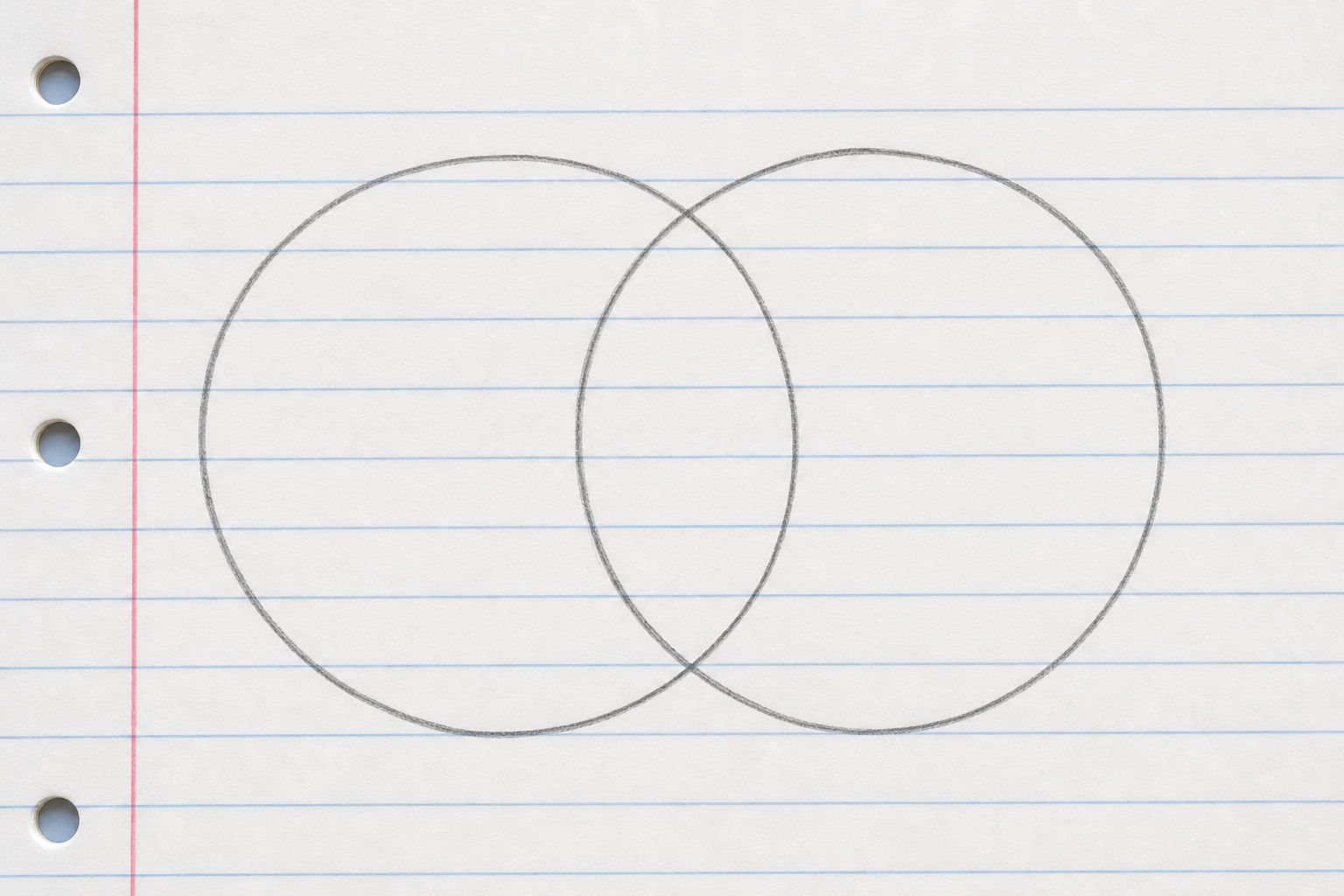
    Illustration for Draw Your Venn in Your CopyIn your maths copy, draw a Venn diagram with two overlapping circles. Label one circle even and the other more than 10. Then write these three numbers into the correct regions, including the overlapping middle:

    • 8
    • 15
    • 14

    Think carefully about where 14 goes.

    5 - Class Challenge ~10 mins

    Now you sort at your seats. The grid and the circles are already laid out, so you are only sorting cards, never drawing diagrams.

    Three sorts, one at a time. Finish one and stop before the next.

    1. Carroll grid. Sort your number cards into the four boxes: even or odd across single-digit or two-digit.
    2. Venn with nothing in the middle. One circle is triangle and the other is red. None of these cards is a red triangle, so the middle stays empty. That is the right answer, not a mistake.
    3. Venn with something in the middle. The circles are even and two-digit. We do one together on the board first, placing 4, 18, 9 and 25, then you sort your own set the same way.

    Key point After each sort, write down one card and the region it ended in, and be ready to say why it went there.

    Hands-on Task

    Pupil practice
    Module 9 · Data and Chance Data & Chance
    Lesson 108 · Sorting Data with Carroll and Venn Diagrams
    Download Activity Book page (PDF)
    123learn · Online learning platform

    Unlock the full learning experience

    You're previewing this lesson. Get full access to this lesson and hundreds more — each one ready to teach, with interactive activities, printable resources and pupil progress tracking built in.

    Hundreds of curriculum-aligned lessons
    Interactive activities in every lesson
    Printable resources & progress tracking
    Copyright Notice
    This lesson is copyright of Coding Ireland 2017 - 2025. Unauthorised use, copying or distribution is not allowed.
    🍪 Our website uses cookies to make your browsing experience better. By using our website you agree to our use of cookies. Learn more