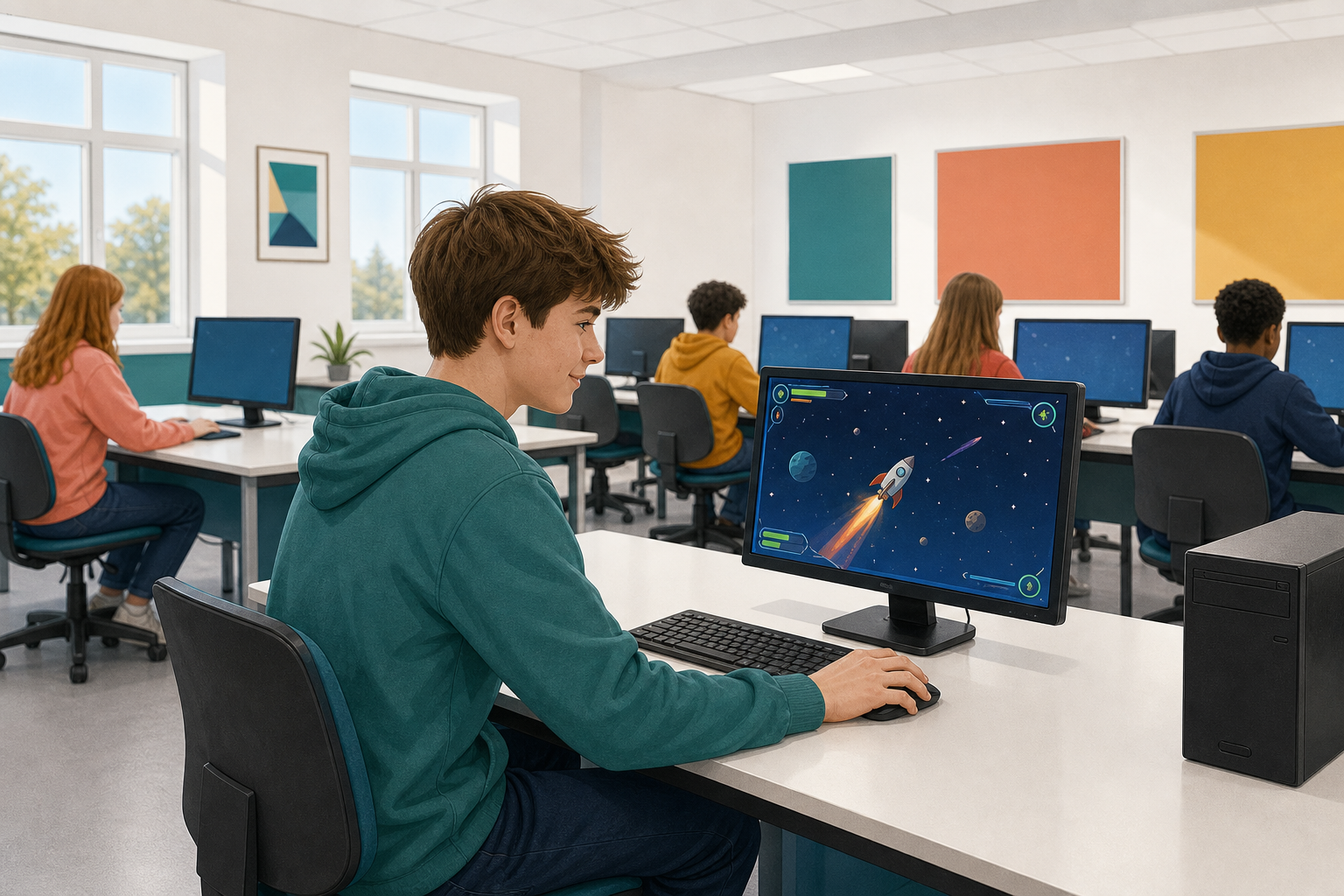
 You can already train a pose model. Today you will load that model into Scratch and build a space game you steer by leaning left and right.
Before you touch any code, think about it: how would leaning your body to one side make a rocket move across the screen?
You will start a new project in Stretch3 and build the game step by step, testing and fixing it as you go.
In this lesson, you will create a fun Space game using Scratch and Google Teachable Machine.
You will learn how to use your Teachable Machine Pose model with tilt poses to control a spaceship.
If you don't have a Teachable Machine Pose model, don't worry! You can use the provided model.

Go to https://stretch3.github.io/ and start a new Scratch project and delete the Cat sprite.
Then, add the TMPose2Scratch extension by clicking on the Extensions button at the bottom left corner of the screen and selecting TMPose2Scratch. This extension allows you to use Google Teachable Machine pose models in your Scratch projects.
When you add this extension, it will automatically try and use your computer's camera. If necessary, click on 'Allow' to give it permission to use your camera. You should see what the camera is showing in the stage area.


Add the Rocketship sprite to the project and then add the following code to it, to position it at the bottom centre of the stage area and shrink its size.
when green flag clicked
  go to x (0) y (-150)
  set size to (30) %

Now, let's set up the pose model that our project will use. Add the following new code to your sprite:
 when green flag clicked
  go to x (0) y (-150)
  set size to (30) %
  pose classification model URL [link to your model] :: extension
Put the link of your pose model into the pose classification model URL block.

Unlock the full learning experience
You're previewing this lesson. Get full access to this lesson and hundreds more — each one ready to teach, with interactive activities, printable resources and pupil progress tracking built in.
This lesson is copyright of Coding Ireland 2017 - 2026. Unauthorised use, copying or distribution is not allowed.
Scratch is developed by the Lifelong Kindergarten Group at the MIT Media Lab. It is available for free at https://scratch.mit.edu