Microbit
Beginner
40 mins
Teacher/Student led
+100 XP

Studio: Reaction Timer

Students build a micro:bit reaction timer with a countdown, random delay, and button event to measure reaction time in milliseconds, then run a fair class test of best times.
Teacher Class Feed

Load previous activity

    1 - Start: What We're Building ~4 mins

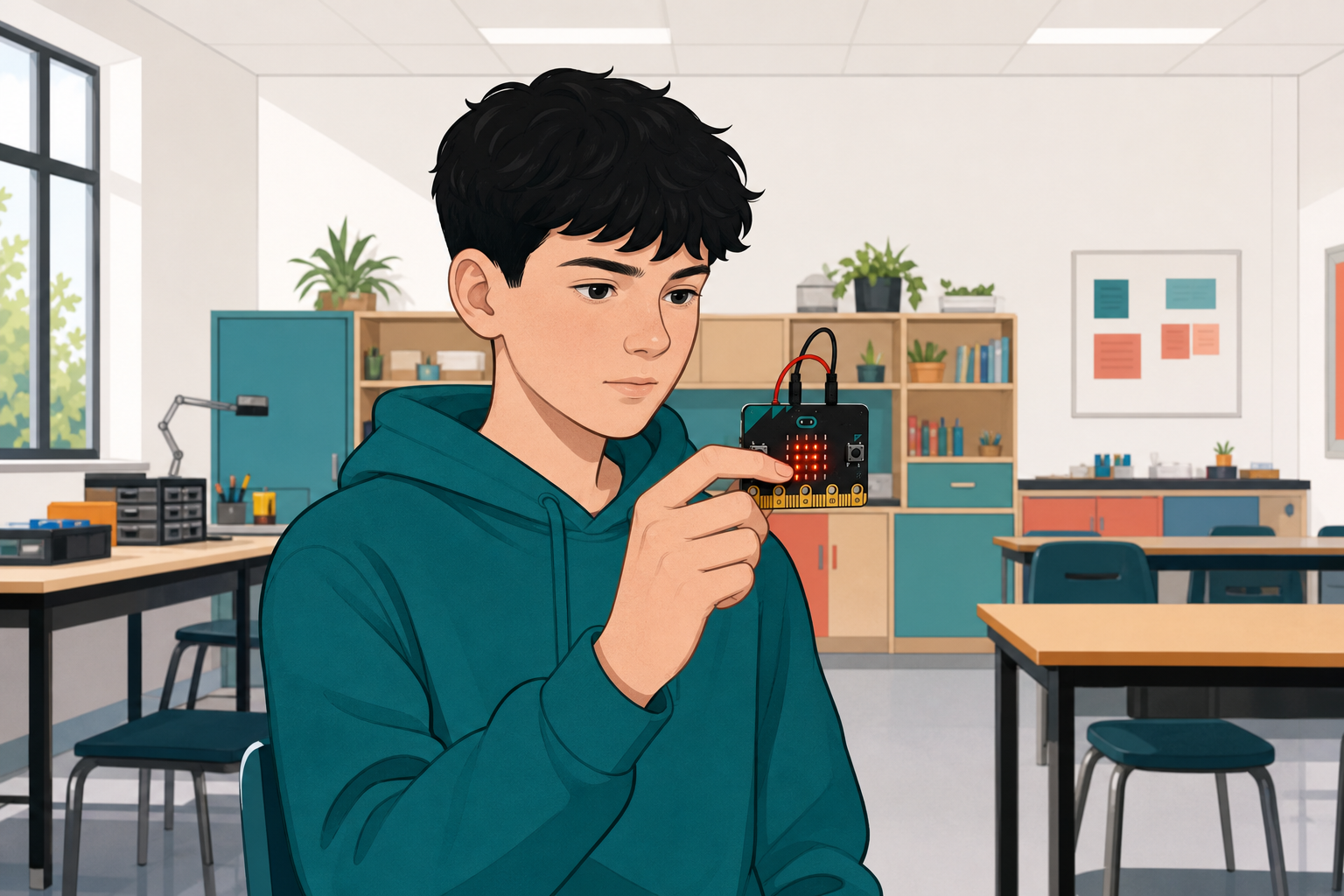
    Illustration for Start: what we're buildingYou can already show messages and numbers on the micro:bit and respond to a button.
    Today you will build a Reaction Timer: a short countdown, a random wait, a full-screen signal, and a reading in milliseconds when you press A. You will then run fair attempts and compare times as a class.

    Before anyone runs the finished idea: when do you think the full screen should appear, and what should the number on the screen mean?

    2 - Create a New Project ~3 mins

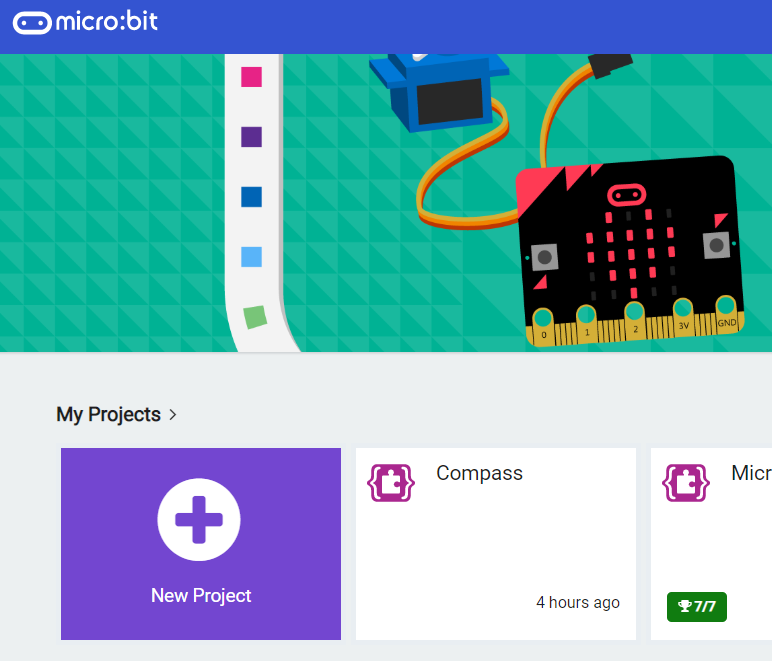
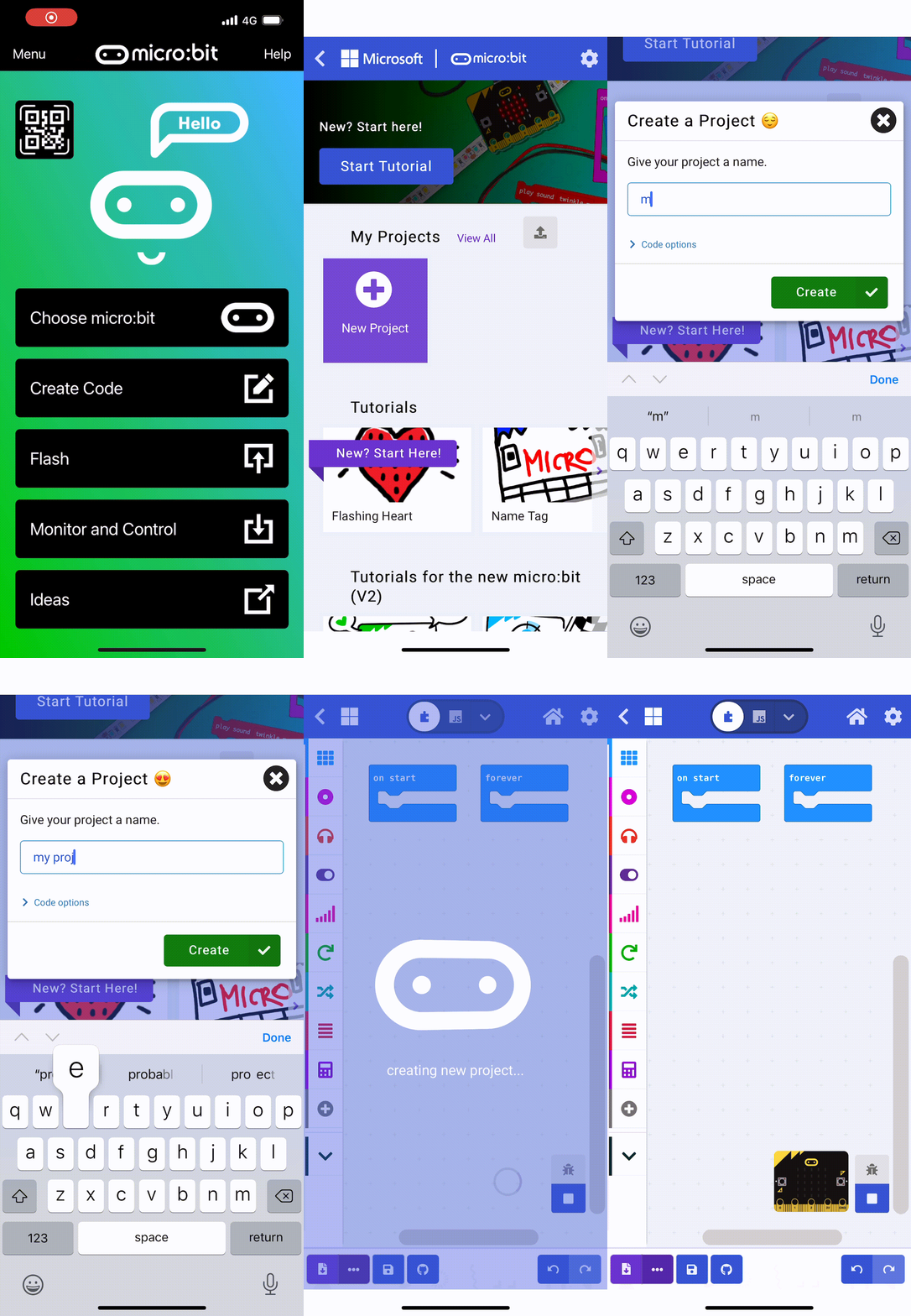
    First, go to the Micro:bit website. Click on 'New Project' and name your project as 'Reaction Timer'.

    3 - Creating a Welcome Message ~2 mins

    Let's start by creating a welcome message that will be displayed when you power on your Microbit.

    Add the following code to your project:

    basic.showString("Get Ready")

    4 - Creating a Countdown ~5 mins

    After the welcome message, we are going to create a countdown from 3 to 1 and then show a line on the screen.

    Add the following new code to your project:

    basic.showString("Get Ready")
    basic.showNumber(3)
    basic.pause(1000)
    basic.showNumber(2)
    basic.pause(1000)
    basic.showNumber(1)
    basic.pause(1000)
    basic.showLeds(`
        . . . . .
        . . . . .
        # # # # #
        . . . . .
        . . . . .
        `)
    You could also create a function called 'countdown' and pass in the amount of seconds you want to count down. Have a think about how you could do this.

    5 - Adding a Random Delay ~8 mins

    To make the game unpredictable, let's add a random delay after the countdown. 

    Add the following new code to create a random delay between 1 to 5 seconds (1,000 to 5,000 milliseconds) and then show the signal (a fully lit up LED screen) to the player.

    basic.showString("Get Ready")
    basic.showNumber(3)
    basic.pause(1000)
    basic.showNumber(2)
    basic.pause(1000)
    basic.showNumber(1)
    basic.pause(1000)
    basic.showLeds(`
        . . . . .
        . . . . .
        # # # # #
        . . . . .
        . . . . .
        `)
    basic.pause(Math.randomRange(1000, 5000))
    basic.showLeds(`
        # # # # #
        # # # # #
        # # # # #
        # # # # #
        # # # # #
        `)
    
    123learn · Online learning platform

    Unlock the full learning experience

    You're previewing this lesson. Get full access to this lesson and hundreds more — each one ready to teach, with interactive activities, printable resources and pupil progress tracking built in.

    Hundreds of curriculum-aligned lessons
    Interactive activities in every lesson
    Printable resources & progress tracking
    Copyright Notice
    This lesson is copyright of Coding Ireland 2017 - 2025. Unauthorised use, copying or distribution is not allowed.
    🍪 Our website uses cookies to make your browsing experience better. By using our website you agree to our use of cookies. Learn more