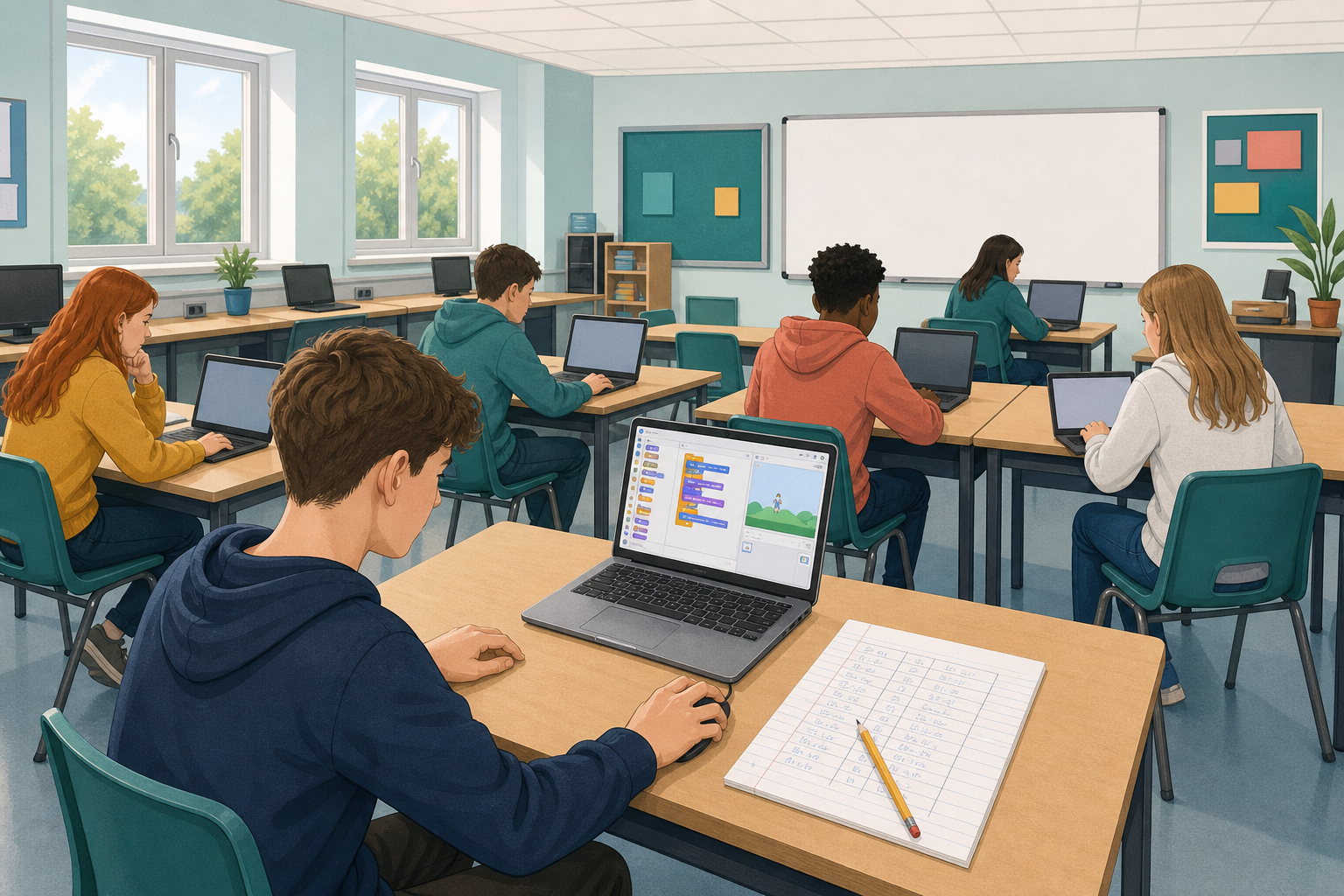
 Last time you wrote a plan as pseudo-code and a flow chart, then built it. Today you learn a new habit: step through a program by hand before you run it. You will fill a trace table, predict the output, then check. When the answer is wrong, you will find the bug and fix it.

A trace table is a simple grid. Each row is one instruction. You write the value of every variable after that instruction runs. By the last row, you know what the program will show, without running it yet.
Worked example. Read this short program:
- Set score to 0
- Change score by 10
- Change score by 5
- Say score
Filled trace table (columns: Step, Instruction, score):
| Step | Instruction | score |
|---|---|---|
| 1 | Set score to 0 | 0 |
| 2 | Change score by 10 | 10 |
| 3 | Change score by 5 | 15 |
| 4 | Say score | 15 (says 15) |
So your prediction is 15. Only then do you run the program and compare. If the run matches, you understood it. If it does not, the mismatch tells you where to look.
Here is that program as Scratch blocks, so you know what you are tracing:
when green flag clicked
set [score v] to (0)
change [score v] by (10)
change [score v] by (5)
say (score)
Practise the predict-then-run habit on two short programs. For each one: draw a blank trace table with columns for Step, Instruction, each variable, and Notes, using the grid from the example as your model. Fill it by hand, write your prediction, then check.
Program A (points): whole class first
- Set points to 3
- Change points by 4
- Change points by −2
- Say points
Trace points after every step. What will it say?
Check for Program A: your teacher runs it on the board. Tick a match, or circle the row that went wrong and fix that row. If you miss the board run, ask for the expected output and still tick or correct your table. Final output after check: _______
Before Program B: a filled mini if-row
Sometimes a step is a decision. The if-row still gets a line in the table, and you write which branch runs in the Notes column. Here is a short filled example to re-read if you need it:
- Set lives to 1
- If lives = 0, say "Game over", else say lives
| Step | Instruction | lives | Notes |
|---|---|---|---|
| 1 | Set lives to 1 | 1 | |
| 2 | If lives = 0 … | 1 | Condition false, so else runs; says 1 |
Program B (lives and a decision): pairs
- Set lives to 2
- Change lives by −1
- If lives = 0, say "Game over", else say lives
Your table can start like this (finish the blank cells):
| Step | Instruction | lives | Notes |
|---|---|---|---|
| 1 | Set lives to 2 | 2 | |
| 2 | Change lives by −1 | ||
| 3 | If lives = 0 … | Which branch runs? |
Which branch of the if runs? What will it say?
Check for Program B: your teacher runs it on the board. Tick a match, or circle the row that went wrong and fix that row. If you miss the board run, ask for the expected output and still tick or correct your table. Final output after check: _______
Before you finish, check:
- A completed trace table for Program A with a written prediction
- A completed trace table for Program B with a written prediction and a note on which branch ran
- Both checked against the teacher Scratch runs, with any wrong row corrected
Unlock the full learning experience
You're previewing this lesson. Get full access to this lesson and hundreds more — each one ready to teach, with interactive activities, printable resources and pupil progress tracking built in.
This lesson is copyright of Coding Ireland 2017 - 2026. Unauthorised use, copying or distribution is not allowed.
Scratch is developed by the Lifelong Kindergarten Group at the MIT Media Lab. It is available for free at https://scratch.mit.edu