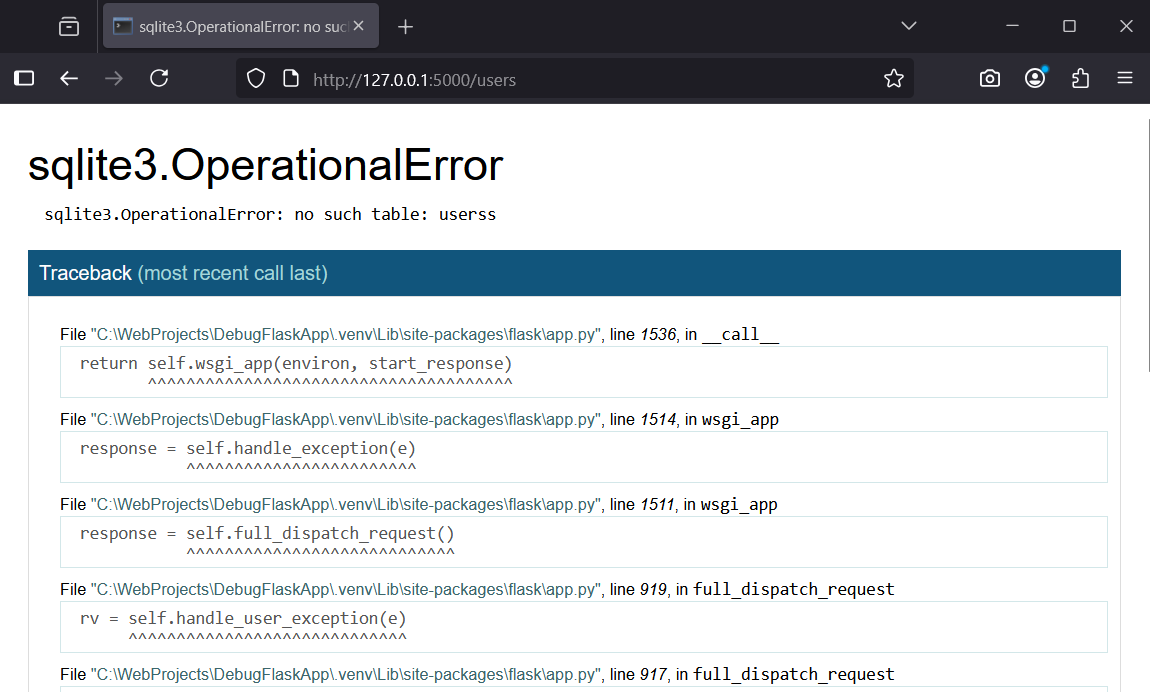
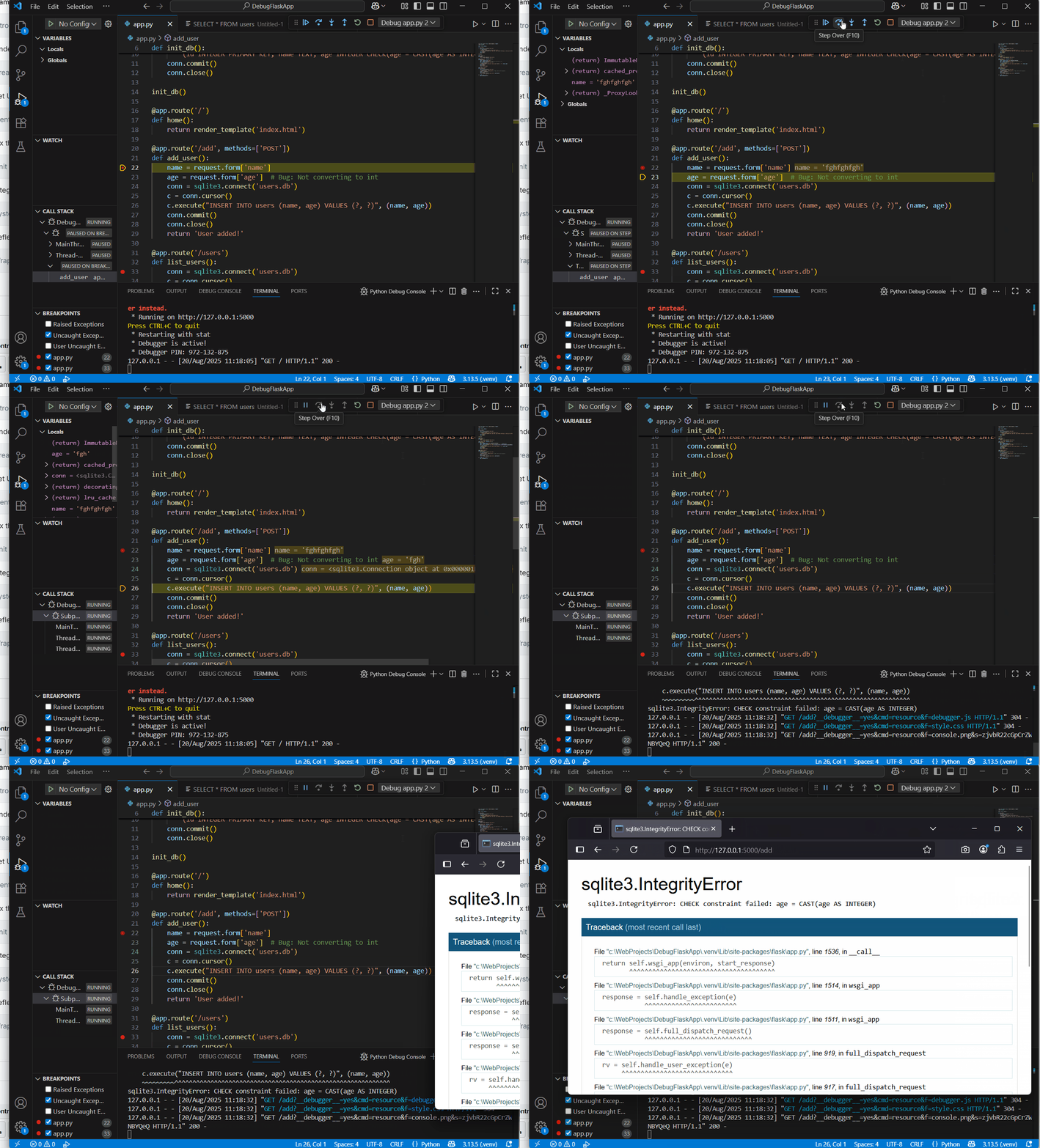
Create the initial structure for a simple Flask app that manages a user database with SQLite. This code has bugs that you will fix later.
First, in your 'DebugFlaskApp' folder, create a file called 'app.py' and add this complete code:
from flask import Flask, render_template, request
import sqlite3

app = Flask(__name__)

def init_db():
    conn = sqlite3.connect('users.db')
    c = conn.cursor()
    c.execute('''CREATE TABLE IF NOT EXISTS users
        (id INTEGER PRIMARY KEY, name TEXT, age INTEGER CHECK(age = CAST(age AS INTEGER)))''')
    conn.commit()
    conn.close()

init_db()

@app.route('/')
def home():
    return render_template('index.html')

@app.route('/add', methods=['POST'])
def add_user():
    name = request.form['name']
    age = request.form['age']  # Bug: Not converting to int
    conn = sqlite3.connect('users.db')
    c = conn.cursor()
    c.execute("INSERT INTO users (name, age) VALUES (?, ?)", (name, age))
    conn.commit()
    conn.close()
    return 'User added!'

@app.route('/users')
def list_users():
    conn = sqlite3.connect('users.db')
    c = conn.cursor()
    c.execute("SELECT * FROM userss")  # Bug: Table name misspelled
    users = c.fetchall()
    conn.close()
    return render_template('users.html', users=users)

if __name__ == '__main__':
    app.run(debug=True)
Create a 'templates' folder inside 'DebugFlaskApp'. Inside 'templates', create 'index.html':
<!DOCTYPE html>
<html>
<head><title>Add User</title></head>
<body>
<h1>Add User</h1>
<form method="post" action="/add">
    <label>Name:</label><input type="text" name="name"><br>
    <label>Age:</label><input type="text" name="age"><br>
    <button type="submit">Add</button>
</form>
<a href="/users">View Users</a>
</body>
</html>
And 'users.html' file in the 'templates':
<!DOCTYPE html>
<html>
<head><title>Users</title></head>
<body>
<h1>Users</h1>
<ul>
{% for user in users %}
    <li>{{ user[1] }} (Age: {{ user[2] }})</li>
{% endfor %}
</ul>
<a href="/">Back</a>
</body>
</html>
Run the app by opening a terminal in VS Code and typing: python app.py. Visit http://127.0.0.1:5000/. Try adding a user and viewing the list – you will encounter errors. These are the bugs to fix next.
 Chromebooks, laptops, and PCs are crucial tools for coding and digital skills education. Chromebooks are ideal for web-based applications and collaborative projects, while laptops and PCs support a wider range of programming environments and software for more intensive tasks like software development and data analysis.
 In this lesson, you will explore advanced debugging and testing techniques in software engineering. You will learn about the stages of testing: unit testing, integration testing, and system testing. Then, you will apply these concepts by debugging and testing a Flask web application that uses SQLite for data storage. Finally, you will reflect on the code's limitations and suggest improvements.