Intermediate
40 mins
Teacher/Student led
+70 XP
What you need:
Chromebook/Laptop/PC
Canva account (school email)

Editing Images with Canva, Part 2: Layers, Export and the Honest Edit

Students layer text over their image, export it in the right format, then judge their own edits against whether the result still represents what was there.

Teacher Class Feed

Load previous activity

    1 - Start ~3 mins

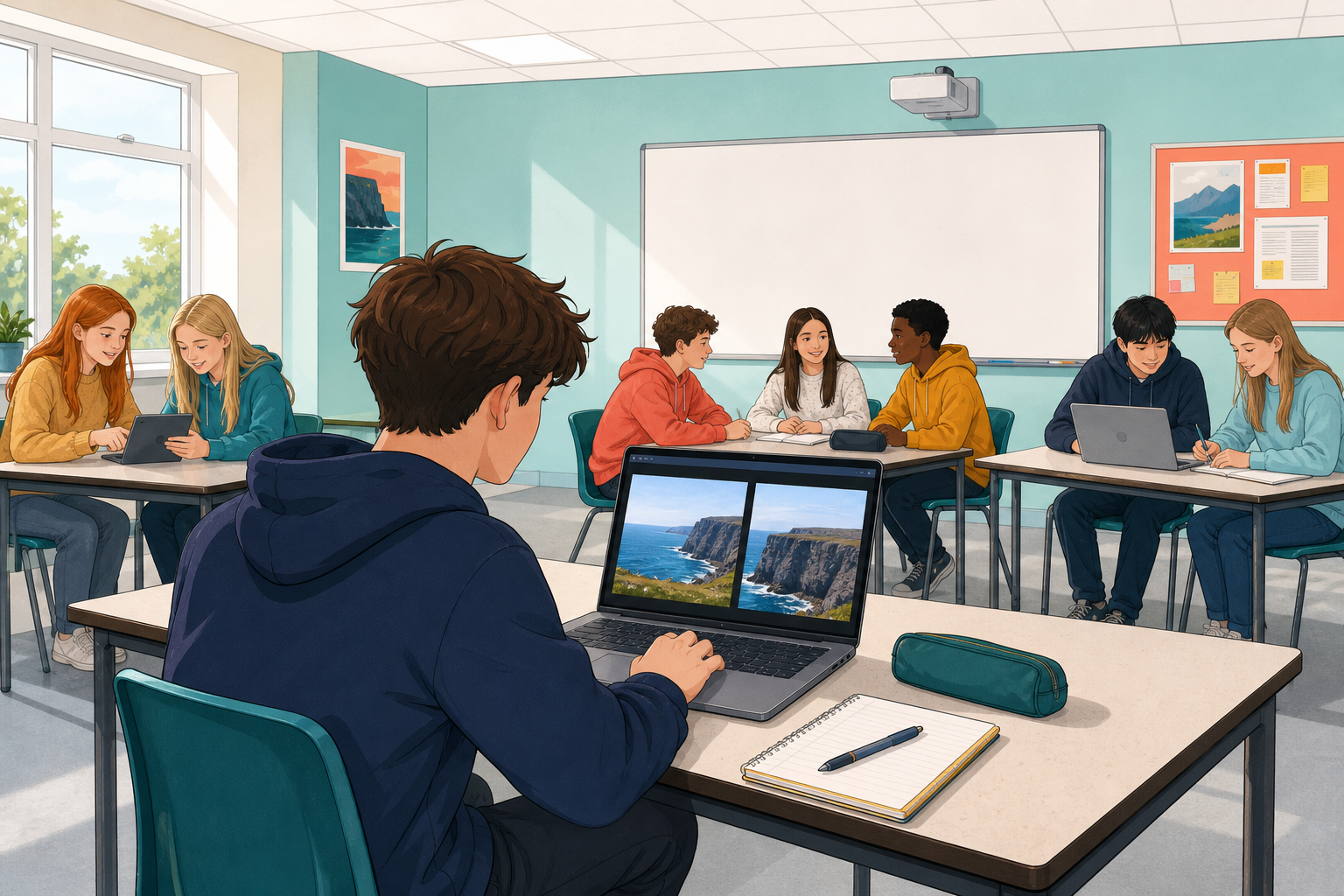
    Illustration for StartOpen the design you made last lesson: your cropped, resized, adjusted image.

    Today you finish it as a piece of graphic design, export it properly, and then ask the question this whole course keeps coming back to.

    Today’s question

    Which of the edits you have made are fair, and which one could mislead somebody?

    2 - What Layering Means ~5 mins

    Every element you add sits on its own layer. Layers stack, and the order decides what is in front.

    LayerTypically holds
    TopText, so nothing covers it
    MiddleA shape behind the text, to make it readable
    BottomThe background image
    Why it matters

    Because each layer stays separate, you can move or delete one without touching the others. Nothing you do is permanent until you export.

    3 - Hands-on: Text Over Your Image ~12 mins

    Add a line of text and make it readable, which almost always means putting something behind it.

    4 - Hands-on: Export It Properly ~8 mins

    The format you choose decides what the file can do.

    FormatUse it for
    PNGHigher quality, and the only one that keeps a transparent background.
    JPGSmaller files, fine for photographs going online.

    5 - Your Turn: the Honest Edit ~10 mins

    You have made a series of choices. Now judge them.

    Look back at your own design and list every change you made: the crop, the resize, the filter, the brightness and contrast, the text you added.

    AskAbout which edit?
    Does this still accurately represent what was actually there?
    Could somebody seeing only my version believe something untrue?
    Did I use anyone else’s image, and have I credited it?
    Before you finish, check

    You can name one edit of yours that is clearly fair and say why, and one that could mislead somebody and say how. If you genuinely cannot find a misleading one, say what edit WOULD have crossed the line.

    123learn · Online learning platform

    Unlock the full learning experience

    You're previewing this lesson. Get full access to this lesson and hundreds more — each one ready to teach, with interactive activities, printable resources and pupil progress tracking built in.

    Hundreds of curriculum-aligned lessons
    Interactive activities in every lesson
    Printable resources & progress tracking
    Copyright Notice
    This lesson is copyright of Coding Ireland 2017 - 2025. Unauthorised use, copying or distribution is not allowed.
    🍪 Our website uses cookies to make your browsing experience better. By using our website you agree to our use of cookies. Learn more