You're previewing the student experience. You don't need to complete this lesson — your progress and XP aren't saved.
The Internet
Beginner
40 mins
Teacher/Student led
+115 XP

What you need:
Chromebook/Laptop/PC or iPad/Tablet

The World of the Internet

Get ready to explore the vast network that connects the world! In this lesson, you'll understand what the Internet is, how it works, and its everyday uses. Follow the steps to learn about messaging, sharing information, and more.

Teacher Class Feed

Load previous activity

    1 - Introduction

    Welcome to the Lesson

    In this lesson, you will explore the world of the Internet. You will learn what the Internet is, how it connects people and devices around the globe, and why it plays such an important role in our everyday lives.

    The Internet is a vast network that links computers, tablets, and phones worldwide. It enables us to communicate with others, access information, and enjoy various activities online.

    What is the Internet?

    The Internet is like a giant web that connects billions of devices across the planet. It started as a way for scientists and researchers to share information, but now it is used by people everywhere for many different purposes.

    How Does the Internet Connect Us?

    Devices such as computers and smartphones are connected through cables, wires, and wireless signals. This allows information to travel quickly from one place to another, no matter how far apart they are.

    Why is the Internet Important?

    The Internet helps us in many ways. We can use it to learn new things, talk to friends and family, find directions, and even shop for items without leaving home. It makes the world feel smaller and more connected.

    By the end of this lesson, you will understand key concepts such as sending messages and sharing information. Let us begin this journey into the digital world.

    2 - How the Internet Works Video

    This video explains what the internet is, when it was invented and how it works. It covers how information, such as a website or a phone message, is sent over the internet. The video also touches on the dangers of the internet.

    Duration: 3:29

    3 - Exploring The Internet

    Exploring the Internet

    The Internet is a massive network of computers and devices connected all around the world. It allows us to send messages, share information, and access websites from almost anywhere. In this step, we will explore some of the exciting things you can do on the Internet and how it connects us all.

    What Can You Do on the Internet?

    Here are some common activities that people enjoy on the Internet:

    • Watching Videos: You can view videos on websites such as YouTube, where people share clips about animals, science experiments, or fun stories.
    • Playing Games: Many online games let you play with friends or others from different countries, using your computer or tablet.
    • Learning New Things: Educational websites provide lessons, quizzes, and facts on subjects like history, maths, or geography.
    • Communicating with Others: You can chat with family and friends through messaging apps or email, even if they live far away.
    • Finding Information: Search for quick answers, like the weather forecast or interesting facts for your homework.

    How Does the Internet Connect Devices?

    The Internet links billions of devices, including computers, smartphones, and tablets. These devices are connected through cables, wires, and wireless signals, allowing information to travel quickly across the globe. This connection makes it possible to communicate and find information easily and efficiently.

    Think about how you might use the Internet in your daily life. For instance, you could check the weather before school, look up facts for a project, or send a message to a relative. The Internet makes the world feel smaller by bringing people and information closer together.

    Remember, the Internet is a powerful tool for learning and connecting, but always use it safely and responsibly.

    Activity: Your Internet Uses (5-10 minutes)

    Take a moment to think about how you use the Internet. Follow these steps:

    1. List 5 ways you  use the Internet in a typical day. For example, checking emails, watching videos, or searching for homework help.
    2. For each one, write a short sentence about why it's useful. Like, 'Watching videos helps me learn new facts about animals.'
    3. Share one of your ideas with a friend or family member if possible, and see if they have similar uses.

    This activity will help you see how the Internet connects to your everyday life.


    4 - Sending Messages

    Sending Messages on the Internet

    One of the primary functions of the Internet is to enable communication by allowing people to send messages to one another. This is commonly achieved through methods such as email, social media platforms, or dedicated messaging applications. When you compose and send a message, it is transmitted across the Internet to reach the intended recipient. In this step, we will examine the process in greater detail.

    The Process of Sending a Message

    Consider a scenario where you wish to send a message to your friend, Alex. You begin by typing the message on your computer, tablet, or smartphone. The device then converts your text into a digital format suitable for transmission over the Internet. This format consists of small units of data known as 'data packets'.

    These data packets are essentially bundles of information that include not only your message but also details about its destination. They are routed through an extensive network of interconnected computers, cables, and wireless signals. This network ensures that the packets travel efficiently from your device to Alex's, even if you are in different countries.

    Upon arrival at the destination device, the data packets are reassembled and converted back into the original message. Alex can then view and read it on their screen.

    Key Concepts to Remember

    • Data packets act like envelopes carrying parts of your message.
    • The Internet's network directs these packets along the quickest paths.
    • This process happens almost instantly, making communication fast and reliable.

    While the actual mechanics involve advanced technology, this simplified explanation provides a foundational understanding of how messages are sent via the Internet. It demonstrates the Internet's role in facilitating global communication.

    Always ensure that your online communications are respectful and appropriate.

    5 - Sharing Messages

    Sharing Information on the Internet

    In this step, you will discover how the Internet enables us to share information with individuals across the globe. Sharing information is a fundamental aspect of the Internet, allowing people to exchange knowledge, ideas, and experiences efficiently. This is accomplished through various online platforms and tools, such as websites, blogs, and social media. Below, we will explore these methods in greater detail.

    Methods of Sharing Information

    Here are some primary ways in which information is shared on the Internet:

    • Websites: Websites function as digital repositories of information, similar to online books or encyclopaedias. They contain articles, images, and videos on a wide range of topics. For instance, a website dedicated to animals might include detailed facts, photographs, and descriptions of various species, helping you learn about wildlife from the comfort of your home.
    • Blogs: Blogs are personal or thematic online journals where individuals or groups document their thoughts, experiences, or expertise. They often include regular updates and allow readers to engage through comments. As an example, a cooking blog could feature step-by-step recipes, cooking tips, and personal stories about preparing meals, inspiring others to try new dishes.
    • Social Media: Social media platforms serve as virtual communities where users can connect, communicate, and disseminate content. These include sharing photographs, videos, updates, and messages with friends, family, or a broader audience. For example, platforms like Facebook or Instagram enable your family to post pictures from a recent holiday, allowing relatives and friends to view and comment on them, regardless of their location.

    The Importance of Sharing Information

    Sharing information on the Internet fosters learning, collaboration, and global connectivity. It allows experts to distribute knowledge, students to access educational resources, and communities to stay informed about events. However, it is essential to share information responsibly, ensuring that what you post is accurate, respectful, and appropriate for your audience.

    Consider how you might use these tools in your own life, such as researching a school project on a website or sharing a drawing with a friend via social media. The Internet transforms the way we exchange ideas, making the world feel more interconnected.

    Always verify the reliability of information you encounter online and seek guidance from a trusted adult if needed.

    6 - Understanding URLs and Accessing Websites

    Understanding URLs and Accessing Websites

    In this step, you will learn about URLs, which are essential for navigating the Internet. URLs help us locate and visit websites, much like addresses help us find places in the real world. By understanding URLs, you will be able to access information and resources online more effectively.

    What is a URL?

    A URL, or Uniform Resource Locator, is the address of a specific webpage or resource on the Internet. It tells your web browser exactly where to find the information you are looking for. URLs are structured in a standard way to make them easy to use and remember.

    The Structure of a URL

    A typical URL consists of several parts:

    • Protocol: This is the beginning part, usually 'http://' or 'https://'. The 'https://' version is more secure and is commonly used today.
    • Domain Name: This is the main address of the website, such as 'www.google.com'. It identifies the site you want to visit.
    • Path: Sometimes, a URL includes additional details after the domain, like '/search' or '/images', which point to a specific page or section within the site.

    For example, the URL for the Google homepage is https://www.google.com. Clicking on this link would open Google's search page in a new tab.

    How to Use URLs

    To access a website, you can type the URL directly into the address bar at the top of your web browser and press Enter. This sends a request over the Internet to retrieve the webpage. URLs make it simple to share and find information, whether you are researching for school or exploring fun topics.

    Remember, always use trusted URLs and ask an adult for help if you are unsure about a website.

    Understanding URLs is a key skill for exploring the Internet safely and efficiently.

    Activity: Practice with URLs (5-10 minutes)

    Now it's time to try it yourself. Follow these steps to practise using URLs:

    1. Open your web browser (like Chrome, Firefox, or Safari).
    2. Type this safe URL into the address bar and press Enter: https://www.bbc.co.uk/bitesize.
    3. Explore the page for a few minutes. What do you see? It might have fun learning topics like science or history.
    4. Next, look at this example URL: https://www.example.com/kids/games.
    5. Identify the parts: What is the protocol? What is the domain name? What is the path? Write them down on a piece of paper or Digital Document and think about what each part does.

    7 - Internet Matching Activity

    Let's have some fun matching Internet terms to their meanings! Drag the descriptions on the right to match them with the terms on the left. When you're done, click 'Check Matches' to see how you did!

    Terms
    • Internet
    • URL
    • Data Packet
    • Website
    Descriptions (Drag to Match)
    • A vast network connecting devices worldwide
    • The address of a webpage
    • A bundle of information sent over the internet
    • A digital page with information, pictures, or videos

    8 - The Purpose of the Internet

    The Purpose of the Internet
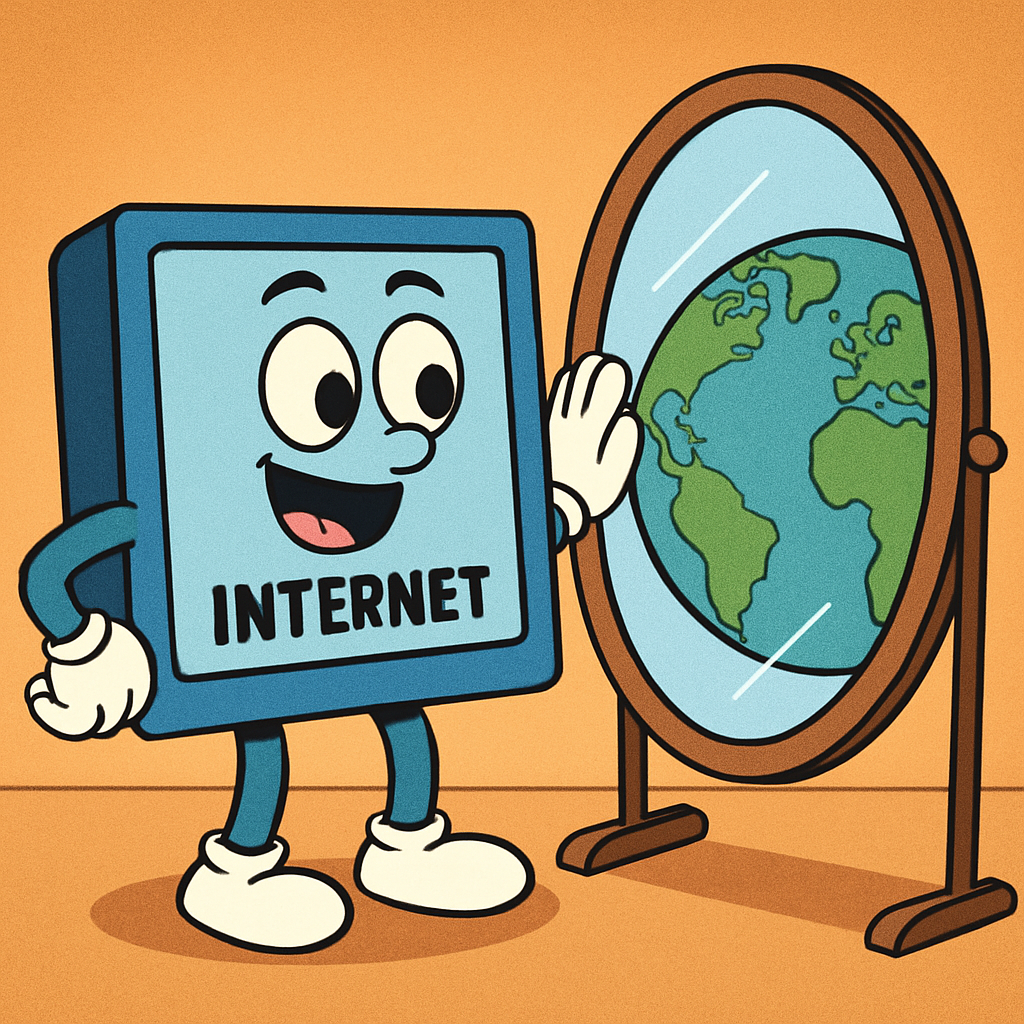
    The Internet serves several important purposes in our daily lives. Its main goals are to connect people from all over the world and to allow the sharing of information quickly and easily. In this step, you will learn more about these purposes and why the Internet is such a valuable tool.

    Connecting People

    One key purpose of the Internet is to help people stay in touch, no matter where they are. For example, you can send messages to friends or family members who live far away, join video calls to see and talk to them, or play games together online. This makes the world feel smaller and helps build relationships across distances.

    Sharing Information

    Another important purpose is sharing knowledge and ideas. The Internet lets you access facts, stories, and lessons on almost any topic. You can read articles, look at pictures, or learn new skills through websites. This helps with schoolwork, discovering hobbies, and understanding the world around you.

    Making Life Easier and More Fun

    The Internet also makes everyday tasks simpler and more enjoyable. You can find directions to places, shop for items without leaving home, listen to music, or watch educational videos. It brings entertainment and convenience right to your device.

    Using the Internet Responsibly

    Like any powerful tool, the Internet must be used carefully. Always be kind and respectful in your online interactions. Remember to protect your personal information, avoid sharing things that could hurt others, and ask a trusted adult for help if something seems confusing or unsafe.

    By understanding the purpose of the Internet, you can make the most of it while staying safe and responsible.

    9 - Reflection

    Lesson Reflection

    Congratulations on completing the lesson on The World of the Internet. Please take a moment to reflect upon what you have learnt.

    The key objectives covered in this lesson are as follows:

    • Understanding what the Internet is—a vast network connecting devices worldwide.
    • Exploring how the Internet connects people and devices through cables, wires, and wireless signals.
    • Learning about everyday uses of the Internet, such as watching videos, playing games, learning new things, communicating, and finding information.
    • Discovering how messages are sent using data packets across the Internet.
    • Examining ways to share information through websites, blogs, and social media.
    • Understanding URLs and how to access websites safely.
    • Recognising the purposes of the Internet, including connecting people, sharing knowledge, and making life easier and more fun.
    • Emphasising the importance of using the Internet responsibly and safely.
    Consider which part of the lesson you enjoyed the most. How might you apply what you have learnt to explore the Internet in a responsible manner? 
    You now possess a solid understanding of the Internet and its everyday uses and remember to always stay safe online.
    End of lesson
    123learn · Sample lesson

    That was a sample lesson from Online Safety & Cyber Basics

    Every lesson in the course is ready to teach like this one. See what else comes with it, and how to order it.

    Copyright Notice
    This lesson is copyright of Coding Ireland 2017 - 2026. Unauthorised use, copying or distribution is not allowed.
    🍪 Our website uses cookies to make your browsing experience better. By using our website you agree to our use of cookies. Learn more