 Today you will practise what to do when something goes wrong online.
Pairs take turns at the front, at the response desk. Your teacher reads out a situation, and you have sixty seconds to say out loud what you would do, and in what order. Everyone else scores what the pair says, using four checks you will see next.
Every situation is made up, and the class scores what each pair says, not the pair themselves.
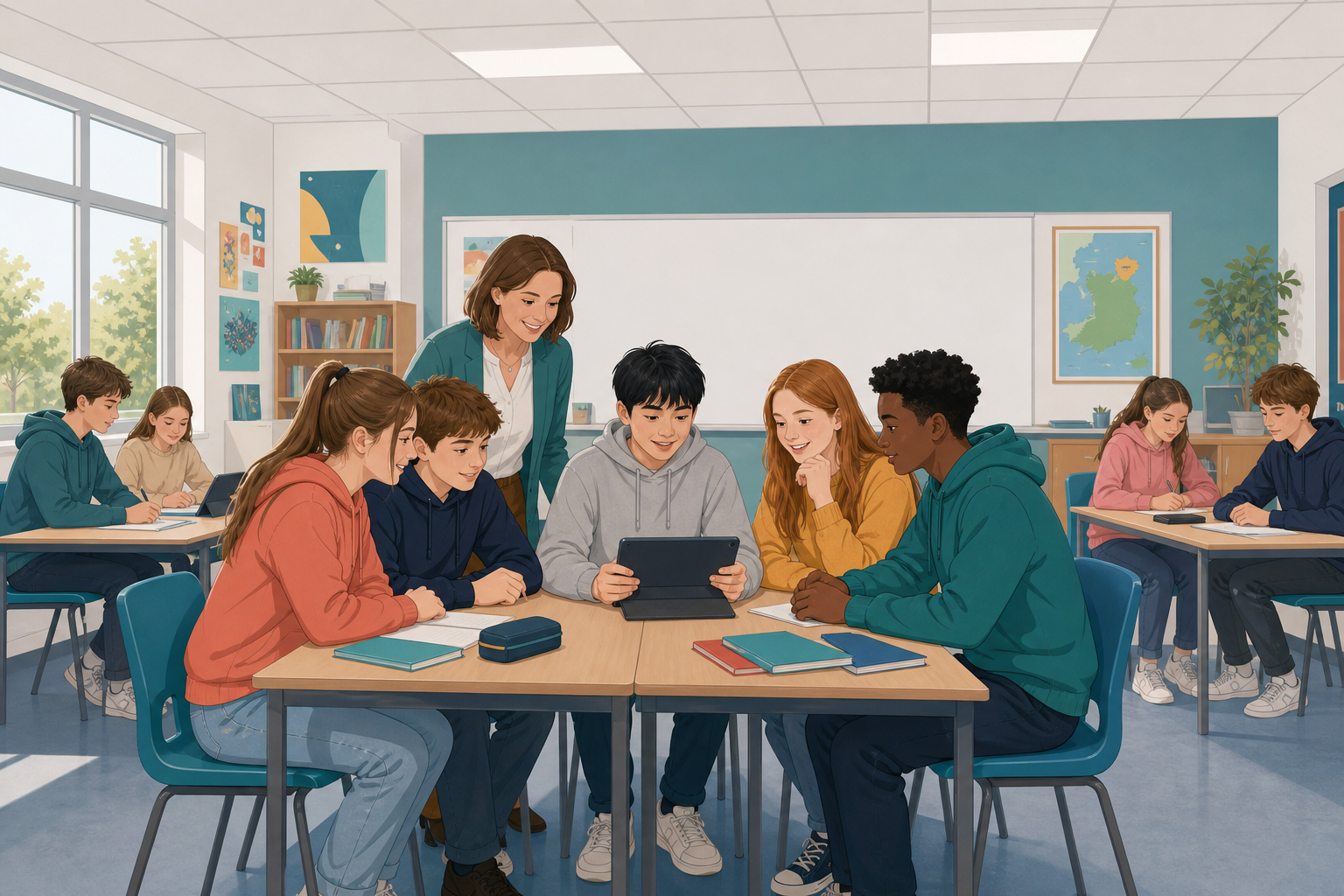 Harmful things online are not all the same, but you can always do something, and you never have to do it alone.
Listen for these four checks:
- They did not engage, so they did not reply or argue back.
- They kept the evidence, like screenshots, usernames and times.
- They used the tools. Block stops the person contacting you, and Report tells the app.
- They told someone who can act, like a parent, their year head or the school's own route, which means the school's way of reporting.
One of these must come before another, and the class will work out which one later.
When it is your pair's turn at the desk:
- You can talk with your partner for ten seconds before the clock starts.
- Say what you would do in order, using words like "first", "then" and "after that".
- Try to finish within the minute, but do not worry if time runs out.
When another pair is at the desk, you score their response. Give it a tick or a cross in your notes for each of the four checks on the board. Write no names, because you are scoring the response.
Start with what you would not do. That is a real answer, and it often helps you think of the rest.
Scenario Cards
This step has one goal: as a class, agree what to do when something goes wrong online, and in what order.
First, score the desk. Look at your ticks and crosses. For each of the four checks, decide as a class how today's answers did overall: Not yet, Nearly or There. Your teacher marks it in the activity below. If a check is not at There, say what was missing, for example "nobody said who they would tell".
Put the four checks in order: which do you do first, second, third and last? One of them has to come before another. Think about what could happen to the messages if you block someone first, then say which comes first and why.
If there is time, one more question: if another card came in, who would you tell? Name someone who can help, such as your year head, or the school's own way of reporting.
Score the desk
Look at the four scores and the order the class agreed.
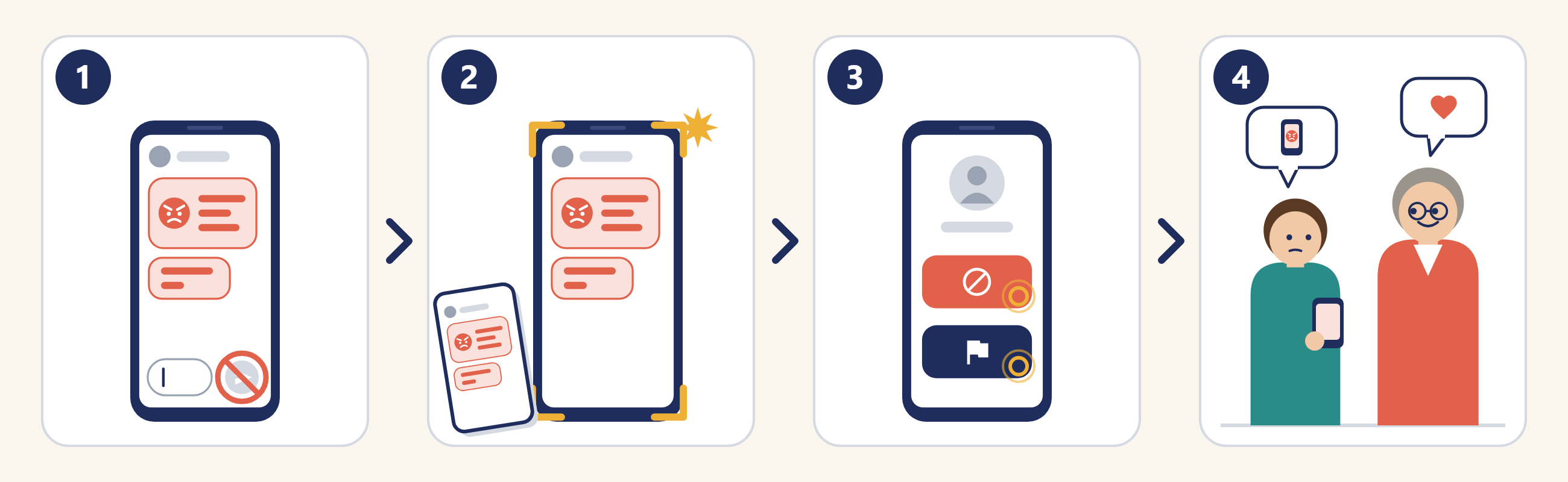
You cannot control what someone sends you, but you can control what you do next.
The order matters. If you block first, the evidence can disappear, and then the person helping you has nothing to work with. So first do not reply, then keep the evidence, then block and report, and then tell someone who can act.
- Replying or arguing back keeps it going.
- Blocking or deleting before you keep the evidence loses it.
- Deleting your own post does not deal with it, because copies may already be out there.
- Keeping it to yourself because it is not a threat leaves you dealing with it alone.
Unlock the full learning experience
You're previewing this lesson. Get full access to this lesson and hundreds more — each one ready to teach, with interactive activities, printable resources and pupil progress tracking built in.
This lesson is copyright of Coding Ireland 2017 - 2026. Unauthorised use, copying or distribution is not allowed.